Composition Guides
 Mr. Steve 3D


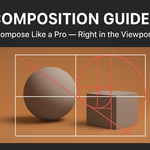
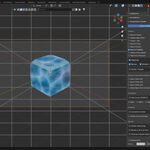
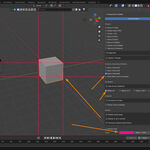
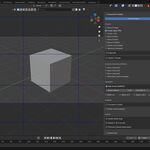
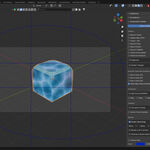
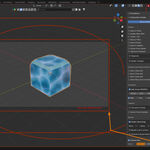
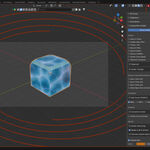
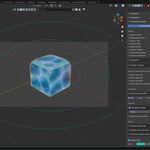
📘 Documentation
Installation:
-
Download the
.zipfile from your Blender Market purchase. -
In Blender, go to Edit → Preferences → Add-ons → Install.
-
Select the downloaded
.zipfile and click Install Add-on. -
Enable Composition Guides from the add-on list.
Usage:
-
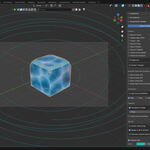
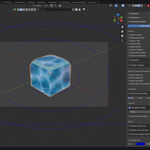
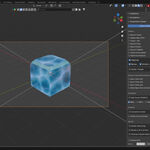
Open the N-Panel → Composition Guides tab.
-
Toggle on any guide you wish to display (e.g., Rule of Thirds, Golden Ratio, Harmonic Armature, etc.).
-
Adjust color, opacity, and line thickness to your preference.
-
Works in both Camera View and Viewport Perspective.
-
You can enable multiple overlays at once for advanced composition layouts.
Tips:
-
Use guides while framing camera shots for better balance and storytelling.
-
Combine different guides (e.g., Thirds + Spiral) to explore new composition dynamics.
-
The guides are non-destructive and purely visual — they won’t affect your geometry or render output.
Have questions about this product?
Login to message
| Sales | 20+ |
| Dev Fund Contributor | |
| Published | 11 months ago |
| Blender Version | 3.6 - 4.5 |
| Extension Type | N/A |
| Render Engine Used | Cycles, Eevee |
| License | GPL |