 Mr. Steve 3D


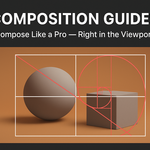
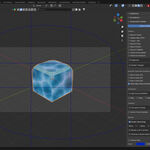
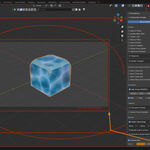
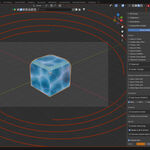
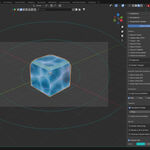
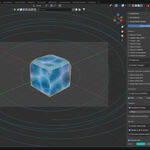
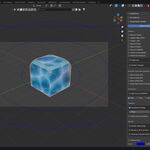
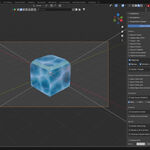
🧭 Composition Guides
Tagline: Compose Like a Pro — Right in the Viewport.
🖋️ Description
Bring balance, beauty, and professional framing into your Blender workflow with Composition Guides — a clean, performance-friendly add-on that overlays industry-standard composition frameworks directly inside the 3D viewport.
No guessing, no setup — just turn on the guides you need and frame your shot with total confidence.
From classic Rule of Thirds to the elegant Golden Ratio and precise Harmonic Armature, every guide helps you align subjects, lighting, and camera angles to achieve visual harmony worthy of a cinematic production or fine-art render.
Whether you’re a 3D artist, photographer, designer, or filmmaker — Composition Guides gives you the tools to compose with clarity and intention.
✨ Feature Highlights
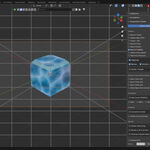
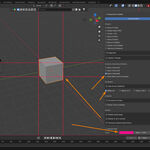
✅ Real-time overlays drawn directly in the 3D viewport
✅ Multiple composition systems — Rule of Thirds, Golden Ratio, Fifths, Golden Spiral, Golden Triangle, Diagonals, Harmonic Armature, and more
✅ Works in both Camera View and Viewport Perspective
✅ Customizable color, opacity, and line thickness
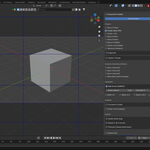
✅ Toggle individual guides on/off instantly
✅ Combine multiple guides for advanced layouts
✅ Optional Center Cross and Golden Spiral direction control
✅ Non-intrusive, lightweight, and version-friendly (Blender 3.6+)
💡 Why It’s Essential
Composition is the foundation of visual storytelling — it’s how you guide the viewer’s eye and balance every element in your scene.
With Composition Guides, you’ll see those invisible rules come to life right in your viewport — helping you create stronger, more professional renders every time.