 Jeslin3d


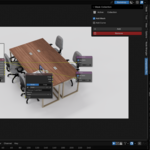
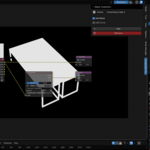
Compositor Mask Addon Documentation
Version 2.0
For Blender 3.x+
📦 Overview
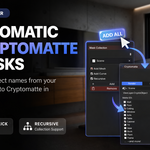
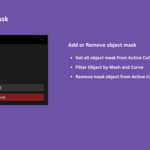
Compositor Mask is a Blender addon that simplifies the setup of Cryptomatte nodes in the compositor. It automatically reads object from the active collection and assigns them to Cryptomatte node—saving time and reducing error in complex compositing tasks.
🔧 Installation
-
Open Blender.
-
Go to Edit > Preferences > Add-ons.
-
Click Install..., and select the
compositor_mask.zipfile. ( use compositor_mask_2.0.0.zip for Blender 5.x+ ) -
Enable the addon by checking the box next to Compositor Mask.
-
Done! You’ll now find it in the Compositor workspace panel.
🛠️ Usage
-
Select your Active Collection in the Outliner.
-
Go to the Compositor workspace.
-
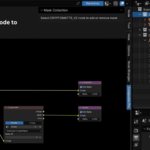
Ensure you have a Cryptomatte node in your node tree.
-
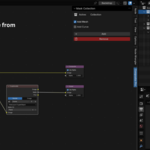
In the sidebar (press
Nif hidden), go to the Compositor Mask panel. -
Select "Cryptomatte" node.
-
The addon will read object from the active collection and populate the Cryptomatte node's Matte ID list.
⚠️ Notes
-
Only works in the Compositor workspace.
-
Requires an existing Cryptomatte node.
-
Best used with collections intended for ID masking or layered compositing.
- Use compositor_mask_2.0.0.zip for Blender 5.x+
Have questions about this product?
Login to message
| Published | over 1 year ago |
| Blender Version | 3.0 - 5.1 |
| Extension Type | N/A |
| Render Engine Used | Cycles, Eevee |
| License | GPL |
Discover more products like this
compositor collection-mask mask blender-compositor object mask cryptomatte