 Nooloo


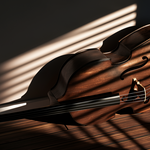
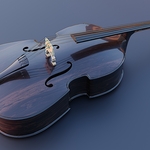
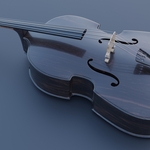
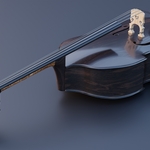
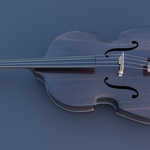
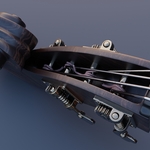
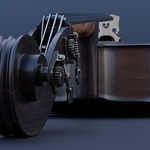
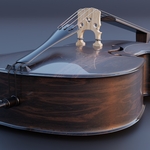
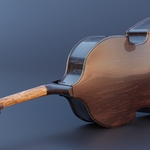
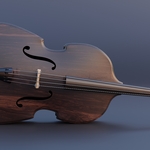
1. Getting Started To use this asset, download and extract the master .zip file. Inside, you will find separate folders for each file format (.blend, .fbx, .obj) and a dedicated "Textures" folder organized by resolution.
2. Software-Specific Instructions • Blender (.blend): Open the native file directly. Shaders are fully configured. Textures are packed into the file, but a backup texture folder is provided. • FBX/OBJ: Import the model into your 3D application of choice. You will need to manually link the textures from the target resolution folder to your software's standard PBR material slots.
3. Texture Map Setup For non-Blender applications, map the image files to your PBR material shader as follows: • BaseColor/Albedo -> Base Color / Diffuse • Roughness -> Roughness • Metallic -> Metalness • Normal -> Normal Map (Set to Non-Color data / Tangent Space)
Have questions about this product?
Login to message
| Dev Fund Contributor | |
| Published | 4 months ago |
| Blender Version | 2.8 - 5.1 |
| Render Engine Used | Cycles, Eevee |
| Misc Data | Uvs-Unwrapped, Low-High-Resolution, Normal-Mapped, Textured |
| License | Royalty Free |
Discover more products like this
pbr-model orchestra musical instrument string-instrument double-bass