Concert Stage Environment
 Desertsage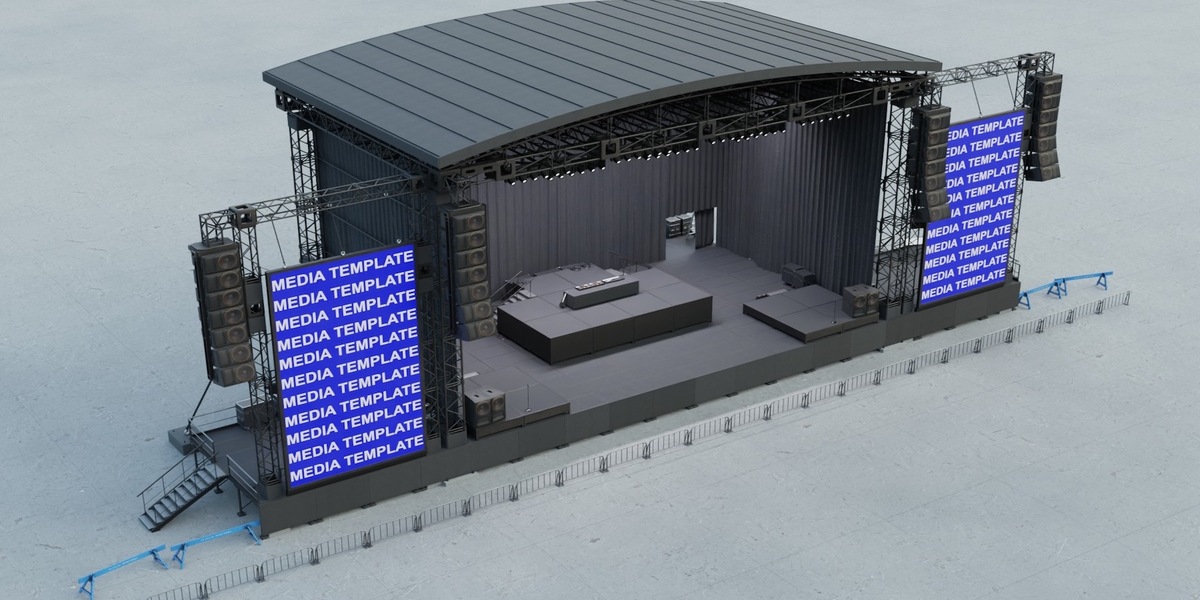
Overview
Thank you for purchasing the Concert Stage Scene.
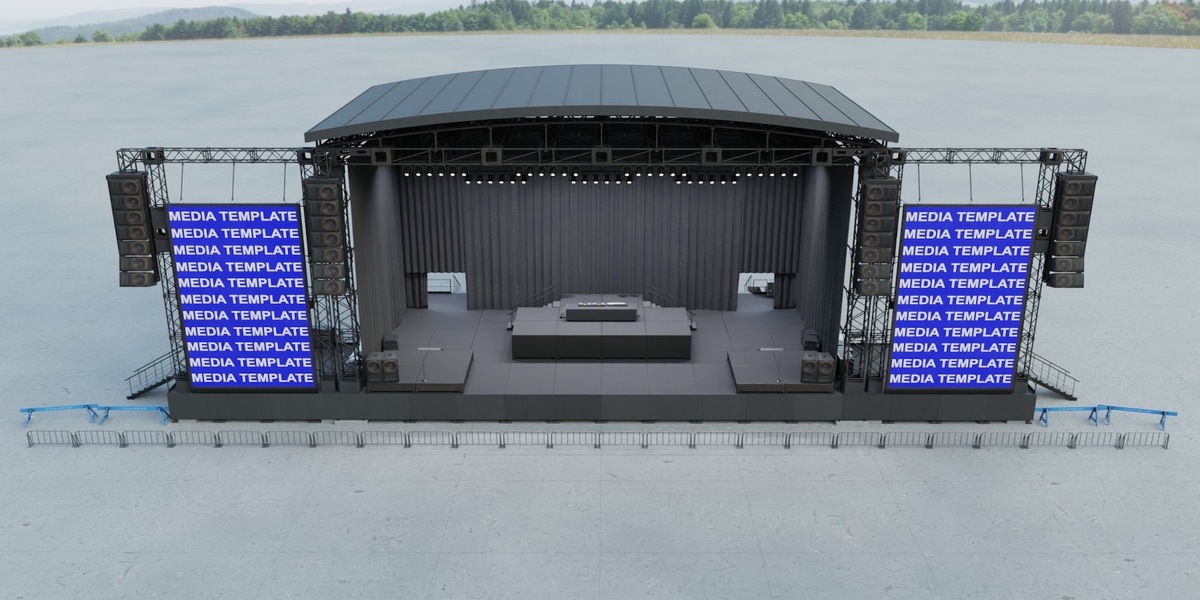
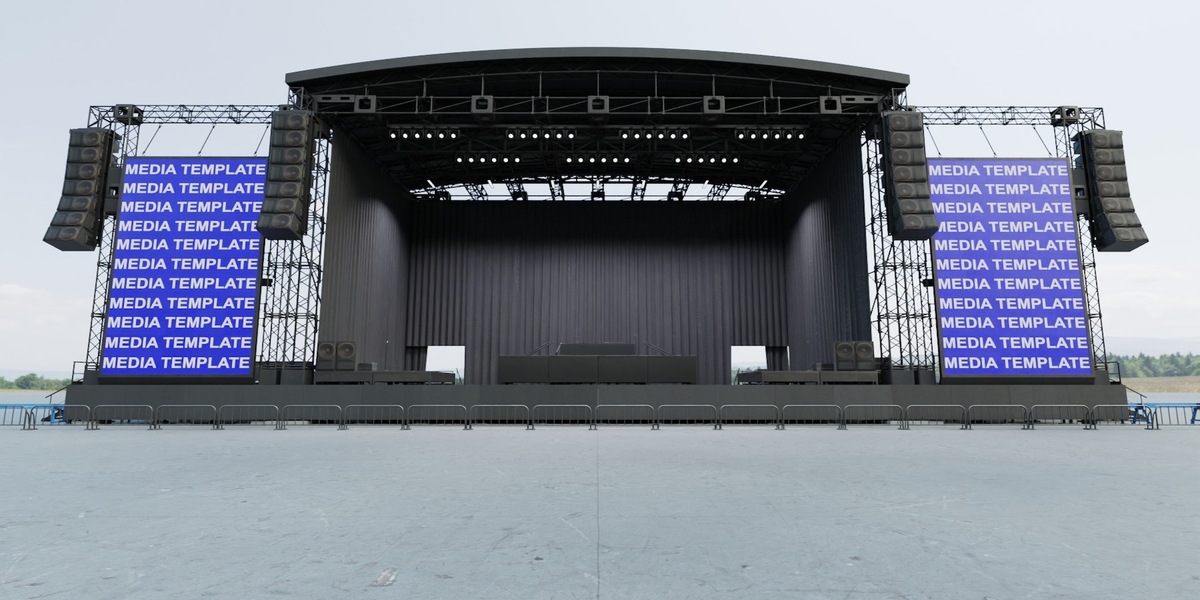
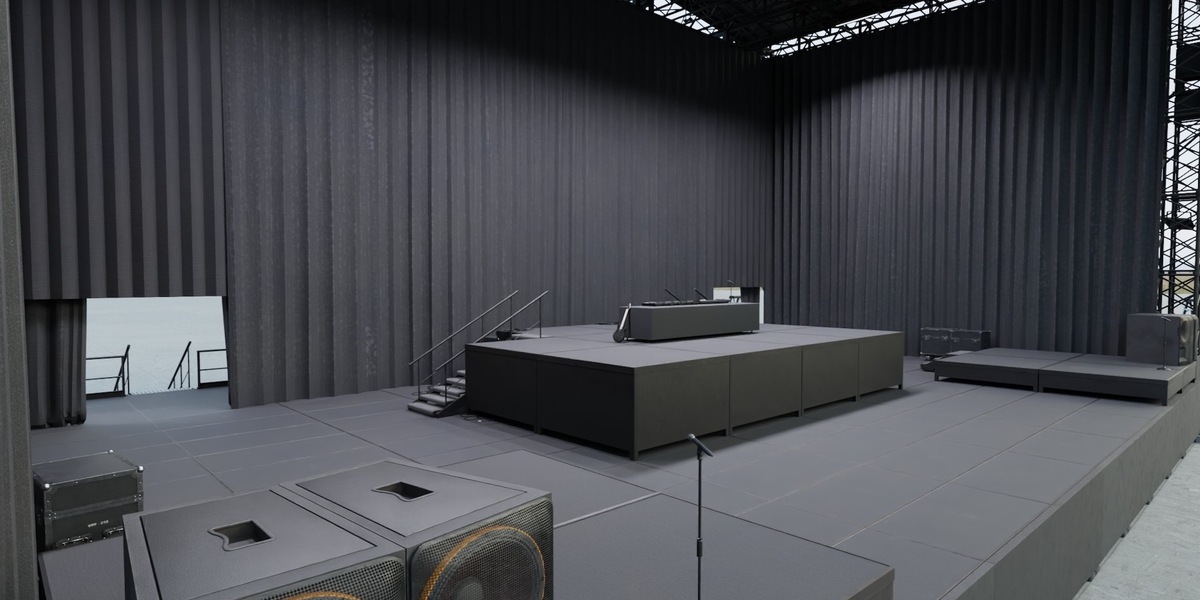
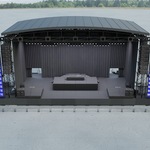
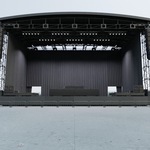
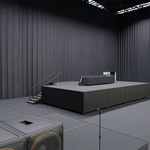
This package contains a fully assembled and optimized concert stage environment created in Blender.
The scene has been designed with performance and flexibility in mind through extensive use of collection instancing, reusable stage geometry, optimized scene organization, and shader-based variation.
The package includes three versions of the main Blender scene:
ConcertStage_Optimized.blend
ConcertStage_Baked.blend
ConcertStage_Empty.blend
The Optimized version is the recommended file for general Blender use, rendering, and scene editing.
Important
This package is a CONCERT STAGE ONLY environment.
The scene is constructed on a concrete pad and does not include a surrounding building or larger exterior environment.
An HDRI Dome backdrop has been placed around the exterior to provide visual background detail when viewing the scene from different angles.
For the best results, it is recommended to use this concert stage as a modular set and place it within a larger environment.
Scene Layout
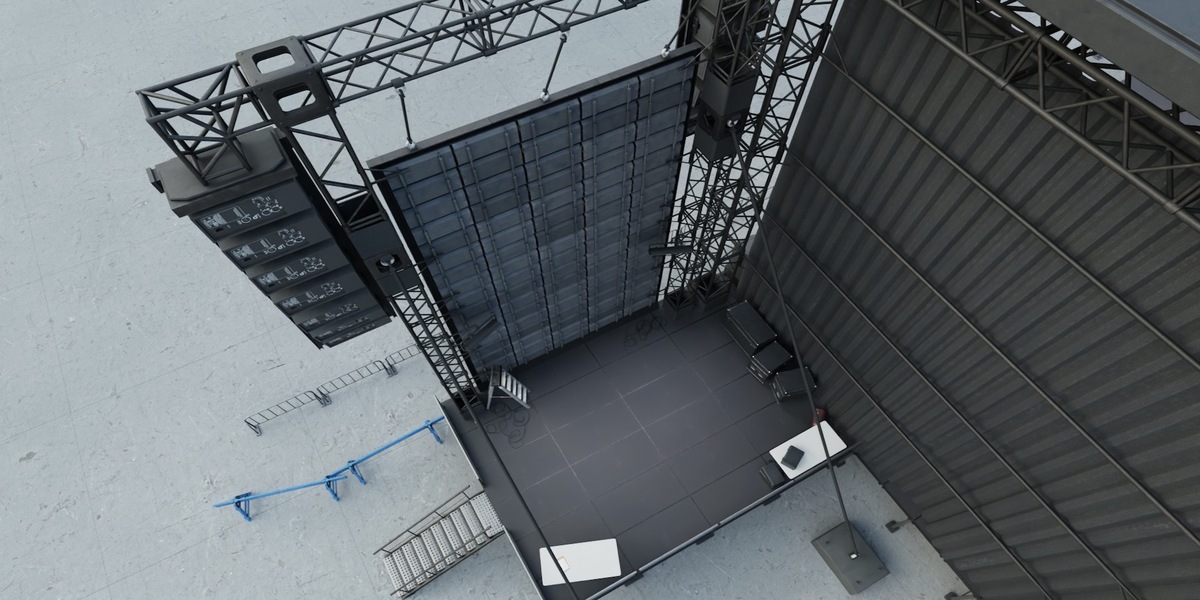
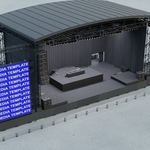
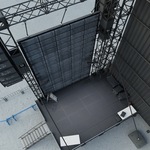
The environment contains the primary concert stage and supporting stage areas.
Included areas consist of:
Main Concert Stage
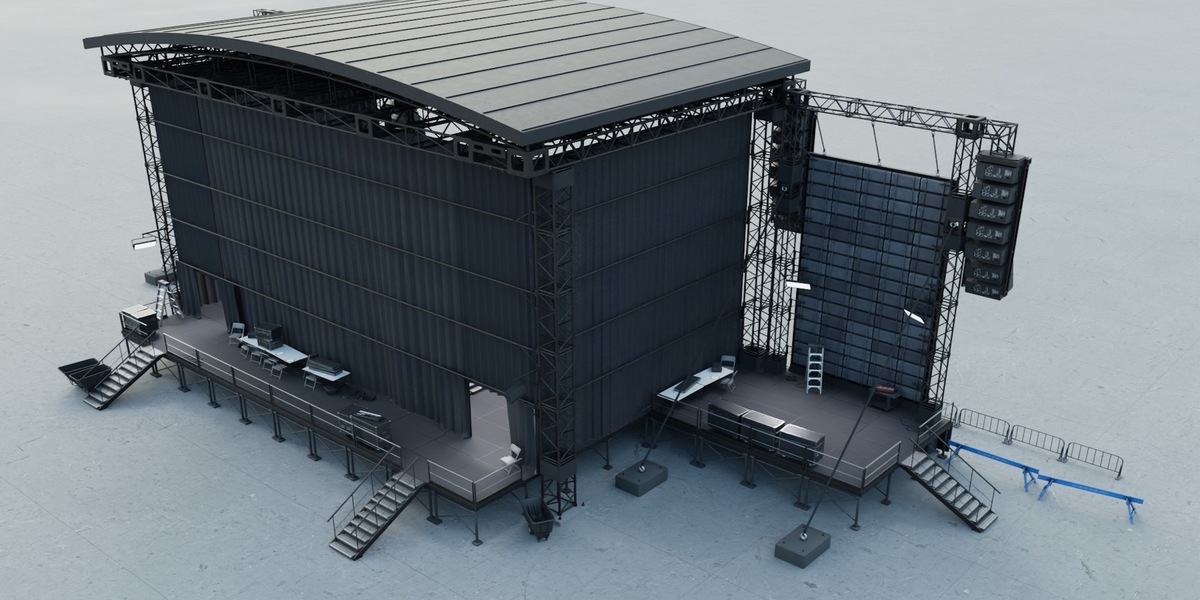
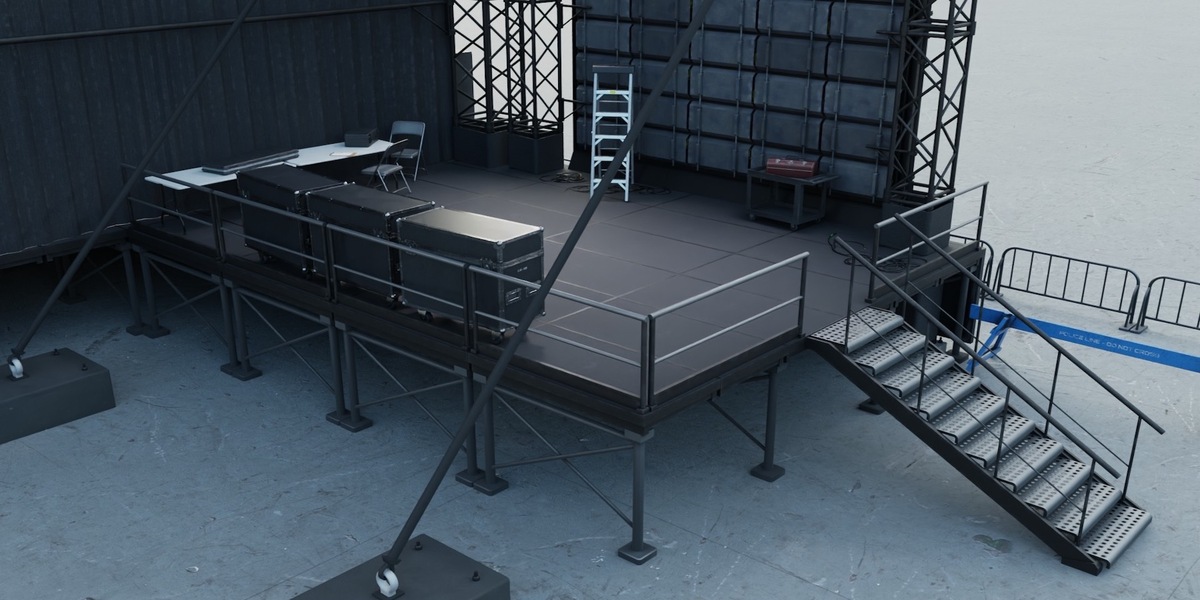
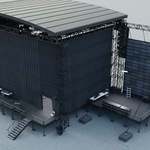
Left Flanking Access Stage
Right Flanking Access Stage
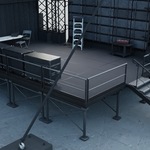
Rear Small Stage / Main Access Area
Concrete Base / Stage Pad
The two flanking access stages are positioned behind the video screen walls and provide additional staging and access areas.
A smaller stage area is located behind the main stage and acts as the primary access point to the rear of the stage.
Included Files
ConcertStage_Optimized.blend
The primary production-ready Blender scene.
This version contains:
Extensive collection instancing
Optimized scene organization
Instanced stage structure
Reusable beam and truss components
Complete stage fixture and prop setup
Shader-based variation on selected assets
HDRI Dome backdrop
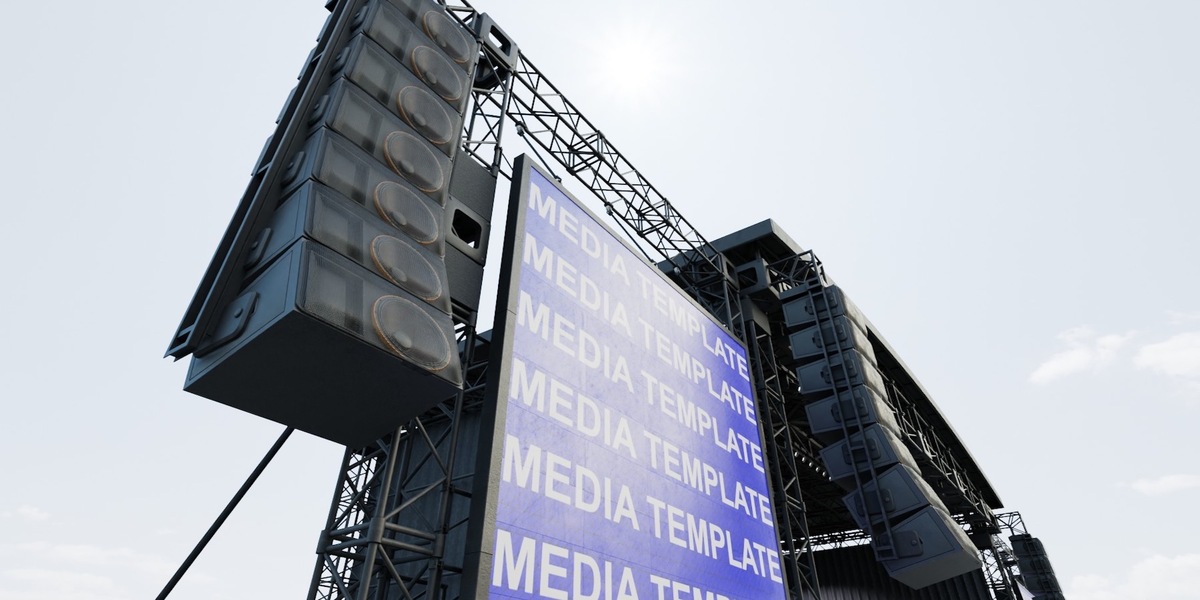
Media-ready video screens
This is the recommended file for:
Rendering
Editing
Layout changes
General Blender use
Scene Statistics
Vertices: 226,470
Faces: 202,385
ConcertStage_Empty.blend
An architecture-only version of the concert stage.
This file contains the stage structure without the included props and fixtures.
The architecture uses collection instances for repeated geometry in order to improve performance.
This includes repeated elements such as:
Trusses
Struts
Columns
Stage structural components
This version is useful for:
Creating custom stage layouts
Adding your own props and equipment
Building alternate concert configurations
Starting with a clean architectural base
There are no props or fixtures included in this file.
Scene Statistics
Vertices: 58,573
Faces: 50,254
ConcertStage_Baked.blend
A fully realized version of the Empty scene.
This file contains the same stage architecture as the Empty version, but the repeated geometry has been baked down into traditional unique geometry rather than relying on collection instances.
There are no props or fixtures included in this file.
This version is primarily intended for:
Exporting to other DCC applications
External pipelines
Custom geometry workflows
Applications where collection instancing is not desired
For normal Blender workflows, the Optimized version is recommended.
Scene Statistics
Vertices: 515,726
Faces: 446,465
Scene Organization
The primary scene structure is organized into several top-level folders.
This documentation refers specifically to:
ConcertStage_Optimized.blend
00_SCENE
Contains global scene elements and scene controls.
Cameras
Contains the scene camera setup.
Lights
Contains the lighting used throughout the concert stage.
HDRI Backdrop
Contains the HDRI Dome surrounding the stage.
Because this is an exterior stage environment without a surrounding world or building, the HDRI Dome provides background detail and helps the stage integrate visually into a larger setting.
For the best results, the stage can be placed into a custom environment using your own terrain, buildings, stadium, venue, or HDRI.
SCREEN CONTROL SHADER
A dedicated scene control object is included for managing the two large video screens positioned on either side of the stage.
The shader provides separate controls for:
Right Screen
Left Screen
This allows the media displayed on each screen to be changed independently.
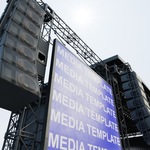
00_MediaTemplate.jpg
A media template is included with the purchase specifically for the large stage video screens.
The template resolution is:
860 x 1440 pixels
The template is designed to match the dimensions and proportions of the screen materials so that custom media can be created with the correct aspect ratio.
For the best results, it is recommended that users create their screen content using this template.
This helps ensure that graphics, video, artwork, and other media fit correctly within the screen area.
01_ARCHITECTURE
Contains the structural components that make up the concert stage.
The architecture is divided into the following collections:
01 | Floor
Contains the main stage floor and associated floor geometry.
02 | Main tower assemblies
Contains the primary vertical tower structures supporting the stage.
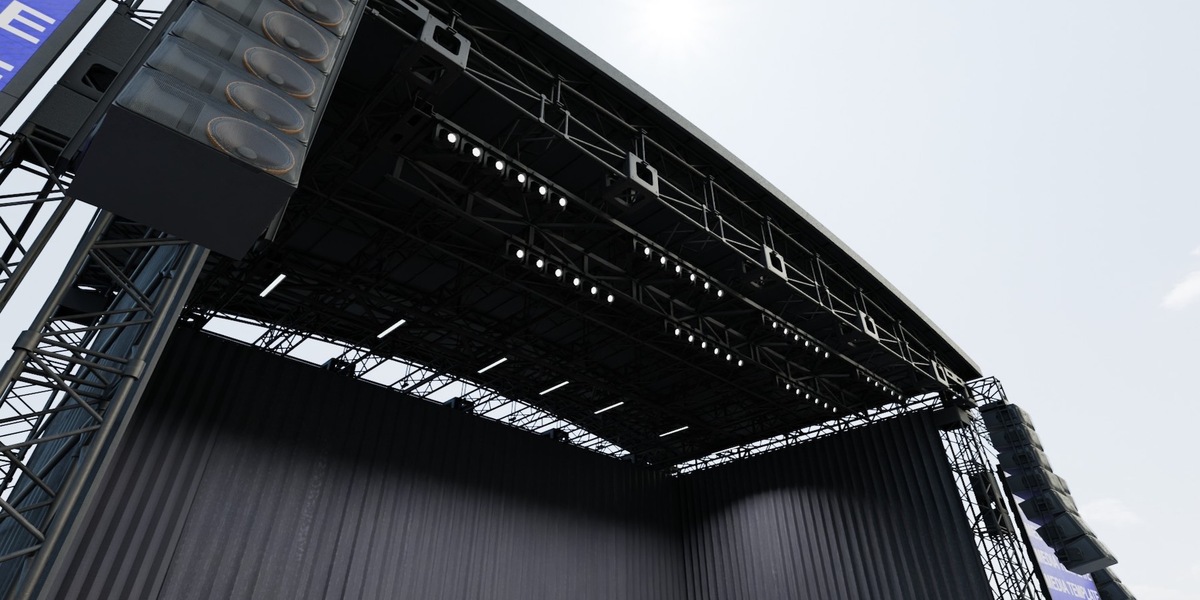
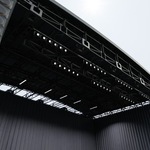
03 | Roof Gantry
Contains the overhead roof and gantry framework.
04 | Curved canopy
Contains the curved canopy elements surrounding the stage structure.
05 | Screen wings
Contains the structural elements and framing surrounding the large video screens.
06 | Backdrop and masking
Contains the rear-stage backdrop and masking elements.
07 | Access and Railings
Contains stage access elements, railings, stairs, and associated safety geometry.
08 | PA housings
Contains the structural housings and support elements used for the PA systems.
09 | Light Geo
Contains the geometric components used for the stage lighting setup.
10 | Deck and substructure
Contains the primary decking and structural framework supporting the stage.
02_FIXTURES
Contains the props, stage equipment, instruments, and supporting assets used to populate the environment.
The collections are organized as follows:
01 | Barriers
Contains the various crowd and stage barriers.
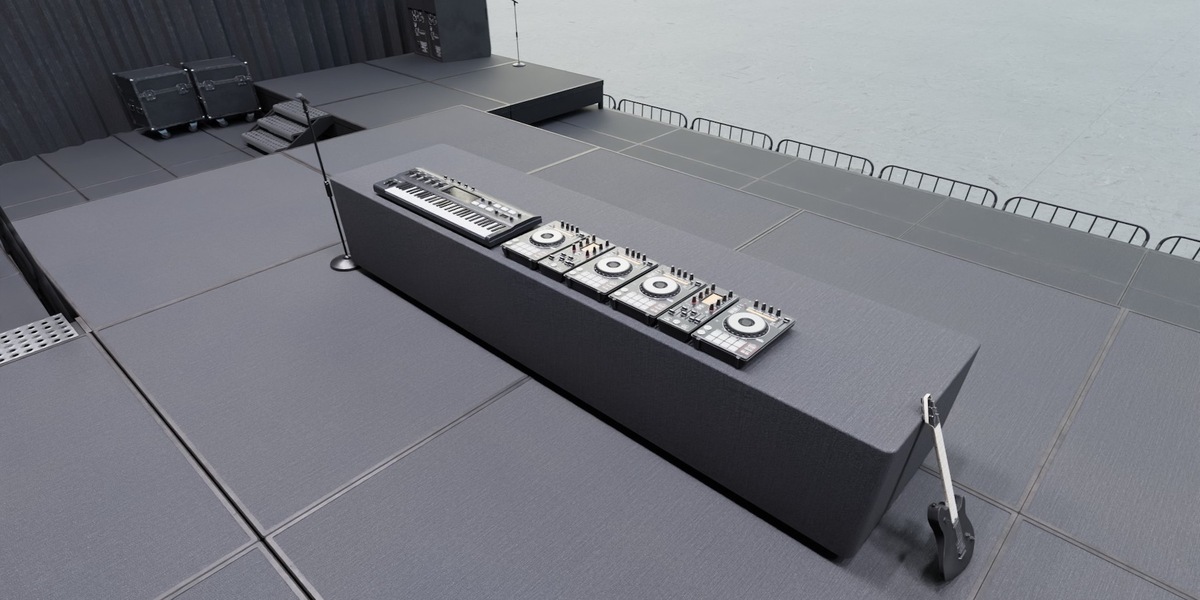
02 | Instruments
Contains musical instruments and performance-related assets.
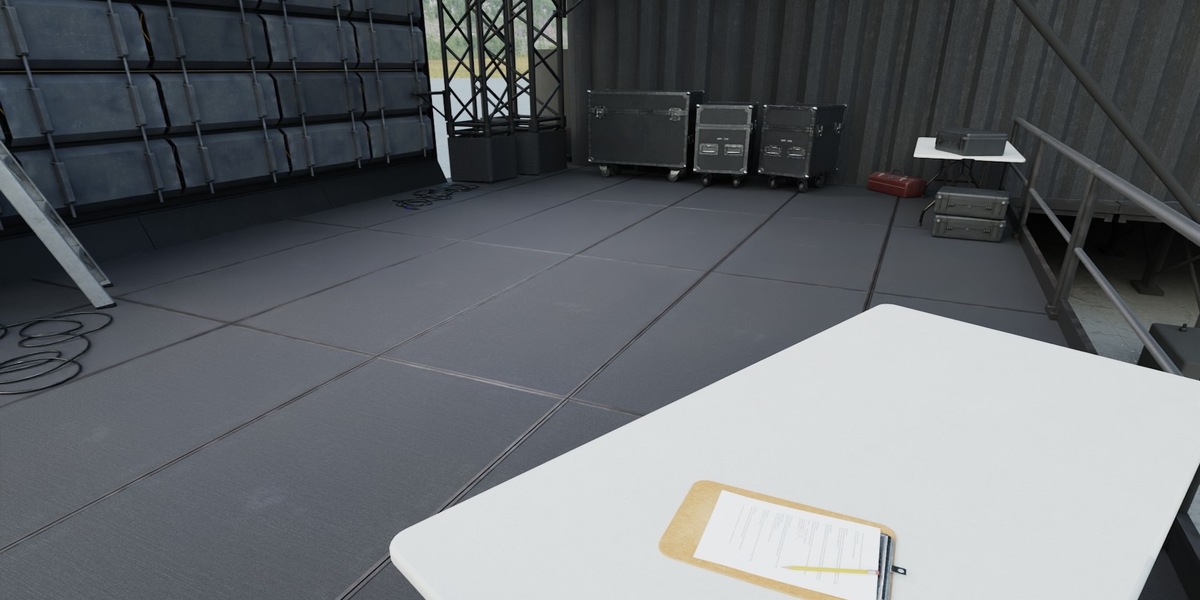
03 | Containers
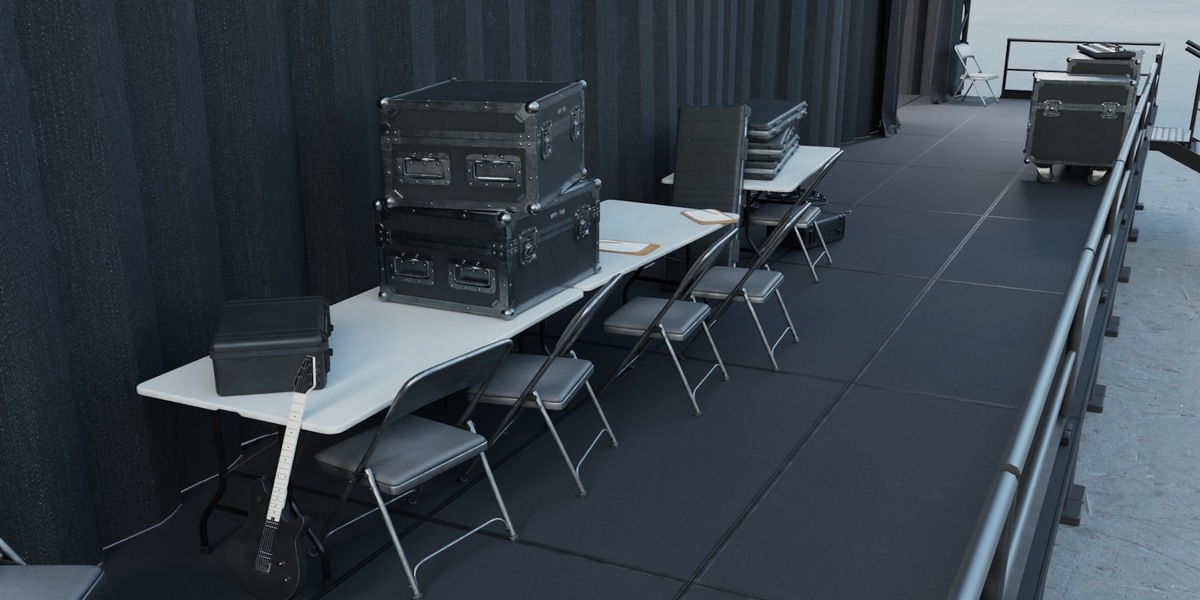
Contains hard cases, road cases, toolboxes, and other storage containers.
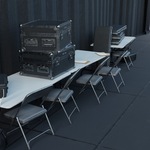
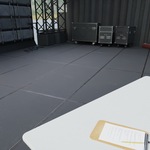
04 | Tables & Chairs
Contains folding tables, folding chairs, and related temporary stage furnishings.
05 | Wires
Contains cable and wire bundle assets.
06 | Carts
Contains carts and wheeled equipment used around the stage.
07 | Stage Assets
Contains miscellaneous stage-specific props and supporting equipment.
03_INSTANCES_DISABLED
This folder contains the source geometry used by the scene's instancing systems.
The Optimized and Empty versions of the environment utilize collection instances extensively to improve viewport performance and reduce redundant geometry.
The scene includes numerous repeated structural components such as:
Beam sections
Trusses
Struts
Columns
Other repeated stage components
There are approximately a dozen primary beam and truss meshes making up the core stage structure, which are reused throughout the environment as separated instances.
If you need to modify a source piece of stage geometry, locate the corresponding mesh within this folder.
Changes made to source geometry will update the associated instances throughout the scene.
Architecture
Contains the source architecture and structural geometry used by the instancing system.
Props
Contains the source prop geometry used by the instancing system.
Shader Variation
Several repeated assets utilize shader-based randomness to create additional visual variation.
The truss system is one example of this workflow.
Rather than having every repeated truss appear completely identical, shader randomness introduces subtle differences in color and appearance between instances.
This helps break up repetition and provides additional realism while maintaining the performance advantages of instancing.
Included Assets
The scene contains a collection of reusable concert, stage, production, and event assets.
Included assets are:
Speaker
Wire Bundle x5
Wire Bundle Ledge Variant x3
Folding Ladder
Folding Chair
Folding Table
Tool Cart
Trash Cart
Wooden Barricade x2
Metal Barricade
Large Hardcase
Small Hardcase
Clipboard
Toolbox
Road Case Large
Road Case Medium
Road Case Small
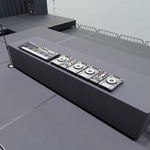
DJ Set
Guitar
Microphone and Mic Stand
Electric Keyboard
These assets can be used throughout the scene and are also suitable for use as reusable production assets in other environments.
Instancing & Performance
The Optimized scene has been built around collection instancing to reduce redundant geometry and improve performance.
The same approach is also used throughout the Empty architecture.
Repeated stage elements can therefore exist many times throughout the environment without requiring an entirely unique mesh for every placement.
Examples include:
Trusses
Beams
Struts
Columns
Repeated structural components
For standard Blender workflows, editing the source geometry is recommended rather than modifying individual instances.
Users who require traditional unique geometry can use the Baked version of the scene.
Media Screen Workflow
The concert stage includes two large video screens positioned on either side of the main stage.
The screens are controlled through a dedicated object located in:
00_SCENE
└── SCREEN CONTROL SHADER
The Left Screen and Right Screen materials can be controlled independently, allowing different media to be displayed on each screen.
To create custom content for the screens, use the included:
00_MediaTemplate.jpg
Template Resolution:
860 x 1440 pixels
Using the supplied template is recommended because it matches the intended proportions of the screen materials.
Custom artwork, graphics, video frames, advertisements, logos, concert visuals, or other media can then be inserted into the shader setup.
Scene Customization
The scene is designed to function as a modular concert stage that can be adapted to different projects.
Users can:
Replace the HDRI Dome
Create custom screen media
Modify the stage architecture
Edit source truss and beam geometry
Add or remove stage props
Replace instruments and equipment
Create alternate stage layouts
Add the stage to a larger environment
The stage can be used as a standalone set or combined with a larger venue, stadium, festival ground, warehouse, city environment, or other exterior scene.
Final Notes
This environment was designed as a production-ready concert stage focused on:
Efficient scene performance
Modular stage architecture
Reusable event and production assets
Flexible customization
Realistic asset variation
Easy media replacement
The combination of collection instancing, reusable beam and truss systems, shader-based variation, and dedicated screen controls provides a flexible foundation for concert, music, event, festival, and performance environments.
The Optimized scene is recommended for standard Blender workflows, while the Empty and Baked versions provide alternative starting points for users who want to create their own layouts or transfer the stage architecture into another pipeline.
Have questions about this product?
Login to message
| Dev Fund Contributor | |
| Published | 3 days ago |
| Blender Version | 2.8 - 5.2 |
| Render Engine Used | Cycles, Eevee |
| Misc Data | Uvs-Unwrapped, Low-High-Resolution, Normal-Mapped, Textured |
| License | Creative Commons |
Discover more products like this
musician Instrument concert stage prop concert Guitar stage Music concert stage structure piano speaker