 ZEG
Installation
In Blender open Edit, Preferences, Get Extensions, then use Install from Disk and pick the mall_door_generator zip.
Usage
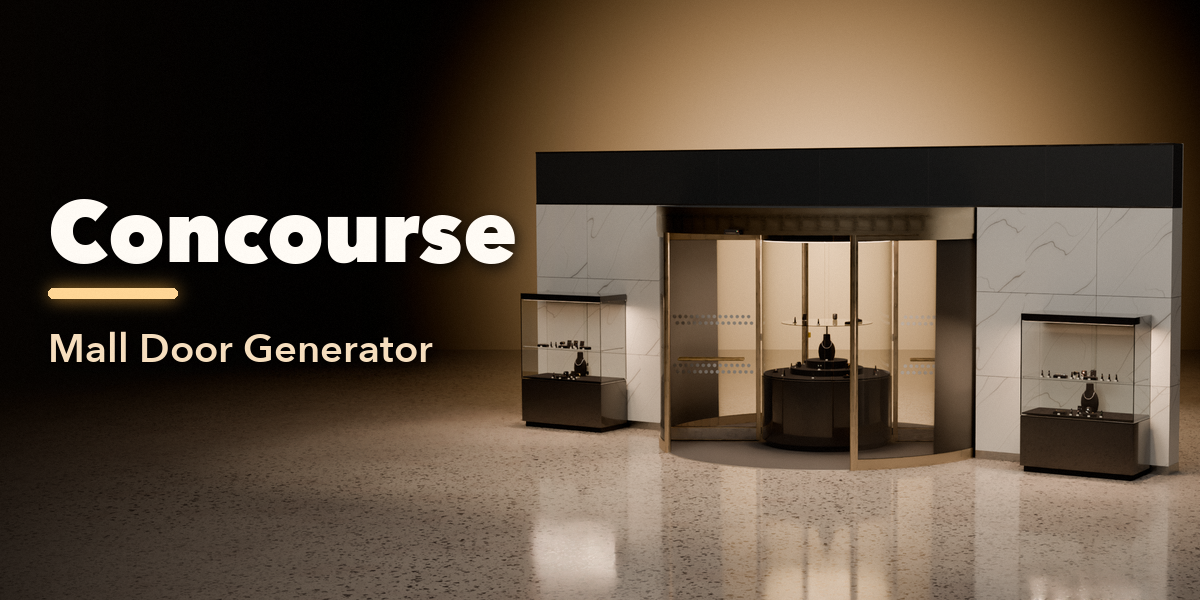
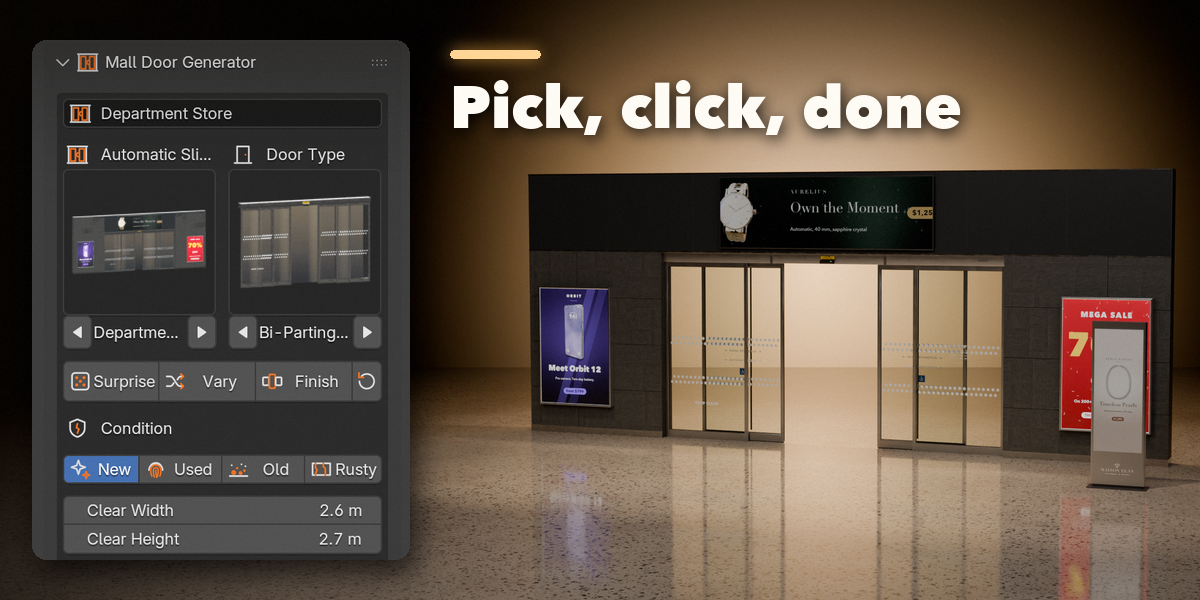
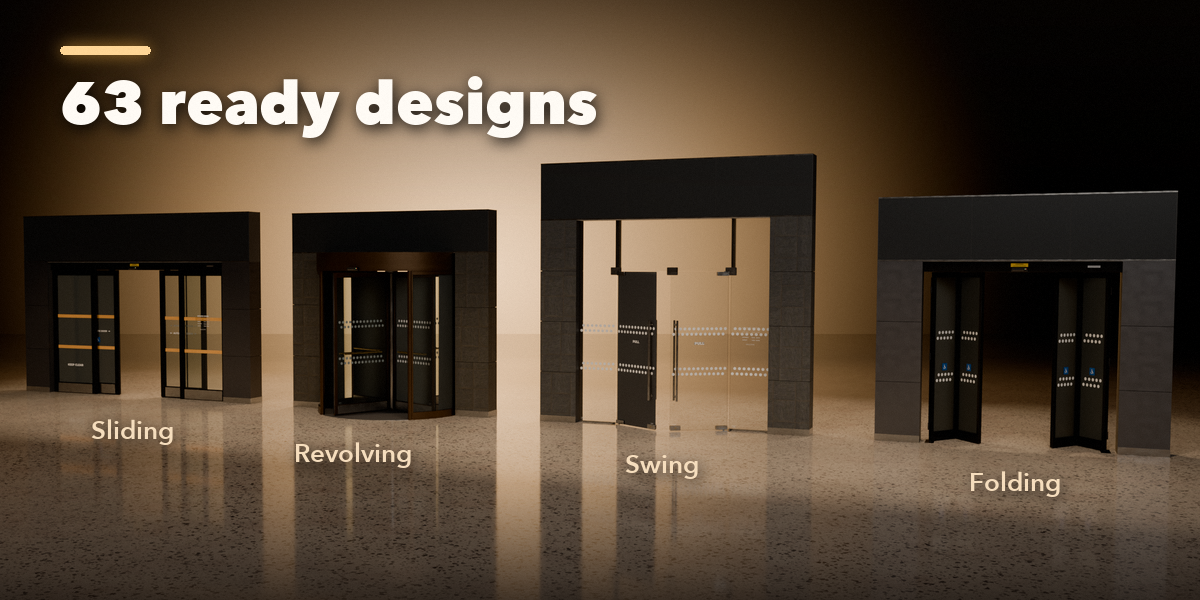
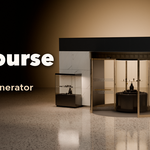
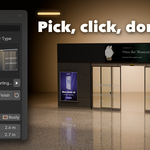
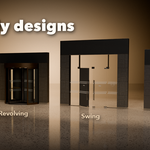
- Open the Mall Door tab in the 3D viewport sidebar (N). With nothing selected, click the picture to choose a design from the gallery (or browse the families below it), then press Add Mall Entrance. It appears at the 3D cursor.
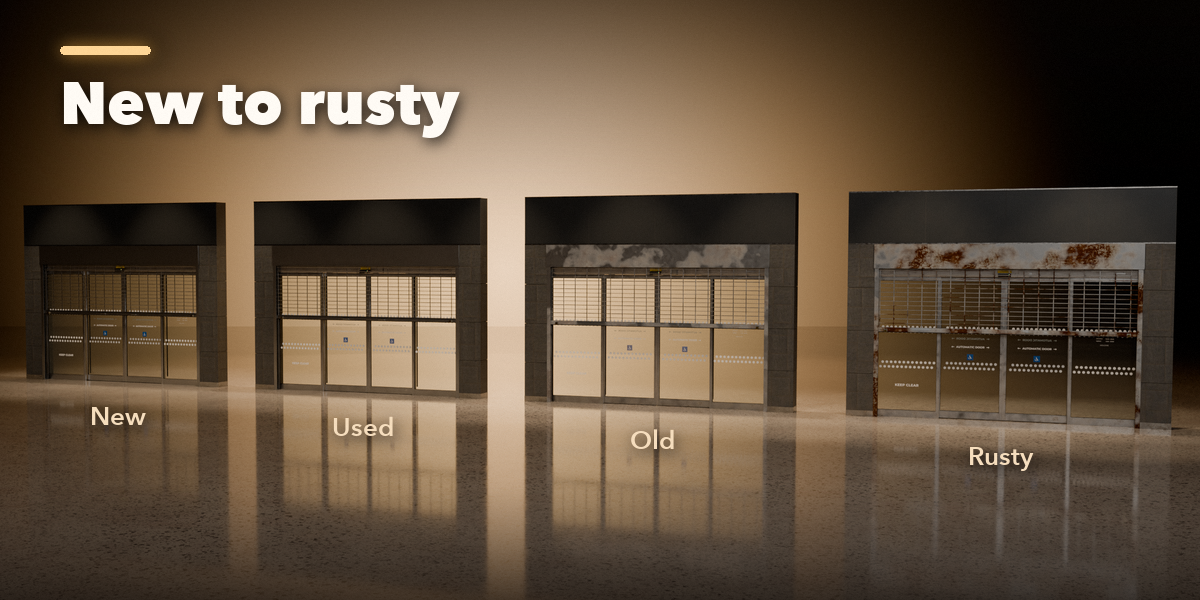
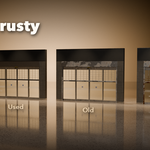
- With the entrance selected, the first page holds the design and door type pictures, Surprise, Vary and Finish, the condition (New, Used, Old, Rusty), the size, frame and glass, the Animation channels and the Security Check switch.
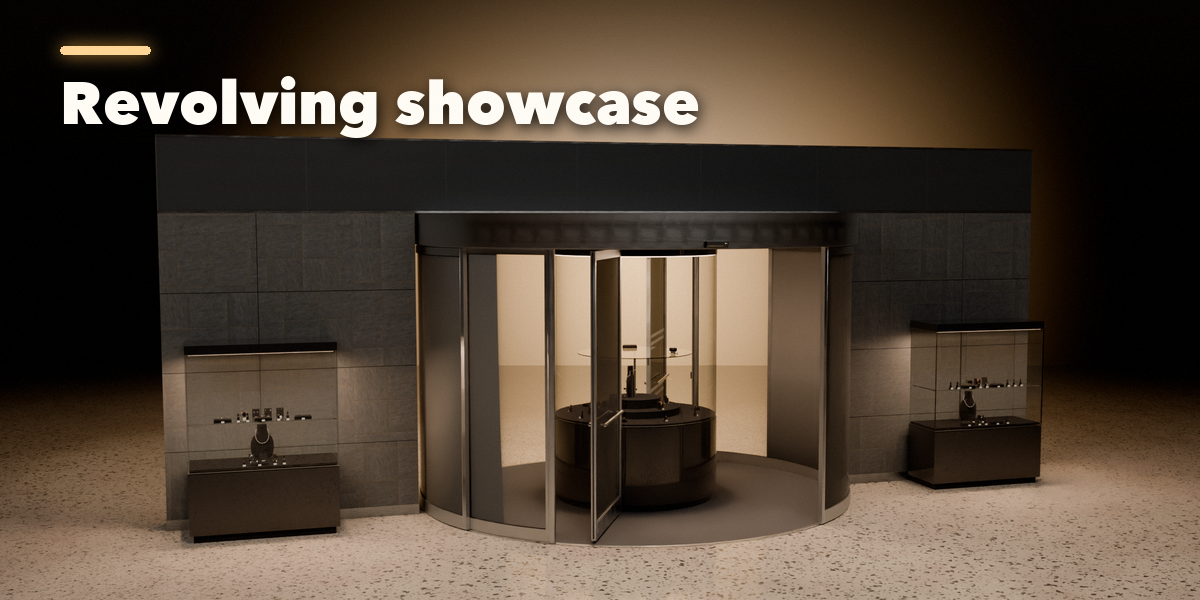
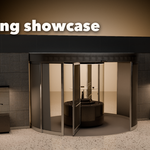
- Animation: drag Open (or Closure and Breakout where the door has them) or right-click to keyframe it. Auto Cycle, Morning Opening and Breakout Demo write the keyframes for you. Revolving doors turn with the timeline at the Speed you set.
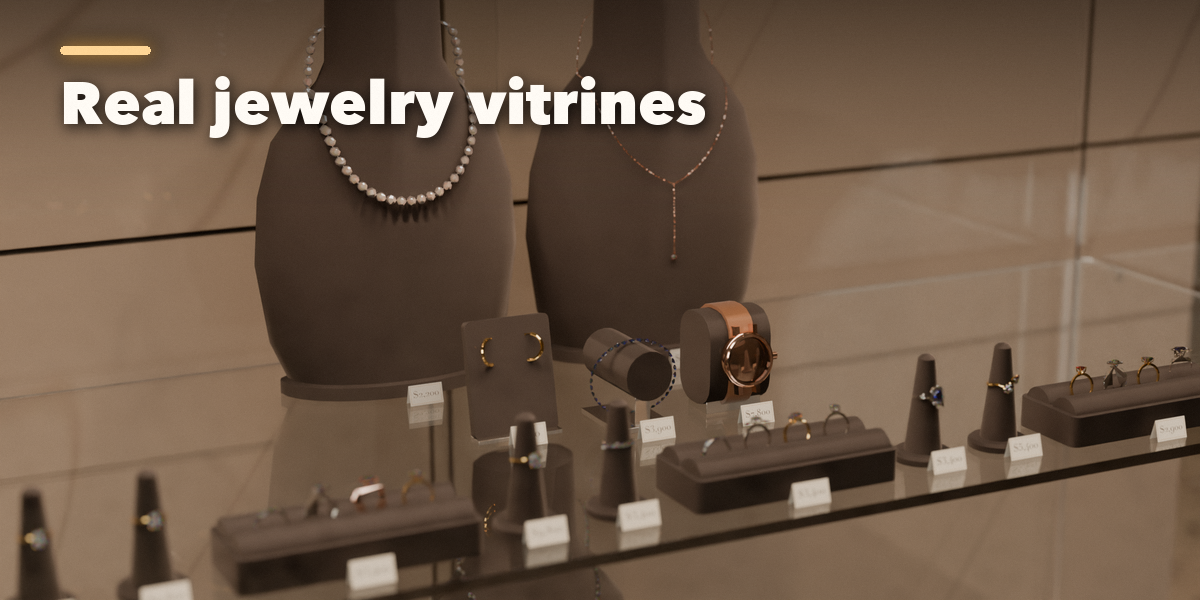
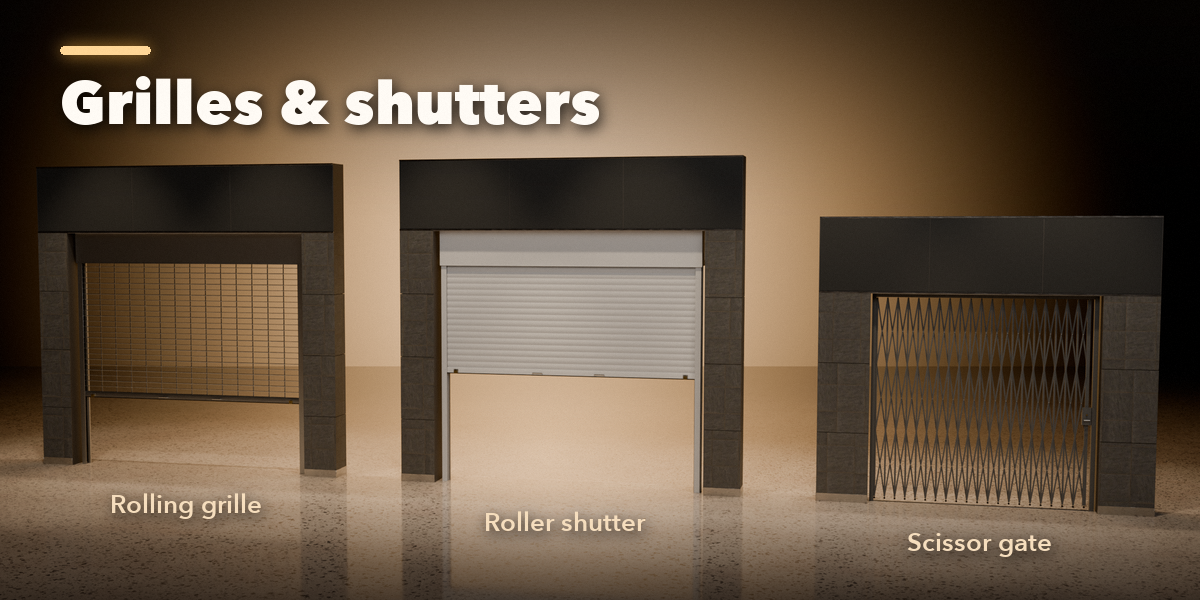
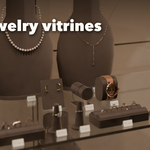
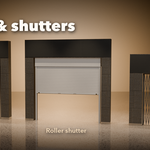
- The tabs below hold every part: door options, security closures, surround (piers, signage band, canopy, floor, mats), glass markings and vinyl, Ads & Displays (posters, screens, totems, vitrines and jewelry) and output.
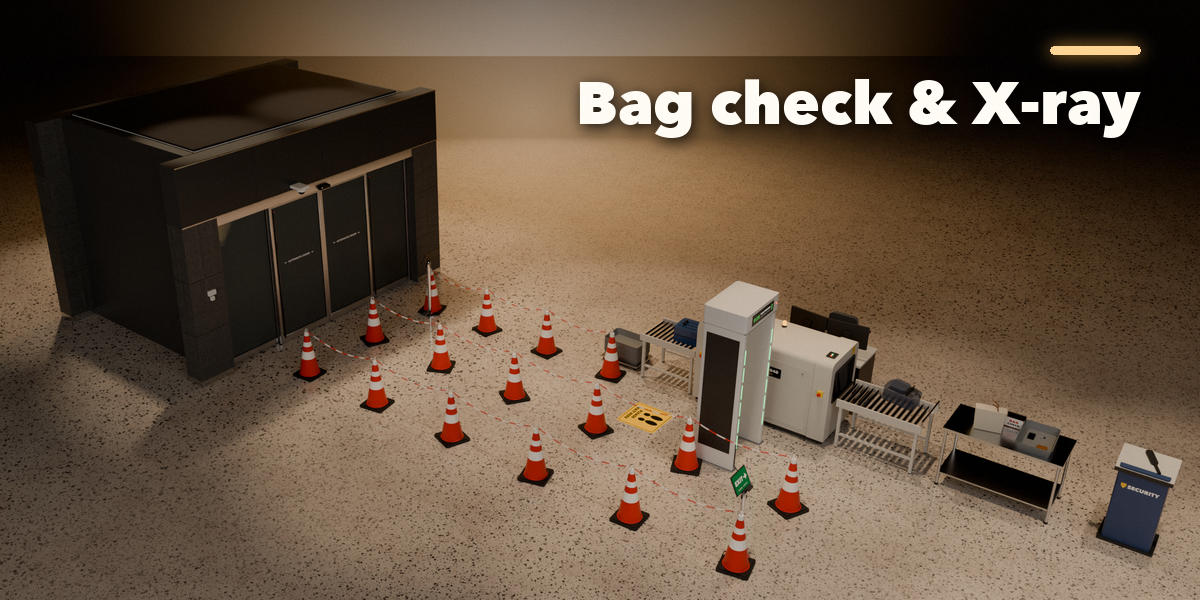
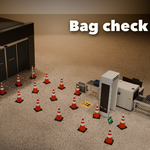
- Security Check adds the bag check behind the doors: choose the door layout, lanes, barrier style and the scanner, detector, desk and podium.
Each entrance is a root mesh plus one object per moving part with its pivot in place, so it exports cleanly to FBX or glTF. Selecting another object shows the add-new screen again.
Have questions about this product?
Login to message
| Blender Extension Compatible | Yes |
| Published | 2 days ago |
| Blender Version | 4.2 - 5.2 |
| Extension Type | Add-on |
| Render Engine Used | Cycles, Eevee |
| License | GPL |

Discover more products like this
mall revolving-door security animation automatic-door sliding door shopping mall Generator entrance door procedural storefront