Conform Object
 Mark Kingsnorth


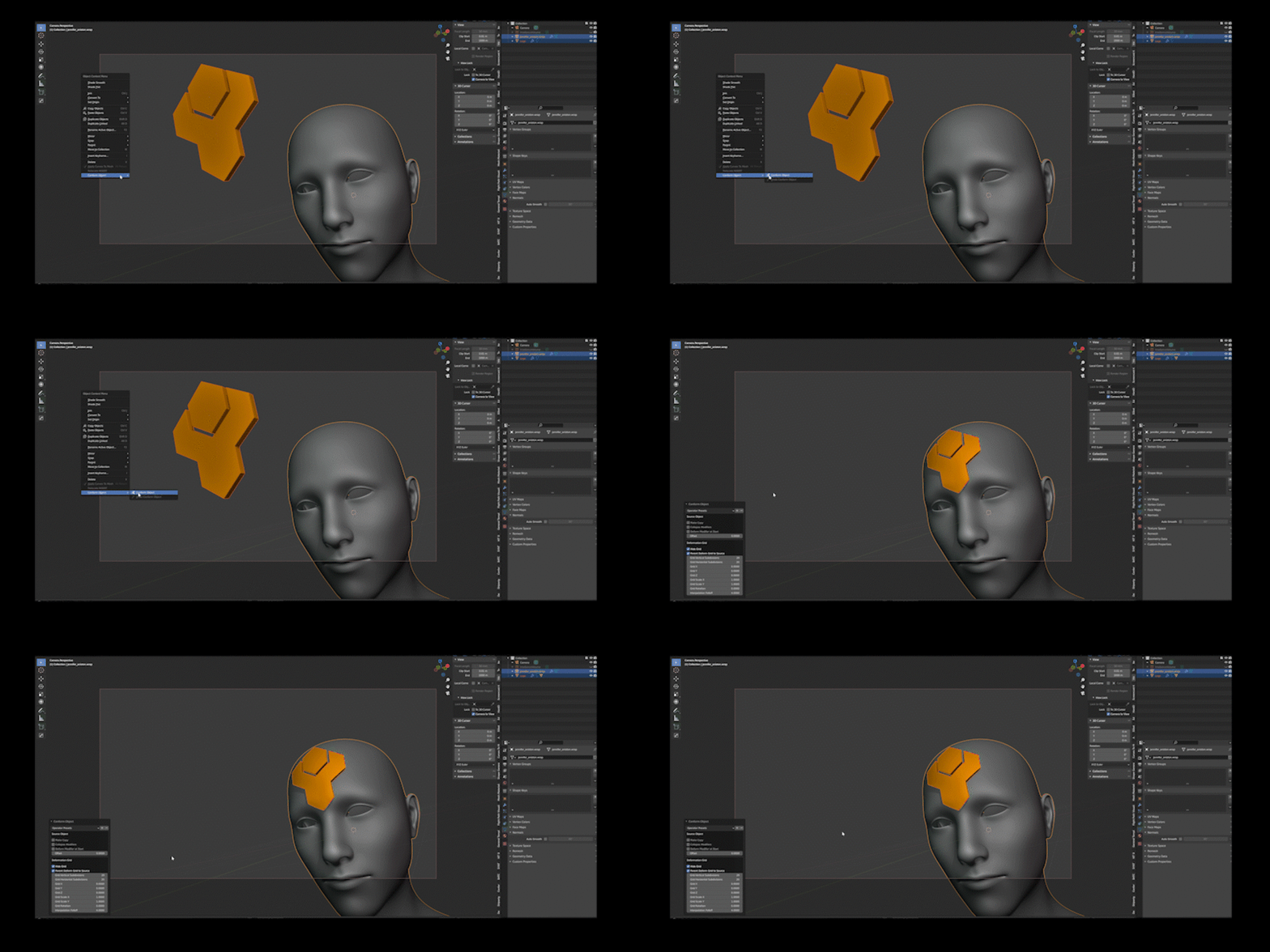
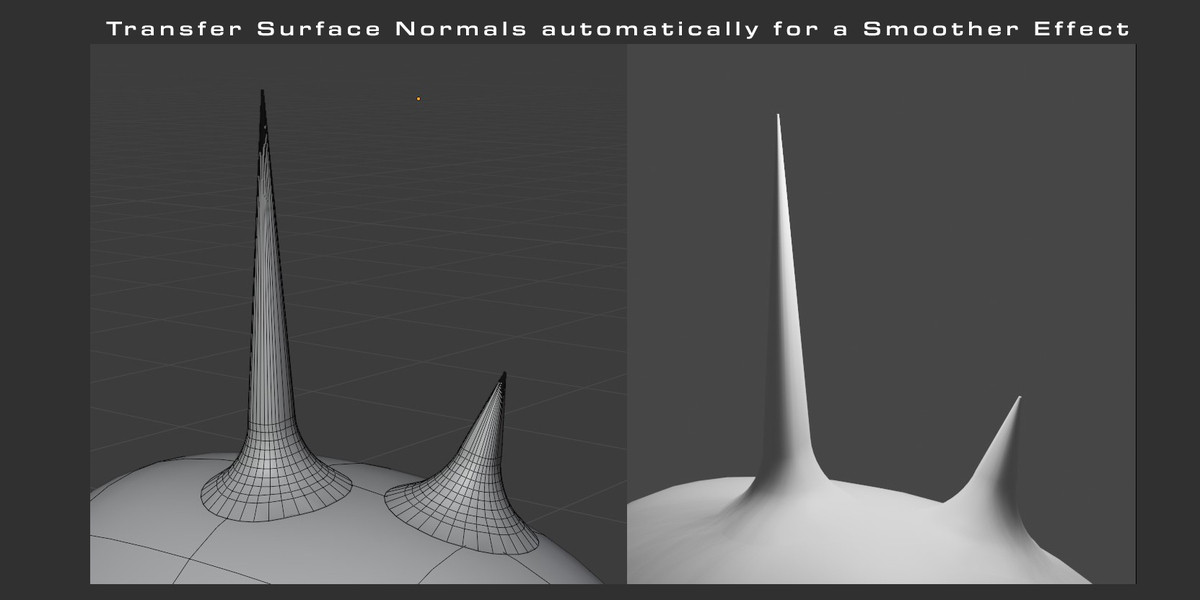

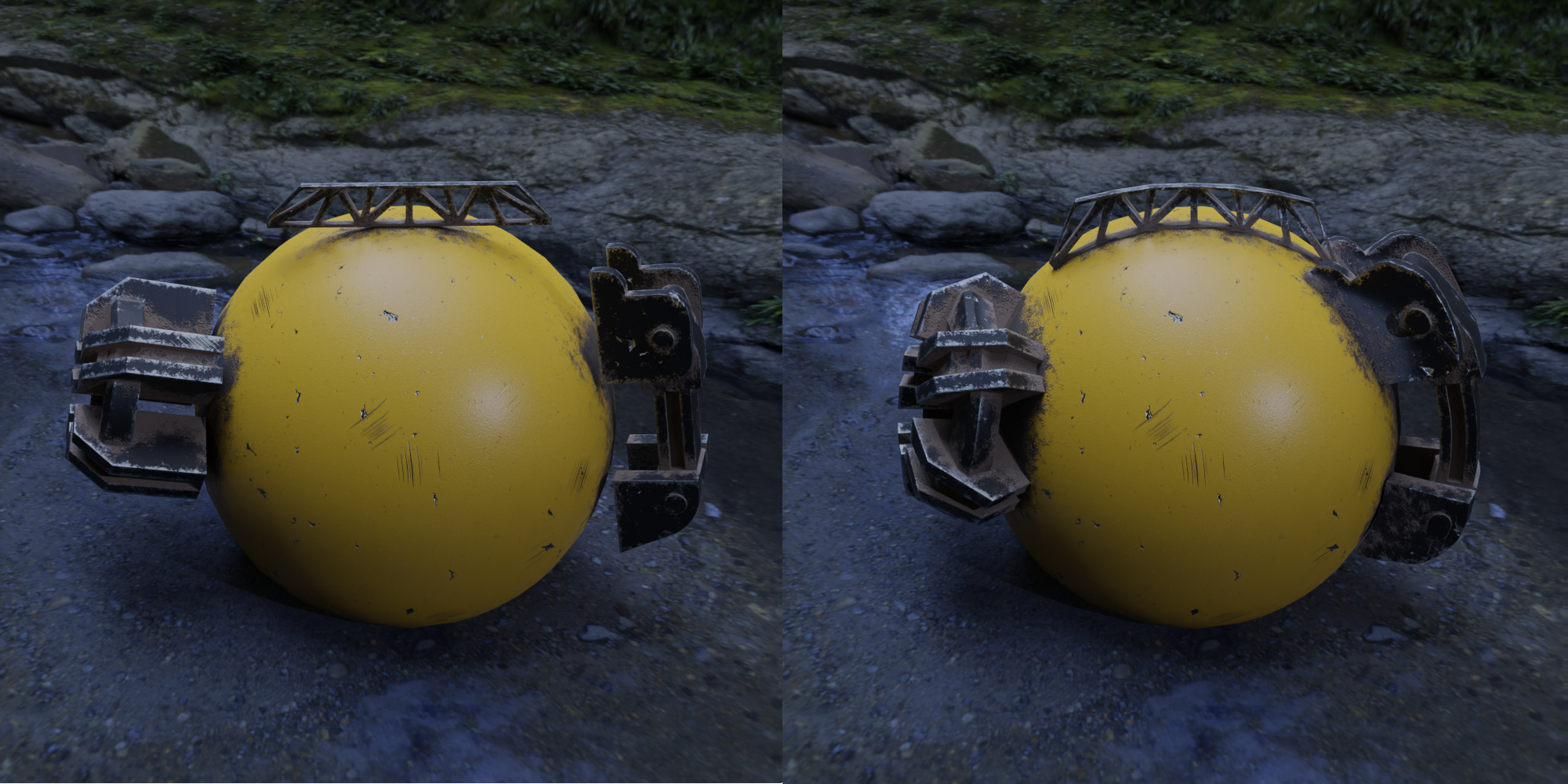

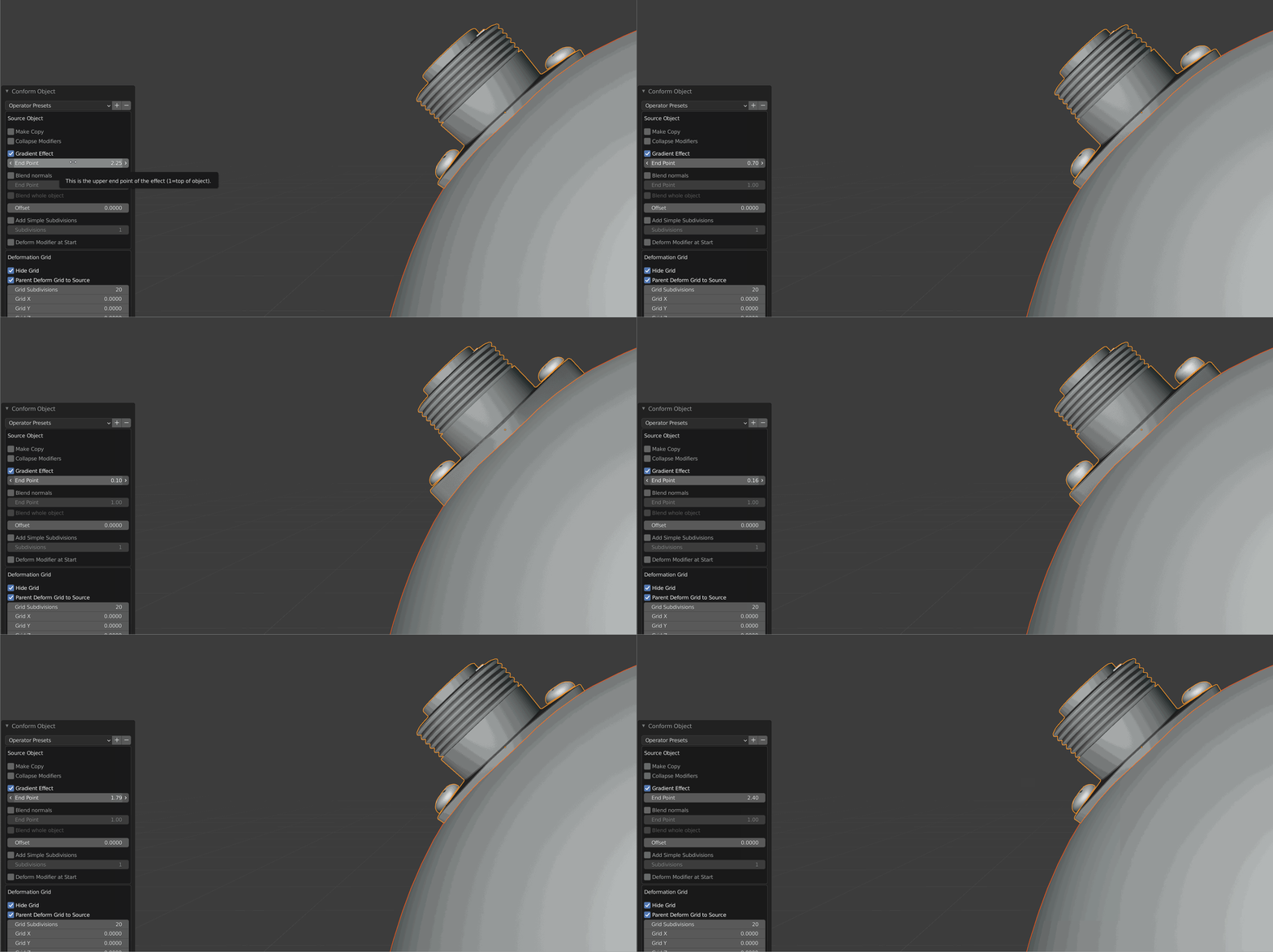

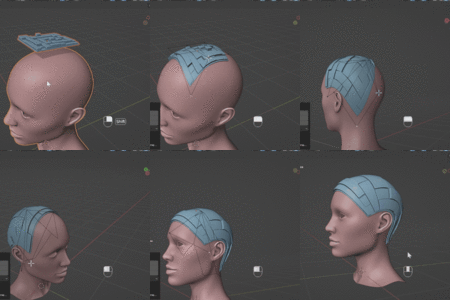
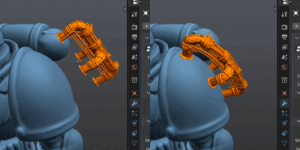
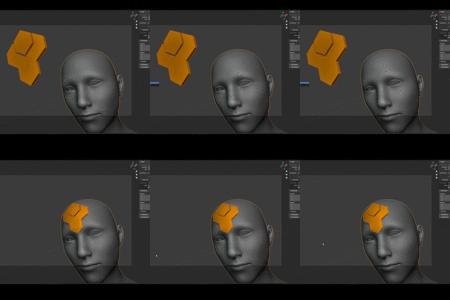
1.7.0: The Conform Object Modifier
The Conform Object Modifier is no longer experimental. It is available by default alongside the existing workflow, and the "Go Experimental" preference is no longer needed to find it.
NEW
- Warp Control Points: shape the result by hand using a cage of control points dragged along the target's surface. Extra rows and columns can be sliced in wherever finer control is needed. This covers the same ground the Lattice covers in the original workflow, which was the most requested addition from feedback on the experimental release.
- Clean Up: a menu option that removes any deformation grids left behind in a file.
- Full documentation for the modifier, and an overview video.
FIXED
- A flat object resting slightly inside a target surface could be conformed to the far side of it. The projection now checks both directions and uses the nearer surface.
- A source object wider than its target had the overhanging parts pulled onto the target. They now keep their shape and sit at the height they meet the surface, matching the original workflow's behaviour.
- Amount now interpolates back to the object's position as it entered the modifier, rather than to its position after projection. Values between 0 and 1 now blend evenly between the two.
- Set Control Points now always resets the control points, including when the number requested matches the number already in use. It also warns before doing so every time.
- The Grid Object input is no longer shown on the modifier panel. It is managed automatically and was not intended to be set by hand.
ALSO
- The download is roughly a fifth of its previous size.
The original right-click workflow is unchanged and will continue to be supported. The modifier requires Blender 4.5 or newer.
Added compatibility with Blender 5.2's new Geometry Nodes modifier API. Earlier Blender versions remain fully supported.
$21
 Included
Includes 12 months of
- Support from Mark Kingsnorth
- Product updates
Extend this product’s Support Period +12 months: 25% of product price
Have questions before purchasing?
Login to message
| Blender Extension Compatible | Yes |
| Sales | 15700+ |
| Rating | 43 ratings |
| Published | almost 5 years ago |
| Blender Version | 2.9 - 5.2 |
| Extension Type | Add-on |
| License | GPL |