Copy Bars
 MeguiTaA12


How to install the addon?
Go to Edit > Preferences.
In the Preferences window, select the Add-ons tab on the left.
In the top-right corner of the Add-ons panel, instead of a direct "Install" button, you'll see a small downward arrow or a button that expands a menu. Click on this arrow or button.
From the menu that appears, select the Install from Disk... option.
A file browser window will open. Navigate to where you've saved your add-on's .zip file (do not unzip the file!). Select the
.zipfile and click Install Add-on (the final button in the file window might have this name).Once the add-on is installed, it will appear in the list. To activate it, check the box next to its name.
(Optional, but recommended) To ensure the add-on is always active when you open Blender, click the hamburger menu icon (three horizontal lines) in the bottom-left of the Preferences window and select Save Preferences.
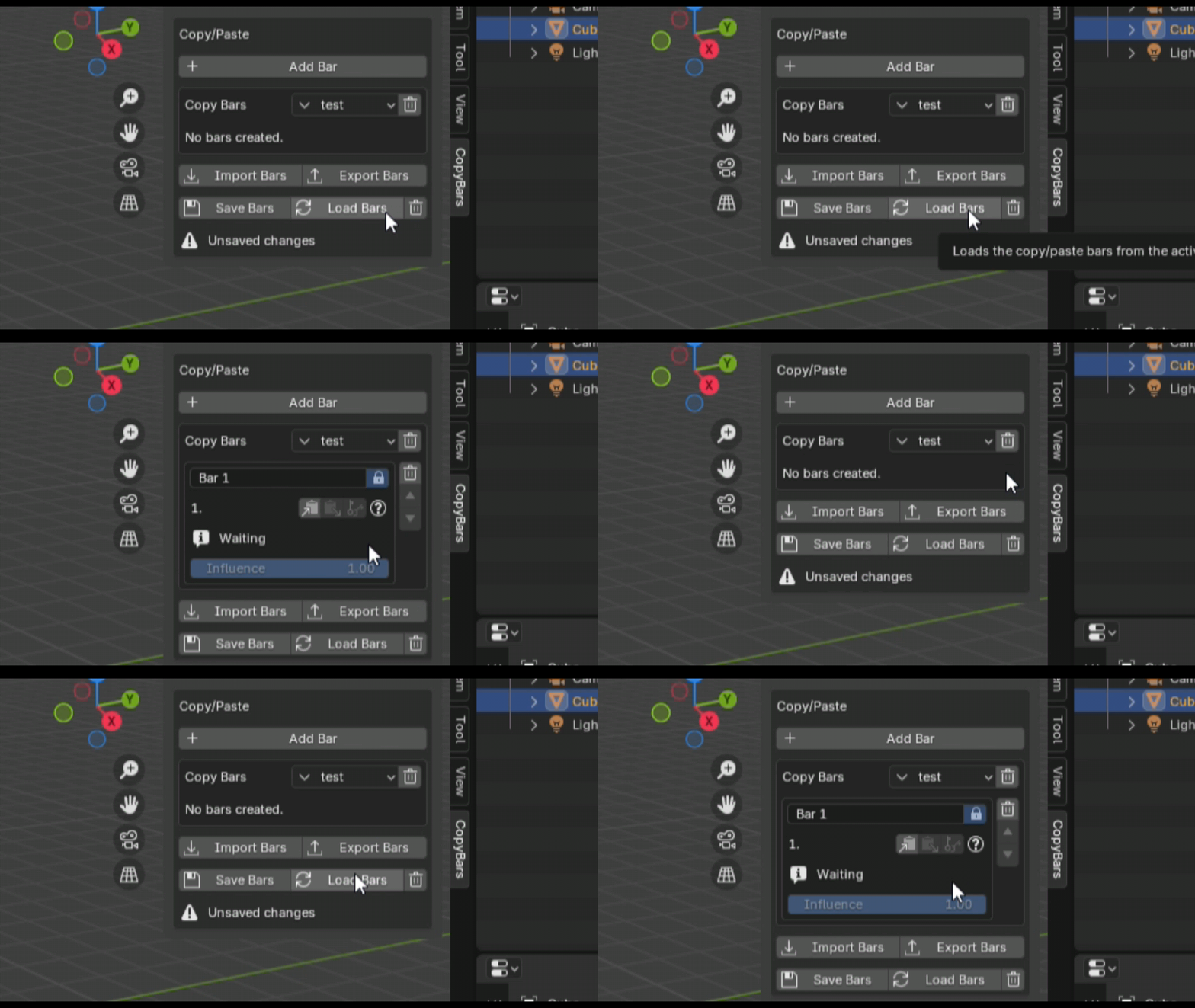
Warning!!: if you make any changes, be it adding, deleting, renaming, copying and replacing the information copied from the bar, it is recommended to save it so that this information becomes permanent.
This also affects the preset, click the save button to save the created preset.
Make way of creating animation between poses: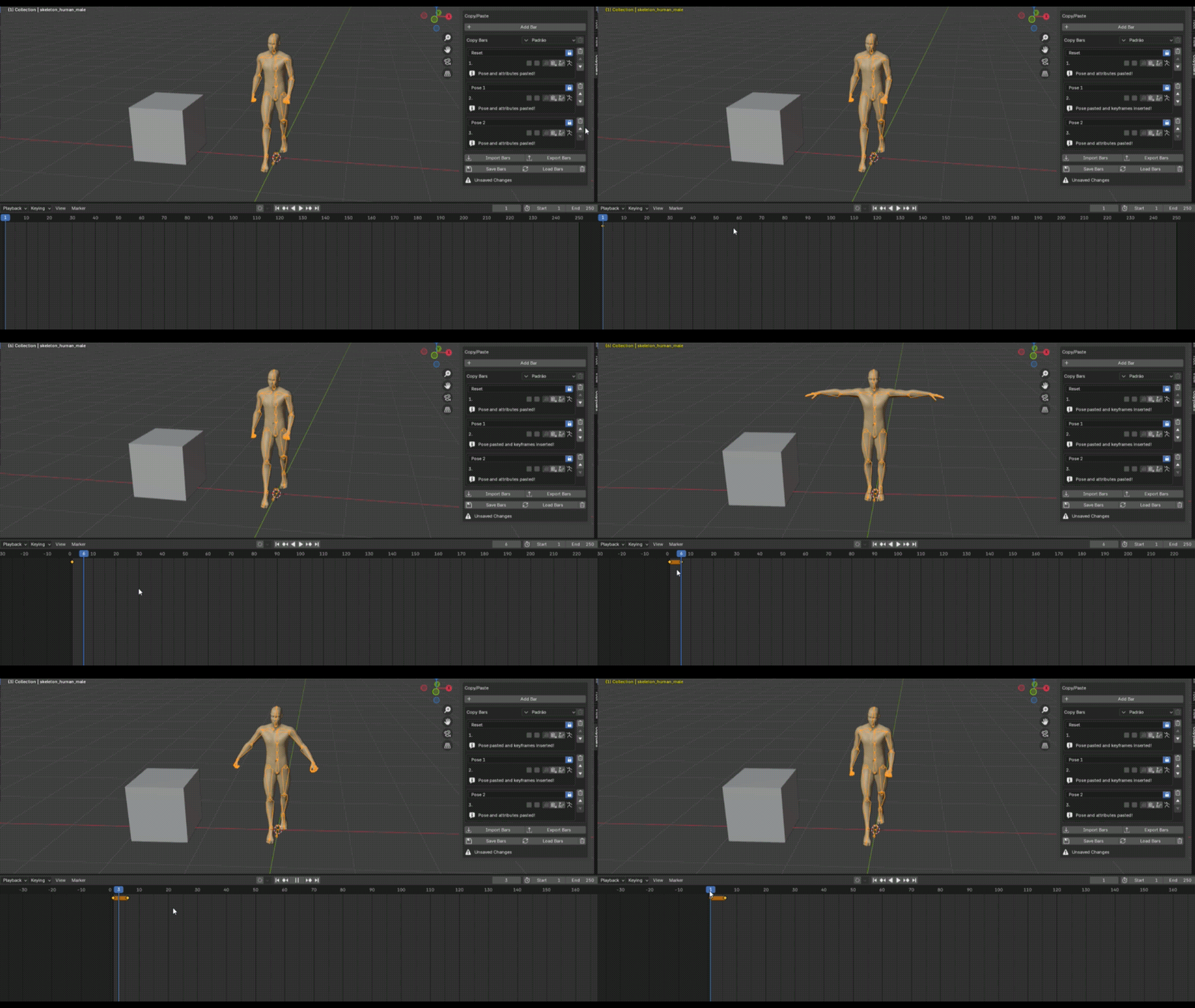
Pose control based on bone selection at the time of copying
(this function only works if you copy a pose by selecting bones that will be affected)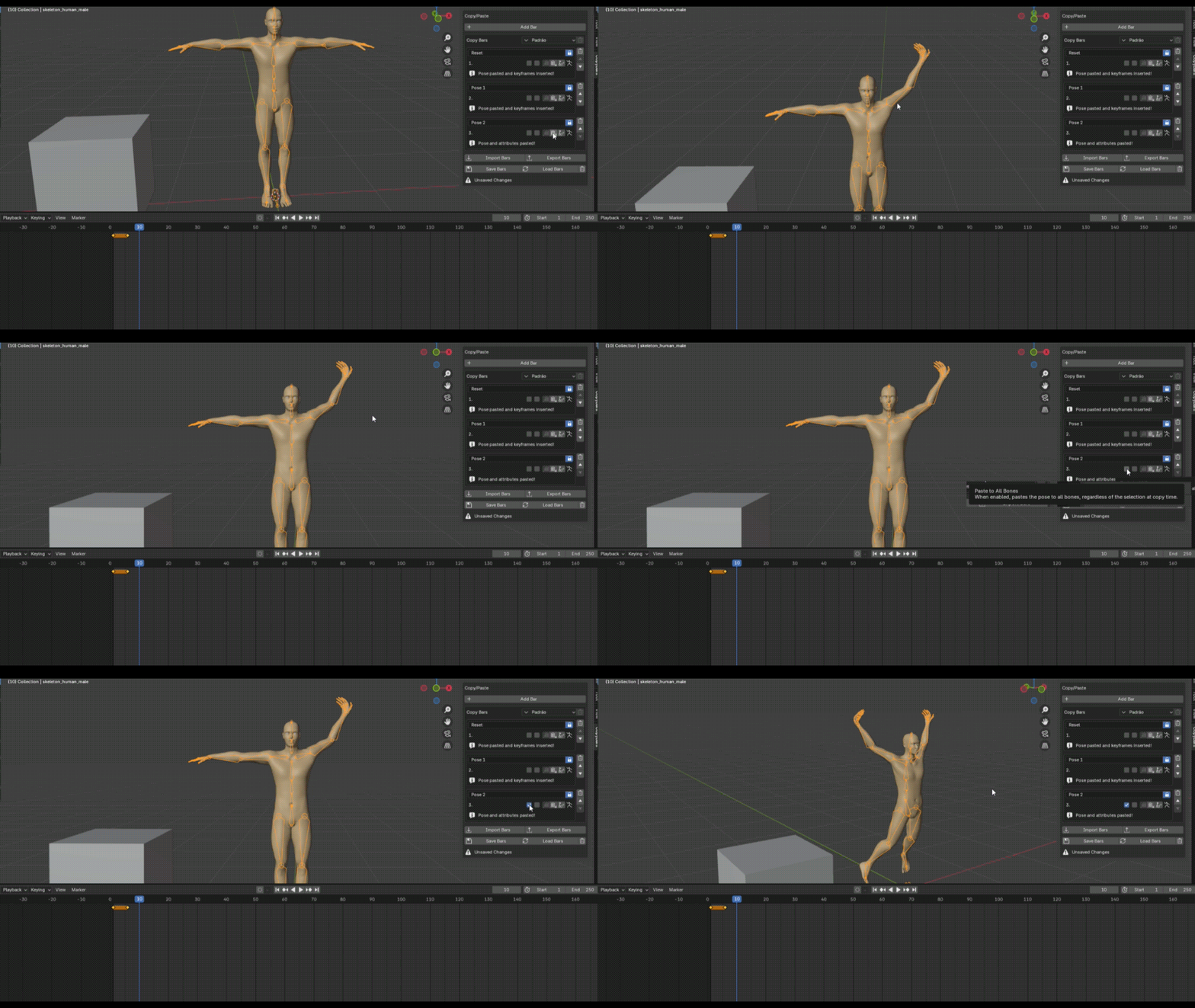
Create as many presets as you want
(you need to save for the function to become permanent)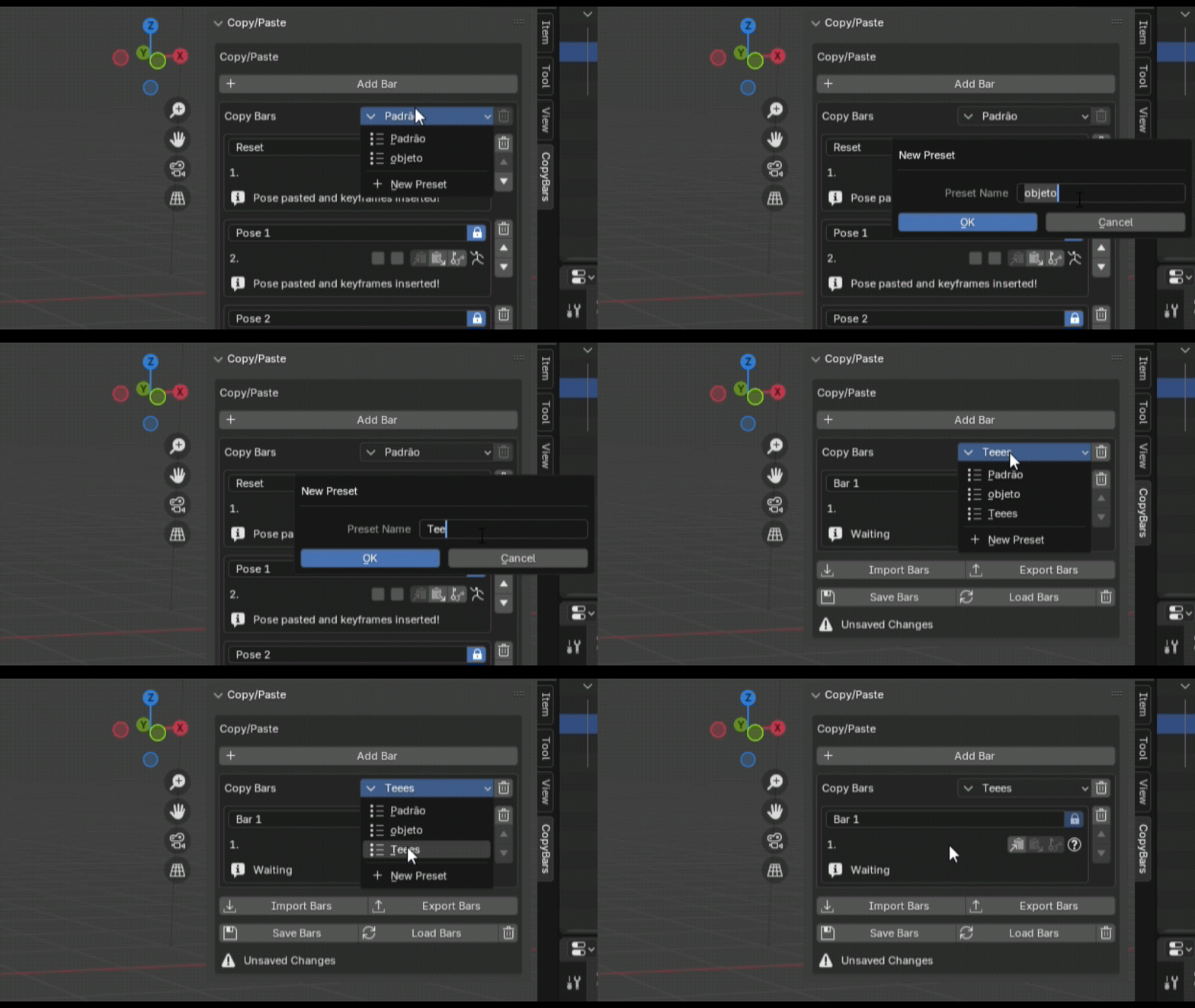
Each bar that has information is locked, preventing you from replacing the current information in the bar. You can open the lock and replace the information in the current bar.
(bars that have the lock open are not exported. This is a filter in case you want to select bars to export)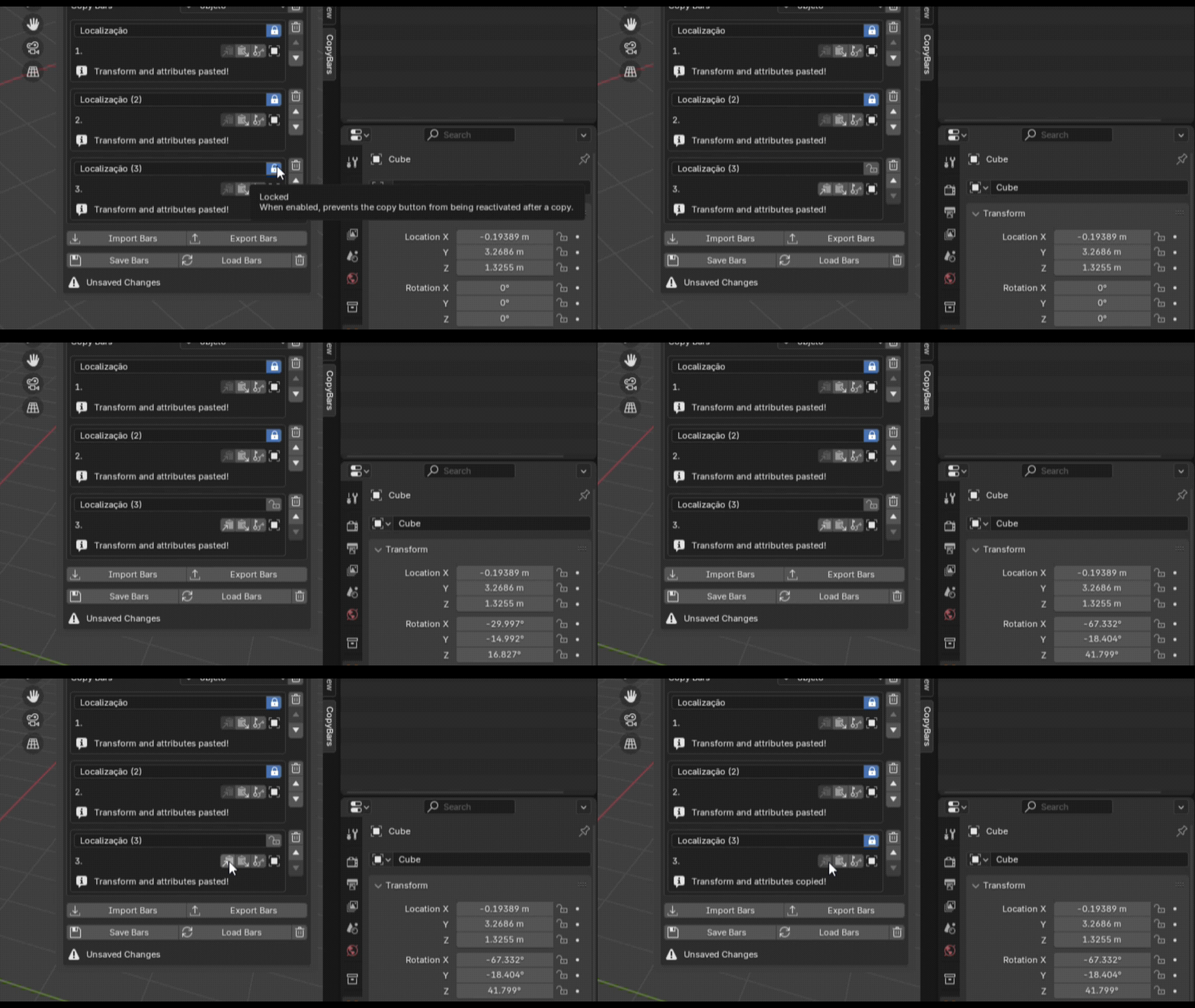
Copy and paste transformation information and generate keyframe if you want the way you want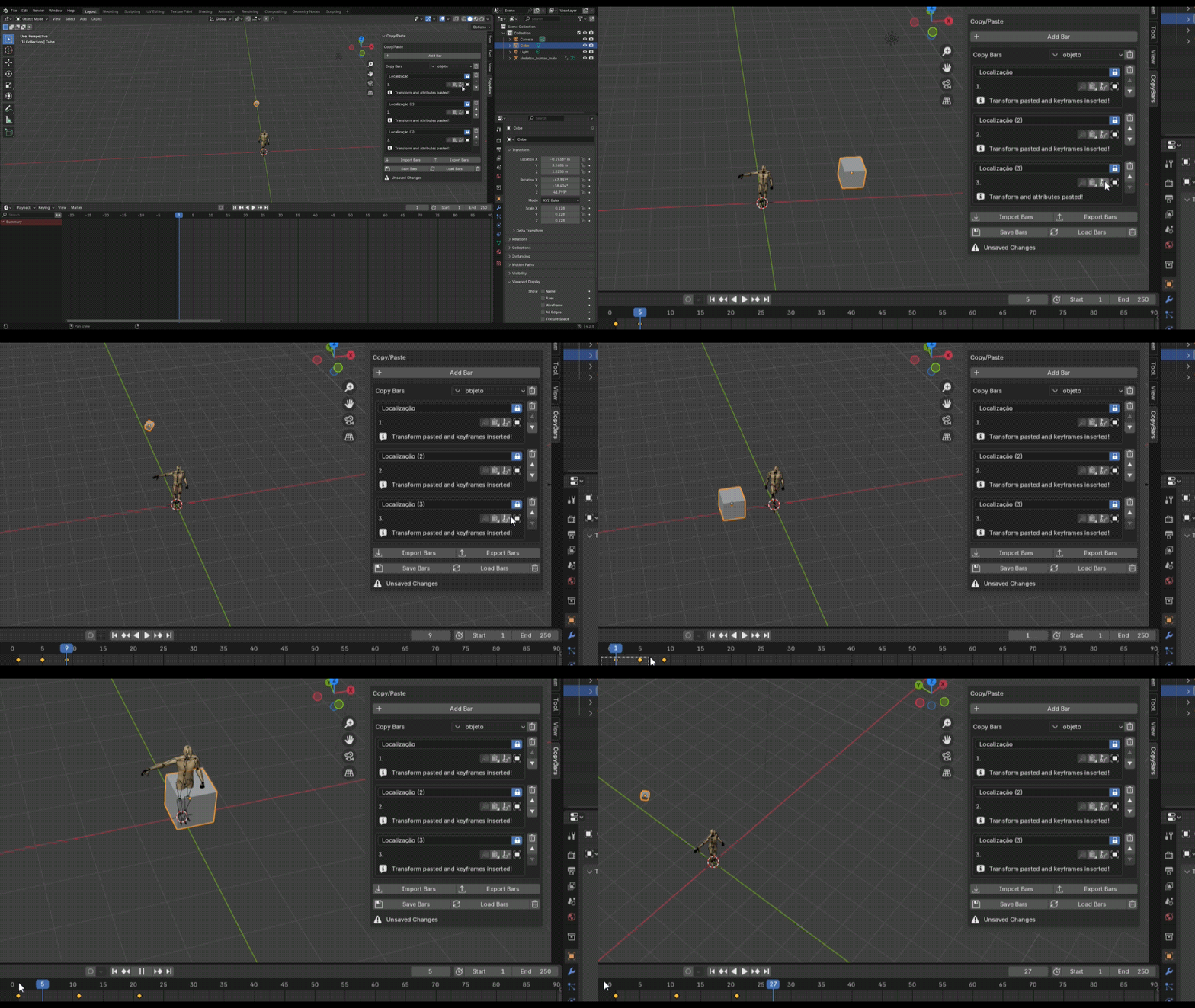
Reset button that restores the selected preset to the last saved version
(so be sure to save for the changes to become permanent)
-
$5
Version for those who want something simpler to copy pose information and paste, nothing too complex
-
$7
For those who want to mix poses, select bones to modify the pose and do something more complex
Have questions about this product?
Login to message
| Published | over 1 year ago |
| Blender Version | 4.2 - 4.5 |
| Extension Type | N/A |
| Render Engine Used | Cycles, Eevee |
| License | Mit |
Discover more products like this
3D data transfer pose animation preset object transformation