CORE / Fundamentals / Animation COURSE 06
Make it move.
Make it feel alive.
33 lessons on keyframes, the Graph Editor, the twelve principles of animation, and rigged character exercises, from a bouncing blob to a full walk cycle. Rebuilt for Blender 5.2 LTS.

The gap
Your animation moves.
It does not act.
You set two keyframes. The thing gets from A to B. Technically, that is animation. It also looks like a spreadsheet cell sliding into place, not like something that is alive.
The difference is not more keyframes. It is what happens between them: how motion eases in and out, what overshoots, what drags a beat behind, what anticipates before it commits. None of that shows up by setting poses and walking away.
This course is the technical foundation underneath all of that: the editors, the curves, and the principles that turn correct motion into motion that reads as alive.
That is a timing problem, and it is the entire subject of this course.
Four building blocks
What you will be able to animate
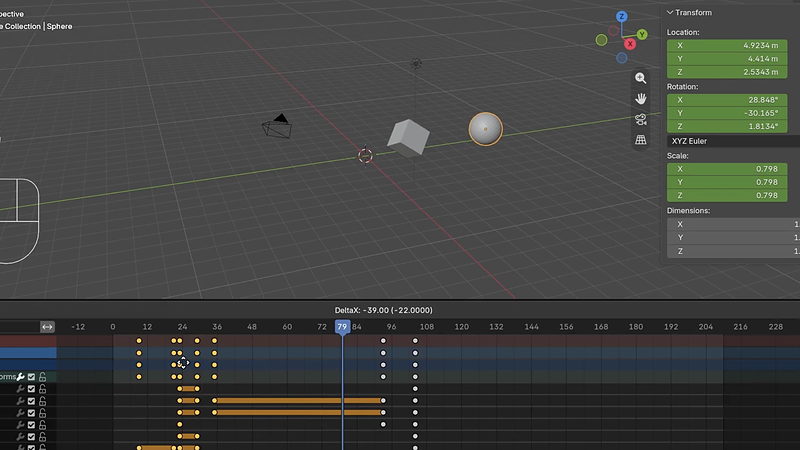
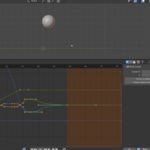
01 / Keys & The Dope Sheet
Reading and editing what you have keyframed
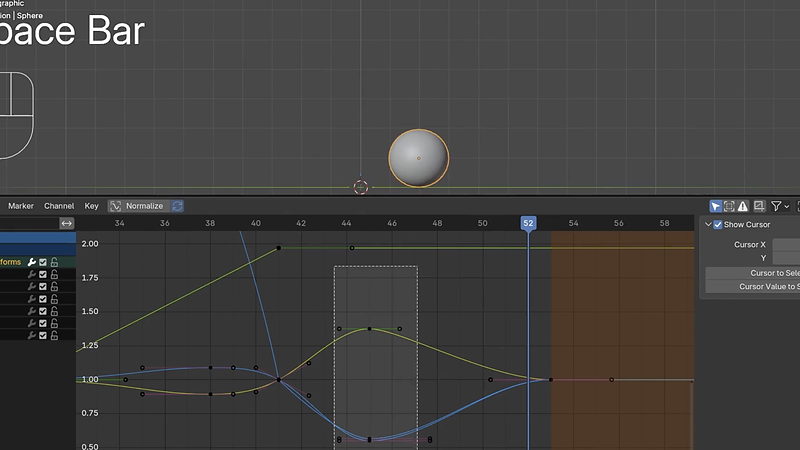
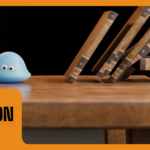
02 / Exaggeration
One of the twelve animation principles, applied
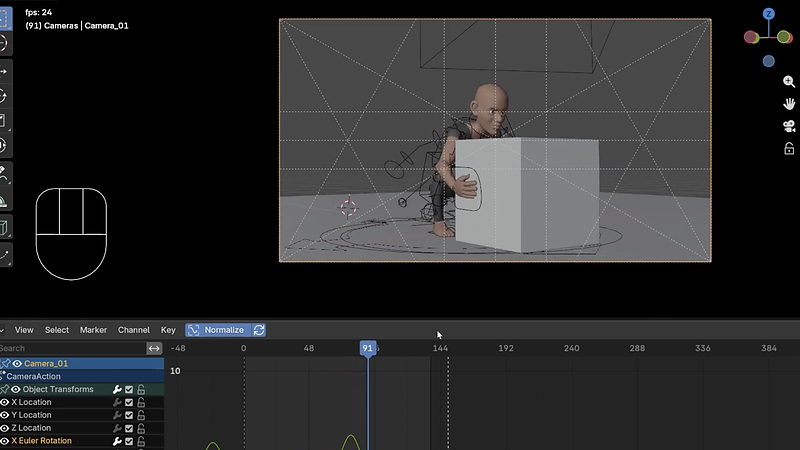
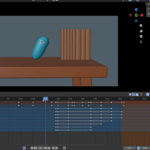
03 / Camera Animation
Markers, cuts, and moving the eye
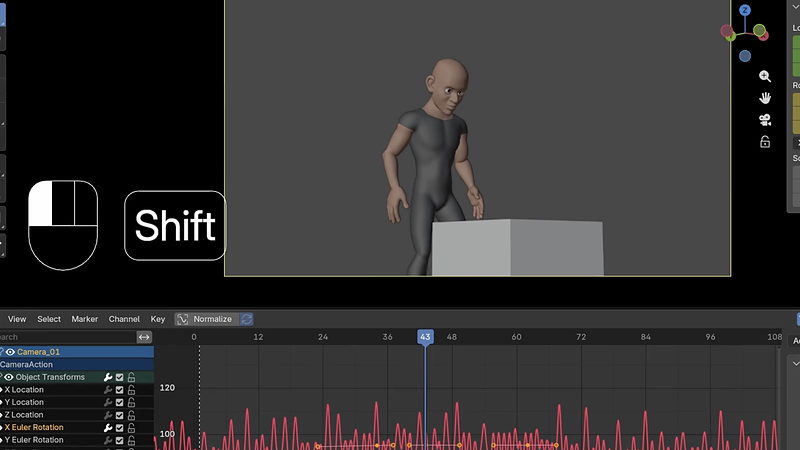
04 / F-Curve Modifiers
Procedural noise for a handheld camera shake
 |
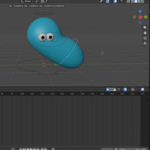
Then Chapter 03’s exercises: bounce the blob, jump the blob, and animate a full walk cycle. Rig provided. So is the reason your first walk cycle will look wrong before it looks right.
|

|
Keyframes in Motion
A pose, another pose, and Blender building everything in between.
|
Outcomes
What you will actually learn
What a key actually is. A pose. Two poses, and Blender builds the motion between them. Everything else is refinement.
The Timeline, Dope Sheet, and Graph Editor. Three editors that work together, each showing you a different resolution of the same animation data.
The twelve principles of animation. Ease in and out, squash and stretch, anticipation, arcs, exaggeration, overlapping action, and more. Disney studied this so you do not have to guess.
Rigs, IK and FK, and quaternion rotations. Enough rigging literacy to animate a character without fighting the rig.
A full walk cycle. The exercise every animator eventually has to do, done with guidance instead of guesswork.
Actions, constraints, and the NLA editor. How animation data is organized, reused, and blended once a project gets past one simple clip.
Animating cameras, with markers and cuts. Blocking out shots, not just objects.
F-Curve modifiers for procedural motion. Add believable handheld camera shake without keyframing a single wobble by hand.

|
Procedural Camera Shake
A Noise modifier added directly to an F-curve. No handheld keyframing required.
|
33 lessons / 5 chapters
Curriculum
Chapter 01 / The Editors
5 lessons
Keys, the Timeline, the Dope Sheet, and the Graph Editor. The tools you will live in for the rest of the course.
Chapter 02 / Principles of Animation
8 lessons
Ease in and out with handles, squash and stretch, anticipation, arcs, exaggeration, overlapping action, additional principles, and pose-to-pose workflow.
Chapter 03 / Rigs & Exercises
8 lessons
Intro to rigs, the blobby bounce exercise, blending keys, the blobby jump exercise, walk cycles, extrapolating channels, quaternion rotations, and IK/FK.
Chapter 04 / Actions & Organization
7 lessons
Actions, a picking-up-a-box exercise, constraints, swapping actions, actions as reusable assets, the NLA editor, and a hero action workflow.
Chapter 05 / Cameras & Output
5 lessons
Animating cameras, camera markers, F-curve modifiers, playblasts, and the final challenge.
Free preview
Watch Ease In & Ease Out free
Almost eight minutes on the single principle with the biggest visible impact on your animation, and the fastest to actually apply. If your motion currently looks robotic, this is why. No signup.
Watch the lesson
 |
Your instructor
Chris Bailey
Chris teaches the modeling, sculpting, materials, texturing, animation, and geometry nodes track across CORE. This course builds the technical foundation, so a follow-on animation bootcamp can spend its time on artistry instead of the software.
Animation rewards repetition more than any other CORE course. Chris says it himself: finish it once, take a break, then come back and do the exercises again.
|
| Blender version |
5.2 LTS (works in 4.2 LTS) |
| Lessons |
33 videos, 4h 24m |
| Quality |
1080p, stream or download |
| Captions |
English and Spanish |
| Project files |
Included, basic rig plus every exercise scene |
| Platforms |
Windows, macOS, Linux |
| Access |
Lifetime, no subscription |
| Also available in |
The CORE bundle, all 11 courses |
This course is technical, not artistic instruction. It teaches the software so a later, principles-focused course can teach the craft.
Questions
Do I need rigging experience first?
No. A basic rig is provided for every exercise. Fundamentals of Rigging goes deeper if you want to build your own later.
Is this course about animation principles or animation software?
Both, but weighted toward the technical side: keyframes, editors, curves, rigs, actions. The twelve principles chapter gives you the artistic vocabulary, but this is fundamentally the how, not the theory.
Will this work in Blender 4.2 LTS?
Mostly. Blender 5.0 introduced Slotted Actions, which changed how the Dope Sheet and Animation Data lessons look under the hood. The concepts transfer, the exact UI in a couple of lessons will not match 4.2 pixel for pixel.
Is this the same as the version I already own?
No. This is rebuilt for 5.2 LTS with new recordings and updated coverage. If you own the CORE 4.2 bundle, check your loyalty pricing.
Do I need a character rig to follow along?
No. A basic ball rig and blend files are provided for every exercise in the course.
What is the difference between the Dope Sheet and the Graph Editor?
The Dope Sheet shows when keys happen. The Graph Editor shows how the motion moves between them. You will use both, for different questions.
I want more than one course. Is there a bundle?
Yes.
CORE is all 11 courses as a single one-time purchase. Buy up to four courses individually and you come out ahead. Past that, the bundle costs less, and all eleven bought one at a time run to more than twice the bundle price. CORE is also included with an annual CG Cookie subscription if you would rather stream than own.
What if I get stuck?
Post in the CG Cookie community. Instructors are active there and questions get answered.
Course 06 of 11
CORE continues
Animation is course six of eleven. CORE is the whole path: modeling, sculpting, lighting, materials, texturing, animation, rigging, physics, compositing, grease pencil, and geometry nodes, in the order that actually builds on itself.
See all 11 courses
Past four courses, the bundle is the cheaper buy. One purchase, keep it forever.

Teaching Blender since 2008
 CG Cookie