CORE / Fundamentals / Compositing COURSE 09
The render is
not the last step
18 lessons in Blender’s compositor, from splitting a render into view layers and passes to pulling a green screen key. Depth, mood, and polish without rendering the scene again. Rebuilt for Blender 5.2 LTS.
The gap
The render finished.
It still looks flat.
So you go back into the scene, move a light, and render the whole thing again. An hour later it is different, and not reliably better.
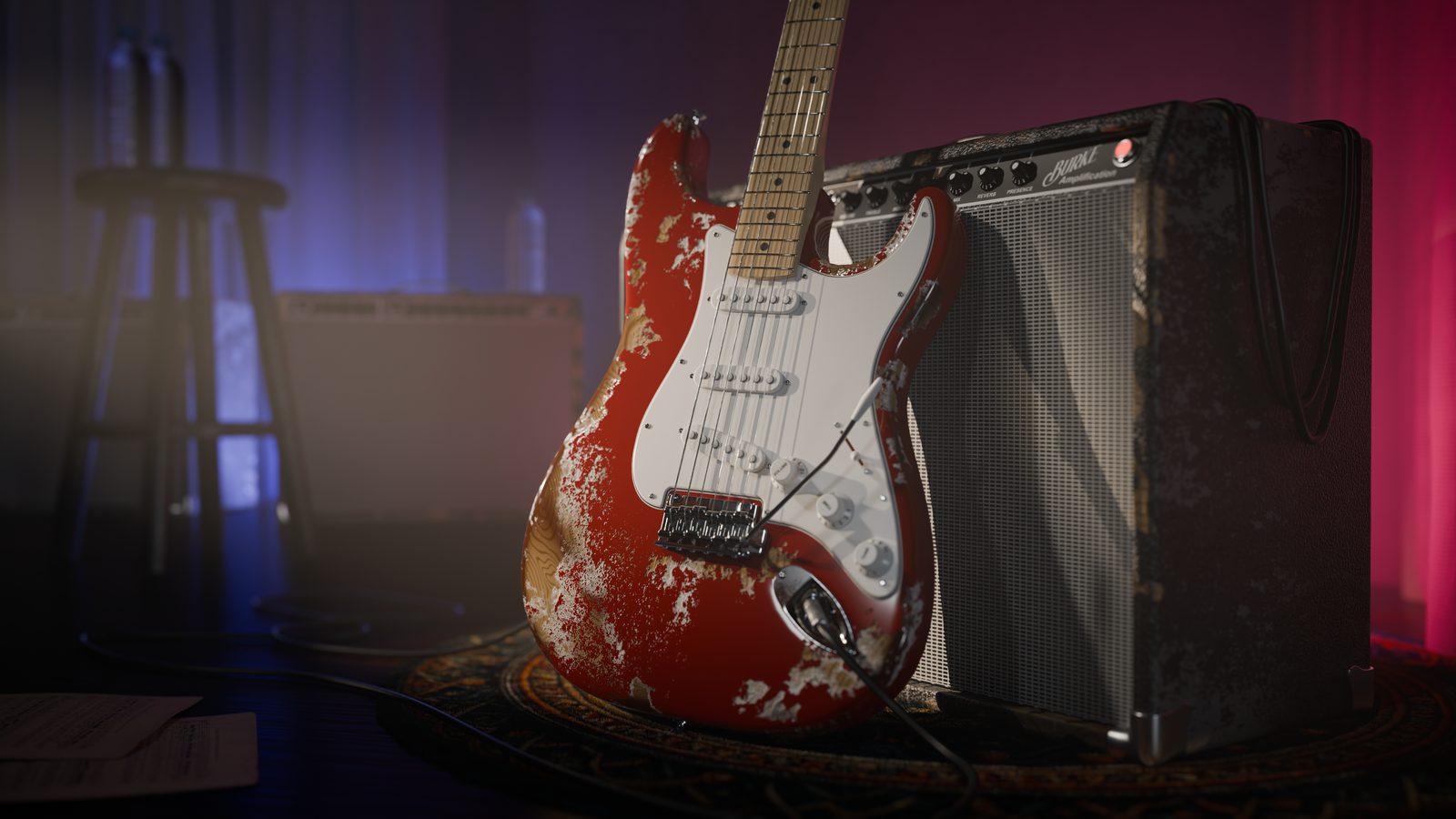
But a render does not have to leave Blender as one flat image. It can leave as pieces: the guitar separate from the backdrop, diffuse separate from glossy, one light group separate from the next. Put those pieces back together in the compositor and lighting, colour, depth of field, and motion blur all become adjustable without touching the render button.
The catch is that this only works if you set the render up for it beforehand. Nothing in Blender tells you the render is separable, so most people never find out that it is.
That is a preparation problem, and preparation is chapter one.
Four composites
What you will be able to build
01 / The Guitar Scene, Rebuilt
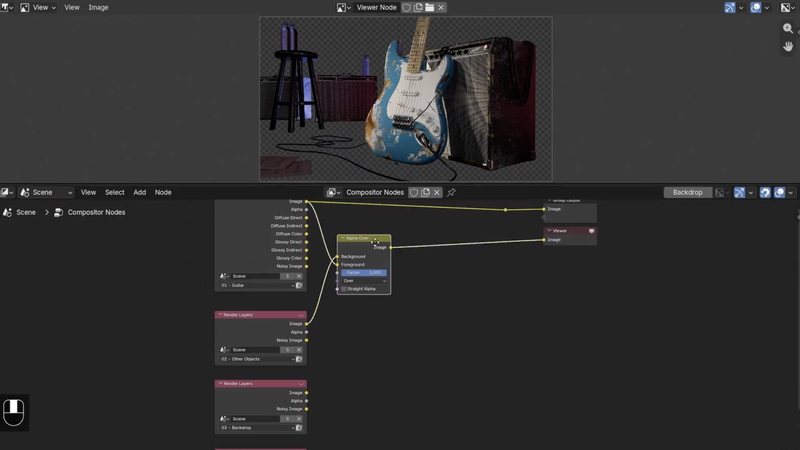
One render split into guitar, props and backdrop, then reassembled node by node
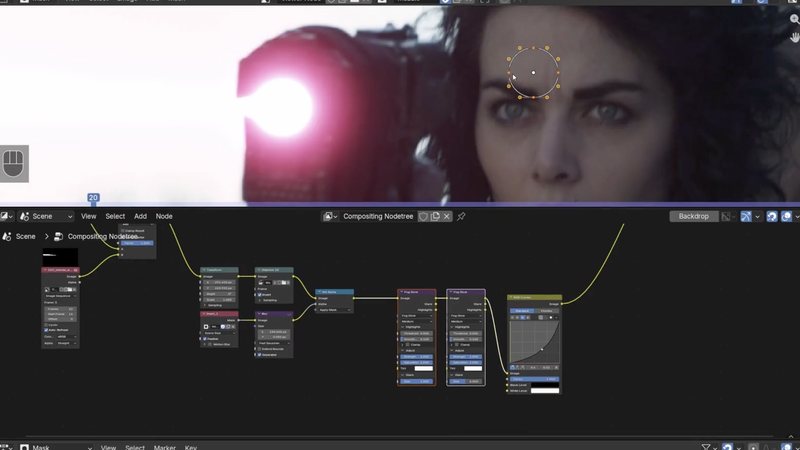
02 / A 2D Energy Blast
A beam attached to a moving camera, animated and built up with glow
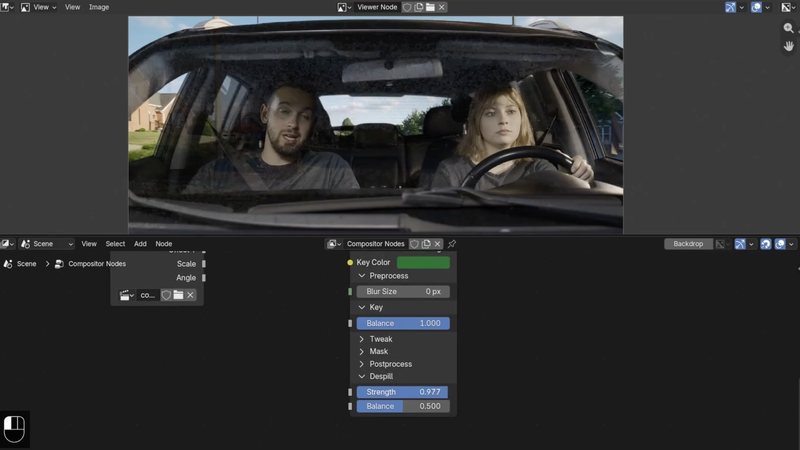
03 / Green Screen Composite
Key it, clean the matte, despill the subject, blend the new background in
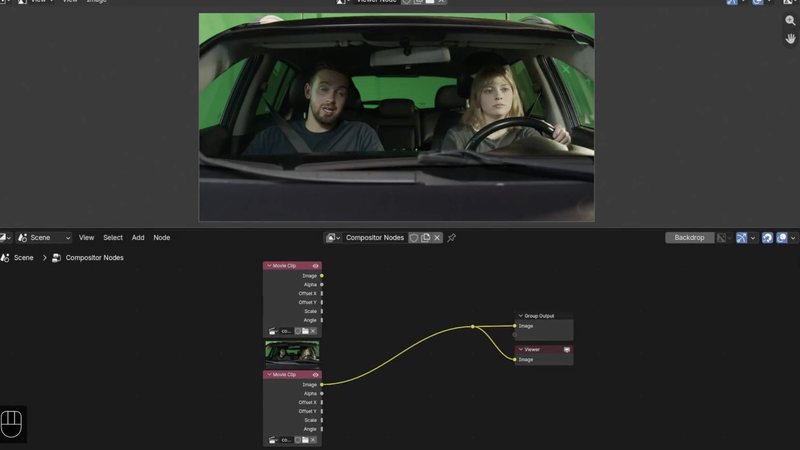
04 / The Plates Before The Key
Footage converted to image sequences and loaded, ready to work predictably
 |

Plus the finishing pass: vector blur motion blur, defocus depth of field, color balance, a hand built vignette, and grain, all applied after the fact. Every one of them adjustable without re-rendering the scene.
|
|
Compositing 2D Elements
The energy blast, pinned to the camera move and glowing, on a 156 frame live action plate.
|
Outcomes
What you will actually learn
View layers that earn their keep. Split one scene into separately renderable versions using visibility, holdout, and indirect only, so the guitar, the props, the backdrop, and the volume each arrive as their own piece.
Render passes, and which ones matter. Diffuse and glossy, direct, indirect and color, plus ambient occlusion, mist, depth, normal and UV. Preview any of them in the viewport before committing to a render.
Light groups. Change what an individual light contributes after the render has finished, instead of relighting and starting over.
Reassembly that actually matches. Rebuild the pieces so the recombined image matches the render you started with. Only then does breaking it on purpose mean anything.
Motion blur and depth of field after the fact. Vector Blur and Defocus driven by the vector and depth passes, with focus sampled from the camera view so the focal plane lands where you think it does.
Mattes, four different ways. Object and material Cryptomattes, channel and alpha mattes, and masks you draw by hand, for when you need one object rather than one layer.
Live action integration. Convert footage into numbered image sequences, match color management to it, and use solved camera tracks to attach a 2D element to a moving shot.
A green screen key, start to finish. Pull the key, clean up the matte, remove the green reflecting off your subject, and blend the replacement background into the edge.
|

Motion Blur
Vector Blur reading the vector pass, with color correction downstream. Fast, and adjustable long after the render.
|
18 lessons / 4 chapters
Curriculum
Introduction
1 lesson
Zach sets out what the compositor is for and why a finished render is rarely finished.
Chapter 01 / Pre-Render Organization
3 lessons
View layers, render passes, and light groups. All of the setup that has to happen before you render, because none of it can be added afterwards.
Chapter 02 / Post-Render Reassembly
5 lessons
Combining render layers, light passes and light groups back into a single image, saving the result properly, and keeping a node tree organized enough to still make sense tomorrow.
Chapter 03 / Post Effects
3 lessons
Motion blur with Vector Blur, depth of field with Defocus, then the finishing layer: color balance in lift gamma gain, a vignette built from an ellipse mask, and grain.
Chapter 04 / Live Action And 2D Elements
6 lessons
How image channels become mattes, Cryptomattes and hand drawn masks, preparing real footage, a two part 2D energy blast composite, and a full green screen key.
Free preview
Watch Light Passes free
Five minutes on the idea the whole course rests on. A render does not have to arrive as one flat image, and once the diffuse and glossy passes are on, lighting becomes something you edit rather than something you re-render. No signup.
Watch the lesson
 |
Your instructor
Zach Easton
Zach has been working in Blender for seventeen years and is lead developer at True VFX. His background runs wide across Blender tools and workflows, and this course is largely about where the compositor sits inside all of it.
Compositing lives at the end of the pipeline, so Lighting and Materials are useful company. The pass work makes more sense when you already know what diffuse and glossy mean.
|
| Blender version |
5.2 LTS |
| Lessons |
18 videos, 2h 01m |
| Quality |
1080p, stream or download |
| Captions |
English and Spanish |
| Project files |
Included, the guitar scene and every compositor setup |
| Live action footage |
Three ActionVFX clips, free, downloaded with a free ActionVFX account |
| Platforms |
Windows, macOS, Linux |
| Access |
Lifetime, no subscription |
| Also available in |
The CORE bundle, all 11 courses |
The shortest course in CORE, at two hours. Compositing is a smaller surface area than modeling or rigging, and this is scoped to it rather than padded out to match.
Questions
Do I need to take the other CORE courses first?
No, but Lighting and Materials help. Compositing works on a finished render, and one is supplied, so nothing is blocked. You will just get more from the pass lessons if diffuse and glossy already mean something to you.
Is the live action footage included?
The Blender files are. The three clips themselves come from ActionVFX, which requires a free account to download them, and Zach links them in the footage lesson. There is no additional cost, just a signup.
Do I need to know camera tracking?
No. The camera track for the energy blast shot is already solved and supplied. Solving a track is a much larger subject, so this course uses the tracking data rather than teaching you to generate it.
Is this Cycles or EEVEE?
Cycles for the render pass work, since passes and light groups are where the compositor earns its keep. The live action files barely render any 3D at all, so the engine hardly matters there.
Will this work in Blender 4.2 LTS?
The concepts carry over completely, since view layers, passes, mattes, and keying all predate 5.2. Some compositor node names and panel locations have moved between 4.2 and 5.2, so following along exactly is easier on 5.2.
Is this the same as the version I already own?
No. This is a fresh recording for 5.2 LTS with a different instructor and rebuilt scenes. If you own the CORE 4.2 bundle, check your loyalty pricing.
I want more than one course. Is there a bundle?
Yes.
CORE is all 11 courses as a single one-time purchase. Buy up to four courses individually and you come out ahead. Past that, the bundle is a better deal, and all eleven bought one at a time run to more than twice the bundle price. CORE is also included with an annual CG Cookie subscription if you would rather stream than own.
What if I get stuck?
Post in the CG Cookie community. Instructors are active there and questions get answered.
Course 09 of 11
Stop re-rendering
Compositing is course nine of eleven in CORE: modeling, sculpting, lighting, materials, texturing, animation, rigging, physics, compositing, grease pencil, and geometry nodes. Take them one at a time, or take the whole spine.
See the full CORE bundlePast four courses, the bundle is the cheaper buy. One purchase, keep it forever.

Teaching Blender since 2008
 CG Cookie