CORE / Fundamentals / Geometry Nodes COURSE 11
Build systems,
not single objects
35 lessons from your first node to a mining laser that melts rock into glowing goop. UI, vector math, mesh operations, scattering, simulations, and a four-part final exercise. Rebuilt for Blender 5.2 LTS.
The gap
You can follow a node tree.
You cannot build one.
You watch someone wire together six nodes and it makes total sense in the moment. Then you open a blank graph yourself and freeze, because nothing tells you which node comes next or why.
Geometry nodes is not a tool you learn by memorizing node names. It is a system of concepts, points, domains, attributes, fields, that everything else sits on top of. Skip that and every tutorial you follow is just copying wires without understanding what they carry.
Get the vocabulary first: what a domain is, what moves through a field, how selection differs from a value. After that, node trees stop being a memorization exercise and start being a language you can actually speak.
That is a language problem, and this course teaches the language before the tricks.
Four systems
What you will be able to build

01 / Scattering
Vegetation, placed procedurally, never by hand
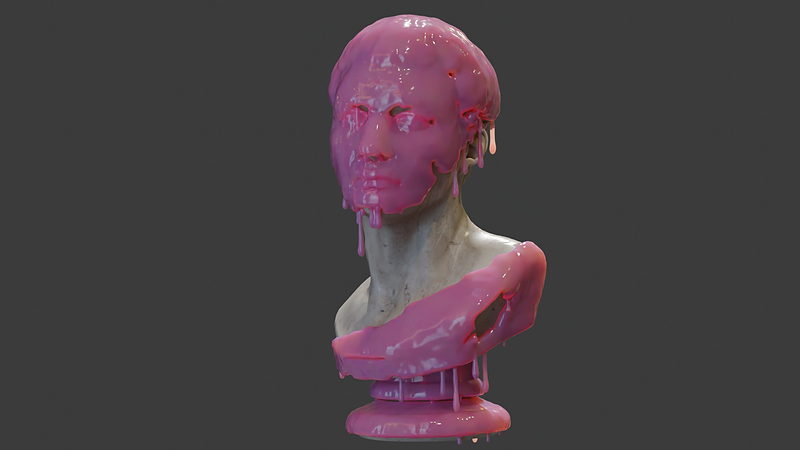
02 / Simulation-Driven Drips
A goop system with adjustable probability and seed
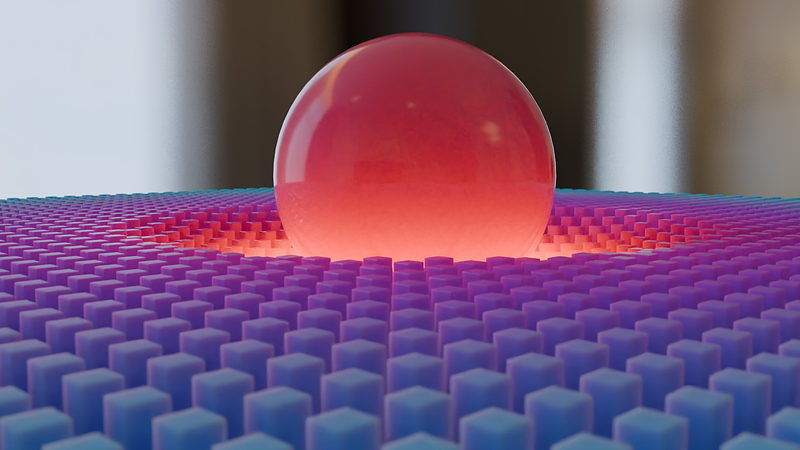
03 / Proximity Fields
Falloff and color driven by distance, not selection
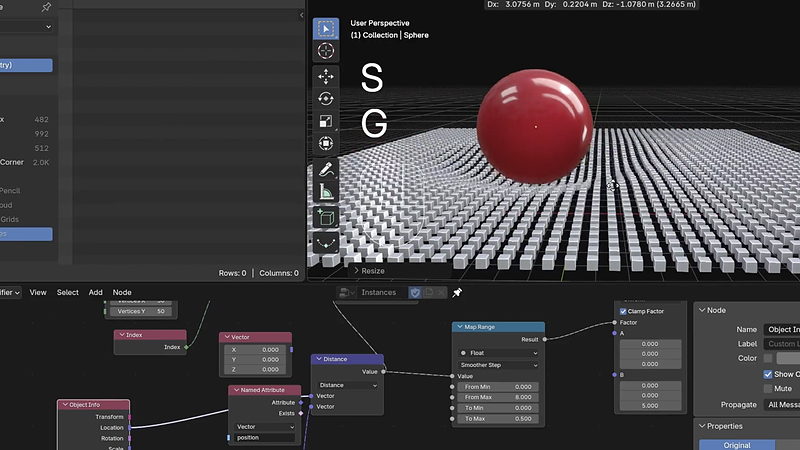
04 / The Node Graph Behind It
Object Info, Distance, and Map Range, wired together
 |
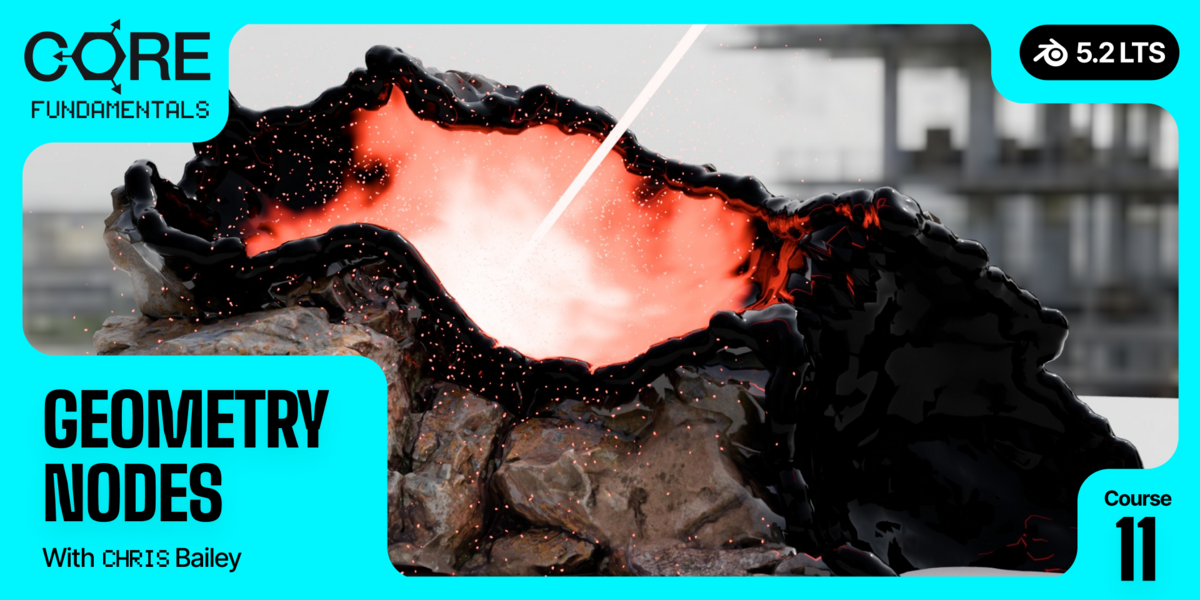
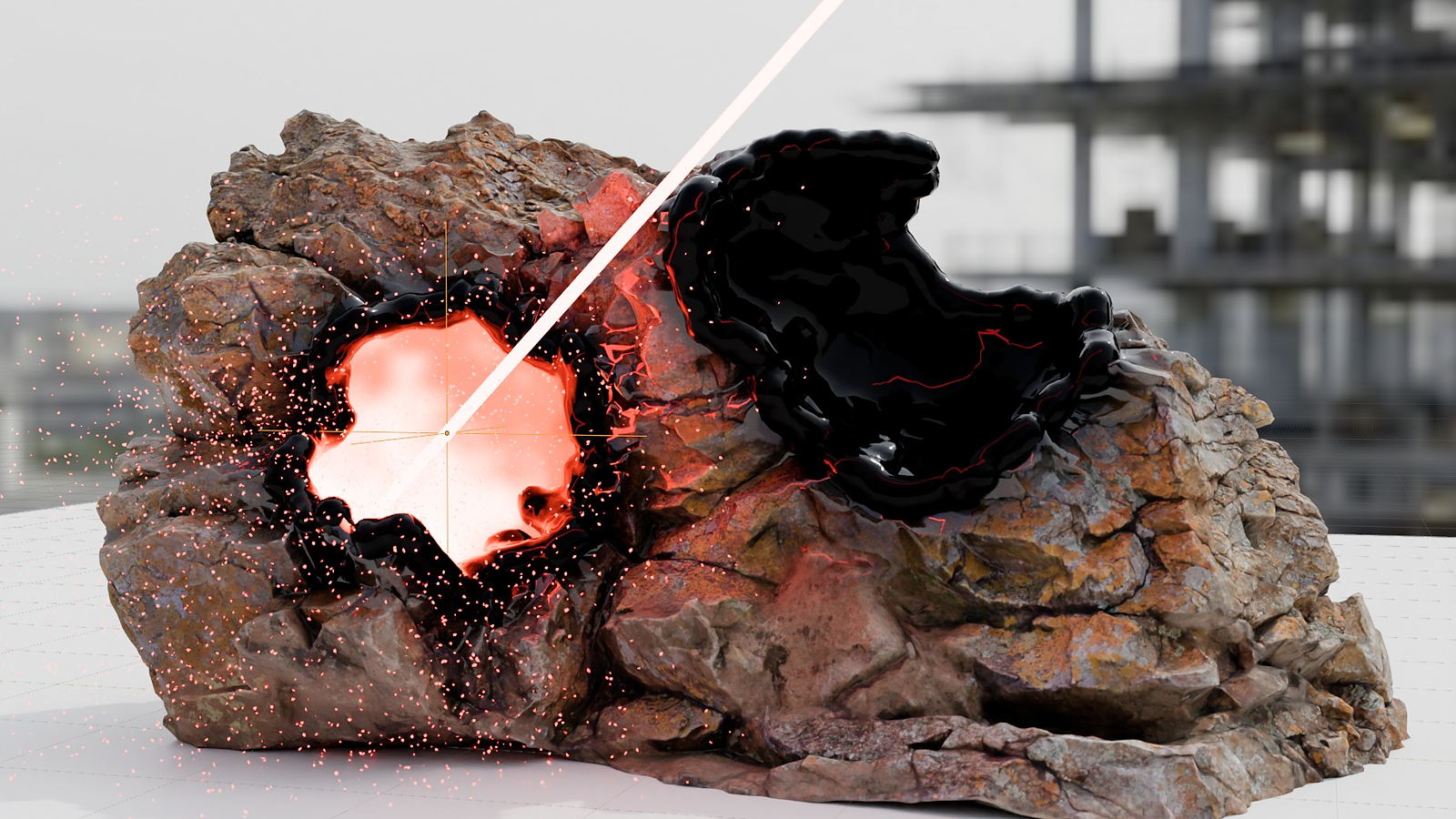
Then the final exercise, four parts long: a mining laser that melts a boulder into glowing goop using everything the course covers. Boolean operations, particle systems, and proximity fields, combined into one working tool.
|

|
Domains & the Spreadsheet
Every vertex, edge, and face has a home. This is what that home looks like.
|
Outcomes
What you will actually learn
The Geometry Nodes UI and data types. What kind of information actually flows through the wires, before you touch a single node.
Domains and the Spreadsheet. Where data lives, vertex, edge, face, or face corner, and how to read it directly instead of guessing.
Points, selections, and vector math. Move things through 3D space with intent, built and tested with your own vector visualizer tool.
Procedural mesh operations. Extrude, bevel, select, and delete geometry entirely through nodes.
Curves, volumes, grids, and SDFs. The other kinds of geometry nodes you can build with, beyond meshes.
Instances, proximity, and raycasting. Place, distribute, and query geometry based on where things actually are in space.
Simulation zones: particles, hair, cloth, and XPBD. Add time and physics-like behavior directly inside a node tree.
Building your own tools and gizmos. Package a node setup into something reusable, with interactive handles in the viewport.

|
Building the Mining Laser
A Boolean Operation frame doing the actual melting, wired inside the final exercise.
|
35 lessons / 4 chapters
Curriculum
Chapter 01 / The Language of Nodes
12 lessons
UI, data types, the spreadsheet and domains, points, selections, ID versus index, map range, and vector math, all building toward a vector visualizer you construct yourself.
Chapter 02 / Building With Nodes
10 lessons
Procedural mesh operations, curves, volumes, grids and SDFs, instances, geometry proximity, raycasting, then a scatter exercise and a full drip-and-splat goop system.
Chapter 03 / Simulation
6 lessons
Simulation zones, particle systems, deleting particles, velocity, hair and cloth, and the XPBD solver.
Chapter 04 / Tools & The Final Exercise
7 lessons
Creating custom tools and gizmos, then a four-part final exercise: the mining laser that melts a boulder into goop.
Free preview
Watch Spreadsheet & Domains free
Nine and a half minutes on the single vocabulary word that unlocks everything else in Geometry Nodes: domain. Once this clicks, node graphs stop being a memorization exercise. No signup.
Watch the lesson
 |
Your instructor
Chris Bailey
Chris teaches the modeling, sculpting, materials, texturing, animation, and geometry nodes track across CORE. This is the capstone course, and it leans on Materials, Texturing, and Mesh Modeling more than any other course in the series.
New to CORE and starting here anyway? Chris explains things as he goes, but you will get more out of this course after the others.
|
| Blender version |
5.2 LTS (works in 4.2 LTS) |
| Lessons |
35 videos, 7h 00m |
| Quality |
1080p, stream or download |
| Captions |
English and Spanish |
| Project files |
Included, every exercise plus the final mining laser scene |
| Platforms |
Windows, macOS, Linux |
| Access |
Lifetime, no subscription |
| Also available in |
The CORE bundle, all 11 courses |
The longest course in CORE. Seven hours reflects genuine scope, not padding, since this is the series capstone.
Questions
Do I need to take the other CORE courses first?
Strongly recommended, especially Materials, Texturing, and Mesh Modeling. Chris calls these out directly in the intro. You can start here, but concepts from those courses come up regularly.
Is this a modeling course or a simulation course?
Both, in sequence. It starts with modeling operations done procedurally, then moves into simulation zones (particles, hair, cloth) in chapter three. The final exercise uses pieces of everything.
Do I need to know math for vector operations?
Basic arithmetic is enough. The course builds a vector visualizer tool specifically so you can see what each operation does rather than compute it by hand.
Will this work in Blender 4.2 LTS?
Mostly, though several GN-based modifiers and workflow improvements landed in 5.0 and are not present in 4.2. The core concepts, domains, fields, attributes, are unchanged.
Is this the same as the version I already own?
No. Geometry Nodes were not covered in CORE 4.2. This is a brand new course and an addition to the CORE series.
How long is the final exercise?
About 87 minutes across four parts. It is the longest single project in CORE, by design, since it is meant to combine everything.
I want more than one course. Is there a bundle?
Yes.
CORE is all 11 courses as a single one-time purchase. Buy up to four courses individually and you come out ahead. Past that, the bundle breaks even or costs less, and all eleven bought one at a time run to more than twice the bundle price. CORE is also included with an annual CG Cookie subscription if you would rather stream than own.
What if I get stuck?
Post in the CG Cookie community. Instructors are active there and questions get answered.
Course 11 of 11
You’ve finished CORE
Geometry Nodes is the last course in CORE: modeling, sculpting, lighting, materials, texturing, animation, rigging, physics, compositing, grease pencil, and geometry nodes. If you have taken all eleven, you have a genuine fundamentals education in Blender.
See the full CORE bundle
Past four courses, the bundle is the better buy. One purchase, keep it forever.

Teaching Blender since 2008
 CG Cookie