CORE / Fundamentals / Grease Pencil COURSE 10
Draw in 3D space.
Animate it there too
19 lessons on Blender’s 2D drawing and animation toolset, from your first stroke to a fully lit, multi layered illustration. Custom brushes, in-betweening, and effects, all without leaving Blender.
The gap
You draw in Photoshop.
You render in Blender.
So every illustration crosses an export, an import, and a format that never quite survives the trip. Layers flatten wrong, the file gets bigger, and the 3D scene you wanted to draw into stays a flat backdrop rather than a real space.
Grease Pencil is a genuine drawing surface inside Blender, not a bolt on. Strokes exist as real 3D data with their own materials, so a drawing can sit inside a camera move, catch scene lighting, or be inked directly onto a rendered 3D character.
Paul spends chapter one on exactly that: what a stroke, fill, and material actually are, before animation or custom brushes come up at all.
That is a foundation problem, and the foundation is the shortest chapter in the course.
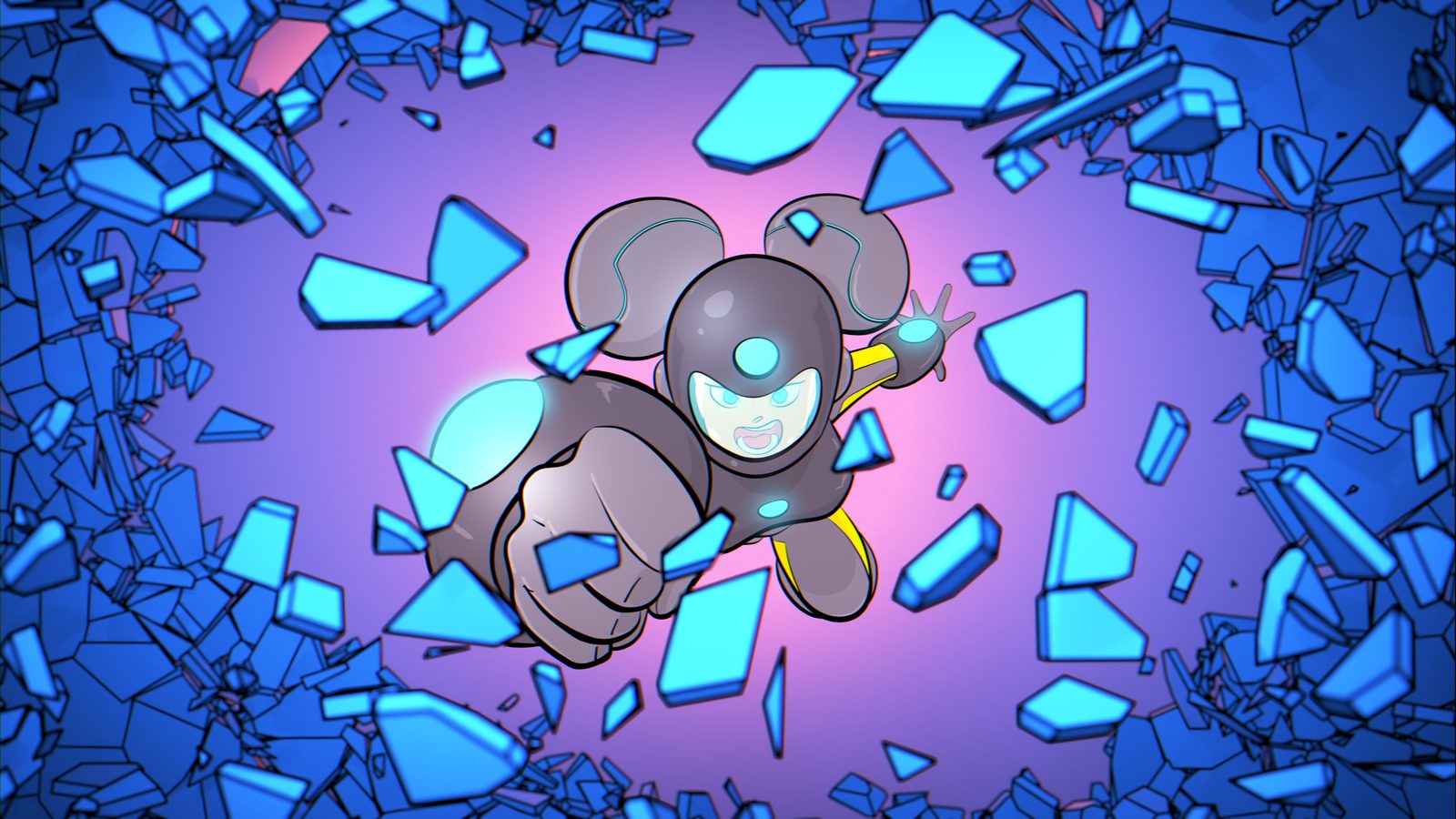
One illustration, four stages
What you will be able to build
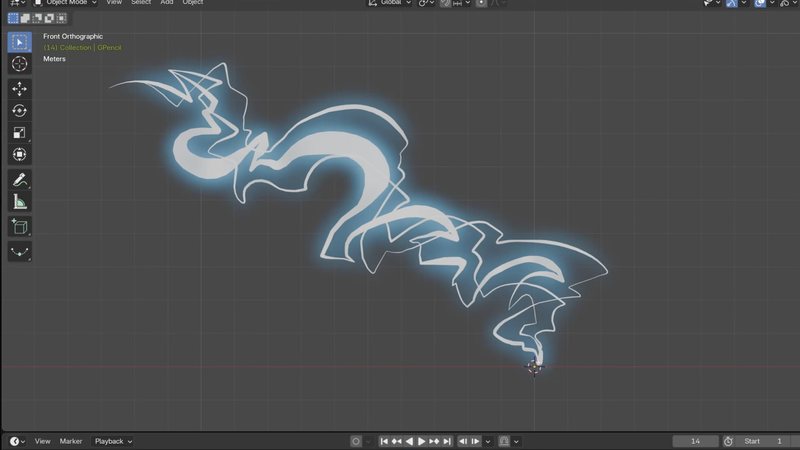
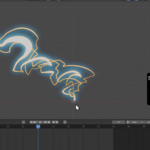
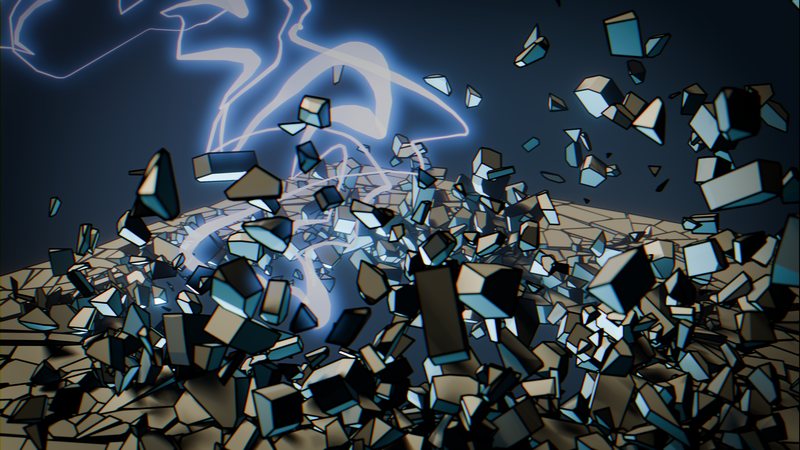
01 / A Lightning Bolt
A single glowing stroke animated across the frame, built and re-drawn by hand
02 / Luna, Inked and Flatted
The rough sketch inked, flatted, and organized into layers and color groups
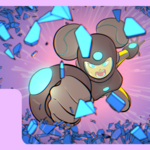
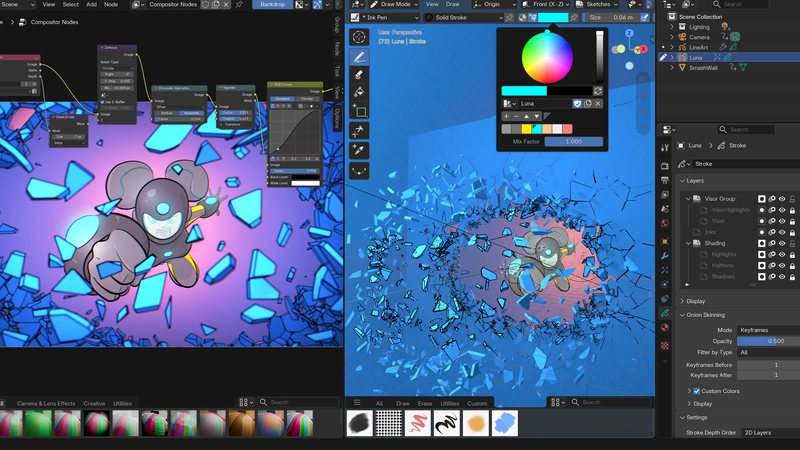
03 / Luna, Lit and Composited
Area and point lights, a volumetric world, then a compositor pass to finish it
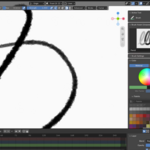
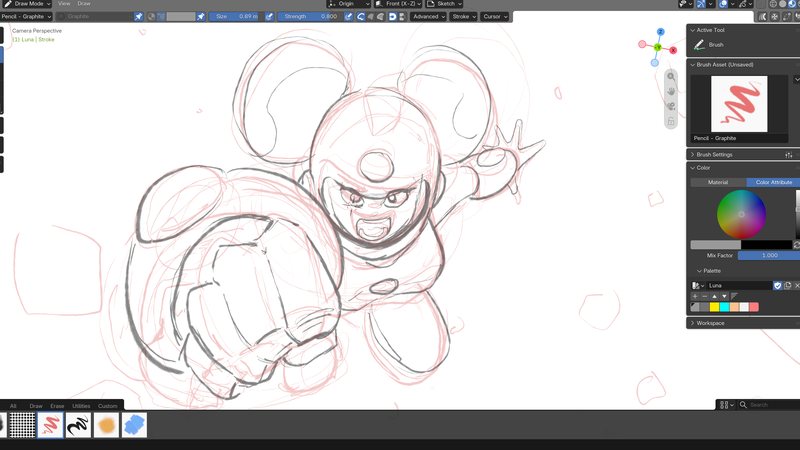

04 / The Rough Sketch
Where every illustration in this course actually starts
 |
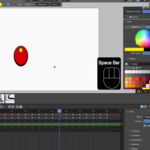
Plus a rolling ball and a bouncing ball, the two short animation exercises that come before Luna, and a custom brush you build and save yourself in chapter two. The final project runs sketch, ink, light, composite, in that order, across six lessons.
|
|
Ink Luna!
Learn the tips and tricks from Paul that make your drawings look pretty rad. :)
|
Outcomes
What you will actually learn
The 2D animation workspace. Blender’s built in preset for drawing: a white world, a forward facing camera, and a grease pencil object already set to draw mode.
Strokes, fills, and materials. What makes a grease pencil material different from any other, and how line type, style, holdout, and self-overlap each change a stroke.
Layers, groups, and drawing planes. Organizing an illustration so it stays editable, and understanding the plane and how a stroke actually gets drawn onto in 3D space.
Modifiers and effects. The grease pencil specific modifier stack, for effects that would take far longer to draw by hand frame by frame.
Building your own brush. How brushes actually work in Blender 5.2, saving a modified one, and building a custom brush from nothing, then sharing it as a brush asset.
Animating at the object and layer level. A rolling ball and a bouncing ball as controlled exercises, plus how "in-betweening" works for hand drawn motion.
A complete illustration workflow. Sketch, ink, and flat color across a multi-layered file, the same pipeline a working 2D illustrator already uses, done natively in Blender.
Lighting and compositing a 2D illustration. Scene lights and a volumetric world interacting with flat strokes, finished with a real compositor pass rather than a flat export.
|
Lighting & Compositing
Volumetric world lighting plus area and point lights hitting a grease pencil character, finished with defocus, chromatic aberration, and a vignette.
|
19 lessons / 4 chapters
Curriculum
Chapter 01 / Grease Pencil Fundamentals
7 lessons
The 2D animation preset, the toolbox and default brushes, strokes, fills, materials and color attributes, layers and groups, modifiers and effects, and drawing planes.
Chapter 02 / Working With Brushes
4 lessons
How brushes work in 5.2, saving a modified brush, building a custom brush from scratch, and working with brush assets.
Chapter 03 / Animation
3 lessons

A rolling ball and a bouncing ball as controlled exercises, then animating a full lightning bolt stroke by hand.
Chapter 04 / The Illustration Project
5 lessons
One illustration start to finish: revisiting setup, sketching the artwork, inks and flats, lighting, and a final compositing and rendering pass.
Free preview
Watch The 2D Animation Preset free
Five and a half minutes on the workspace everything else in this course builds on: a white world, a forward facing camera, and a grease pencil object already set to draw mode. No signup.
Watch the lesson
 |
Your instructor
Paul Caggegi
Paul built this course around a single running illustration, Luna, so every tool introduced in the first three chapters gets put to real use in the project that closes the course out.
A keyboard and mouse work fine throughout, though Paul recommends a drawing tablet or pen display if you have one.
|
| Blender version |
5.2 LTS |
| Lessons |
19 videos, 1h 51m |
| Quality |
1080p, stream or download |
| Captions |
English and Spanish |
| Project files |
Included, every exercise plus the Luna illustration at each stage |
| Recommended hardware |
Keyboard and mouse work; a drawing tablet or pen display is better |
| Platforms |
Windows, macOS, Linux |
| Access |
Lifetime, no subscription |
| Also available in |
The CORE bundle, all 11 courses |
The shortest course in CORE alongside Compositing. Grease Pencil is a new addition to this series, scoped to get you drawing and animating quickly rather than covering everything the toolset can do.
Questions
Do I need to take the other CORE courses first?
No. Grease Pencil is largely self contained, and every exercise supplies its own start file. The final project does render its illustration with scene lights, so basic familiarity with lighting helps but is not required.
Do I need a drawing tablet?
No, a keyboard and mouse work throughout the course. Paul recommends a tablet or pen display for a better drawing feel, particularly once pressure sensitive brushes come up, but nothing in the curriculum requires one.
Is this 2D animation or 3D animation?
Both, in the sense that grease pencil strokes are real 3D data. This course focuses on 2D drawing and hand animation technique, the rolling ball, bouncing ball, and lightning bolt exercises, rather than rigging a grease pencil character with bones.
What is a brush asset?
A saved brush that can be reused across files or shared with someone else, rather than living only inside the file you built it in. Chapter two covers building one from scratch and saving it as an asset.
Will this work in Blender 4.2 LTS?
Mostly. Grease Pencil 3.0, the current object type, is unchanged in its fundamentals between 4.2 and 5.2, so the drawing and animation lessons carry over well. Some brush asset panel locations have moved.
Is Grease Pencil new to CORE?
Yes. Along with Geometry Nodes, this is one of two courses added for the 5.2 LTS rebuild that did not exist in the CORE 4.2 bundle.
I want more than one course. Is there a bundle?
Yes.
CORE is all 11 courses as a single one-time purchase. Buy up to four courses individually and you come out ahead. Past that, the bundle is the better deal, and all eleven bought one at a time run to more than twice the bundle price. CORE is also included with an annual CG Cookie subscription if you would rather stream than own.
What if I get stuck?
Post in the CG Cookie community. Instructors are active there and questions get answered.
Course 10 of 11
Pick up the pencil
Grease Pencil is course ten of eleven in CORE: modeling, sculpting, lighting, materials, texturing, animation, rigging, physics, compositing, grease pencil, and geometry nodes. Take them one at a time, or take the whole spine.
See the full CORE bundlePast four courses, the bundle is the better buy. One purchase, keep it forever.

Teaching Blender since 2008
 CG Cookie