CORE / Fundamentals / Materials & Shading COURSE 04
Make anything
look real
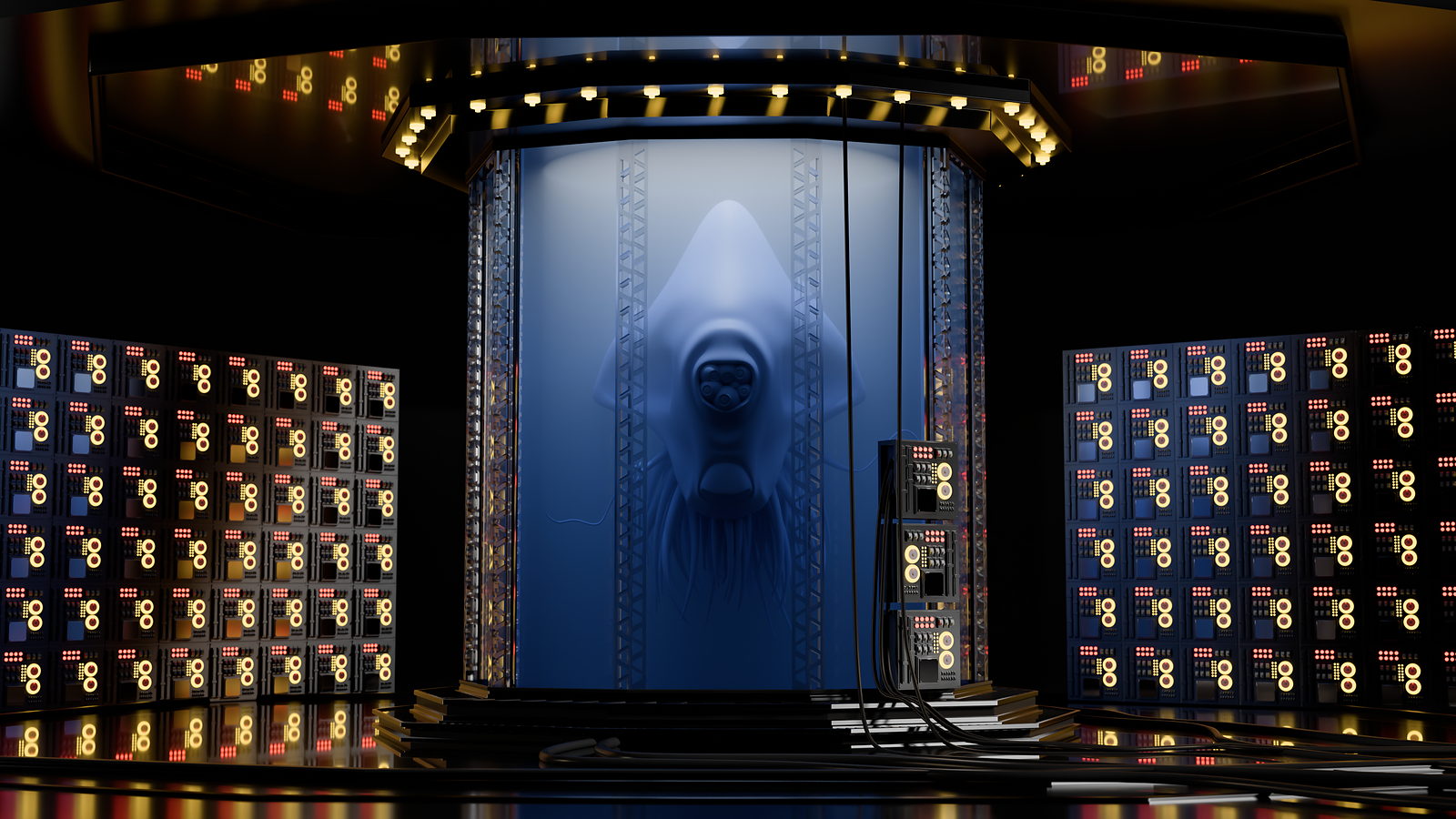
29 lessons on the shaders behind every surface you have ever seen in a render: glass, skin, metal, smoke, hair. Then you put it all to use shading the alien and the specimen tank from Mesh Modeling. Rebuilt for Blender 5.2 LTS.
The gap
Your renders look plastic.
You cannot say why.
You crank the roughness slider until it looks less wrong. It still looks wrong. Metal reads like grey plastic, glass reads like grey plastic, skin reads like grey plastic with worse intentions.
That is because a surface is not one setting. It is an argument between several: how it bounces light, how much it lets through, how that changes at a glancing angle. Get one of those wrong and the whole illusion falls apart, even if you cannot point to which one.
This course is that argument, broken into its parts, so you can win it on purpose instead of by accident.
That is a shading problem, and it has a fairly short list of actual answers.
Four surfaces
What you will be able to fake convincingly
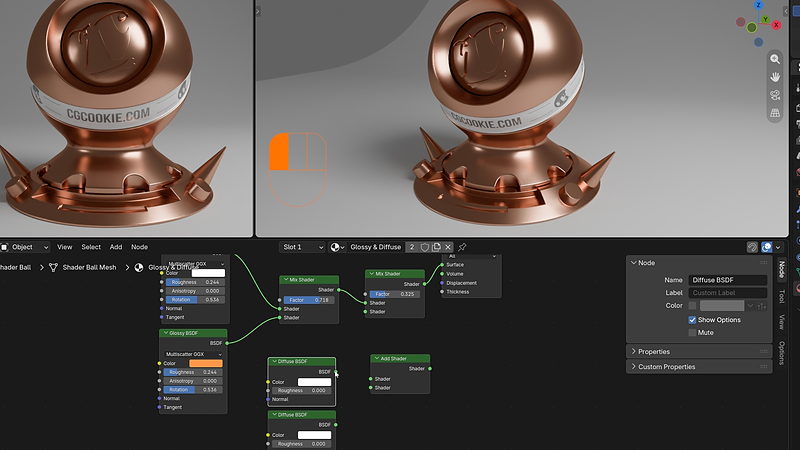
01 / Glossy & Diffuse
Brushed metal, mixed and layered
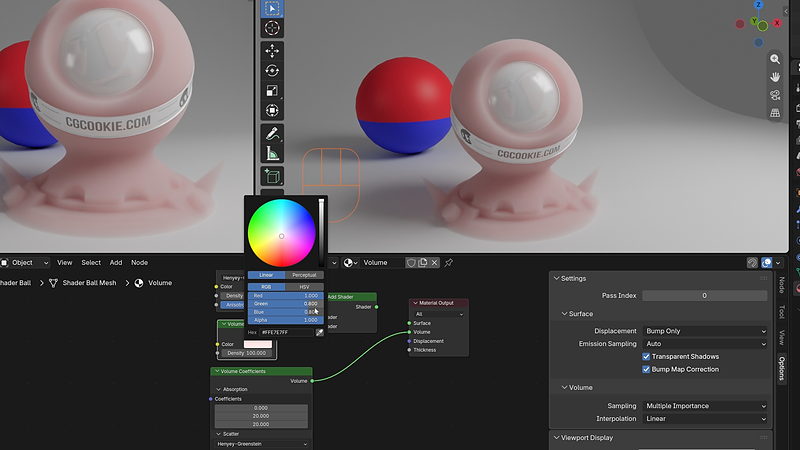
02 / Volume & Scatter
Wax, marble, anything light gets lost inside
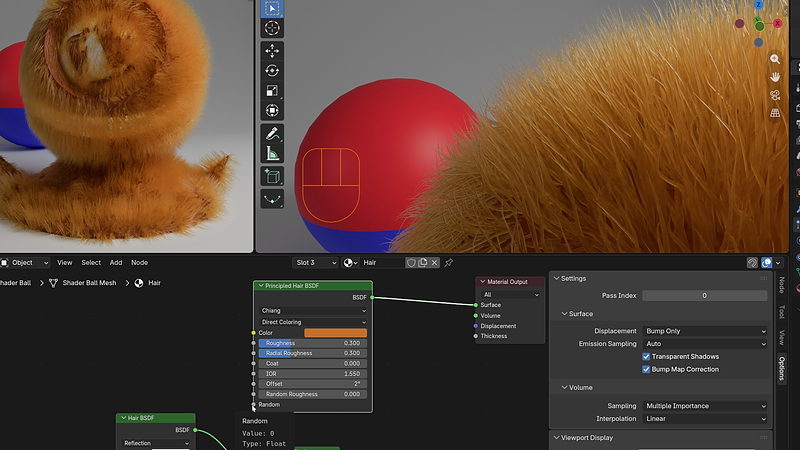
03 / Principled Hair
Fur, fuzz, anything with strands
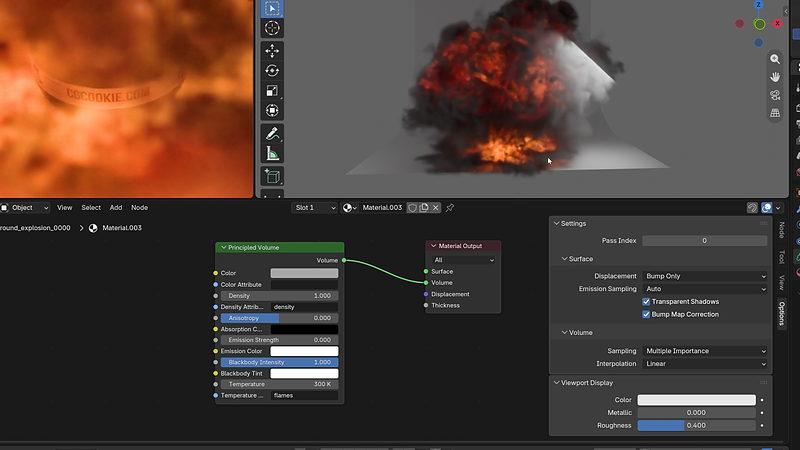
04 / Principled Volume
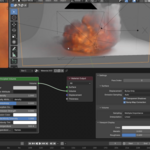
Smoke and fire, from a density grid
 |
Then Chapter 04’s final challenge: shade the entire specimen lab from Mesh Modeling yourself. No solution file. Anisotropy and glowing buttons strongly encouraged.
|
|
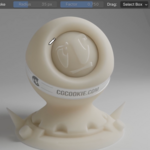

Shader Ball
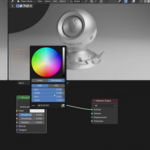
Every shader in this course gets tested on the same ball first, before it touches anything you actually care about.
|
Outcomes
What you will actually learn
What a shader is, and how nodes build one. The Shader Editor, materials versus shaders, and assigning materials to different parts of a model.
Glossy, Diffuse, and how mixing beats picking one. Real surfaces are almost never a single shader. Mix and Add Shader nodes, explained.
Anisotropy, or why a DVD looks like that. Scratched metal, brushed steel, hair. One setting, more useful than it sounds.
Transparency, refraction, and glass that reads as glass. Not just clear. Glass has a very specific way of bending and holding onto light.
Subsurface scattering and translucency. Skin, wax, marble, a leaf held up to the sun. Light that goes in and comes out somewhere else.
Volumes: scatter, absorption, and Principled Volume. Smoke, fire, and fog, built from density grids instead of surfaces.
Fresnel, the effect that is on every single object. Subtle, universal, and the reason flat-looking renders start looking dimensional.
Organizing a node graph you can still read in six months. Frames, reroutes, and node groups, so your shaders do not become a plate of spaghetti.
|

Shader Ball
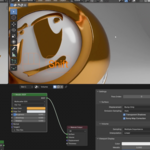
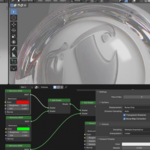
A node graph feeding a material, changing live in the viewport as it is built. This is most of the course, honestly.
|
29 lessons / 4 chapters
Curriculum
Chapter 01 / Introduction & Setup
5 lessons
How materials imitate light, creating and assigning materials, the Shader Editor, and the render settings that affect how everything downstream will look.
Chapter 02 / Shader Types
13 lessons
Glossy, Diffuse, Emission, Transparent, Holdout, Mix and Add, Refraction and Glass, Translucency, Subsurface Scattering, Metallic BSDF, Ray Portal, Volume Scatter and Absorption, Sheen and Toon. Every shader node, one at a time, then a practice lesson putting them together.
Chapter 03 / Realism & The Principled Shader
6 lessons
Fresnel, the effect hiding in every material you have ever looked at. Then the Principled BSDF, Principled Hair, and Principled Volume shaders, plus a full shading exercise on the alien and the specimen tank.
Chapter 04 / Organization & The Challenge
5 lessons
Organizing complex node graphs, custom user input, node utilities, sharing materials between files, and the final challenge: shade the whole lab yourself.
Free preview
Watch Fresnel & Roughness free
Six minutes on the effect that exists on every object in the world, including the mug on your desk right now. It is the single biggest reason a render starts looking dimensional instead of flat. No signup.
Watch the lesson
 |
Your instructor
Chris Bailey
Chris teaches the modeling, sculpting, materials, texturing, animation, and geometry nodes track across CORE. This course builds on material written by CG Cookie co-founder Jonathan Lampel, expanded and re-recorded for 5.2 LTS.
Built to pair directly with Fundamentals of Texturing. Materials first, textures second. Doing it the other way around mostly just causes confusion.
|
| Blender version |
5.2 LTS (works in 4.2 LTS) |
| Lessons |
29 videos, 3h 18m |
| Quality |
1080p, stream or download |
| Captions |
English and Spanish |
| Project files |
Included, plus the specimen tank & alien |
| Platforms |
Windows, macOS, Linux |
| Access |
Lifetime, no subscription |
| Also available in |
The CORE bundle, all 11 courses |
No prior materials knowledge assumed. If you can assign a color to an object, you are ready.
Questions
Do I need Mesh Modeling first?
No, though the final project shades the specimen tank and alien from that course. Project files are included here too, so you can jump straight in.
Is this the same as texturing?
No, and this trips people up constantly. Materials are the shaders, the fundamental physical behavior of a surface. Textures are the images and maps you feed into those shaders. Take this course first.
Will this work in Blender 4.2 LTS?
Yes. A few panels have moved and EEVEE has picked up some speed, because Blender does that. The shader nodes themselves are identical.
Is this the same as the version I already own?
No. This is rebuilt for 5.2 LTS with new recordings and updated coverage. If you own the CORE 4.2 bundle, check your loyalty pricing.
Do I need to be good at math?
No. There is a little light color math, nothing beyond what you already do without thinking about it.
Am I ever going to use the Ray Portal shader?
Almost certainly not, and the course says so outright. It is covered because it is genuinely interesting, not because you need it.
I want more than one course. Is there a bundle?
Yes.
CORE is all 11 courses as a single one-time purchase. Buy up to four courses individually and you come out ahead. Past that, the bundle costs less, and all eleven bought one at a time run to more than twice the bundle price. CORE is also included with an annual CG Cookie subscription if you would rather stream than own.
What if I get stuck?
Post in the CG Cookie community. Instructors are active there and questions get answered.
Course 04 of 11
CORE continues
Materials & Shading is course four of eleven. CORE is the whole path: modeling, sculpting, lighting, materials, texturing, animation, rigging, physics, compositing, grease pencil, and geometry nodes, in the order that actually builds on itself.
See all 11 coursesPast five courses, the bundle is the cheaper buy. One purchase, keep it forever.

Teaching Blender since 2008
 CG Cookie