CORE / Fundamentals / Rigging COURSE 07
Learn the parts, not the recipe
43 lessons from a single bone to a full biped character rig. Armatures, weight painting, drivers, every constraint worth using, and six builds along the way. Rebuilt for Blender 5.2 LTS.
The gap
You followed the tutorial.
You cannot fix the rig.
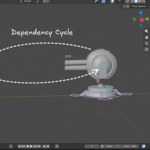
The bones go in, the character bends, and it feels like a win. Then you change something and a shoulder tears open, or Blender announces a dependency cycle and declines to elaborate.
Copying steps gets you one working rig. It does not tell you which bone was doing which job, why the constraint stack cared about its order, or which of the settings you touched is the one that broke it.
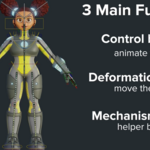
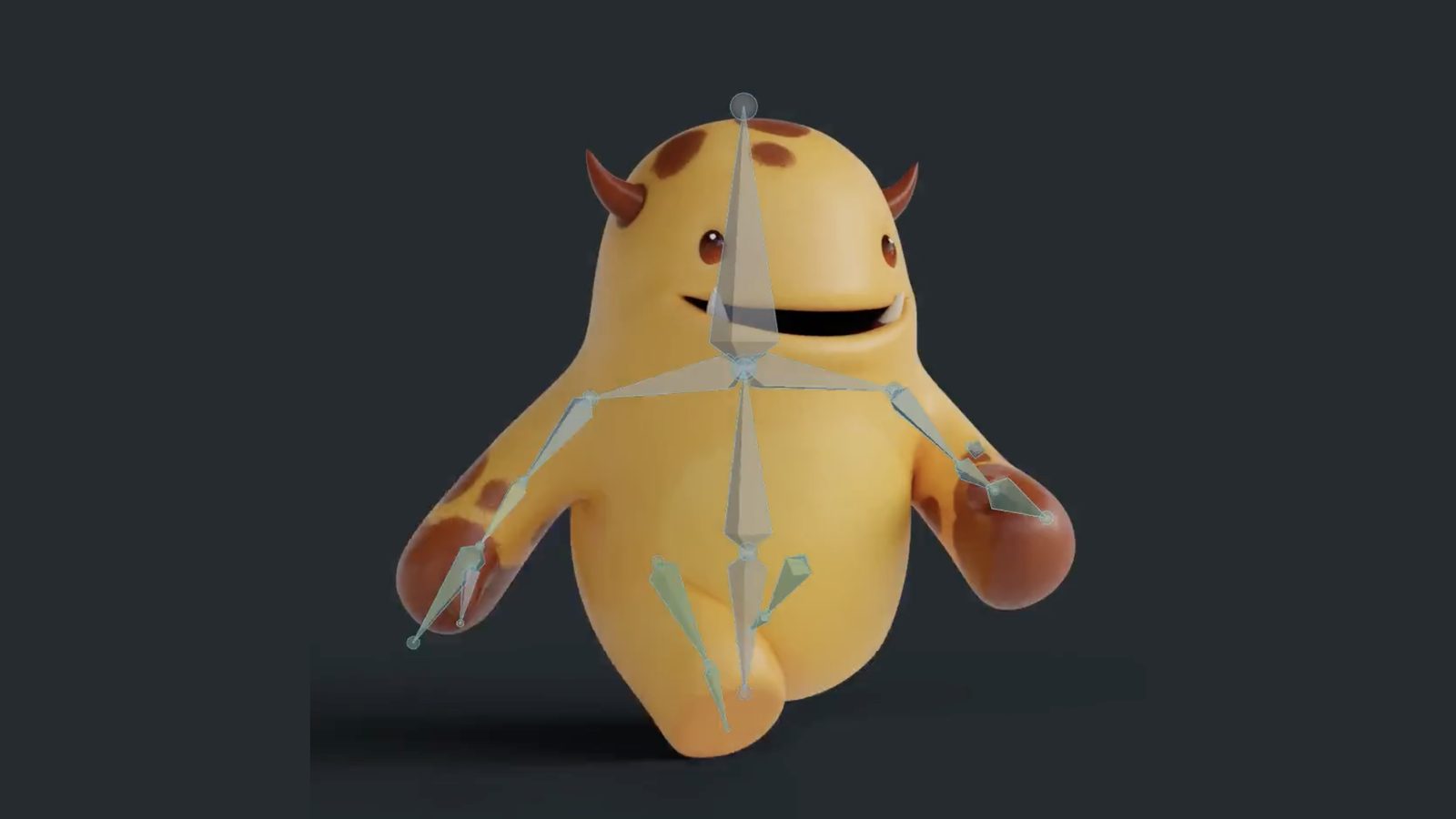
So Wayne names things first. Every bone in any rig has one of three jobs: control, deformation, or mechanism. Every connection between them is made one of three ways. Once you can point at a bone and say what it is for, a broken rig stops being a mystery and turns into a list of things to check.
That is a vocabulary problem, and this course teaches the vocabulary before the rigs.
Six builds
What you will be able to build
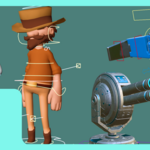
01 / Crane Arm Rig
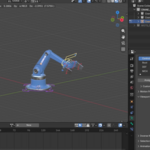
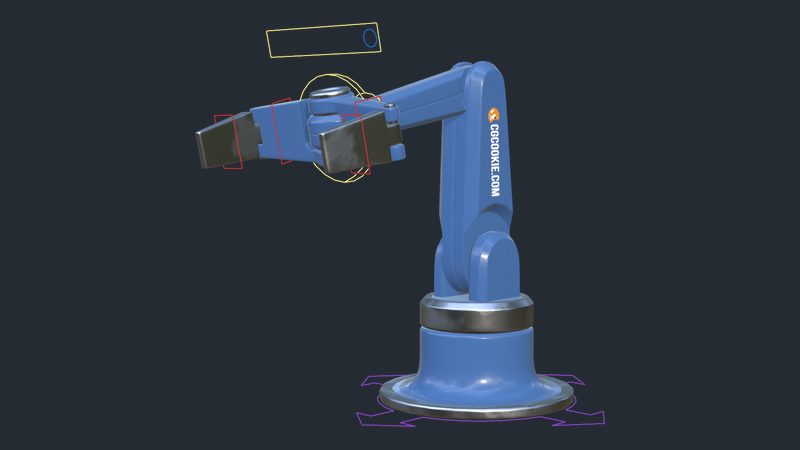
Tracking and IK together, plus an action constraint that works the clamps
02 / Gun Turret Rig
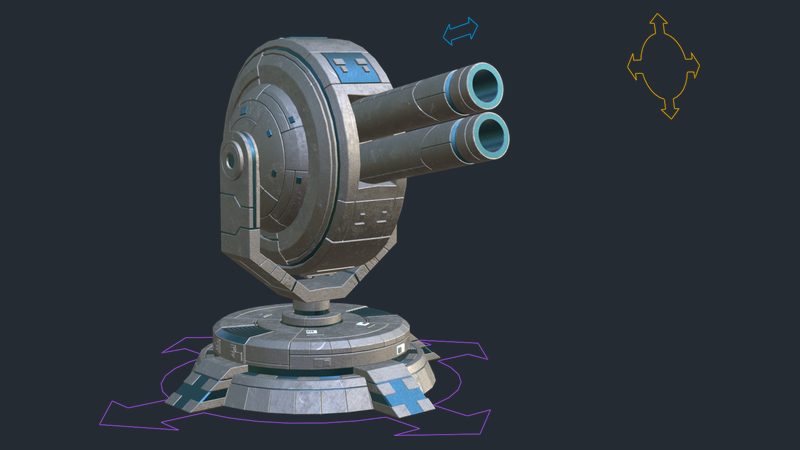
Two axis tracking on six bones, with no weight painting at all
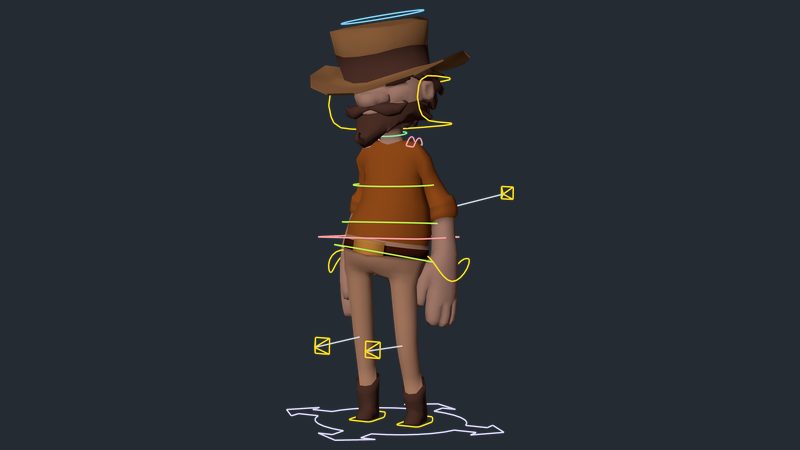
03 / The Wrangler
A full biped character, from bare mesh to animation ready
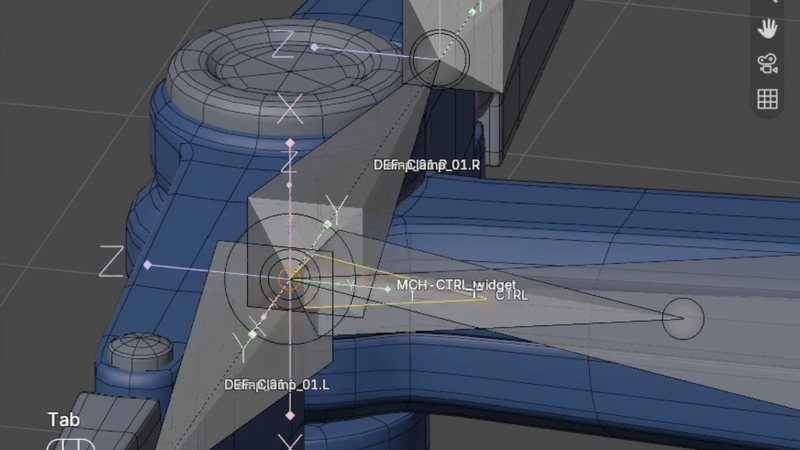
04 / Inside The Rig
Deform, mechanism, and control bones doing the work nobody sees
 |
Before those, three warm ups: a bone that pins itself between two moving targets, an IK leg with a pole vector for the knee, and a bendy stretchy rig built from a single bendy bone. Chapter five is nothing but building, and every build ships with a start file.
|
|

Gun Turret Rig
Around six bones, no weight painting at all. Bone parenting and tracking constraints doing every bit of it.
|
Outcomes
What you will actually learn
Armatures, from scratch. Build one bone at a time and know what each one is for, instead of inheriting a rig you cannot read.
Control, deformation, and mechanism bones. Three jobs, and every bone in every rig has exactly one of them. Tell them apart on sight.
Naming conventions that pay off later. Prefixes, chains, and sides, set up so mirroring and symmetrize simply work. Aligned with Rigify on purpose.
Weight painting by hand. Tools, settings, auto normalize, and the edge loop technique for clean falloff at a joint. Two dedicated exercises before you do it for real.
Inverse kinematics you can debug. Chain length and pole vectors, with the mistakes worth making on a practice leg rather than on your character.
Drivers and custom properties. Wire a property to a constraint and use it as an on and off switch, which is how drivers earn their keep in rigging.
Constraints, all of them. A full reference chapter, one lesson per constraint, from copy location through to the geometry attribute constraint added in Blender 5.0.
Rigs an animator can actually use. Custom bone shapes, bone collections, and controls locked down, because the animator is the one who has to live with it.
|

Weight Paint: Monkey Head
Auto normalize on, weights nudged a couple of percent at a time, one edge loop after another.
|
43 lessons / 5 chapters
Curriculum
Chapter 01 / Before You Begin
2 lessons
Whether this course is for you, then the user preferences Wayne records with, so his screencast keys still make sense when yours behave differently.
Chapter 02 / Armatures And Bones
8 lessons
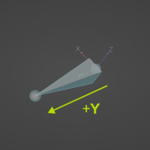
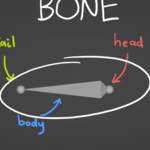
What a rig actually is, the anatomy of an armature, bone collections, colors and tools, then connecting an armature to a mesh the long way so you understand what the quick way is doing for you.
Chapter 03 / The Concepts That Make Rigs Work
10 lessons
Rigging concepts in a nutshell, naming conventions, space, custom properties and drivers, custom bone shapes, the Bone Widget add-on, and four lessons on weight painting.
Chapter 04 / The Constraint Reference
16 lessons
Every bone constraint worth using, one at a time: copy and limit transforms, tracking, IK and Spline IK, stretch to, action, armature, child of, floor, geometry attribute, and shrink wrap. Built to be returned to, not binged.
Chapter 05 / The Projects
7 lessons
Six builds: a bone pinned between two targets, an IK leg, a bendy stretchy rig, the gun turret, the crane arm, and the Wrangler biped across two long lessons.
Free preview
Watch Rigging Concepts In A Nutshell free
Six minutes on the three jobs any bone can have and the three ways to connect them. It is the lesson the rest of the course hangs off, and it needs nothing installed to follow. No signup.
Watch the lesson
 |
Your instructor
Wayne Dixon
Wayne has been rigging and animating in Blender for well over a decade, and he wrote Bone Widget, the free add-on used throughout this course to build custom bone shapes. The exact version he records with ships inside the course files.
He teaches rigging from the animator side of the fence, which is the correct side, since the animator is the one who has to live with whatever you hand over.
|
| Blender version |
5.2 LTS (mostly works in 4.2 LTS) |
| Lessons |
43 videos, 6h 36m |
| Quality |
1080p, stream or download |
| Captions |
English and Spanish |
| Project files |
Included, a start file for every build plus the Bone Widget add-on |
| Platforms |
Windows, macOS, Linux |
| Access |
Lifetime, no subscription |
| Also available in |
The CORE bundle, all 11 courses |
Chapter four is a reference, not a binge. Most people meet it once, then come back whenever a rig needs a constraint they have not used before.
Questions
Do I need to take the other CORE courses first?
No. A start file is supplied for every build, the Wrangler character included, so nothing here waits on your own modeling. Mesh Modeling helps you understand what you are deforming, but it is not a gate.
Is this character rigging or mechanical rigging?
Both, in that order. The turret and the crane arm are mechanical, and they teach parenting, tracking, and drivers without a single weight to paint. The Wrangler is a biped character. The overlap between the two is larger than most people expect.
Does this cover Rigify?
No, and that is deliberate. Rigify generates a rig for you, and a generated rig is very hard to debug if you do not already know what the parts do. The naming convention Wayne teaches is aligned with Rigify on purpose, so nothing you learn here has to be unlearned later.
Do I need to write Python?
No. The crane arm rig finishes with an optional script that adds buttons for toggling bone collections. It is marked as a taster and skipping it costs you nothing.
Will this work in Blender 4.2 LTS?
Mostly. The geometry attribute constraint arrived in Blender 5.0 and the Spline IK chain limit was raised in 5.2, so those two lessons will not match. Everything else, bones, weights, drivers, and the rest of the constraints, is unchanged.
Is this the same as the version I already own?
No. This is rebuilt for 5.2 LTS with new recordings and updated coverage. If you own the CORE 4.2 bundle, check your loyalty pricing.
I want more than one course. Is there a bundle?
Yes.
CORE is all 11 courses as a single one-time purchase. Buy up to four courses individually and you come out ahead. Past that, the bundle costs less, and all eleven bought one at a time run to more than twice the bundle price. CORE is also included with an annual CG Cookie subscription if you would rather stream than own.
What if I get stuck?
Post in the CG Cookie community. Instructors are active there and questions get answered. Wayne also asks for submissions at the end of the builds, so there is somewhere to put the rig once it works.
Course 07 of 11
Now it can move
Rigging is course seven of eleven in CORE: modeling, sculpting, lighting, materials, texturing, animation, rigging, physics, compositing, grease pencil, and geometry nodes. Take them one at a time, or take the whole spine.
See the full CORE bundlePast five courses, the bundle is the cheaper buy. One purchase, keep it forever.

Teaching Blender since 2008
 CG Cookie