CORE / Fundamentals / Digital Sculpting COURSE 02
Sculpt anything in Blender
From a digital ball of clay to a refined sculpture, 20 lessons take you through every brush, every workflow, and a full character sculpt. Rebuilt for Blender 5.2 LTS.
The gap
You can push clay all day.
It still looks like clay.
You know the brushes. You have watched someone else sculpt a face in twenty minutes and it looked inevitable, like the shape was always in there.
Then you try it yourself, and every stroke either does nothing or does too much. The form never resolves. It just gets lumpier.
That is not a brush problem. Brushes are simple. What is missing is knowing which tool to reach for at which stage, and when to stop pushing and start refining.
That is a forming problem, and almost nobody teaches it in order.
Four skills
What you will learn to do
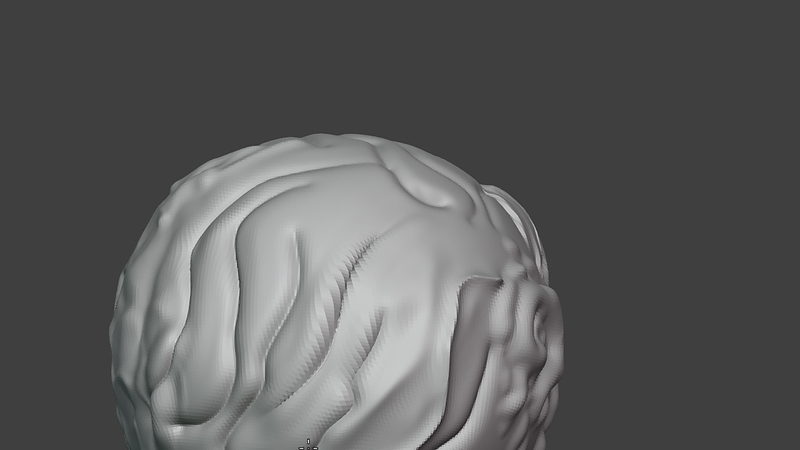
01 / Brush Fundamentals
Every brush, tested
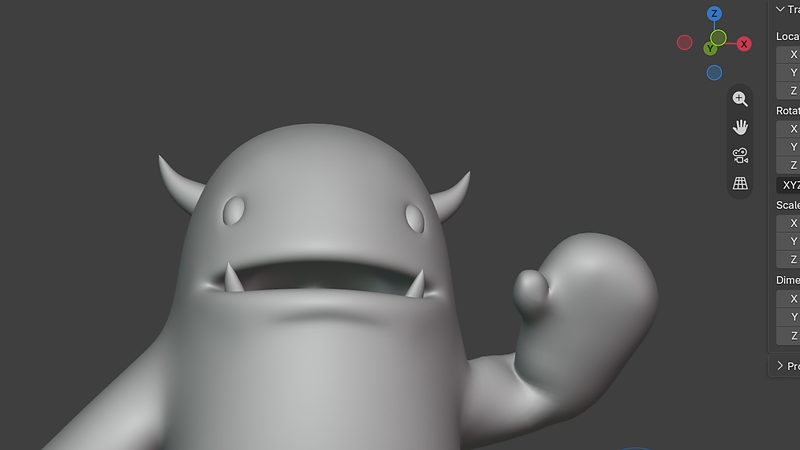
02 / Masking & Posing
Protect it, then pose it
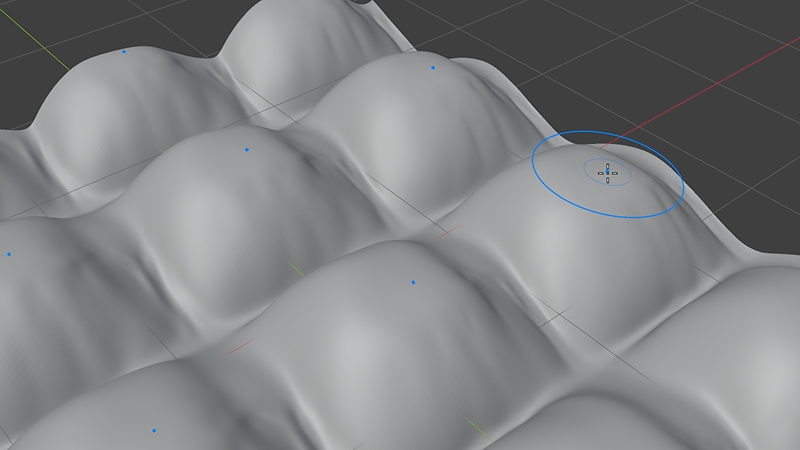
03 / Brush Textures
Stamp in real surface detail
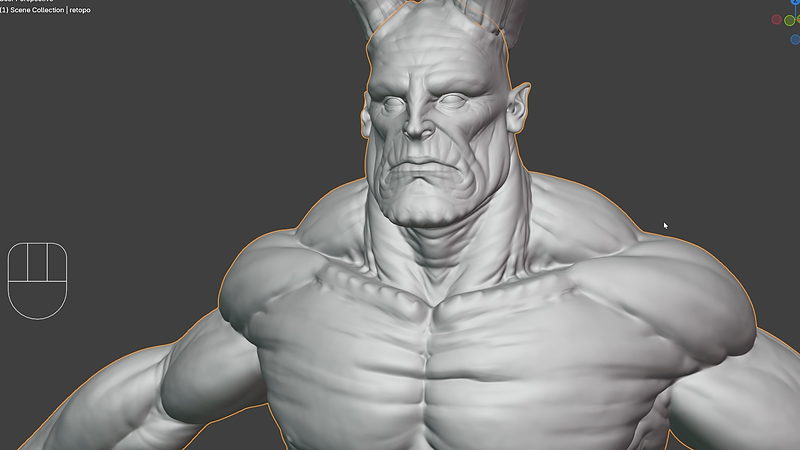
04 / Multires Depth
See how far it can go
 |
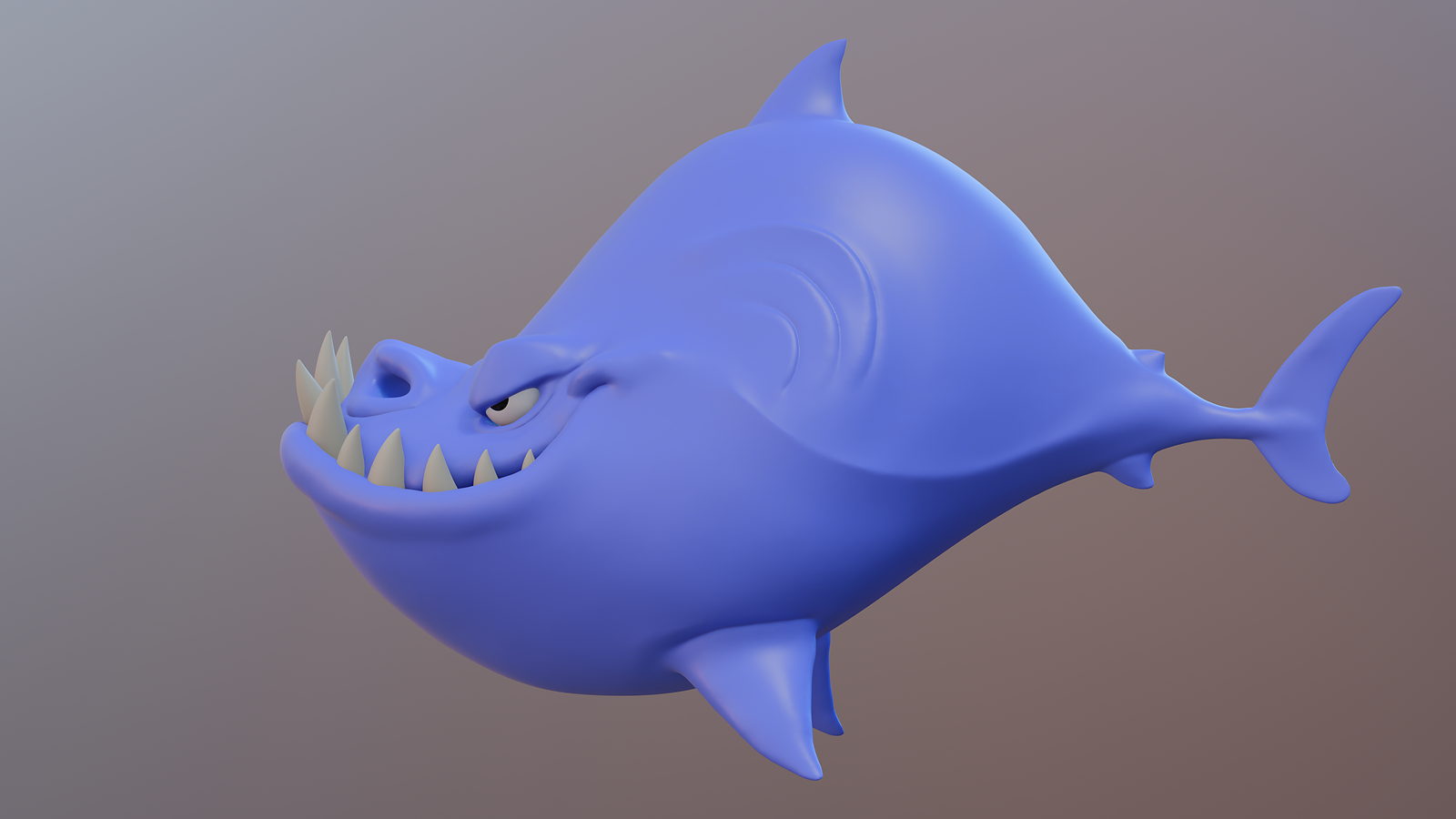


Then Chapter 03: a full character sculpt from a ball of clay to a finished shark. Four lessons, one project, start to finish.
|
|
Chapter 01 / Brush Fundamentals
Inflate, deflate, and the shape starts to breathe.
|
Outcomes
What you will actually learn
Every brush, grouped by what it does. Blue, red, yellow, and purple brush sets, plus cloth, trim, and filter tools. Not memorized, understood.
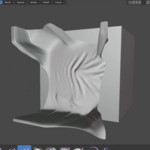
Masking, visibility, and face sets. Protect the parts of a sculpt you are not touching yet, so experiments stay contained.
Posing a finished sculpt. A few tools that turn a static character into one with a moment of personality.
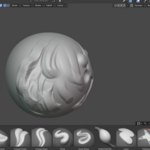
Stroke methods and brush textures. Stamp in surface detail instead of hand-sculpting every pore and wrinkle.
Static mesh, multires, and dynamic topology. Three different kinds of digital clay, when to reach for each, and how to mix them.
Remeshing without losing your sculpt. Voxel remesh and when it is the right call versus multires.
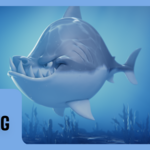
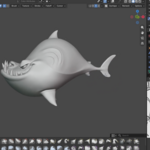
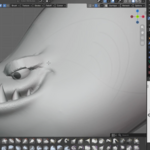
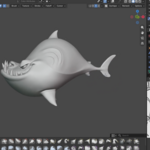
A full character build. The classic CG Cookie shark, sculpted start to finish across four lessons.
Why professional sculpts read as intentional. The forming order that makes a shape look designed instead of discovered by accident.
|
Chapter 01 / Brush Textures
A brush alpha stamping repeatable surface detail in seconds.
|
20 lessons / 3 chapters
Curriculum
Chapter 01 / Sculpt Mode Tools & Features
12 lessons
Mode overview, settings, all four brush groups, masking, posing, stroke methods, brush textures, and tiling. The most ground to cover, and where the real fluency comes from.
Chapter 02 / Digital Sculpting Formats
4 lessons
Static mesh and multires, dynamic topology, voxel remesh, and how to mix all three in one workflow.
Chapter 03 / Sculpting a Shark
4 lessons
Start to finish on a full character sculpt. From a digital ball of clay to a refined, personality-filled creature.
Free preview
Watch Dynamic Topology free
Nine minutes on the sculpting format that lets you add detail anywhere, on demand, with no setup. It is the lesson that makes sculpting click. No signup.
Watch the lesson
 |
Your instructor
Chris Bailey
Chris teaches the modeling, sculpting, materials, texturing, animation, and geometry nodes track across CORE. This course is built on the curriculum Kent Trammell has taught and refined for nine years, re-recorded for 5.2 LTS.
Want to go deeper into character sculpting specifically? Kent’s Human course covers photoreal human sculpting in full.
|
| Blender version |
5.2 LTS (works in 4.2 LTS) |
| Lessons |
20 videos, 3h 45m |
| Quality |
1080p, stream or download |
| Captions |
English and Spanish |
| Project files |
Included, shark + practice sculpts |
| Platforms |
Windows, macOS, Linux |
| Access |
Lifetime, no subscription |
| Also available in |
The CORE bundle, all 11 courses |
A mouse works fine throughout. A pressure-sensitive tablet helps on brush strength, but nothing here requires one.
Questions
Do I need a drawing tablet?
No. Every brush in this course works fine with a mouse. A pressure-sensitive tablet gives you finer control over brush strength, but it is a nice-to-have, not a requirement.
Do I need to know Blender already?
You should be comfortable navigating the interface and selecting objects. This course starts at the very beginning of Sculpt Mode itself.
Will this work in Blender 4.2 LTS?
Yes. A few panels have moved, because Blender does that. The techniques and brushes are identical.
Is this the same as the version I already own?
No. This is rebuilt for 5.2 LTS with new recordings and updated coverage. If you own the CORE 4.2 bundle, check your loyalty pricing.
Do I need the other CORE courses first?
No, though Mesh Modeling first will help, since some sculpting concepts build on topology basics covered there.
What is the difference between multires and dyntopo?
Multires keeps a clean, editable base mesh underneath the detail. Dyntopo adds and removes geometry on the fly as you sculpt, no base mesh required. The course covers both and when to reach for each.
I want more than one course. Is there a bundle?
Yes.
CORE is all 11 courses as a single one-time purchase. Buy up to four courses individually and you come out ahead. Past that, the bundle costs less, and all eleven bought one at a time run to more than twice the bundle price. CORE is also included with an annual CG Cookie subscription if you would rather stream than own.
What if I get stuck?
Post in the CG Cookie community. Instructors are active there and questions get answered.
Course 02 of 11
CORE continues
Digital Sculpting is course two of eleven. CORE is the whole path: modeling, sculpting, lighting, materials, texturing, animation, rigging, physics, compositing, grease pencil, and geometry nodes, in the order that actually builds on itself.
See all 11 courses
Past five courses, the bundle is the cheaper buy. One purchase, keep it forever.

Teaching Blender since 2008
 CG Cookie