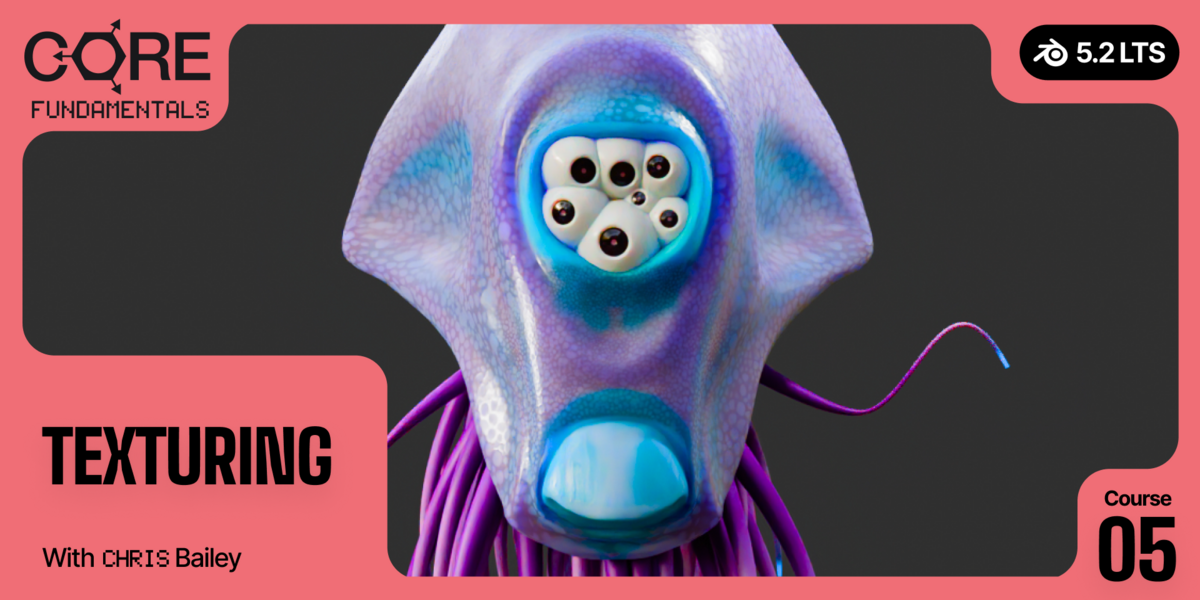
CORE / Fundamentals / Texturing COURSE 05
Wrap it, paint it,
bake it
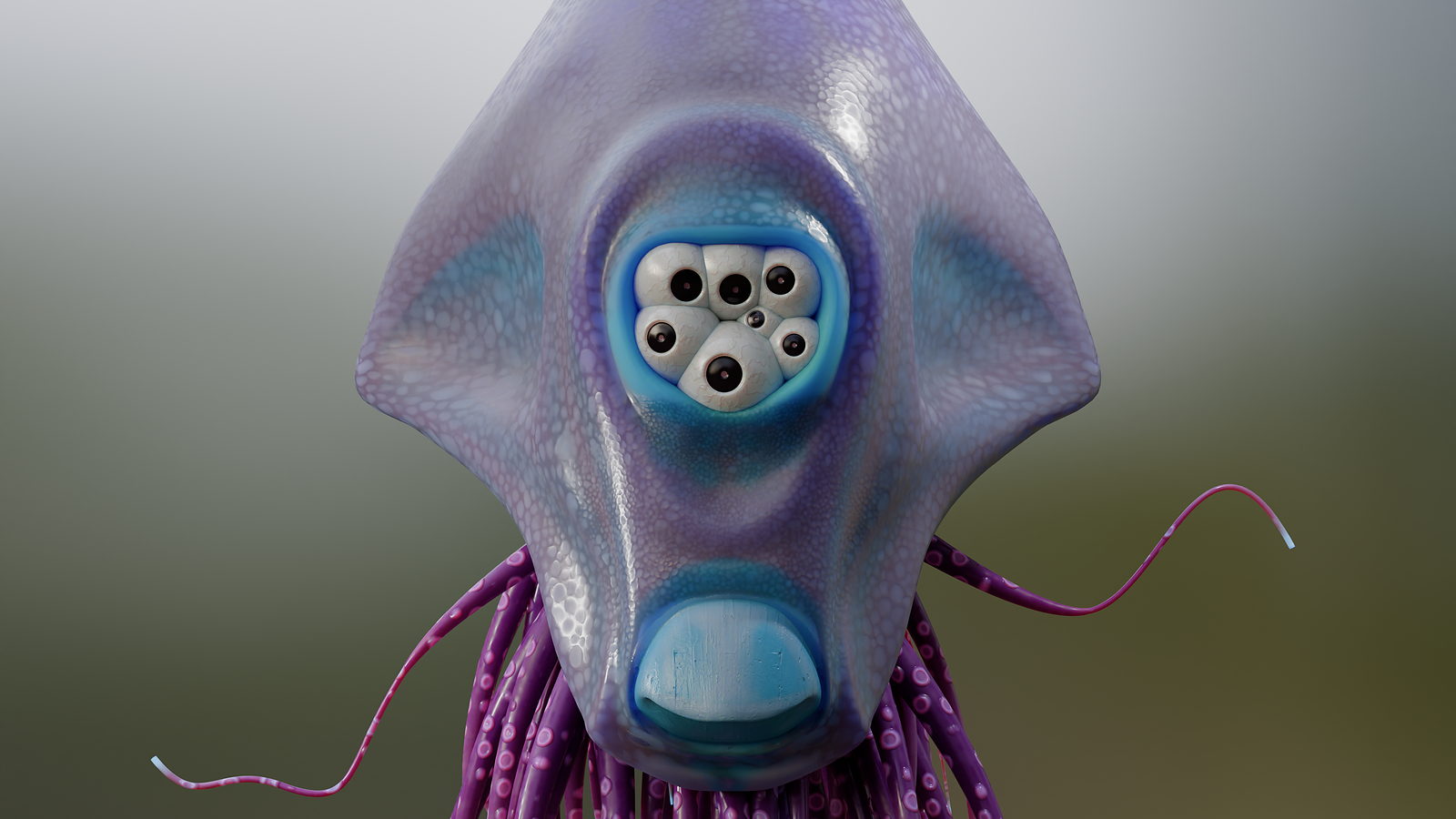
28 lessons on getting a flat image to sit correctly on a 3D model: UV unwrapping, texture files, hand painting, and procedural textures. Then you finish the alien and the switch box from Materials, and texture the whole lab. Rebuilt for Blender 5.2 LTS.
The gap
Your UVs look like
abstract art.
You unwrap something, look at the result, and it resembles a crime scene diagram more than a laid-out surface. Then you paint on it anyway and the texture stretches across your model like a reflection in a spoon.
A texture is just a flat image. Your model is not flat. Getting one to sit correctly on the other is the entire problem, and almost none of it is about which brush you picked.
Get the unwrap right first, and painting, procedural textures, and baking all get dramatically easier. Get it wrong, and no amount of clever shading fixes it later.
That is a mapping problem, and it is solvable before you ever open a texture file.
Two exercises, two closeups
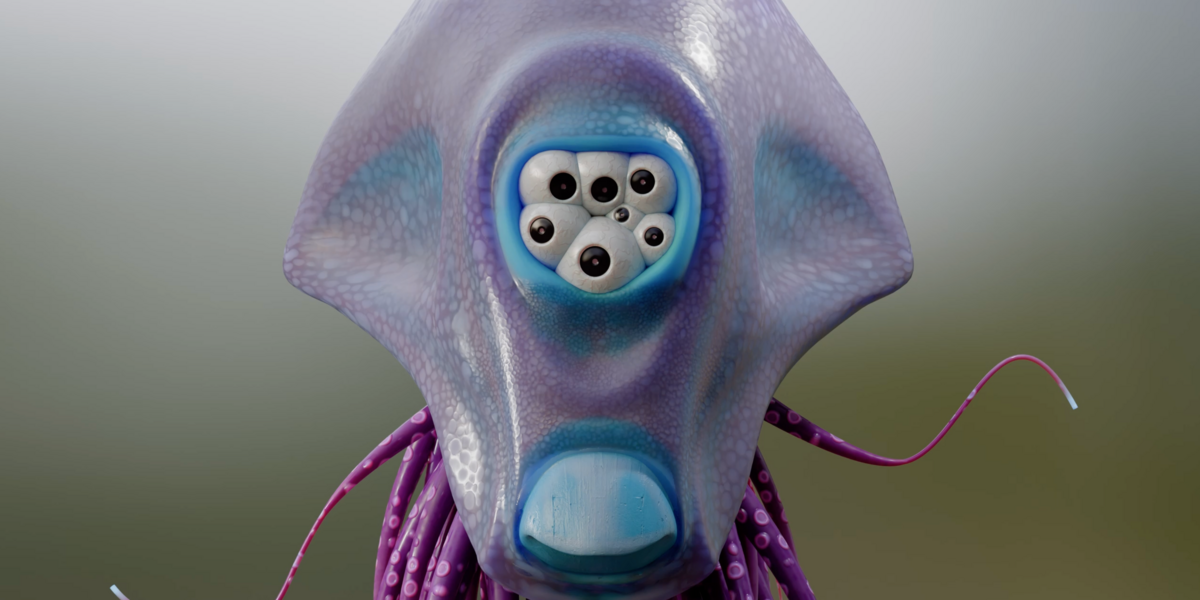
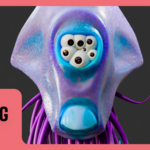
What you will finish texturing
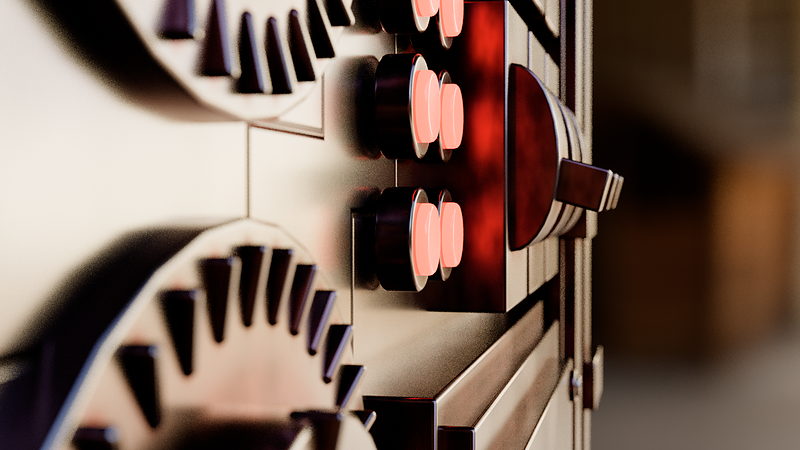
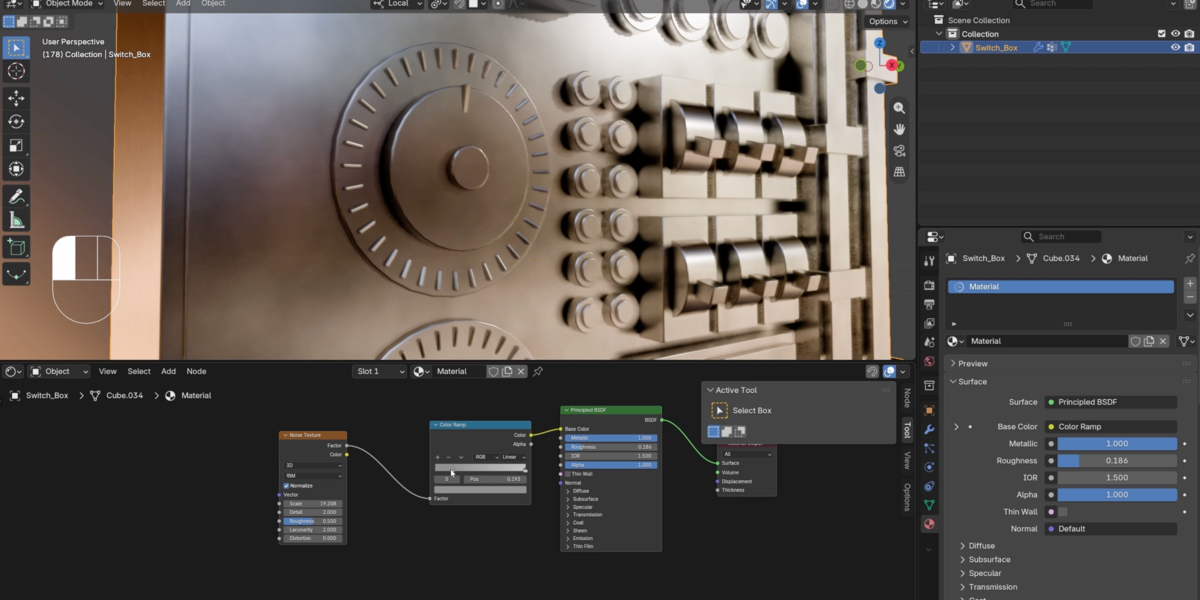
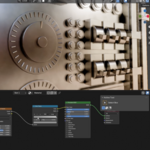
01 / Mechanical Procedural
The switch box, screws and all
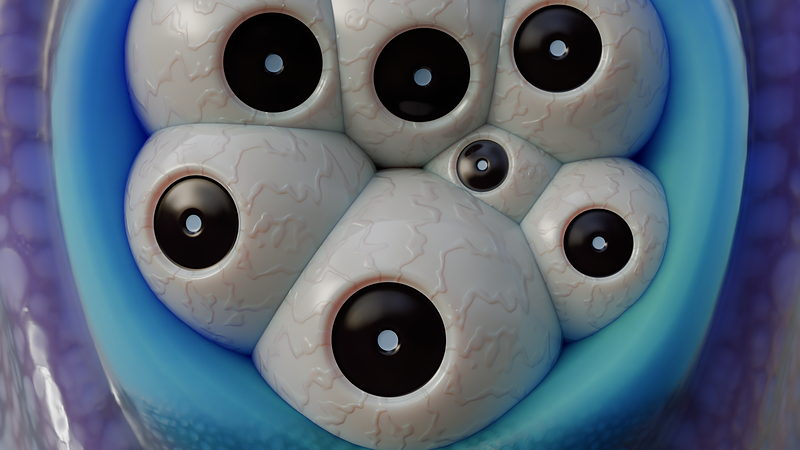
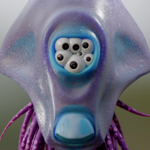
02 / Skin Detail
Every eye in the cluster, up close
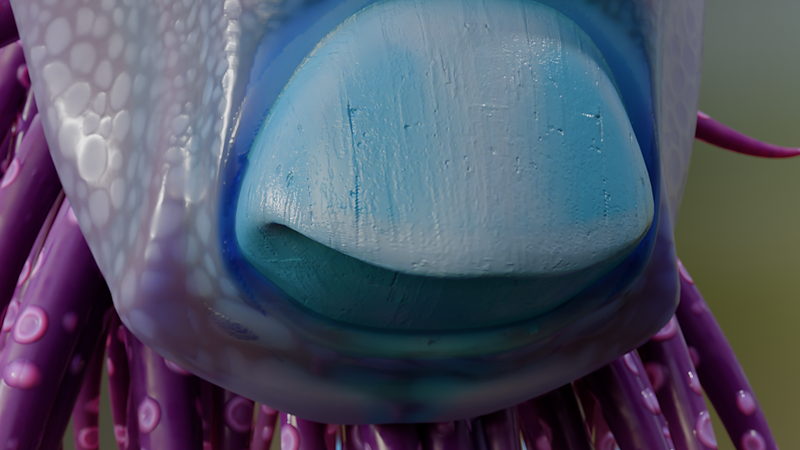
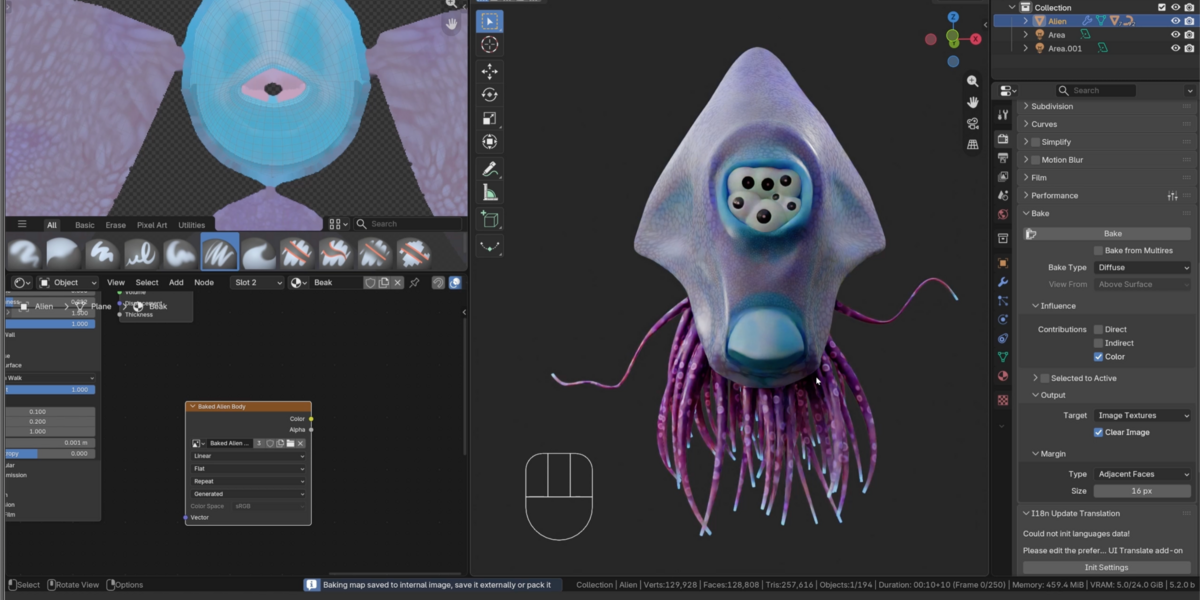
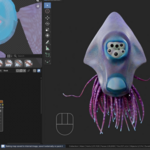
03 / Organic Procedural
Skin that holds up under a macro lens
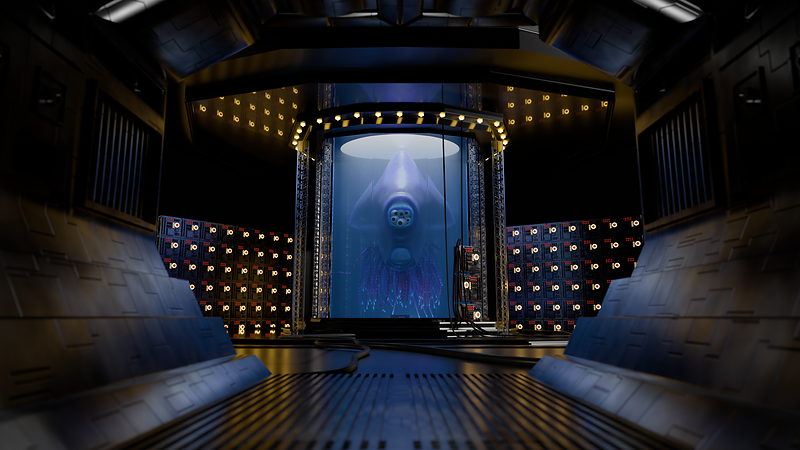
04 / The Finished Lab
Everything, in one shot
 |
Then the final challenge: texture the entire sci-fi lab yourself. Procedural surfaces, hand-painted decals, whatever you can find on Polyhaven. No solution file.
|

|
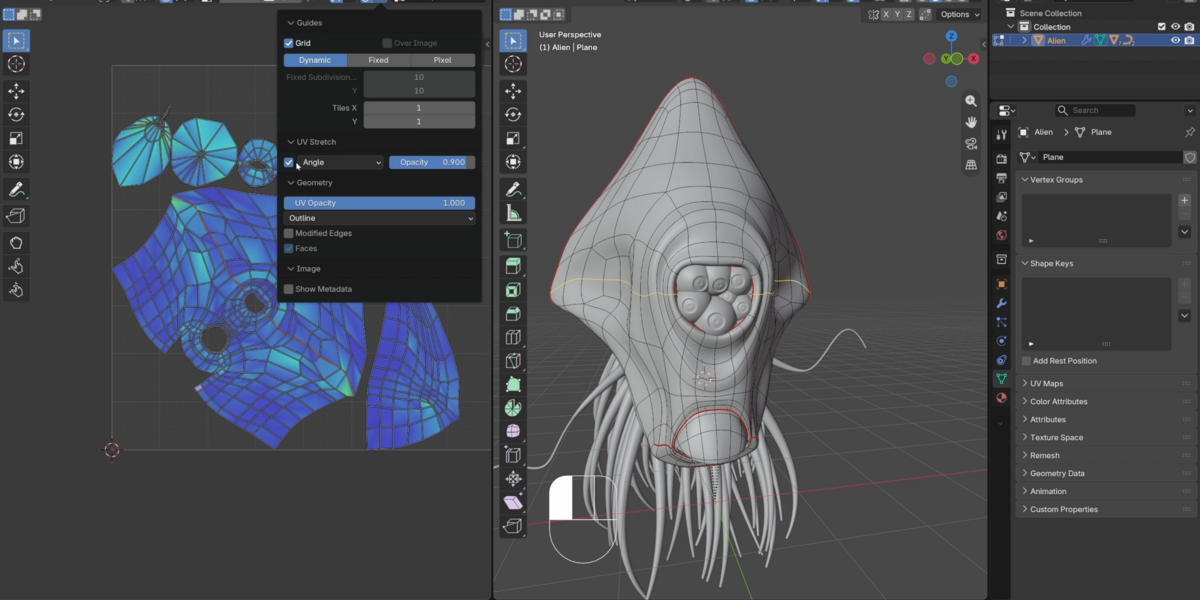
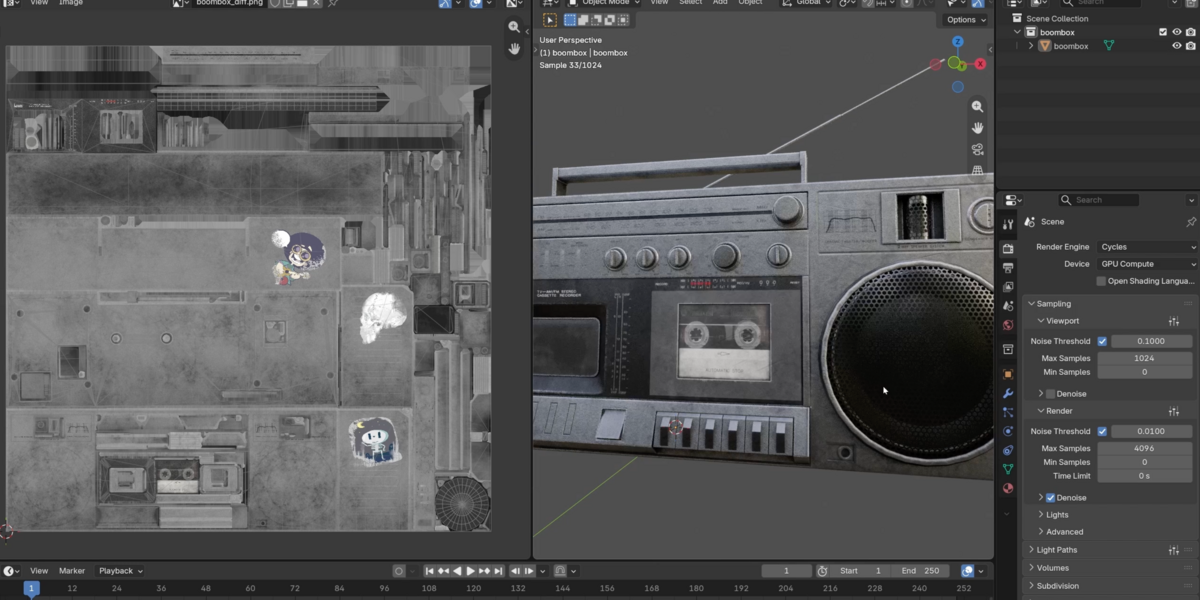
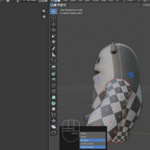
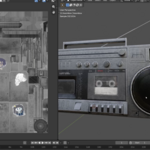
Texture Workflow
A texture editor, a viewport, and a bake panel, all doing their part of the same job.
|
Outcomes
What you will actually learn
What U and V actually are. Texture space, explained without hand-waving, before you touch a single seam.
Seams, and where to actually put them. The single biggest reason unwraps come out warped or stretched.
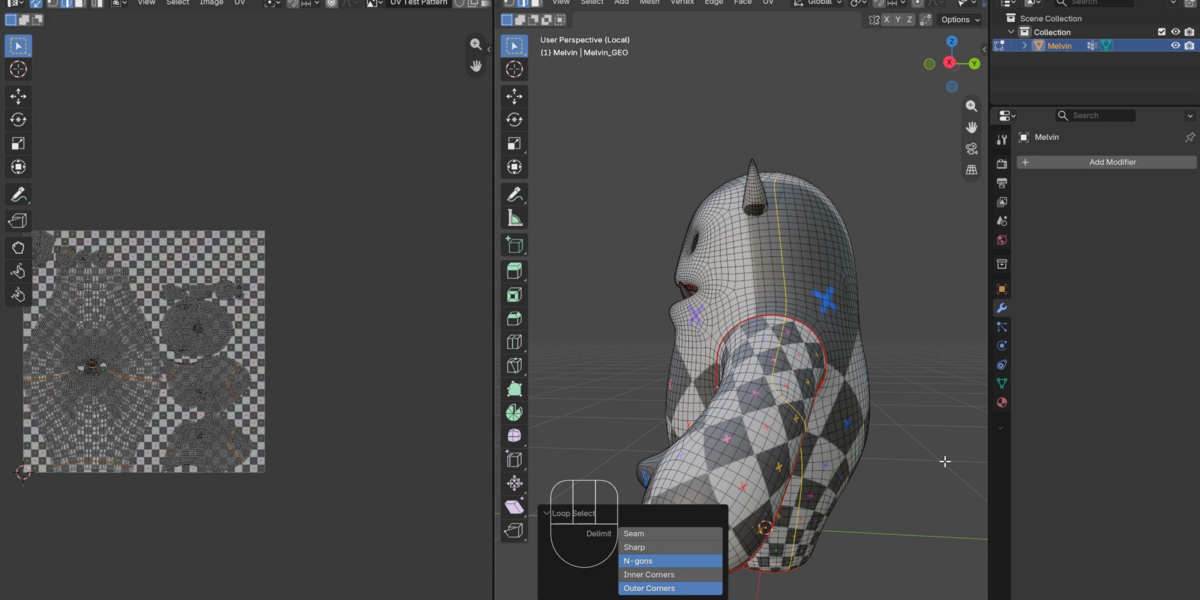
The UV Editor and unwrapping a real character. A full exercise unwrapping Melvin, seam placement decisions included.
Reading texture files like a professional. Albedo, ambient occlusion, bump maps, and why every texture is secretly black and white values.
Texture painting: brushes, settings, and masking. Hand-paint directly onto a model, not just onto a flat image.
Procedural textures, organic and mechanical. Build the alien tentacle surface and the switch box screws from nodes, no images required.
UDIMs and trim sheets. How production texturing actually scales past one object.
Baking a complex node graph into simple textures. Turn everything you built into files any other software can use.

|
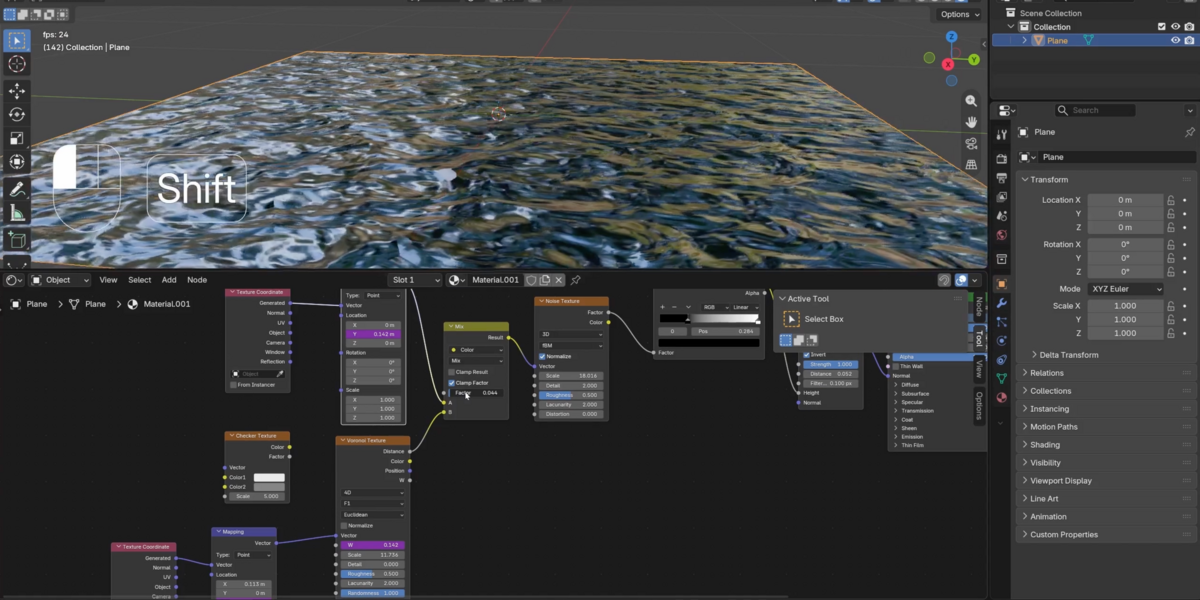
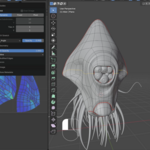
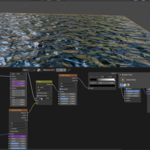
Procedural Shader Graph
A material built entirely from nodes. No image file anywhere in this graph.
|
28 lessons / 5 chapters
Curriculum
Chapter 01 / UVs & Unwrapping
10 lessons
What U and V are, the UV Editor, unwrapping mesh objects, projection, seams, follow active quads, pinning, additional tools, and a full unwrapping exercise on the Melvin character.
Chapter 02 / Texture Files
6 lessons
Black and white values, working with texture files, albedo and AO, bump maps, trim sheets, and UDIM workflows.
Chapter 03 / Texture Painting
4 lessons
The full painting workflow, brushes, brush settings, and masking, painting directly onto a 3D model.
Chapter 04 / Procedural Textures
6 lessons
Texture coordinates, mapping and color ramps, procedural texture nodes, distorting coordinates, then two full exercises: organic tentacles and a mechanical switch box.
Chapter 05 / Baking & The Challenge
2 lessons
Baking complex node setups into simple textures, then the final challenge: texture the entire lab yourself.
Free preview
Watch Black & White Values free
Five and a half minutes on the one idea underneath every texture you will ever use: it is all black and white values at some level, and once that clicks, everything downstream gets easier. No signup.
Watch the lesson
 |
Your instructor
Chris Bailey
Chris teaches the modeling, sculpting, materials, texturing, animation, and geometry nodes track across CORE. This is the direct companion to Fundamentals of Materials and Shading, and picks up exactly where that course leaves off.
Take Materials first if you have not already. The shader concepts here assume you have them.
|
| Blender version |
5.2 LTS (works in 4.2 LTS) |
| Lessons |
28 videos, 4h 05m |
| Quality |
1080p, stream or download |
| Captions |
English and Spanish |
| Project files |
Included, plus Melvin, the alien, and the switch box |
| Platforms |
Windows, macOS, Linux |
| Access |
Lifetime, no subscription |
| Also available in |
The CORE bundle, all 11 courses |
A tablet helps for hand painting but is not required. Every technique also works with a mouse.
Questions
Do I need Materials and Shading first?
Yes, strongly recommended. This course assumes you understand shader nodes, the Shader Editor, and how materials are built. Take Materials first.
Do I need to be good at drawing to texture paint?
No. Most of texture painting in this course is masking, blending, and directing where detail goes, not freehand illustration.
Will this work in Blender 4.2 LTS?
Mostly. UV Sync Selection defaults changed in 5.0, so the UV Editor lessons will look slightly different in 4.2, but the underlying techniques are identical.
Is this the same as the version I already own?
No. This is rebuilt for 5.2 LTS with new recordings and updated coverage. If you own the CORE 4.2 bundle, check your loyalty pricing.
What is a UDIM and do I need it?
A way to use multiple texture tiles across one object instead of squeezing everything into a single image. Covered, and useful once your projects get bigger, not required for the exercises here.
Where do I get texture files to practice with?
Project files are included for every exercise. The course also points you to Polyhaven for free, high-quality real-world textures.
I want more than one course. Is there a bundle?
Yes.
CORE is all 11 courses as a single one-time purchase. Buy up to four courses individually and you come out ahead. Past that, the bundle costs less, and all eleven bought one at a time run to more than twice the bundle price. CORE is also included with an annual CG Cookie subscription if you would rather stream than own.
What if I get stuck?
Post in the CG Cookie community. Instructors are active there and questions get answered.
Course 05 of 11
CORE continues
Texturing is course five of eleven. CORE is the whole path: modeling, sculpting, lighting, materials, texturing, animation, rigging, physics, compositing, grease pencil, and geometry nodes, in the order that actually builds on itself.
See all 11 courses
Past five courses, the bundle is the cheaper buy. One purchase, keep it forever.

Teaching Blender since 2008
 CG Cookie