Coretools - Edge Project
 WalkingAloneStudio



Addon Installation:
To install the addon simply follow the default procedure for Install from Disk
If tool doesnt appear on toolbar in mesh edit mode - check Add-ons tab in preferences and search for "Loop Cut". Make sure what addon is enabled.
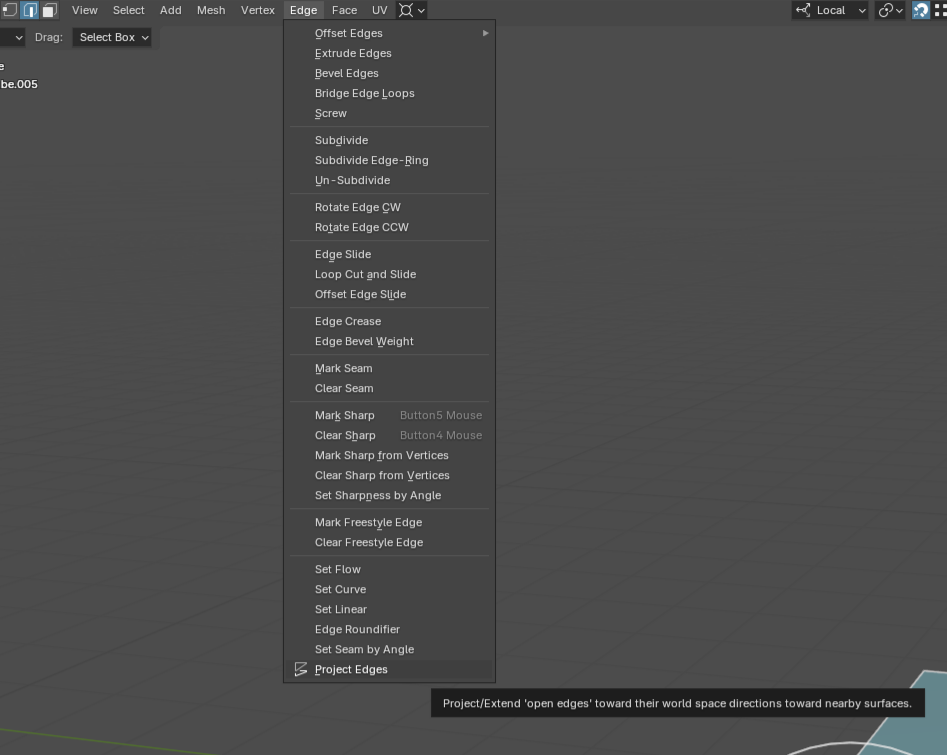
Where to find new Project Edge operator?
After addon installation you will find a new operator in mesh edit mode Edge > Project Edges
What is "open edge"?
"Open edge" its an any edge of the mesh which directly, i.e. by at least one of its vertex connect to mesh boundary (marked by green) also known as "non manifold edge".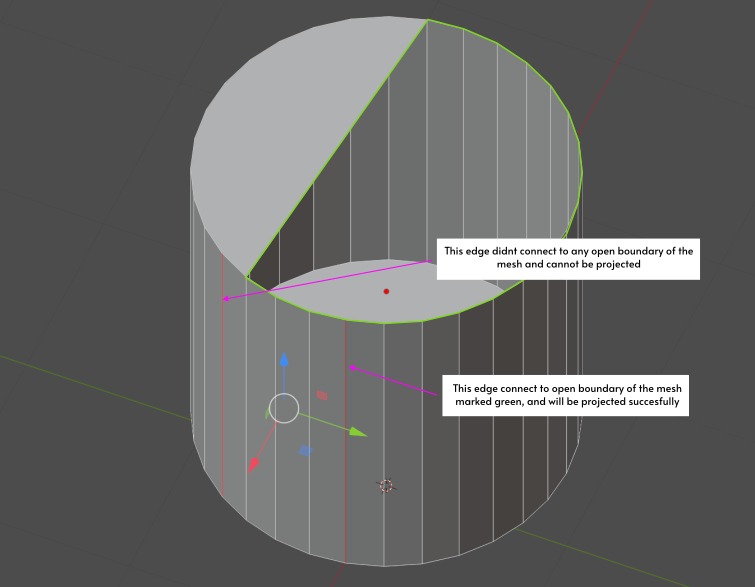
Project edges:
Simply select edges you want to project, make sure what they follow the rule of "open edges" and run addon.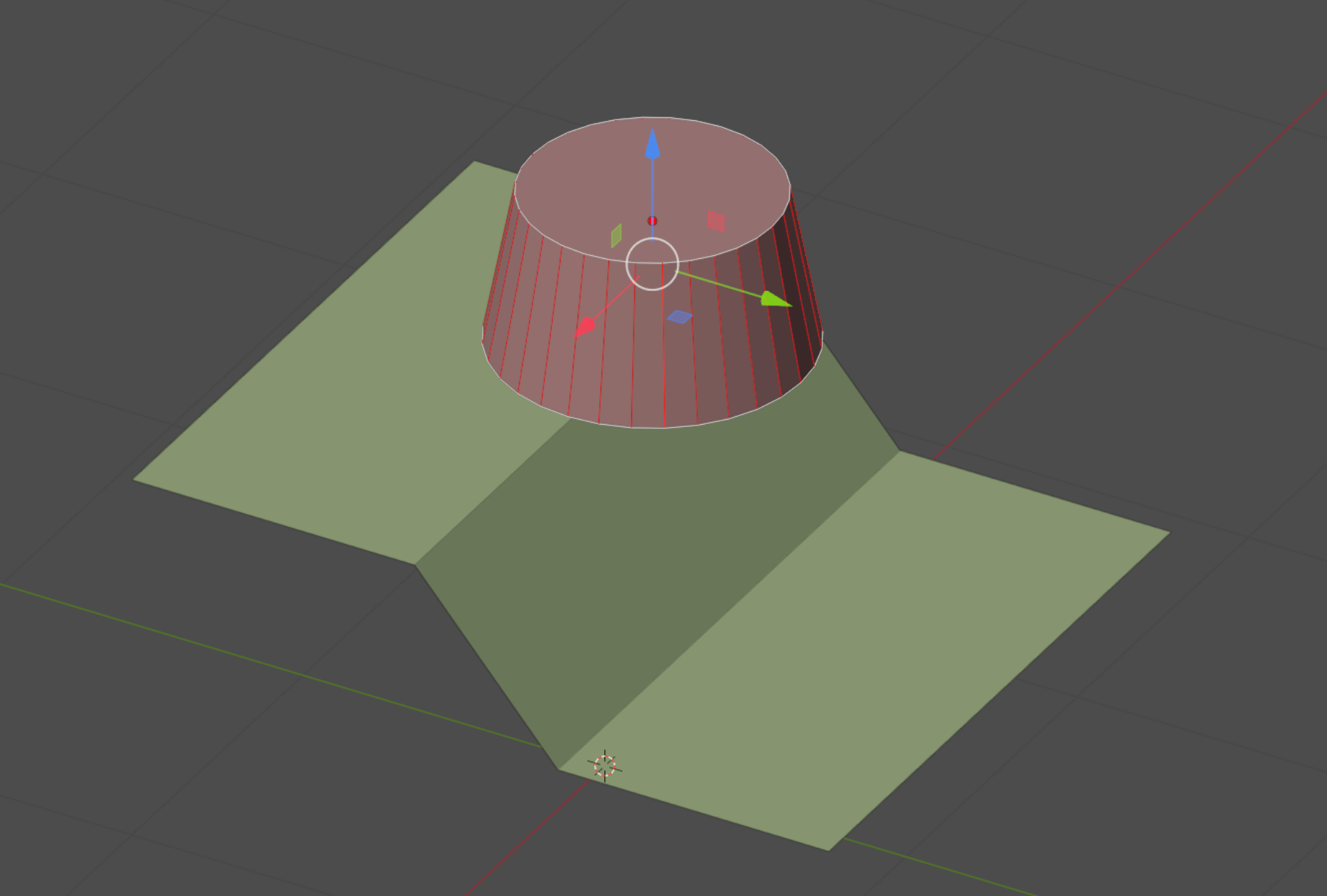
Edges will be projected to nearest target surface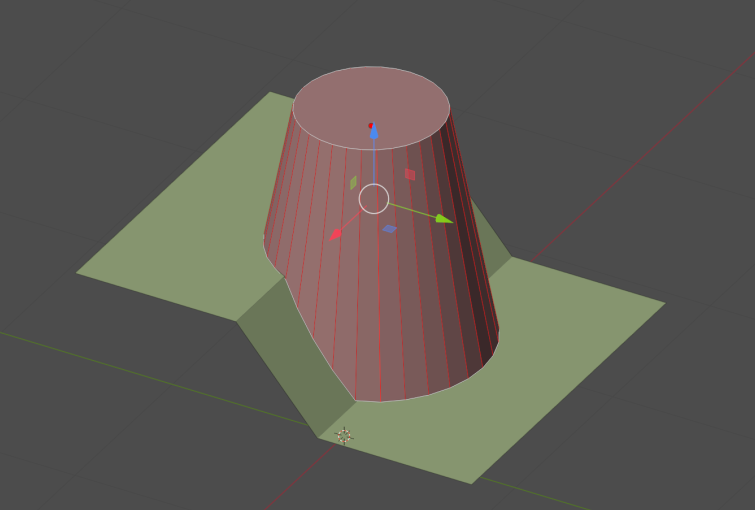
Projection settings:
Bi-Directional - if enabled, will try to project edge toward one direction and if no valid hit surface will be found try opposite direction.
Bounds - if enabled will ignore any object which viewport visibility set to Bounds
Wire - if enabled will ignore any object which viewport visibility set to Wire
Self - if enabled will ignore object itself to project edges
Bi-Directional:
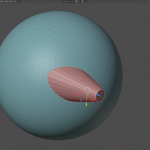
Notice how initially our mesh are already intersect with target surface
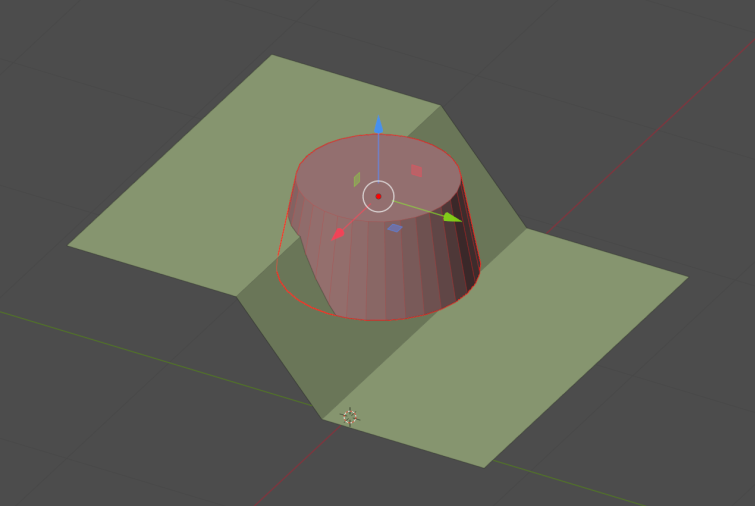
Make sure you enable "Bi-Directional" checkbox. This way addon will try to project edges in both direction and find correct projection point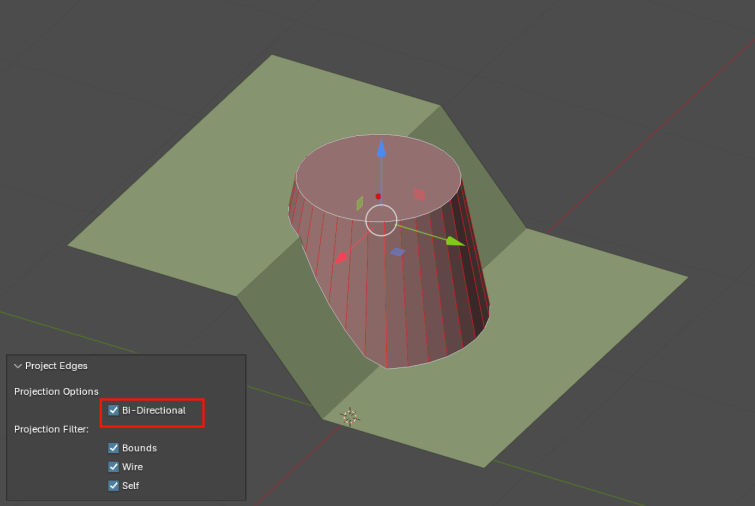
By default projection always ignore mesh itself, objects set to Bound and Wire display mode. You can change this behavior in redu-panel.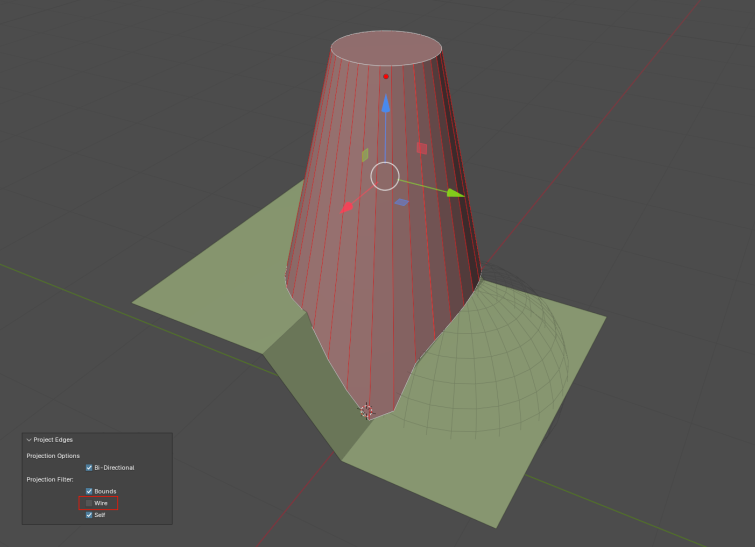
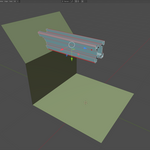
If edge have both of its end connected to boundary edge - the edge will be projected in both direction. In this case we have a cylinder where both end caps was removed.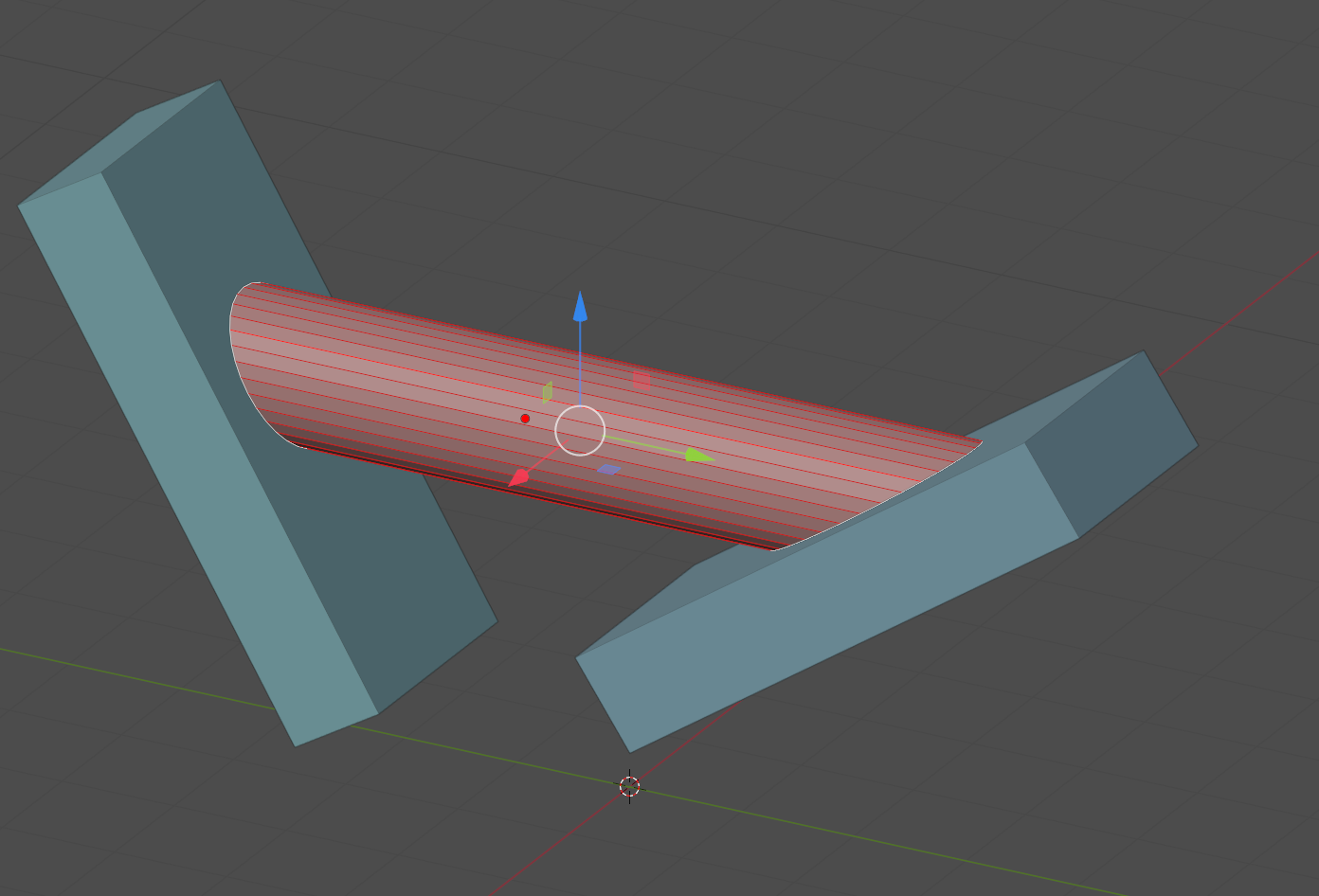
Troubleshooting:
In certain cases when meshes already intersect each other, have thickness, etc., it can be hard to clearly identify the desired projection surface.
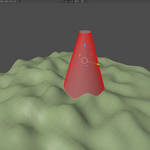
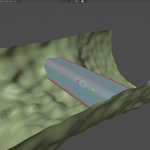
Here we have a cylinder mesh with edges we want to project, but it partially intersect with both targets which will produce unexpected results.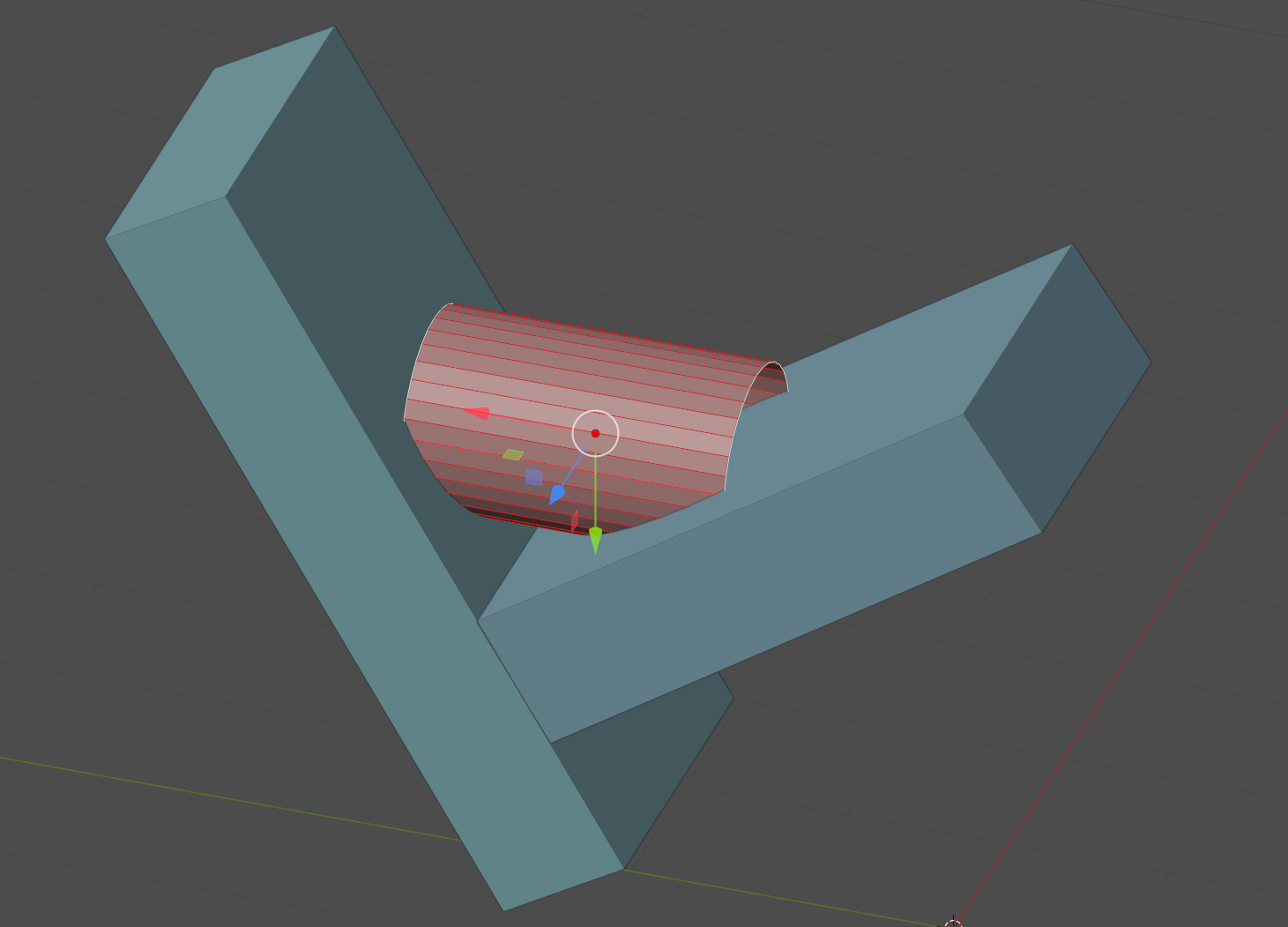
For solving such cases the easiest way is to provide the addon a clear way to identify desired trarget surfaces:
1. Select meshes on which you want to project edges
2. Select your working mesh
3. Switch to edit mode
4. Select all the polygons you want to ignore during projection and hide them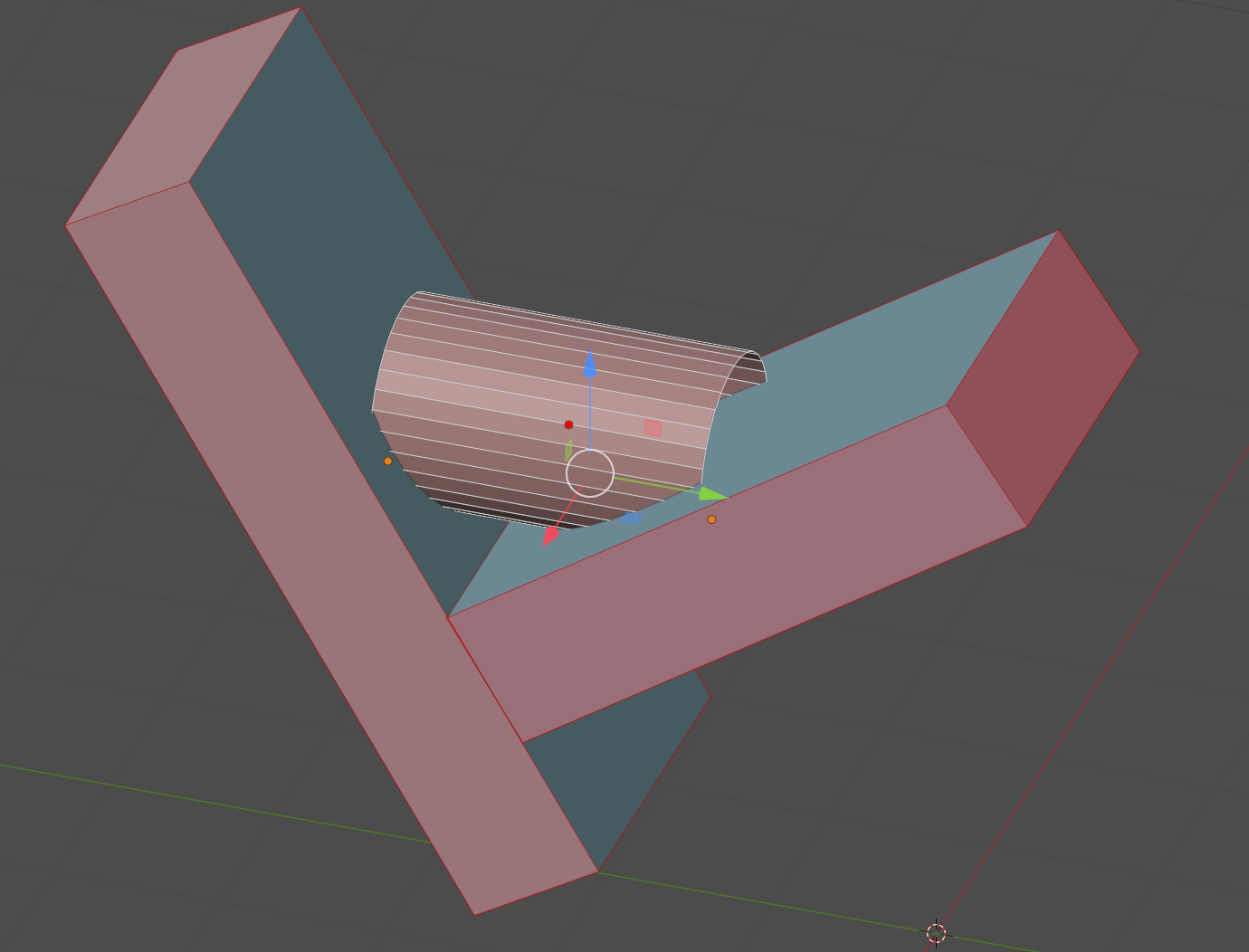
We now can safely make an edge projections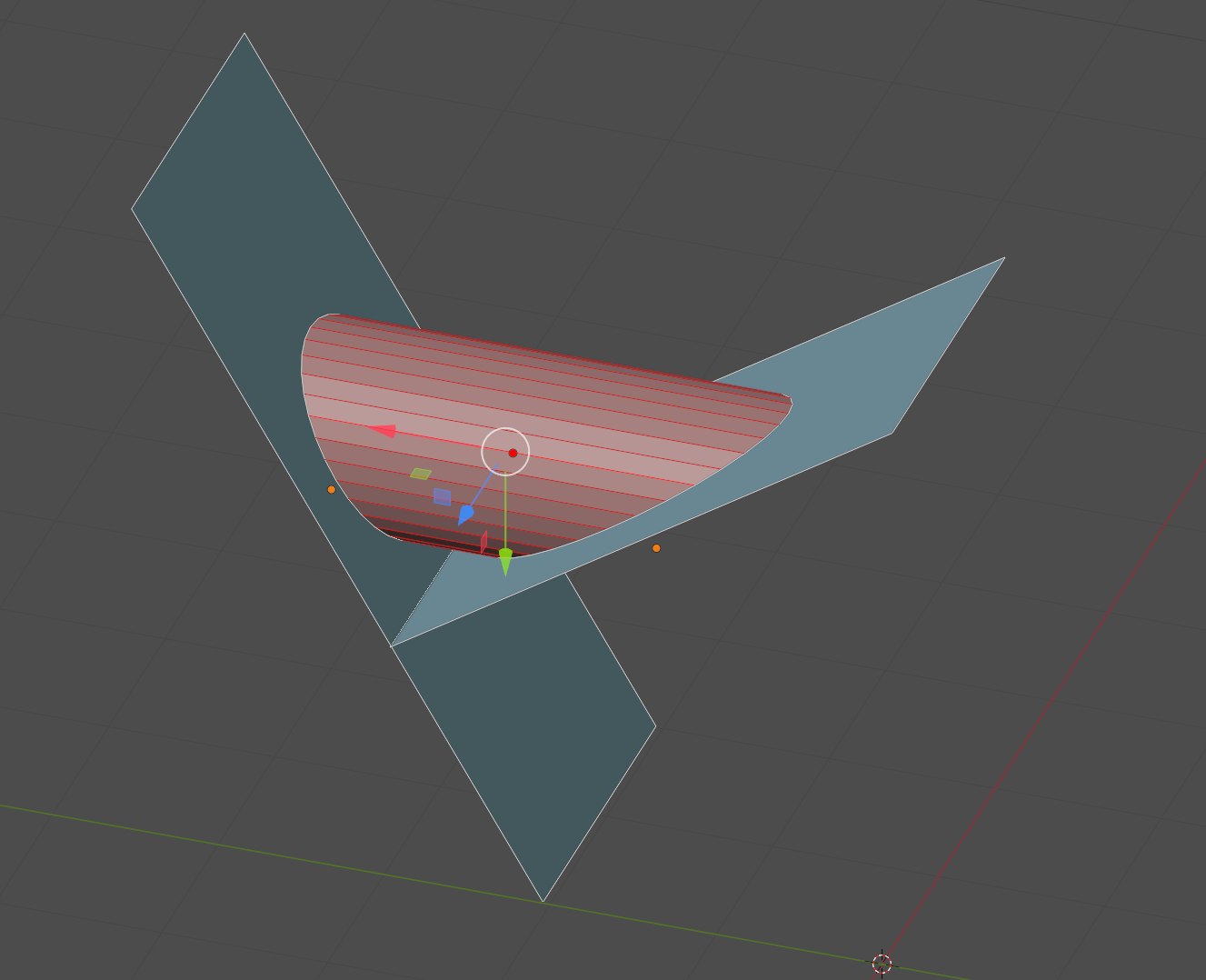

Discover more products like this
edge project modeling subdivision modeling extend projection blender mesh editing