Corner Store Props Starter: 35 Interaction-Ready Props
 Socket and Pivot
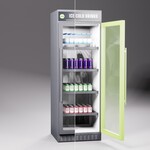
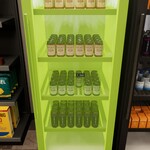
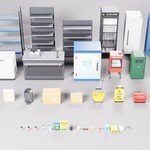
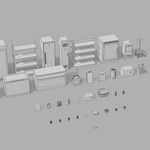
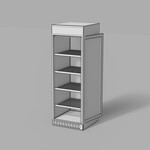
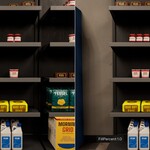
Installation
- Unzip the download to a folder you will keep. Blender reads the library from that folder, so don't delete it after adding it.
- In Blender, open Edit > Preferences > File Paths > Asset Libraries and click Add.
- Choose the
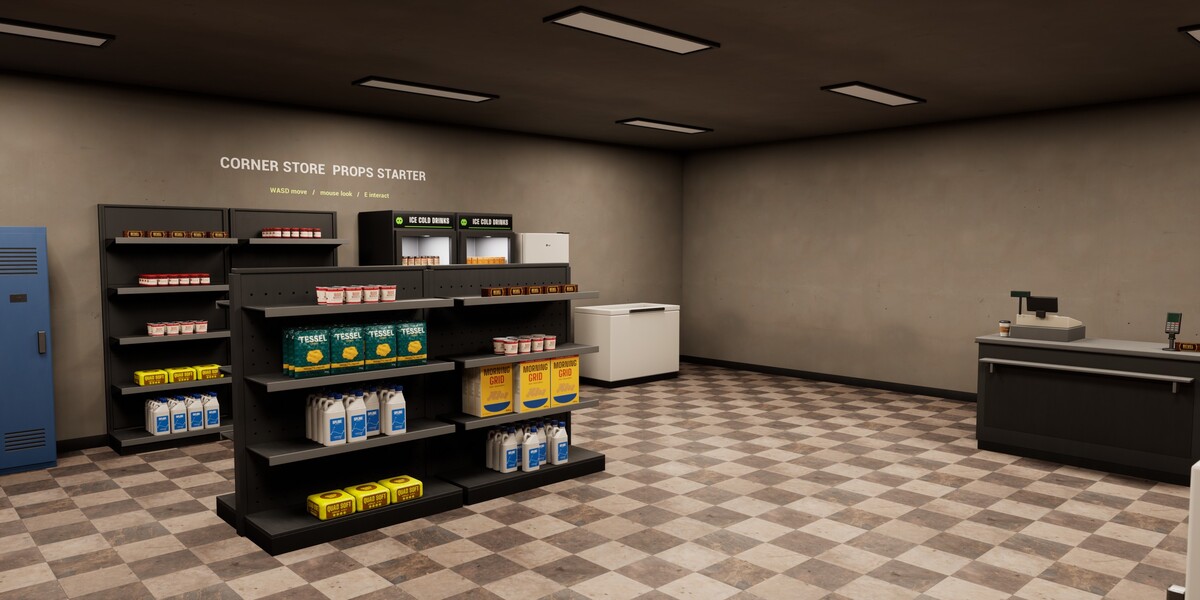
Blenderfolder from the download. It holdsSP_CornerStorePropsStarter_Library.blendandblender_assets.cats.txt, the file that defines the catalogues. Keep the two files together. - Open an Asset Browser (change any editor's type to Asset Browser) and pick the new library in the library menu at the top left. The props are under Corner Store, split into Fixtures, Back Room, Exterior and Products.
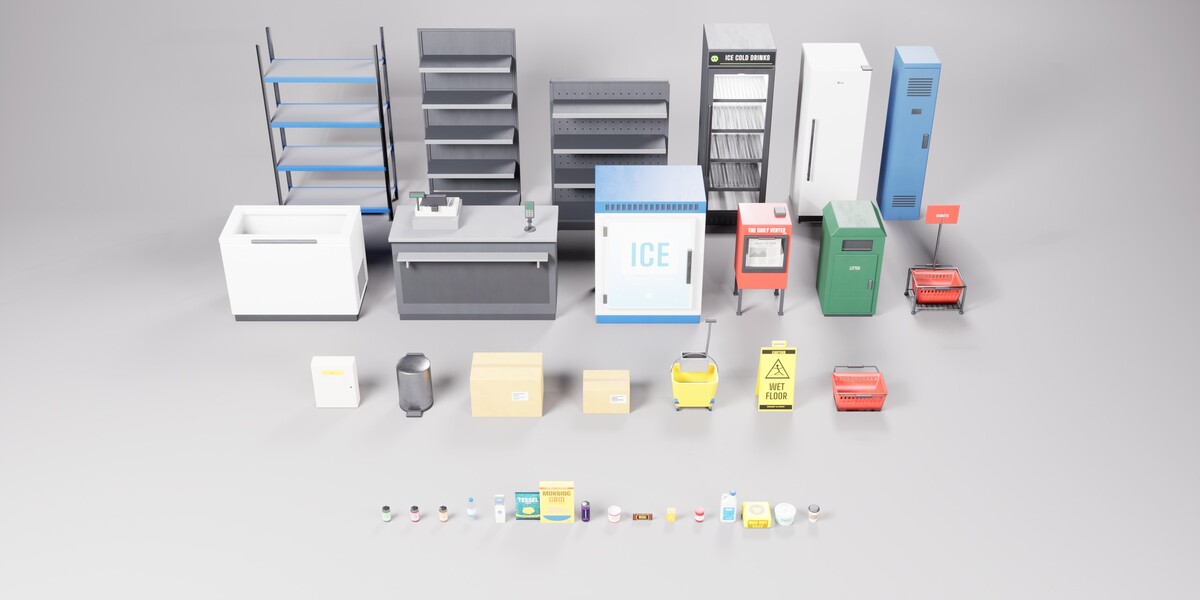
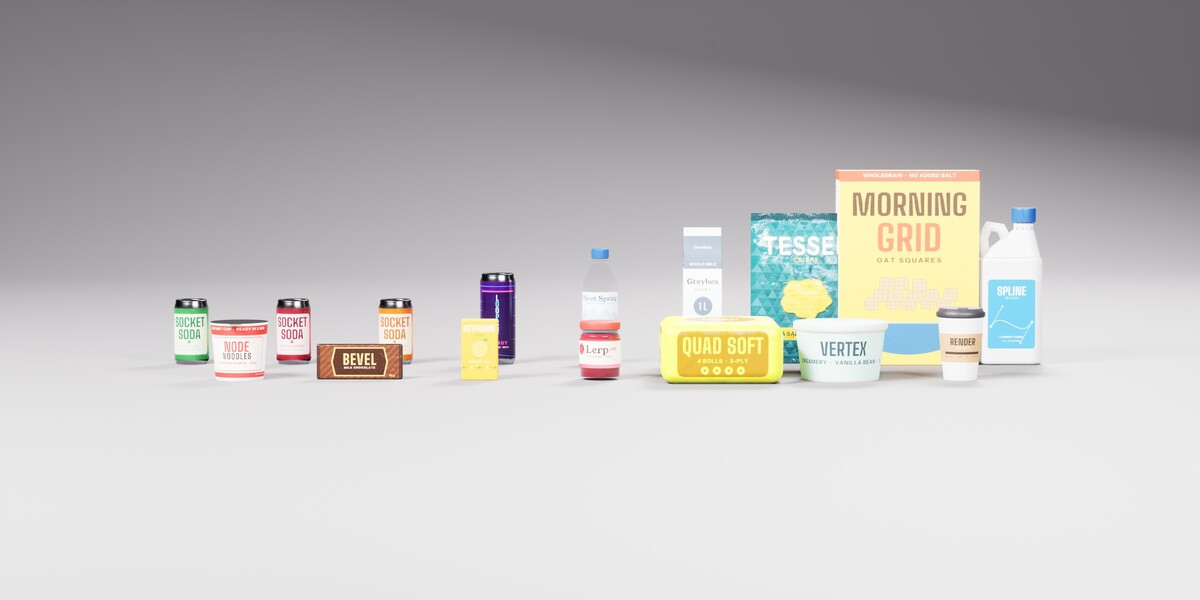
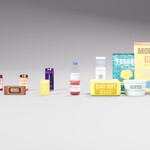
To look at everything at once without installing, open SP_CornerStorePropsStarter_Library.blend directly. Its Showcase collection lays every asset out in a row.
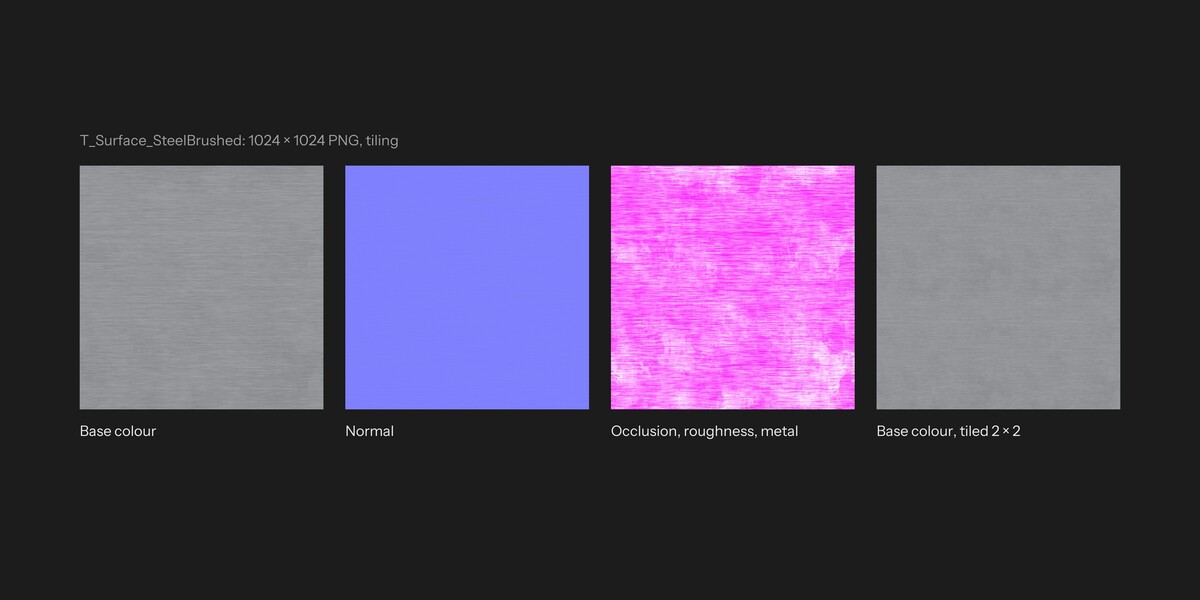
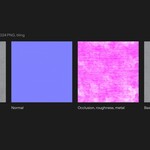
The textures are packed inside the .blend. If you want them as files, File > External Data > Unpack Resources writes them out next to it.
Using the props
- Drag an asset from the Asset Browser into the viewport. Set the import method in the Asset Browser header: Append (Reuse Data) is recommended, so a second fridge reuses the first one's materials and images. Link also works and keeps the data in the library file.
- Each prop is one collection asset, with its pivot on the floor at the centre of its base. If a dropped prop arrives as a single collection instance (one empty) and its parts can't be selected, turn Instance off in the Adjust Last Operation panel, or use Object > Apply > Make Instances Real.
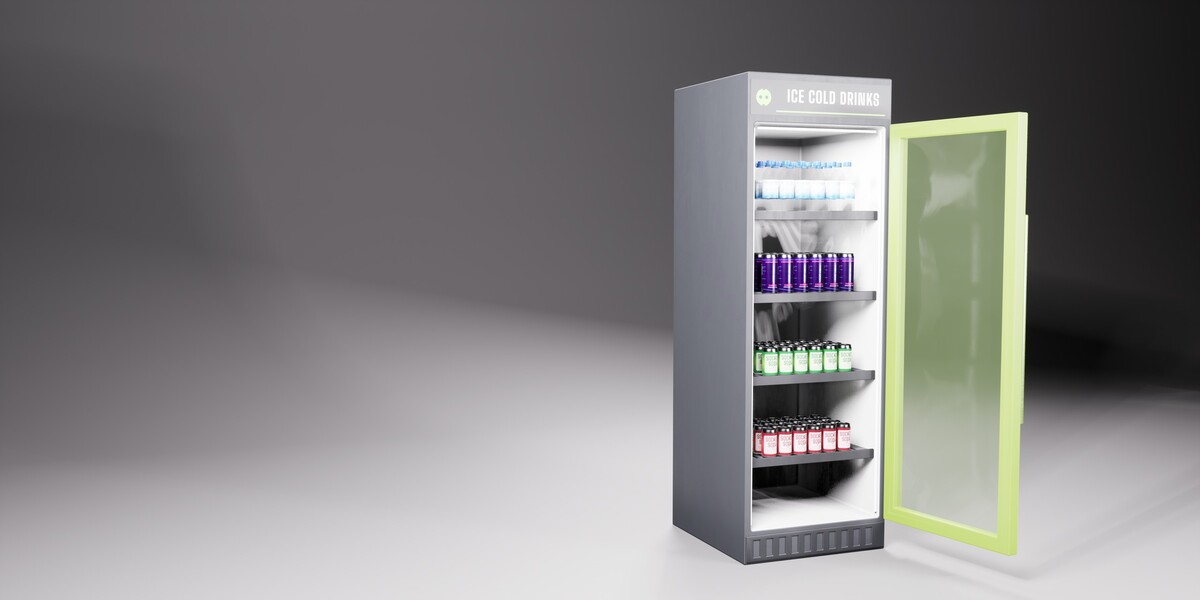
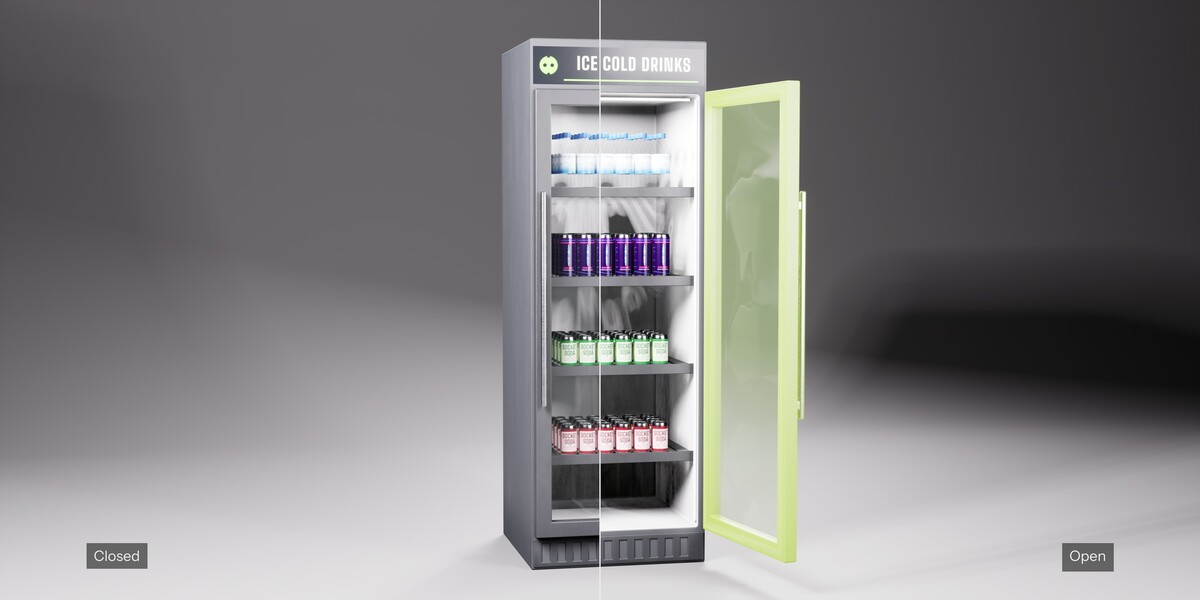
- To open a door, lid or drawer, select the moving part (a child of the prop's body) and rotate it about its hinge, or move a drawer along its slide. A Limit Rotation or Limit Location constraint stops it at the open position. There is no animation data: keyframe the part yourself if you want it to move in a render.
- Linked props are read-only, so their doors stay shut. Use Append for props you want to pose. Library overrides may work but were not part of our tests.
- Materials use the Principled BSDF, so the same files render in EEVEE and Cycles.
- The collision hulls and sockets that Unreal Engine uses are left out of the Blender library. The FBX files include them.
Other software and Unreal Engine
Exports/FBX has one FBX file per prop, in centimetres with Z up. In Blender's axes each prop faces -Y. Textures are in Exports/Textures, and Exports/materials.csv lists each material's textures and settings. The files contain UCX_ collision hulls and SOCKET_ empties for Unreal Engine; other software can ignore or delete them.
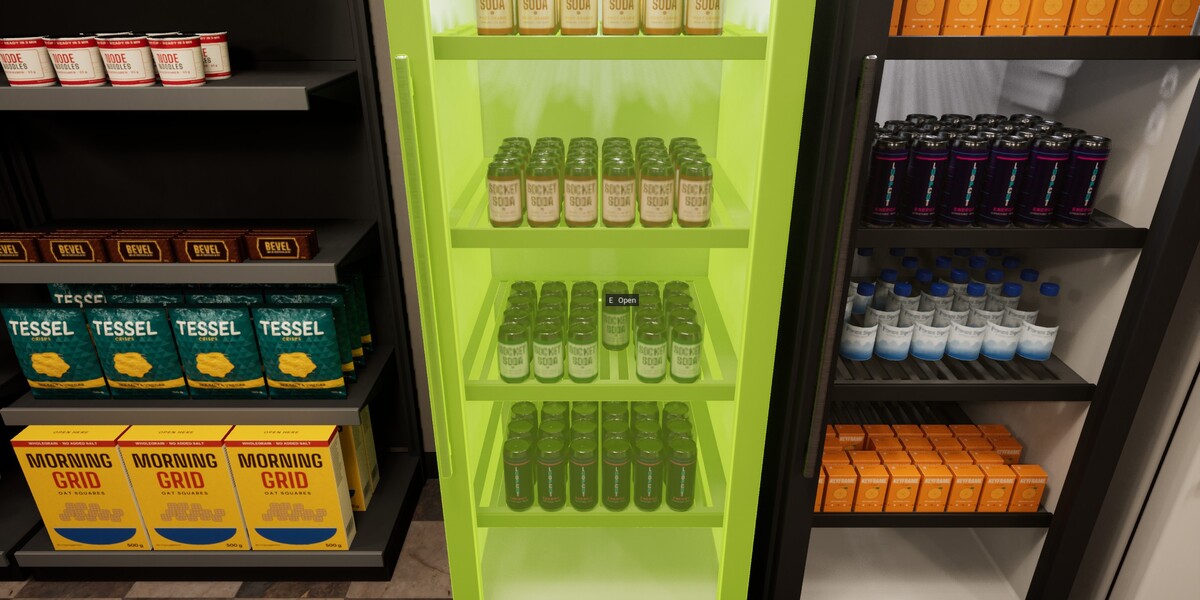
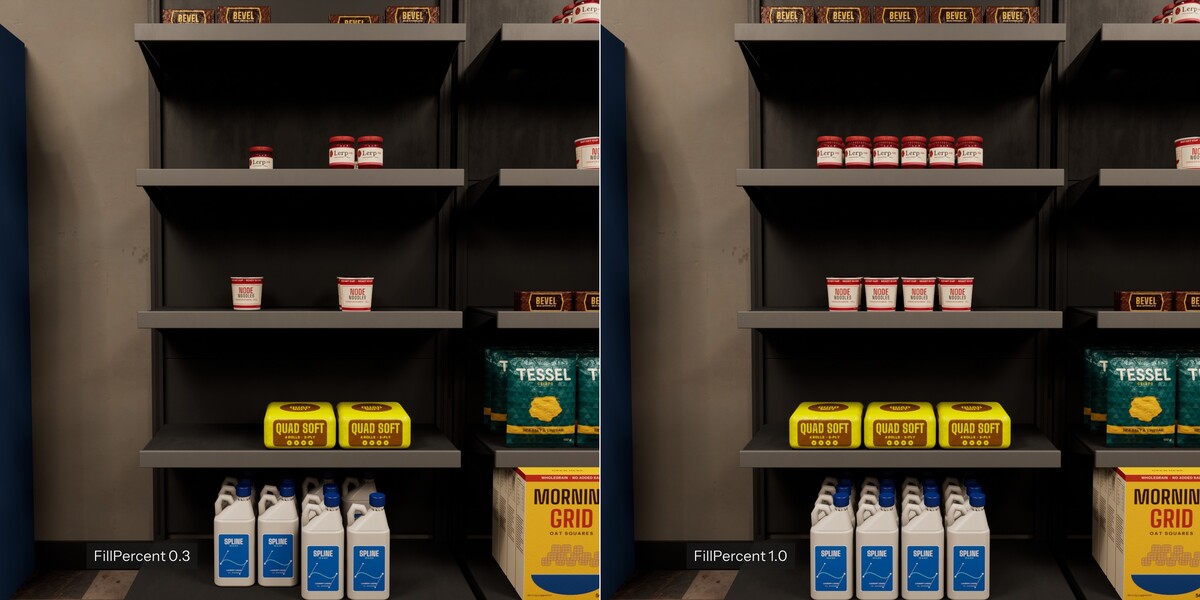
The Unreal Engine project is UE5/SP_CornerStorePropsStarter/SP_CornerStorePropsStarter.uproject. Open it in Unreal Engine 5.8 and press Play. Documentation.html in the download covers the interaction system, the shelf slots and the data table.
Have questions about this product?
Login to message
| Published | about 3 hours ago |
| Blender Version | 5.2 |
| Render Engine Used | Cycles, Eevee |
| Misc Data | Uvs-Unwrapped, Normal-Mapped, Textured |
| License | Royalty Free |
Discover more products like this
Interior game ready fridge Unreal Engine store fbx grocery asset library props interactive supermarket Shop