 ZEG
Installation
In Blender open Edit, Preferences, Get Extensions, then use Install from Disk and pick the corridor_generator zip.
Usage
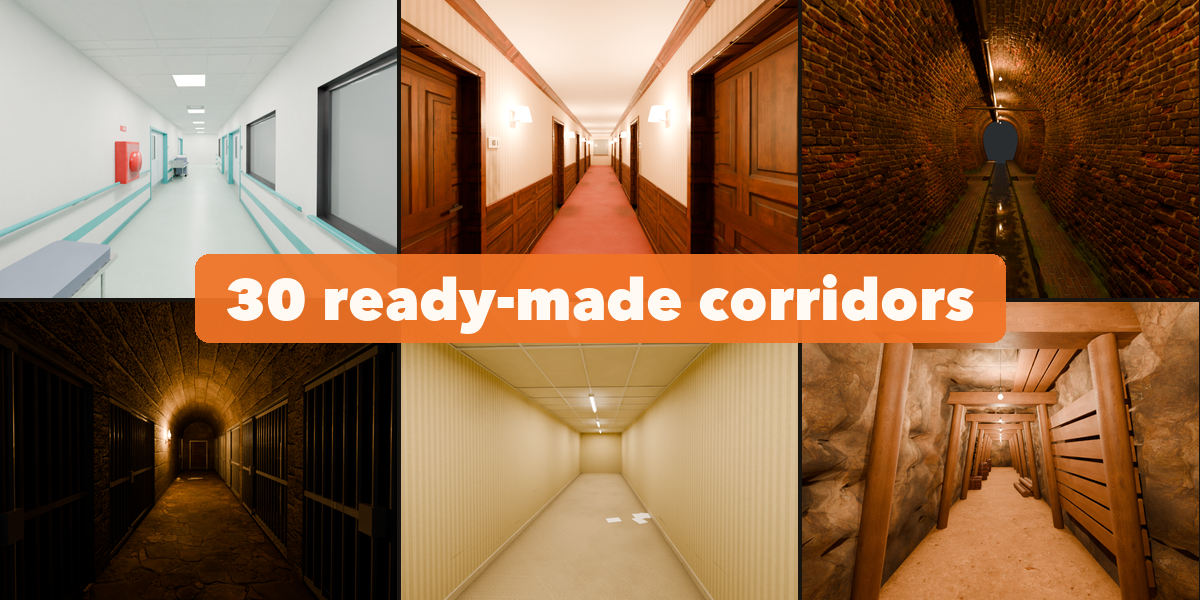
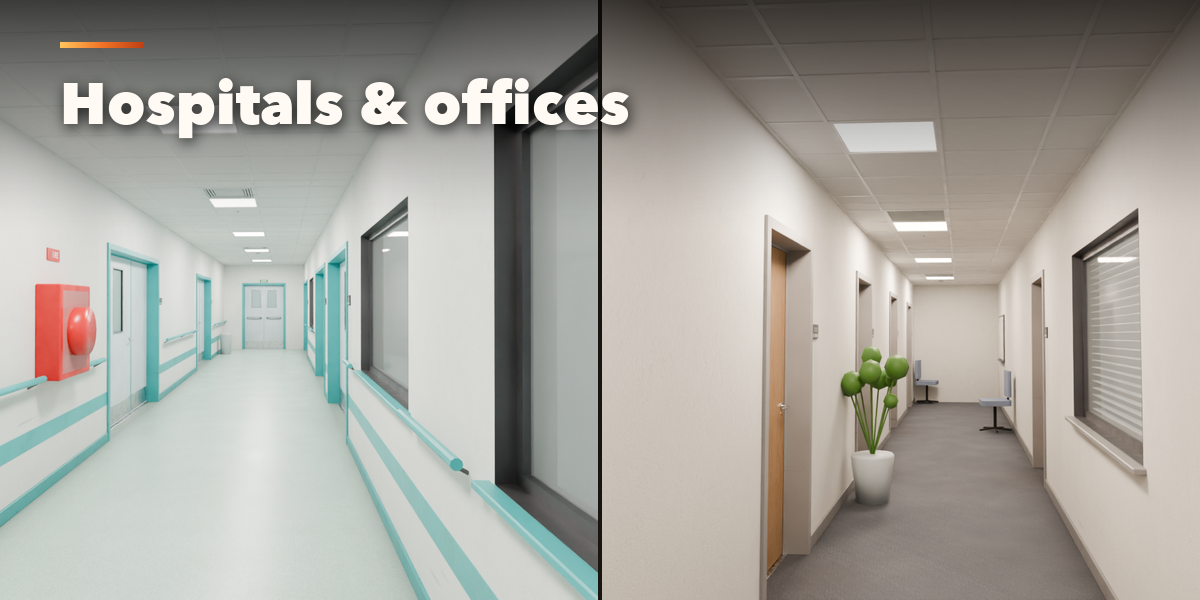
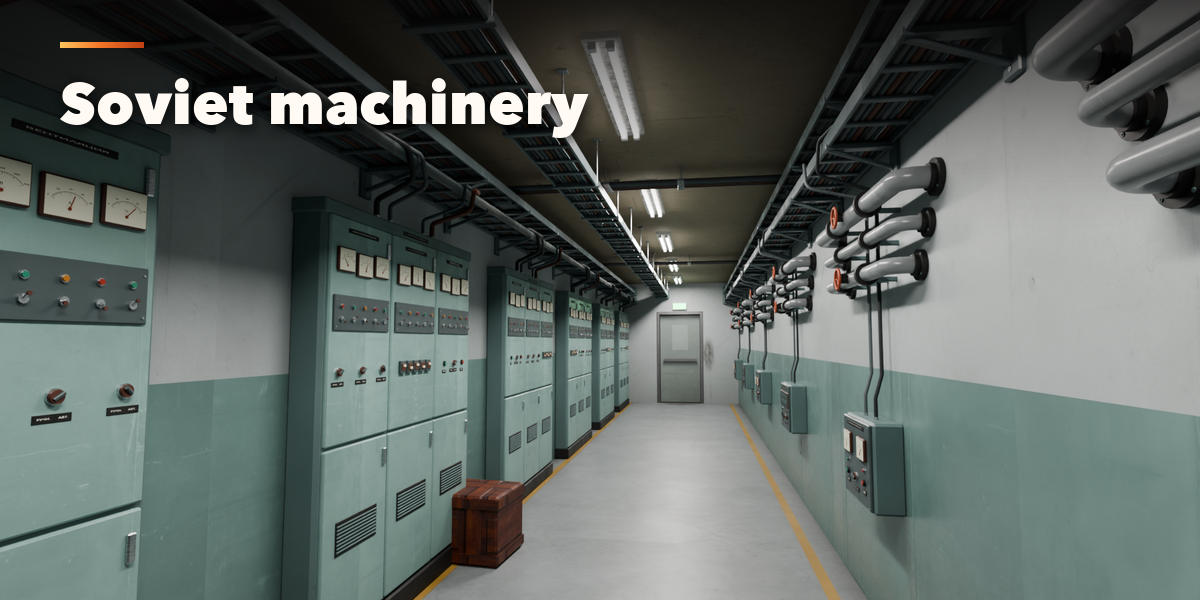
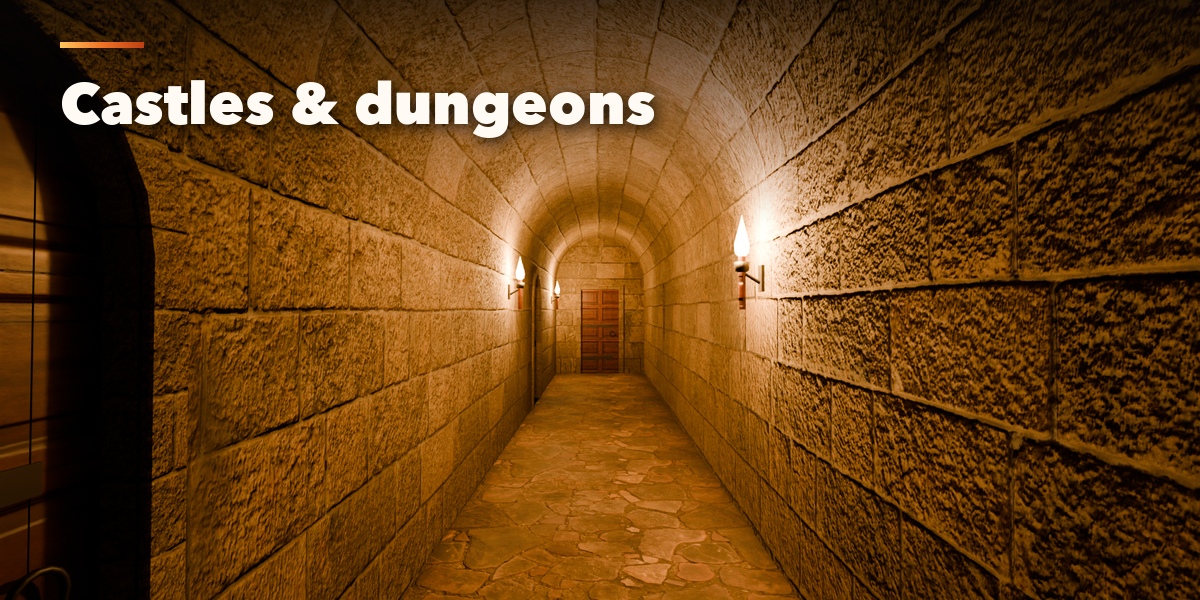
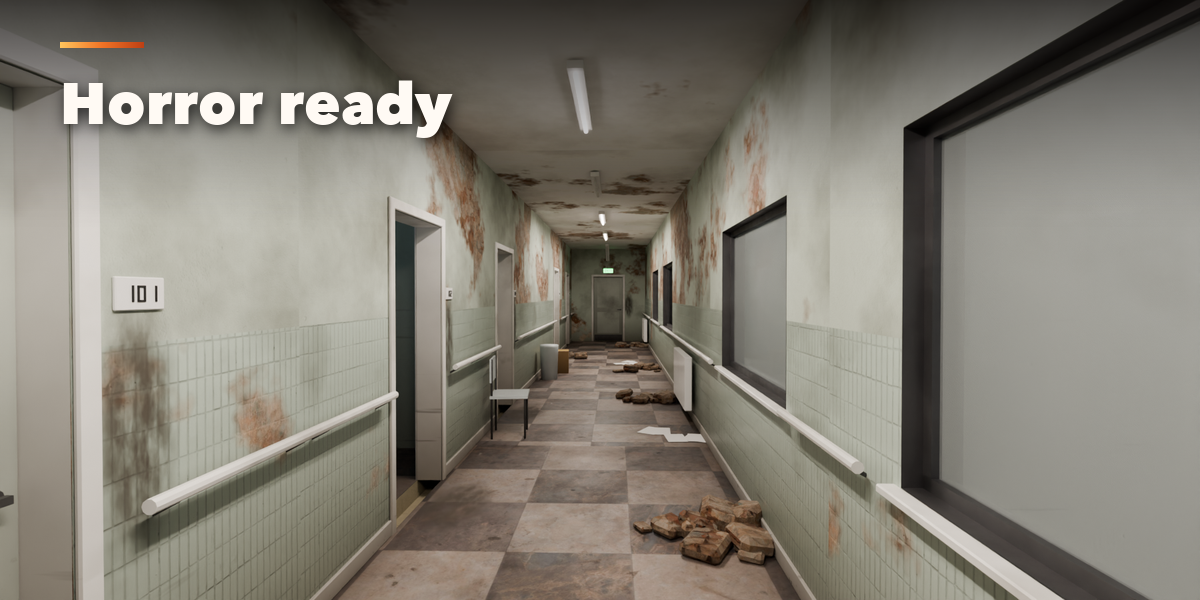
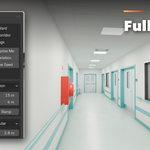
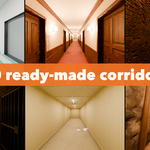
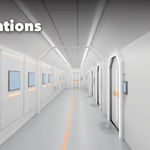
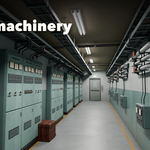
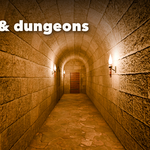
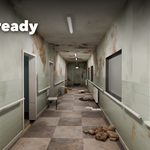
- Open the Corridor tab in the 3D viewport sidebar (N). With nothing selected, click the picture to pick one of the 30 corridors, then press Add. You can also use Shift+A, Mesh, Corridor.
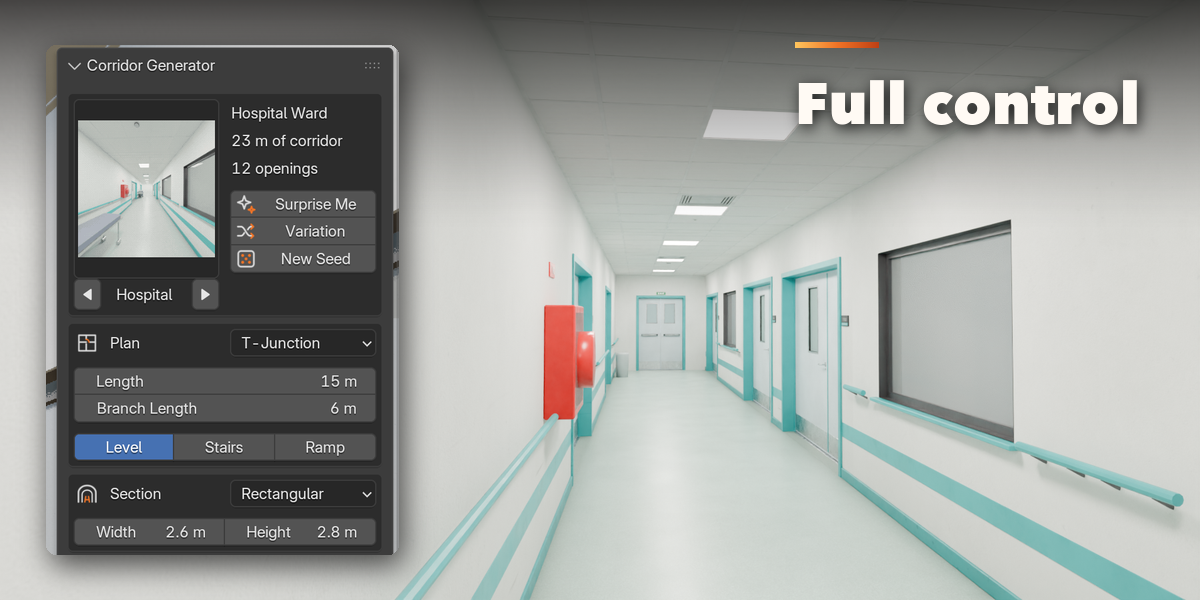
- The card at the top shows the corridor type. Click its picture to switch to another preset. Surprise Me makes a random corridor, Variation changes the current one and New Seed reshuffles doors, props and dirt.
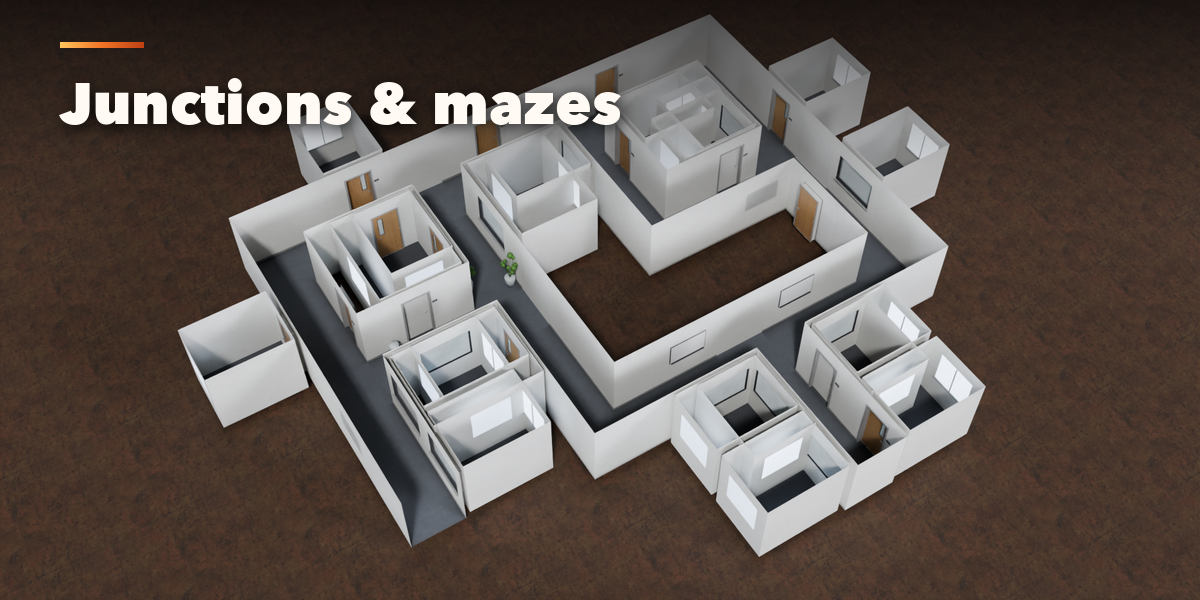
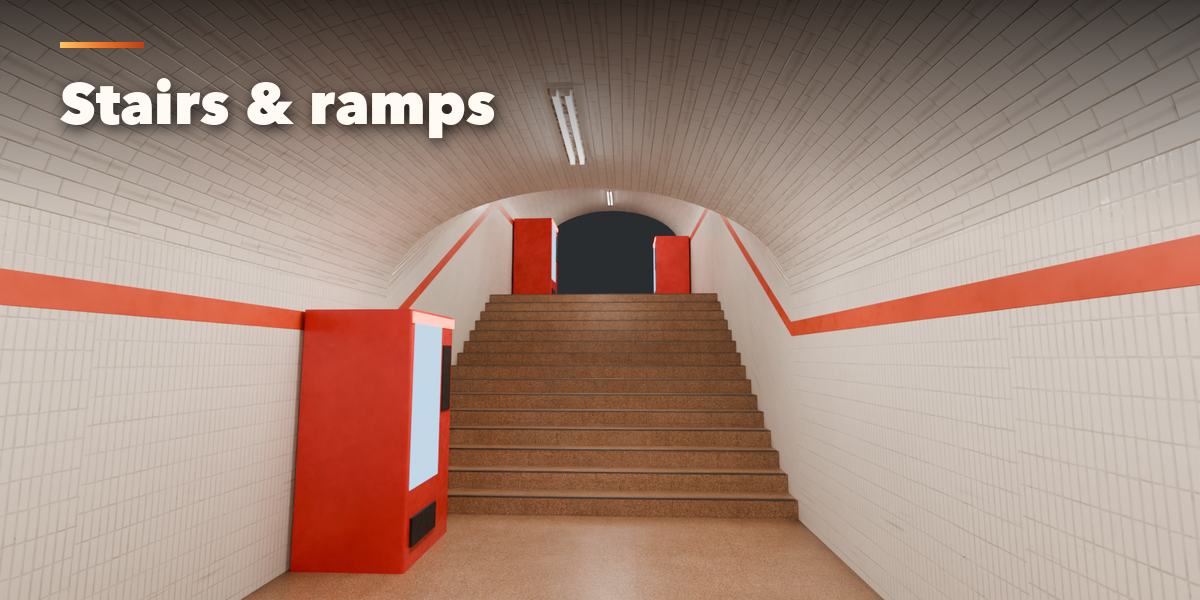
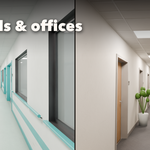
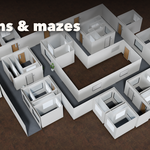
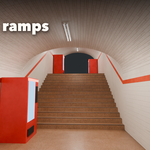
- Plan sets the layout (straight, corner, T, cross, branches, loop, maze or Follow Curve), the length and stairs or ramps. Section sets the shape, width and height. Walls chooses what each side holds: doors, windows, features or nothing. Mood sets the lights, dirt, damage, clutter and flicker.
- The closed sections below hold the details: plan, shape, doors and windows, materials, ceiling and frames, trims and services, lights, props and decals.
- For a curved corridor choose Follow Curve and pick a curve, or press + to add one. Edit its points and the corridor follows.
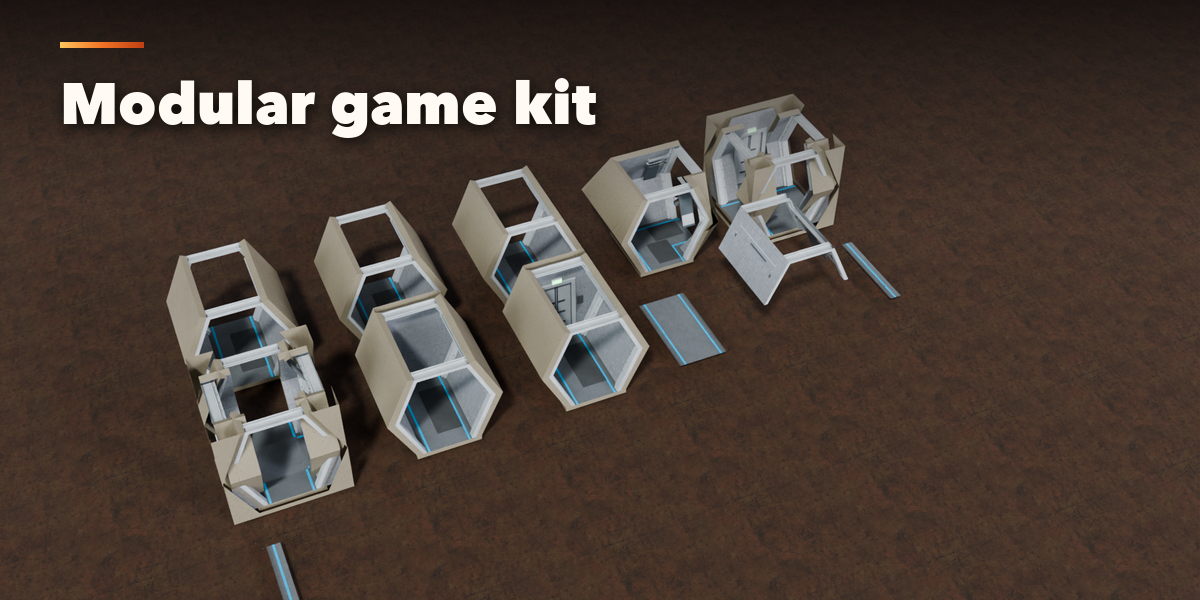
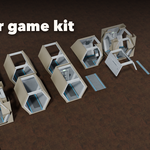
- Export: Make Modular Kit builds grid-snapping pieces of the current style for game engines. Convert to Mesh copies the corridor as plain meshes and lamps.
Have questions about this product?
Login to message
| Blender Extension Compatible | Yes |
| Published | about 6 hours ago |
| Blender Version | 4.2 - 5.2 |
| Extension Type | Add-on |
| Render Engine Used | Cycles, Eevee |
| License | GPL |

Discover more products like this
modular corridor architecture Generator Level Design sci fi Interior game ready hallway horror procedural backrooms