 BENNODES

Installation
1. In Blender open Edit > Preferences > Add-ons.
2. Click the arrow menu (top right) > Install from Disk.
3. Select countdown_text.py from the downloaded zip.
4. Enable the checkbox next to "Countdown Text Generator".
Usage
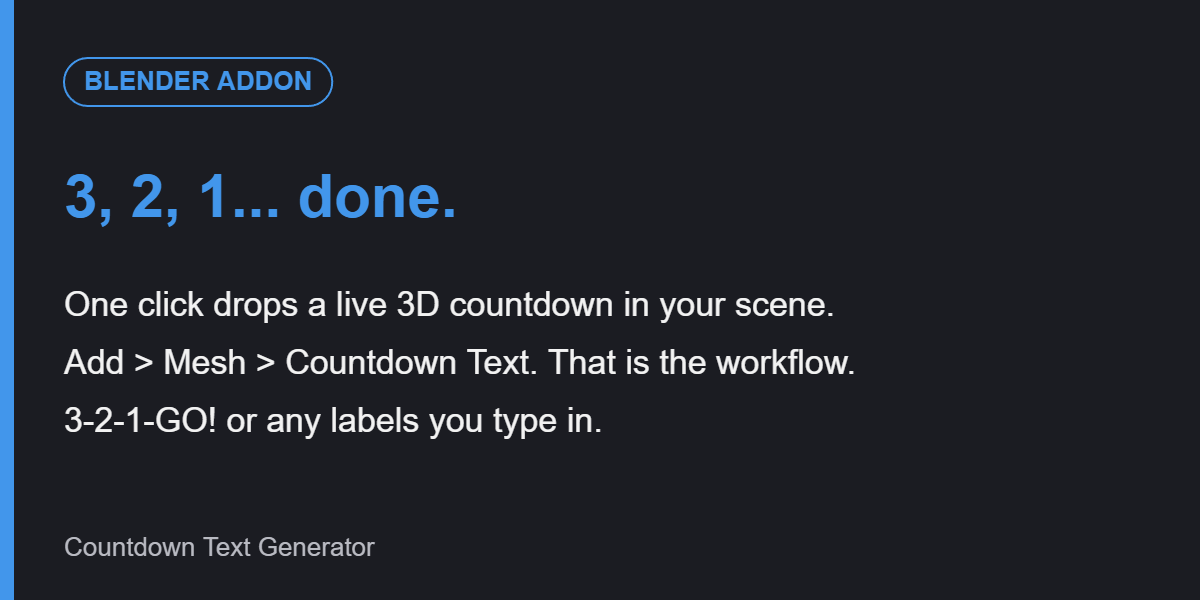
1. Add > Mesh > Countdown Text.
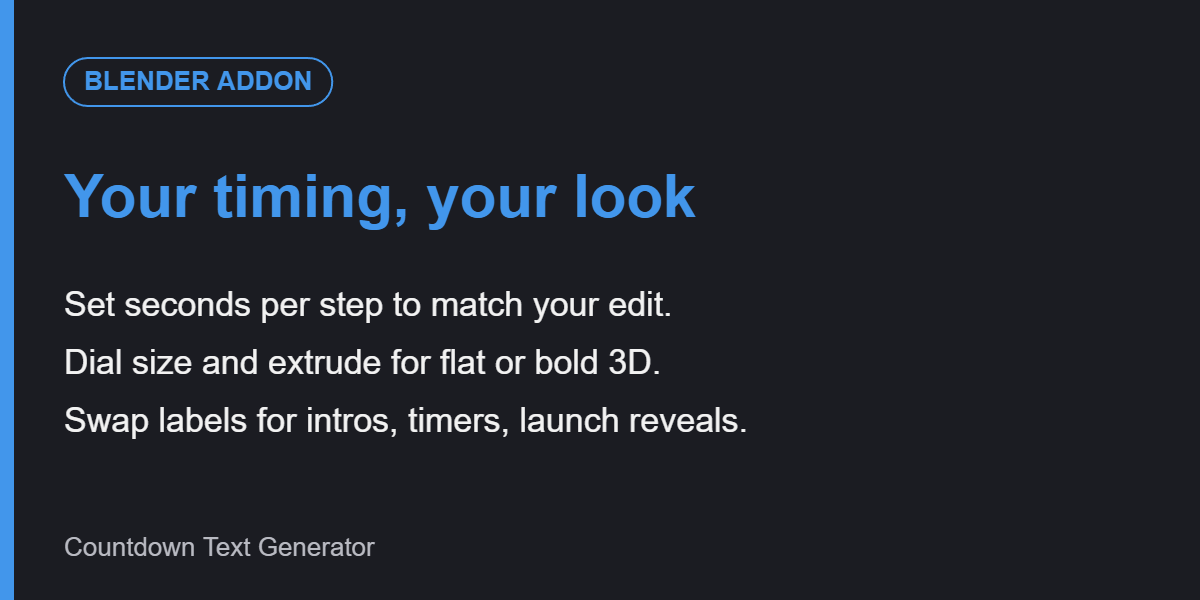
2. In the dialog set your labels (comma separated, e.g. "3,2,1,GO!"), seconds per step, text size, extrude depth and orientation.
3. Click OK — a Countdown object appears, driven by a Geometry Nodes group. Press play.
Tweaks
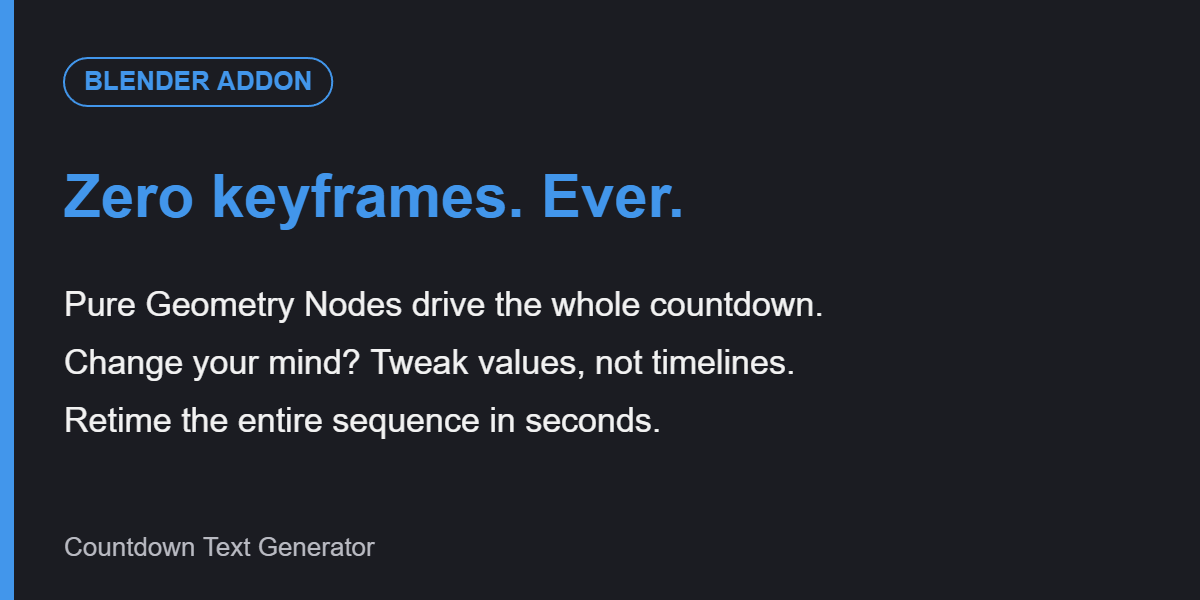
All timing and styling can be changed later inside the generated node group (labels in the Index Switch, timing in the Divide node, size on String to Curves, depth on Extrude Mesh).
Support: [email protected]
Have questions about this product?
Login to message
| Blender Extension Compatible | Yes |
| Published | 1 day ago |
| Blender Version | 4.5 - 5.2 |
| Extension Type | Add-on |
| Render Engine Used | Cycles |
| License | GPL |
Discover more products like this
text timer geometry nodes intro motion graphics procedural countdown animation