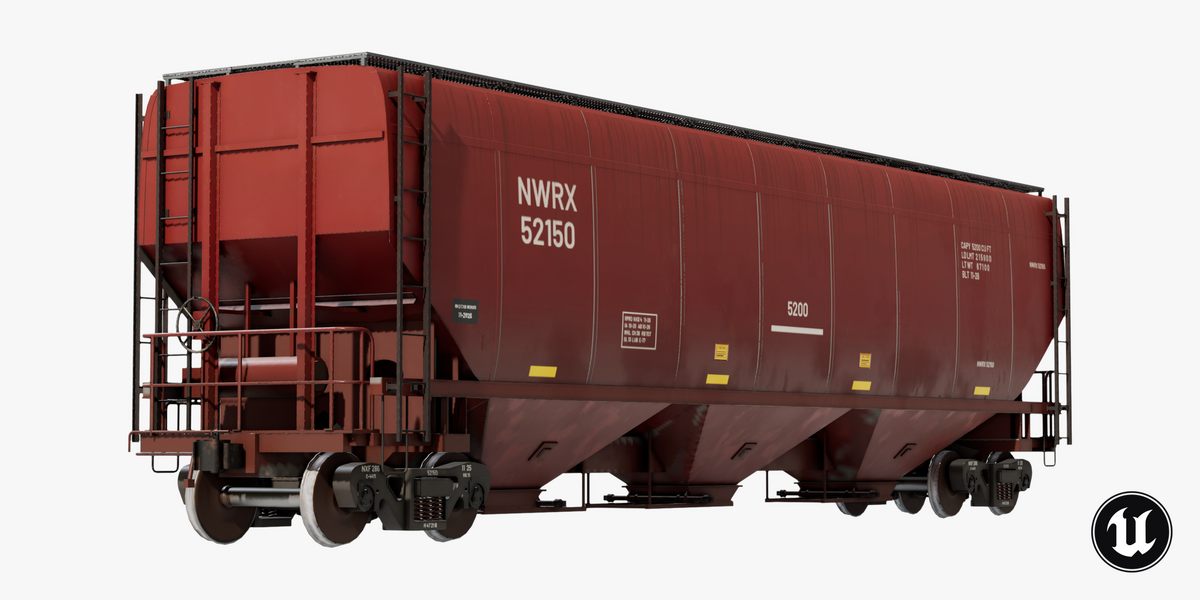
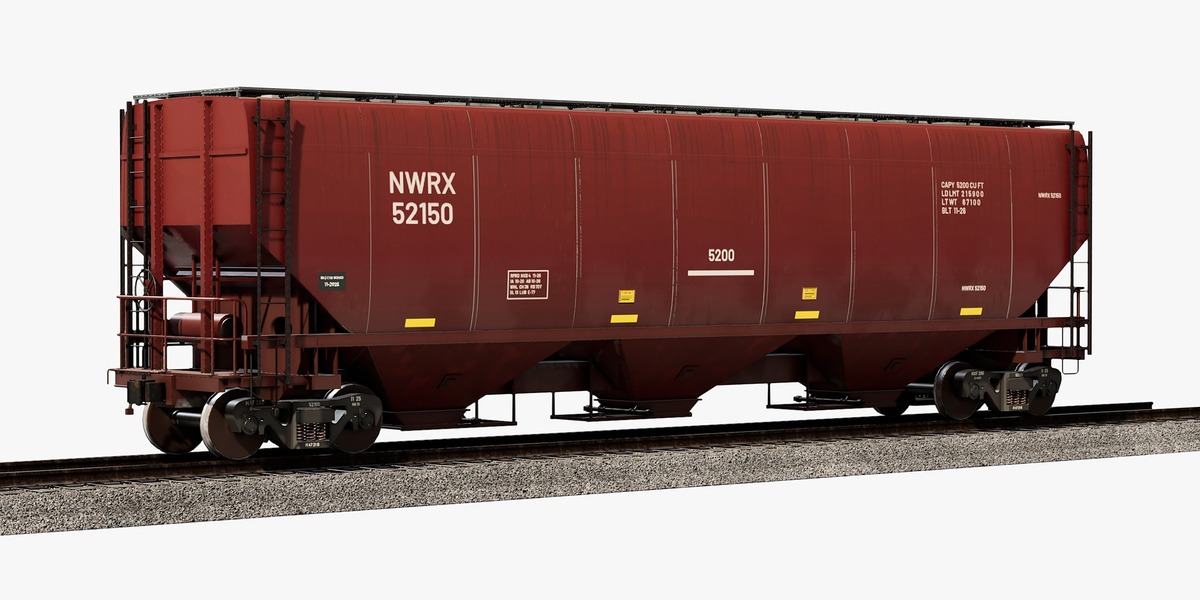
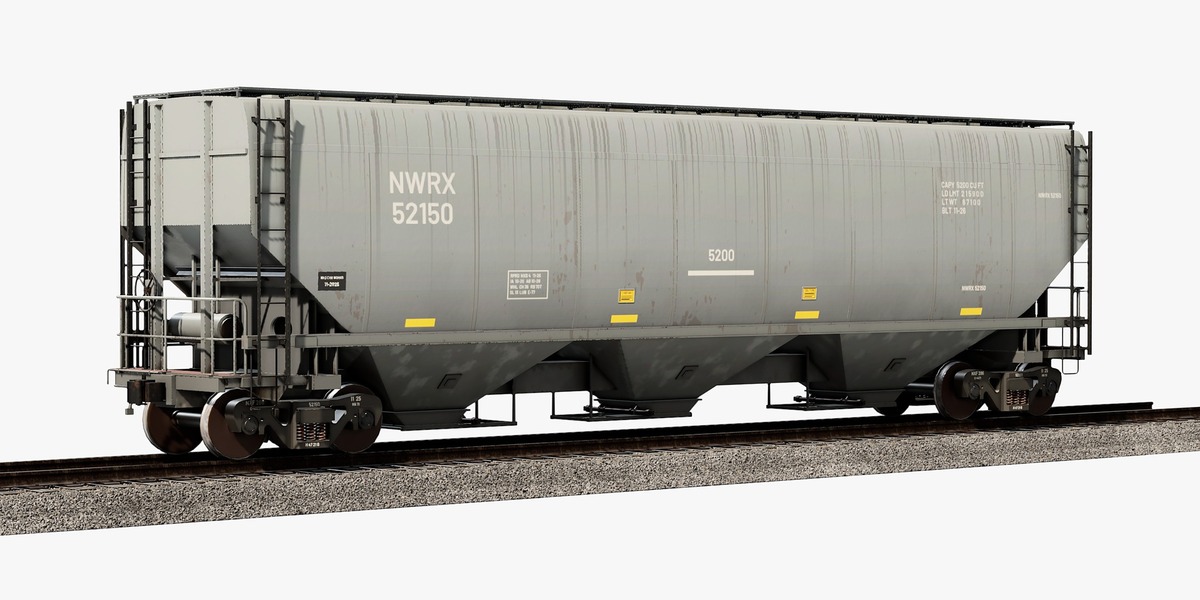
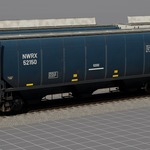
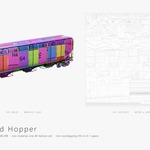
Covered Hopper Car
 Next Level Models
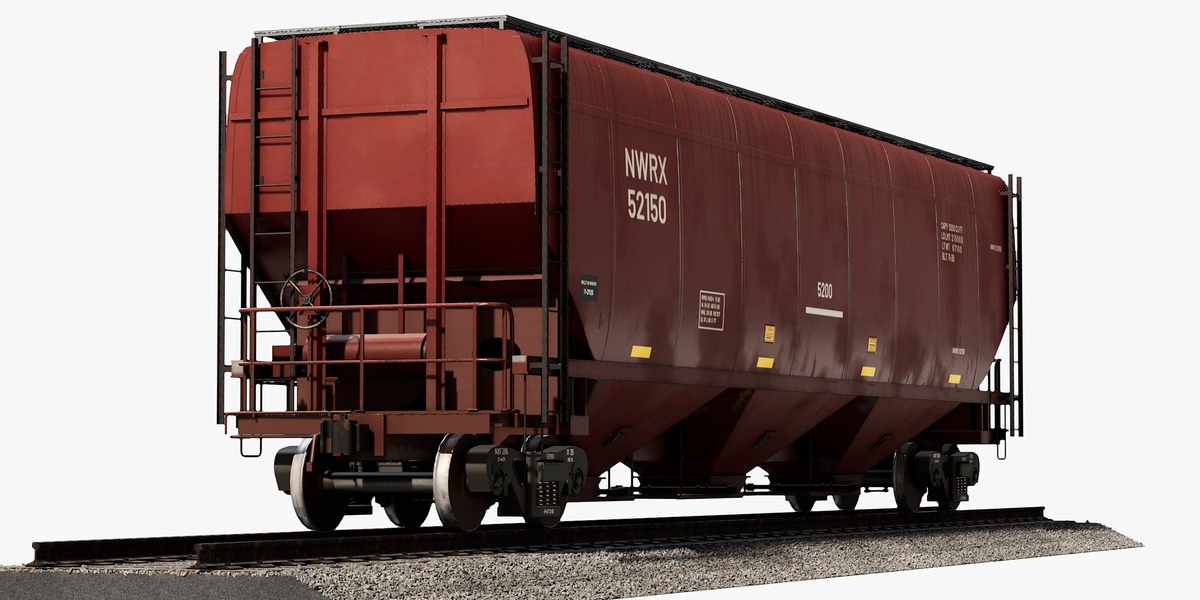
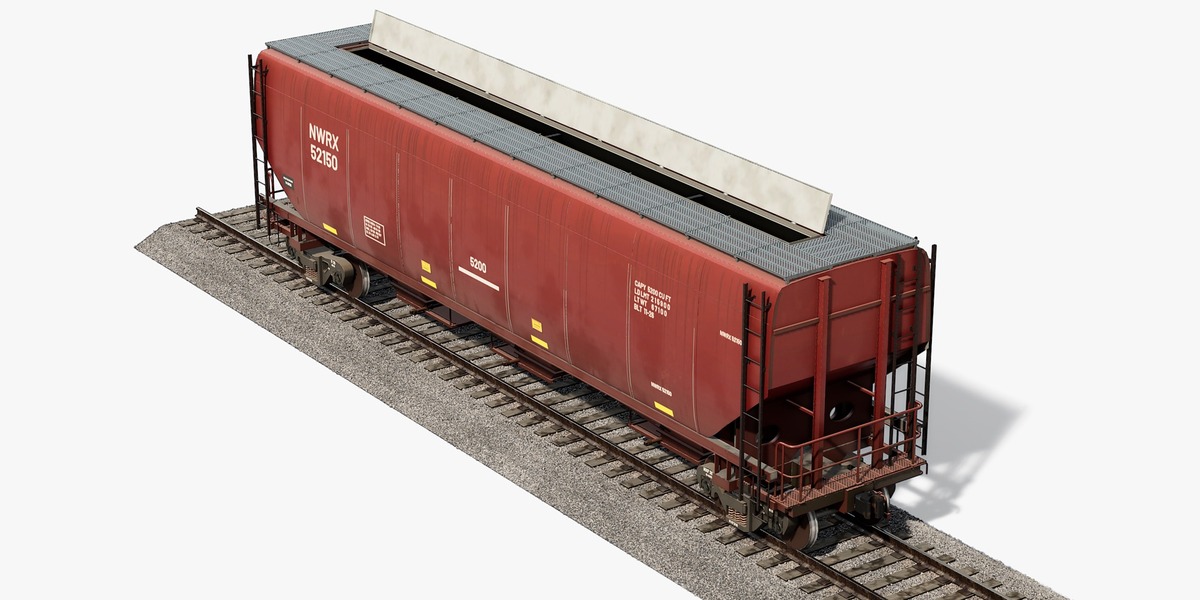
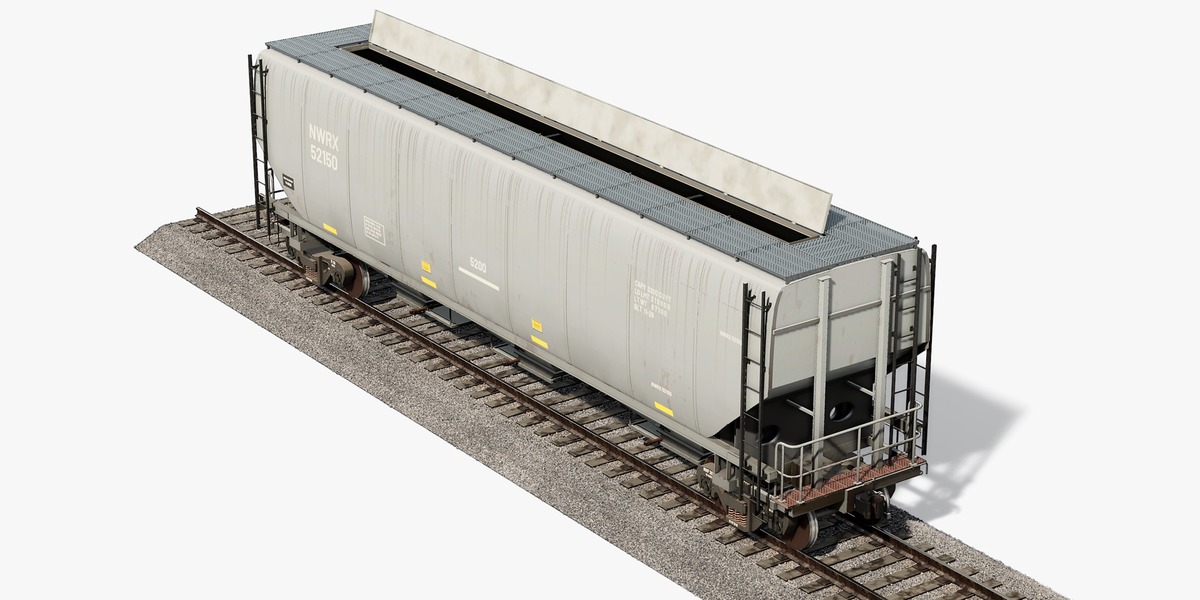
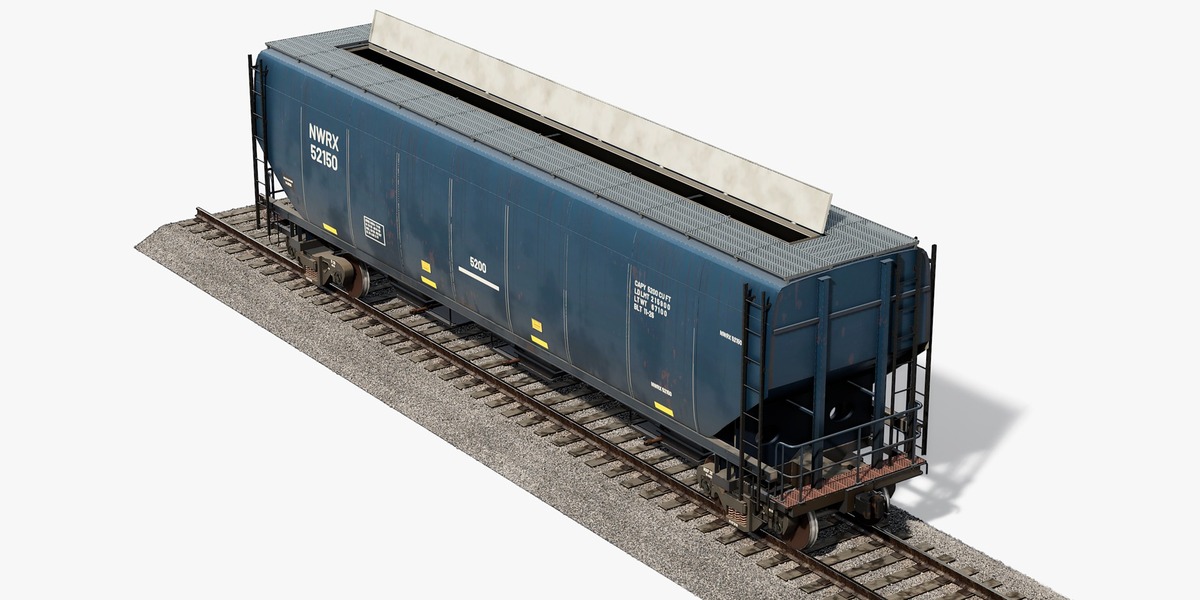
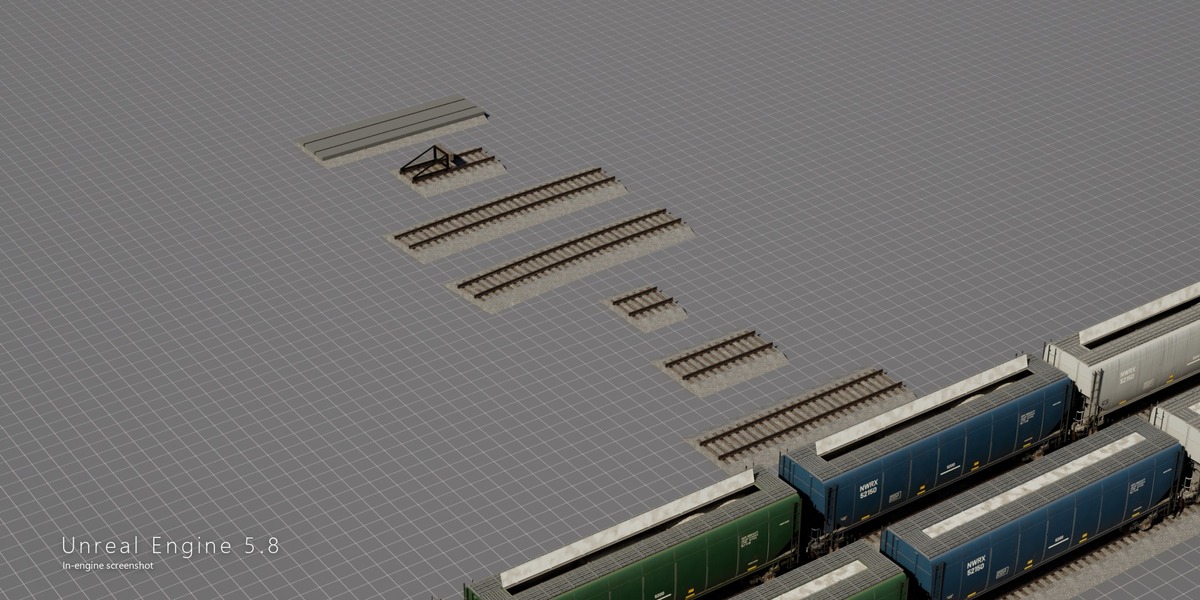
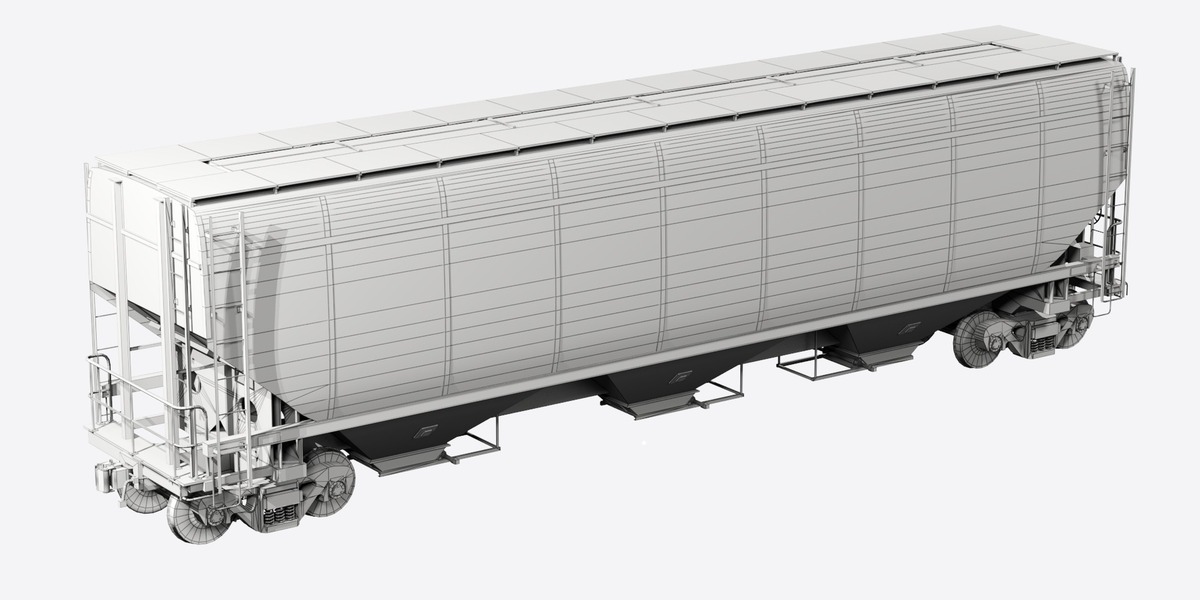
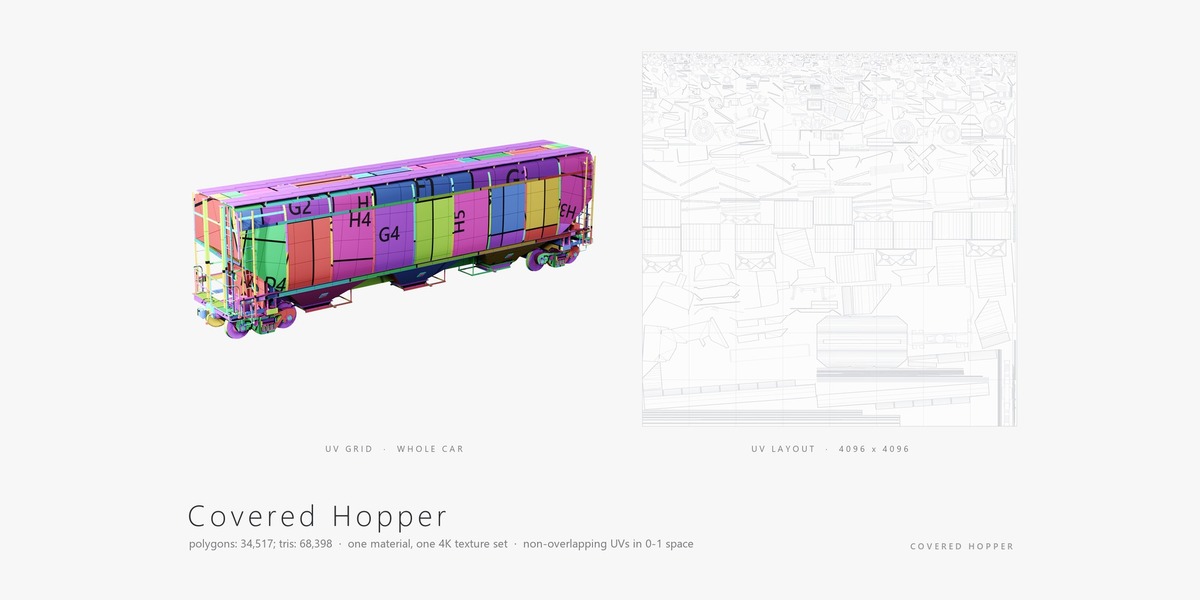
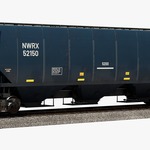
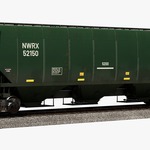
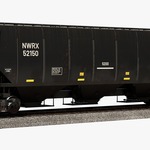
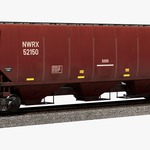
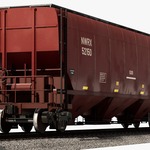
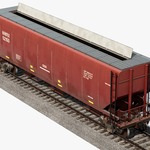
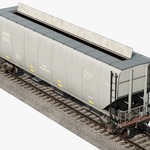
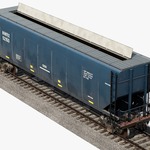
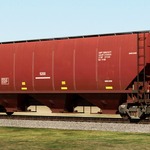
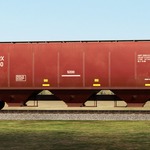
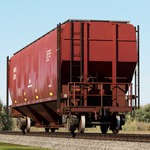
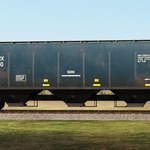
Getting started
- Blender: open CoveredHopper_Blender.zip > Blender > .blend. All textures are packed inside - nothing to relink. Material Preview or Cycles / Eevee.
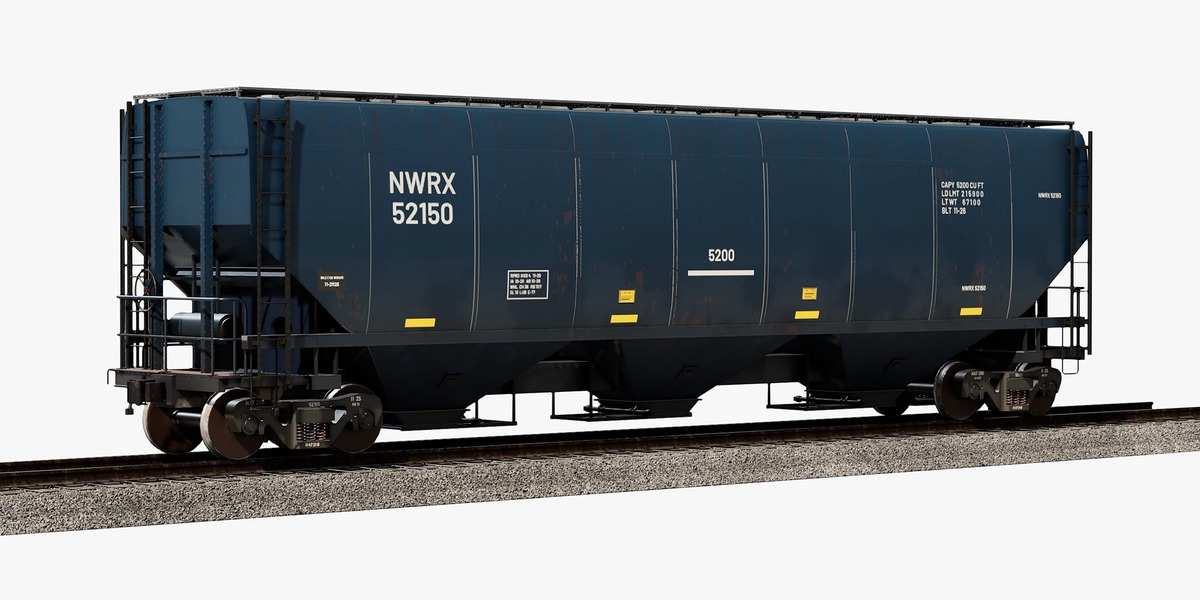
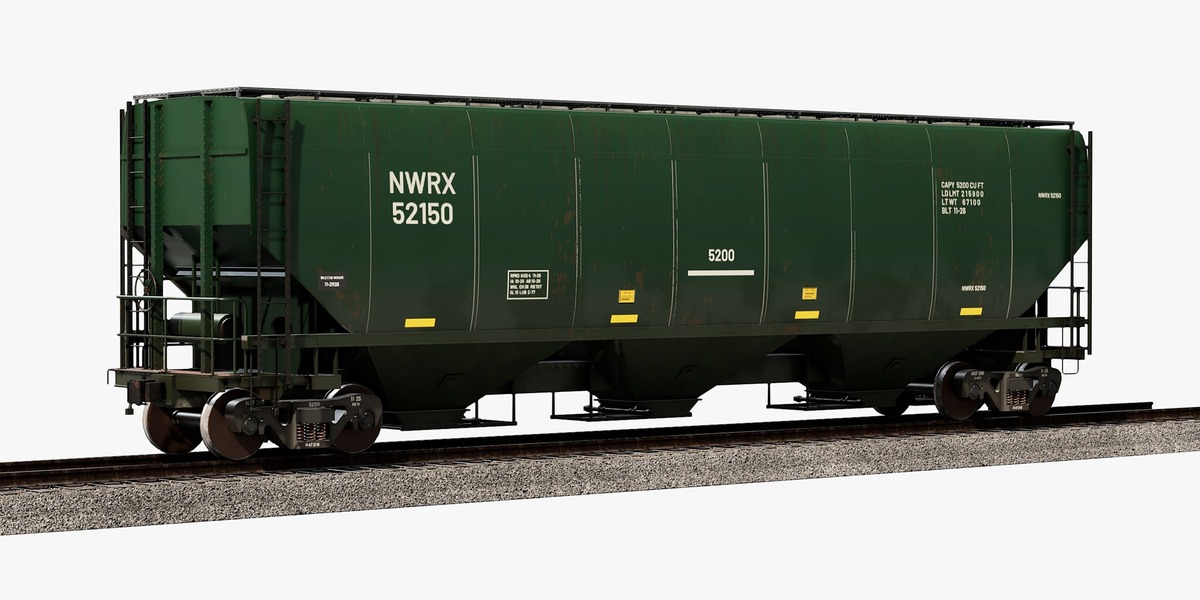
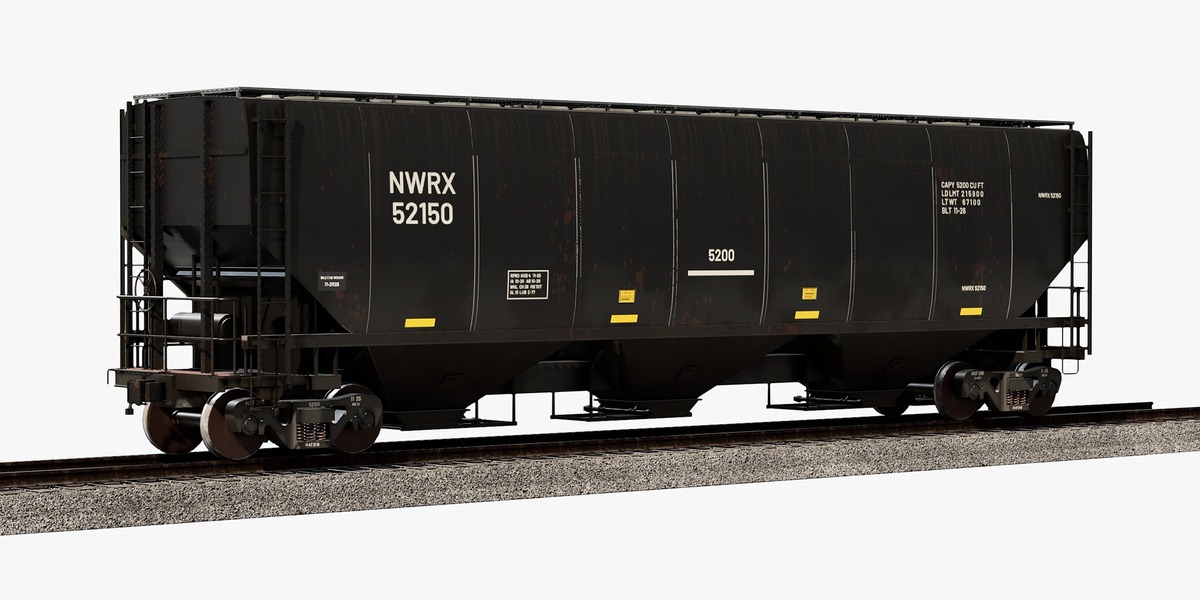
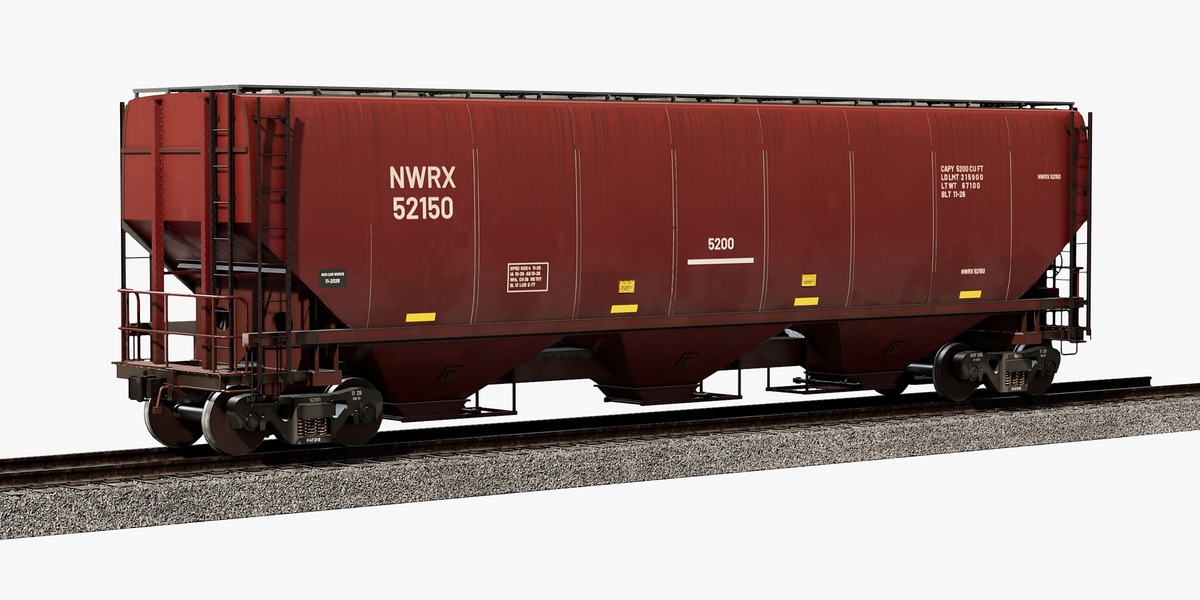
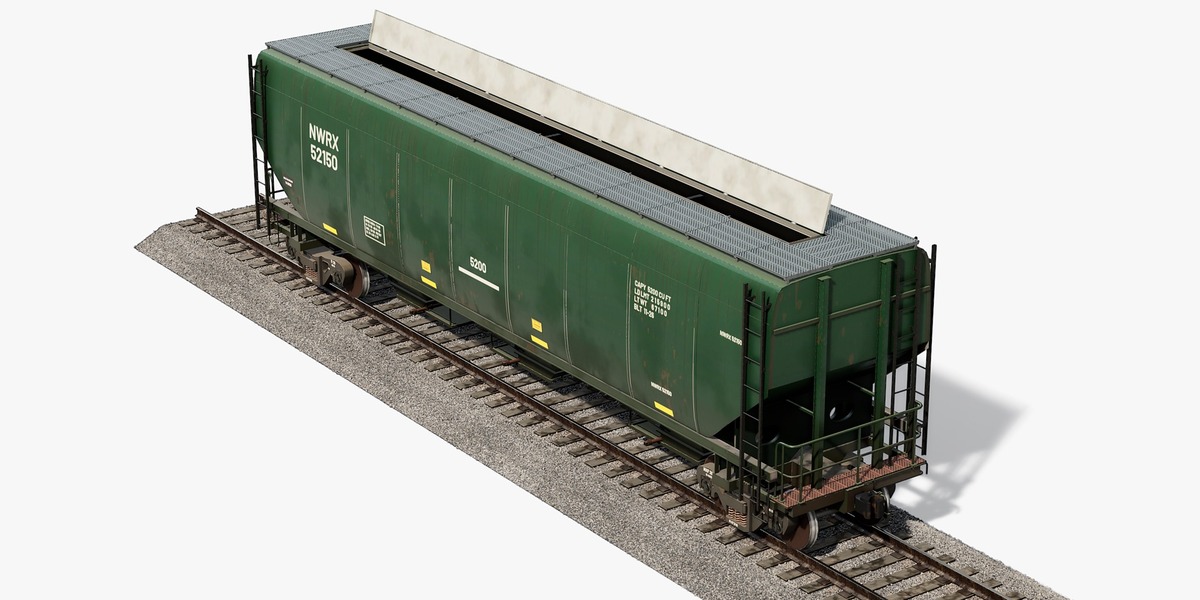
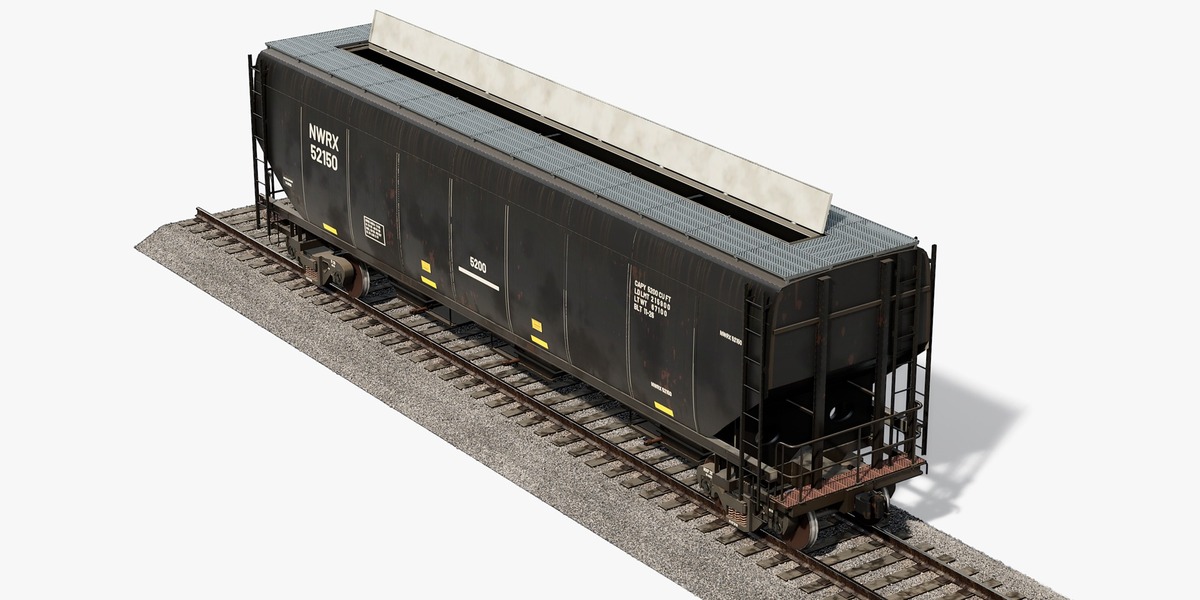
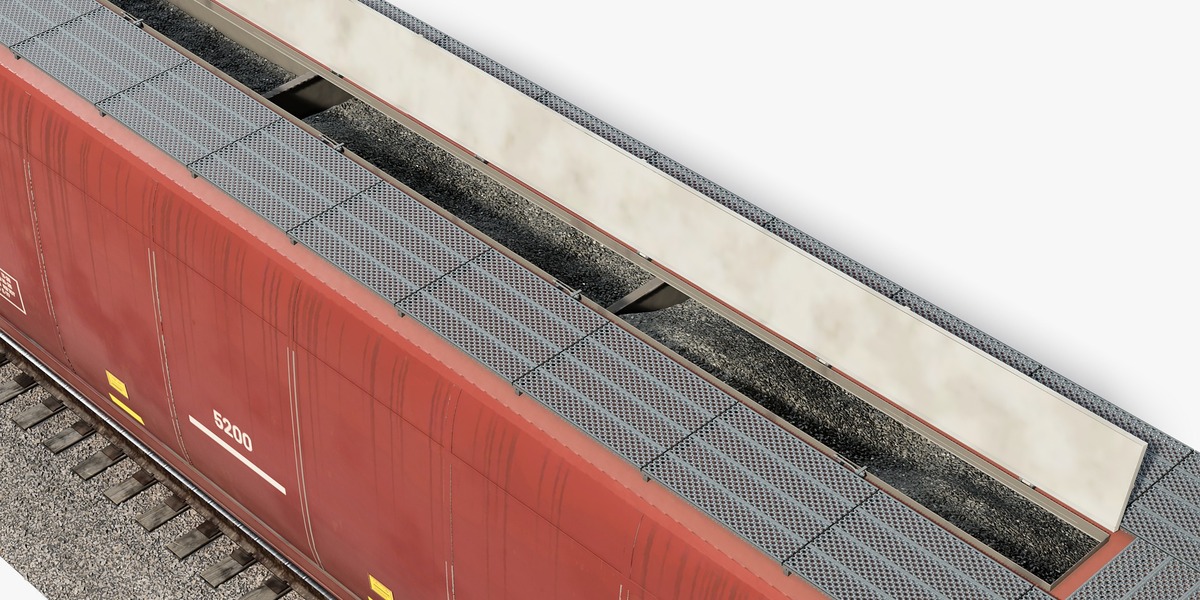
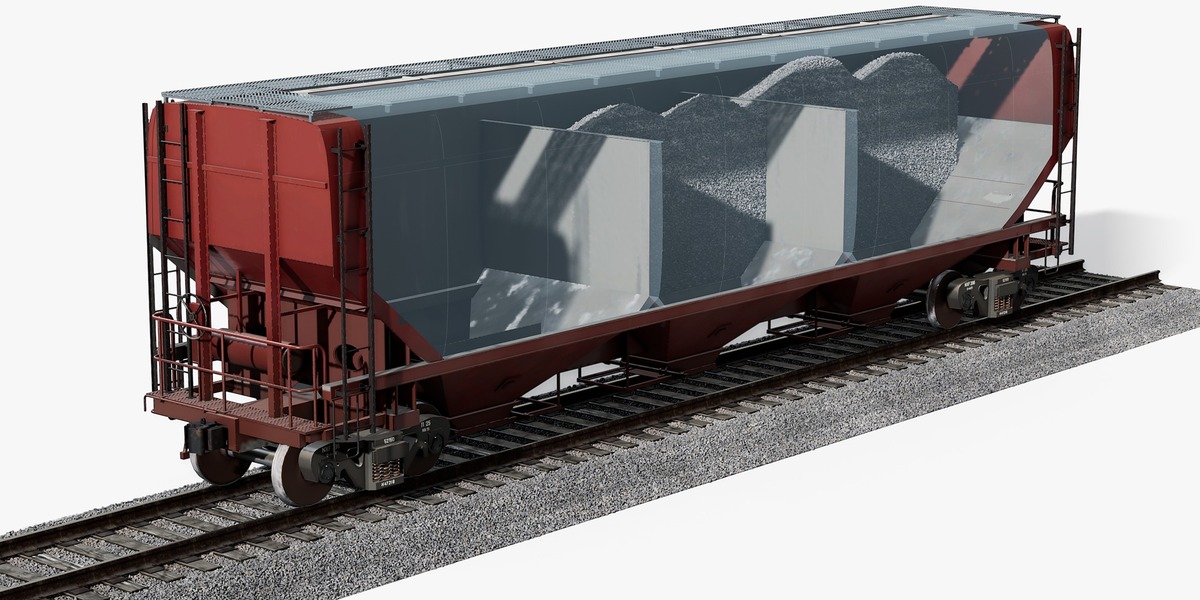
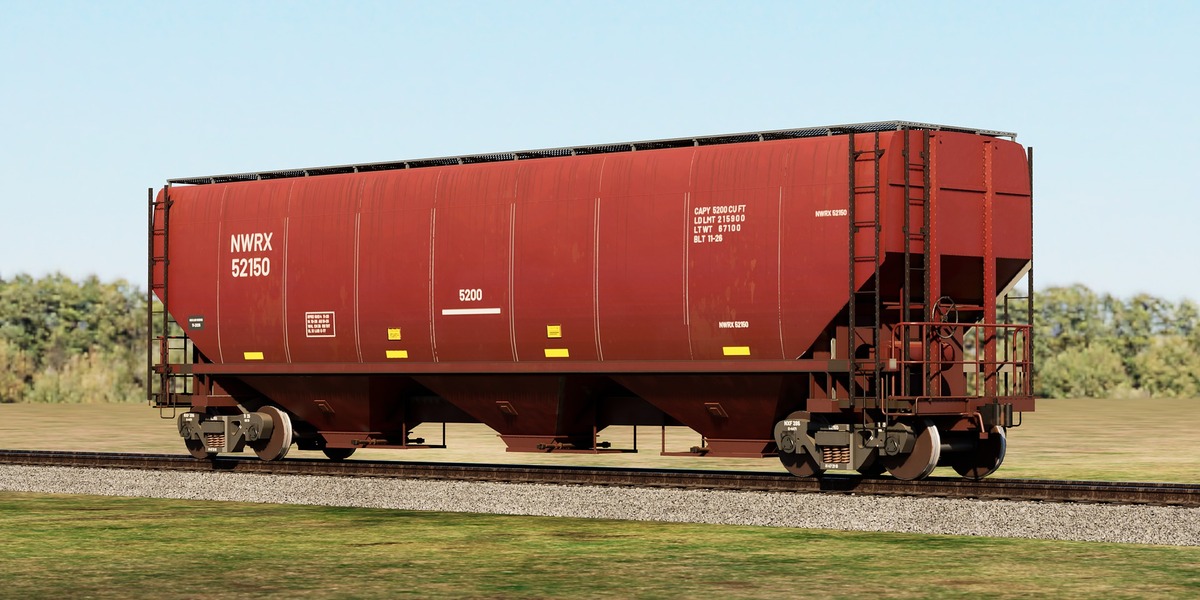
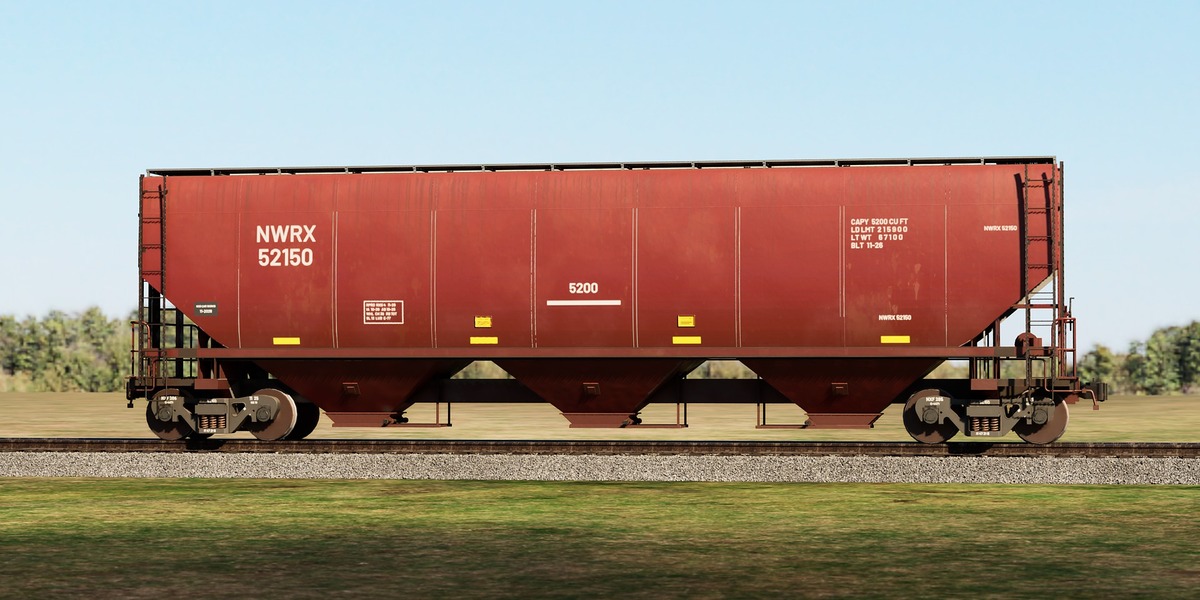
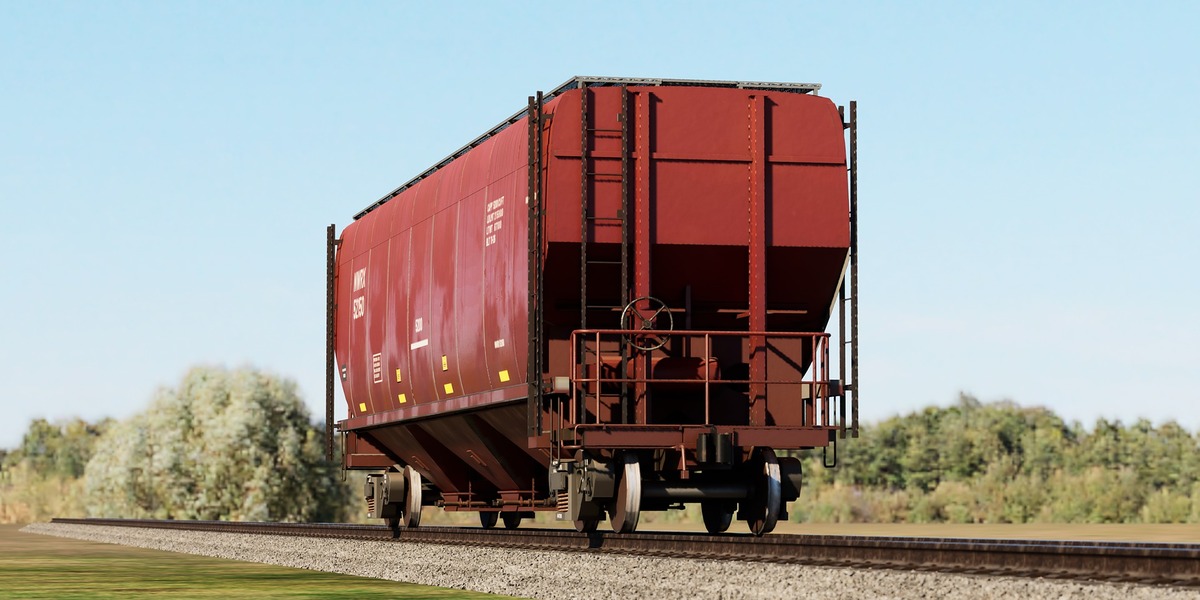
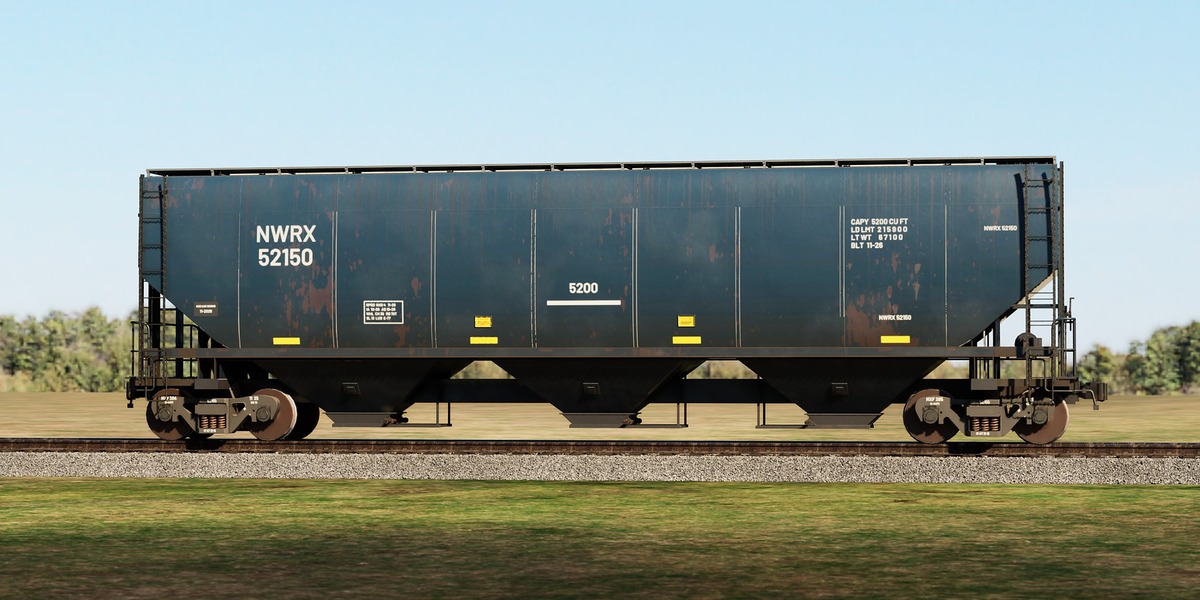
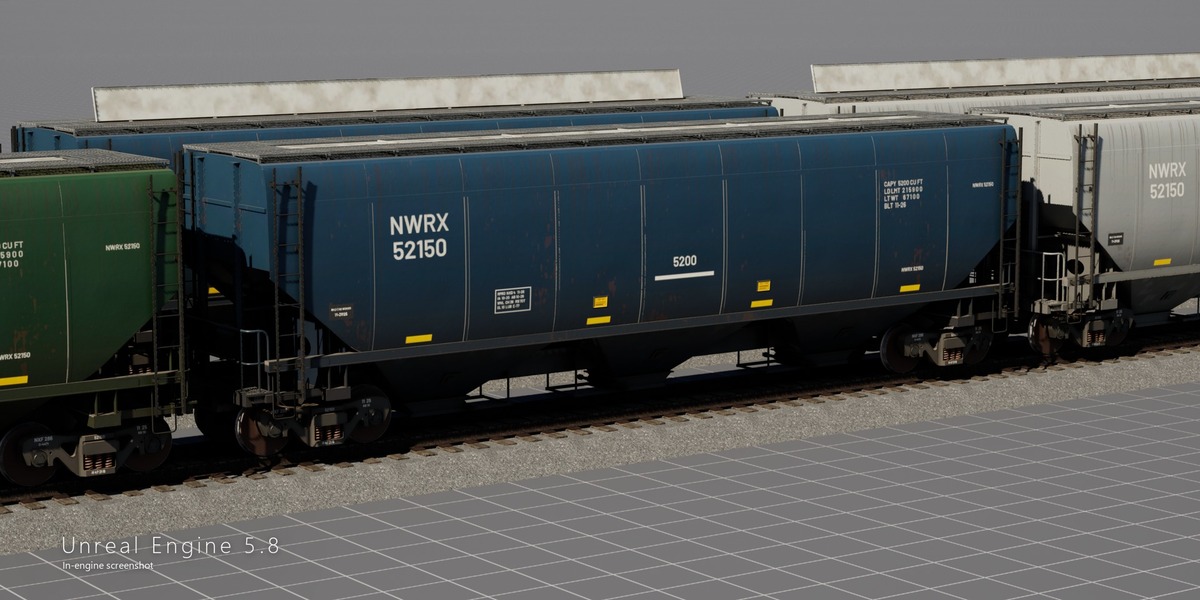
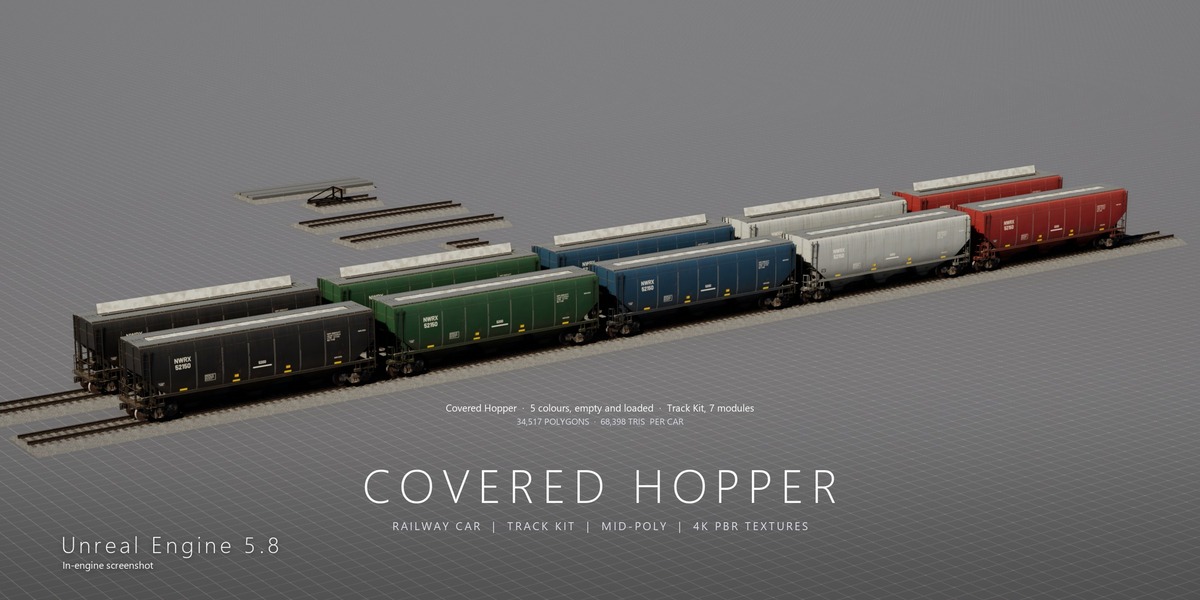
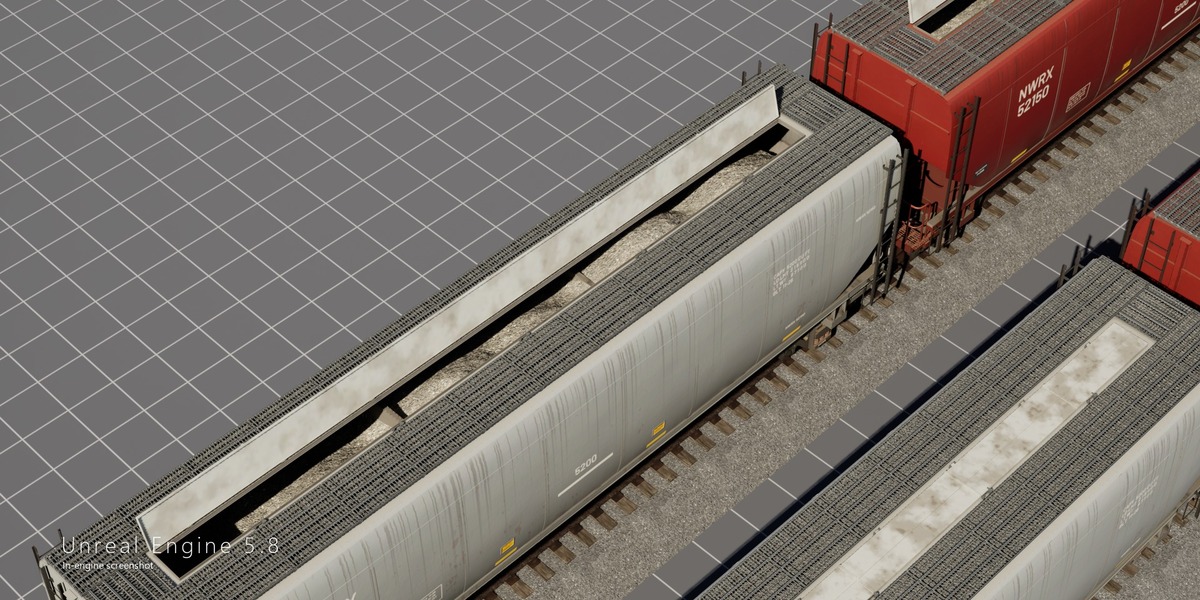
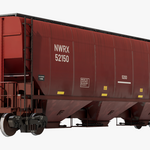
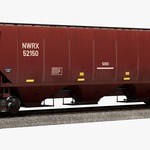
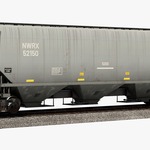
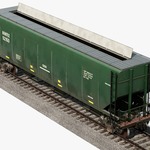
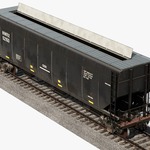
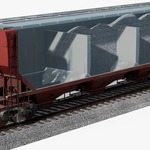
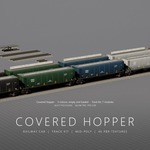
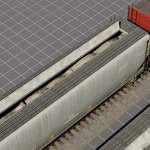
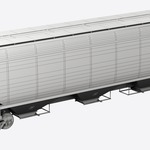
- Colours: the car comes in 5 colours (Brown, Grey, Blue, Green, Black), each also loaded (hatches open + crushed-stone load).
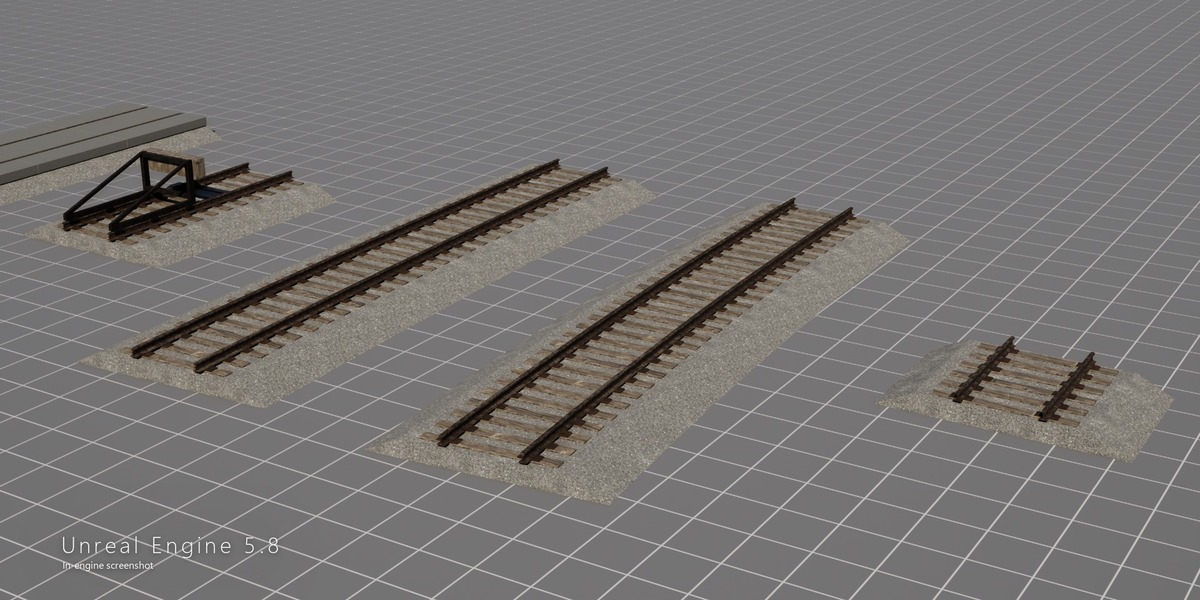
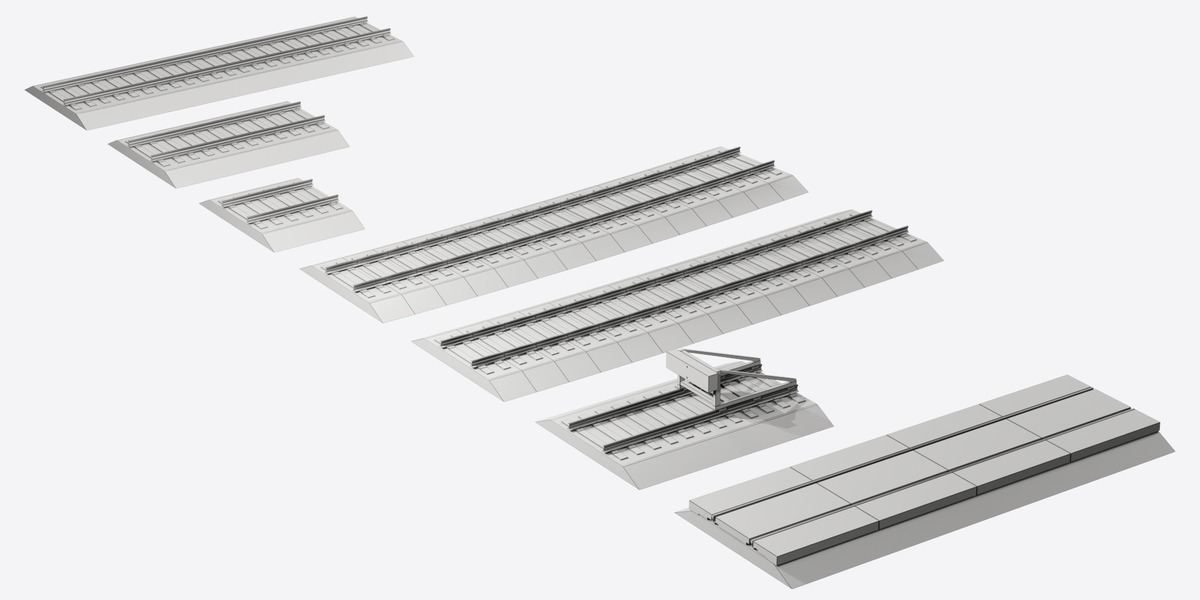
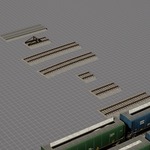
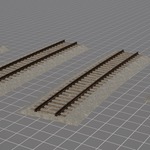
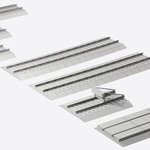
- Track kit: 7 modules (straight 40 / 20 / 10 ft, curves R146 m and R233 m, bumper end, level crossing). Modules snap end to end; the pivot is on the track axis at the module start.
- Car pivot: rail top level, so the car sits on any track module at Z = 0.
- FBX / OBJ: keep the Textures folder next to the FBX / OBJ folder (relative paths).
- Normal maps: OpenGL (Y+). For DirectX programs flip the green channel; the Unreal Engine 5.8 project is already set up.
- Unreal Engine: open the .uproject from CoveredHopper_UE5.zip; the showcase level has all colours, track modules and cameras. For a manual FBX import enable Convert Scene Unit.
Have questions about this product?
Login to message
| Published | 2 days ago |
| Blender Version | 5.2 |
| Render Engine Used | Cycles, Eevee |
| Misc Data | Uvs-Unwrapped, Normal-Mapped, Textured |
| License | Royalty Free |
Discover more products like this
railway freight car game ready rolling stock train railway track railroad track kit railcar hopper car PBR covered hopper