 Gdless
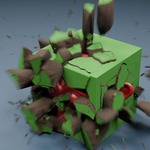
INSTALLATION & QUICK START
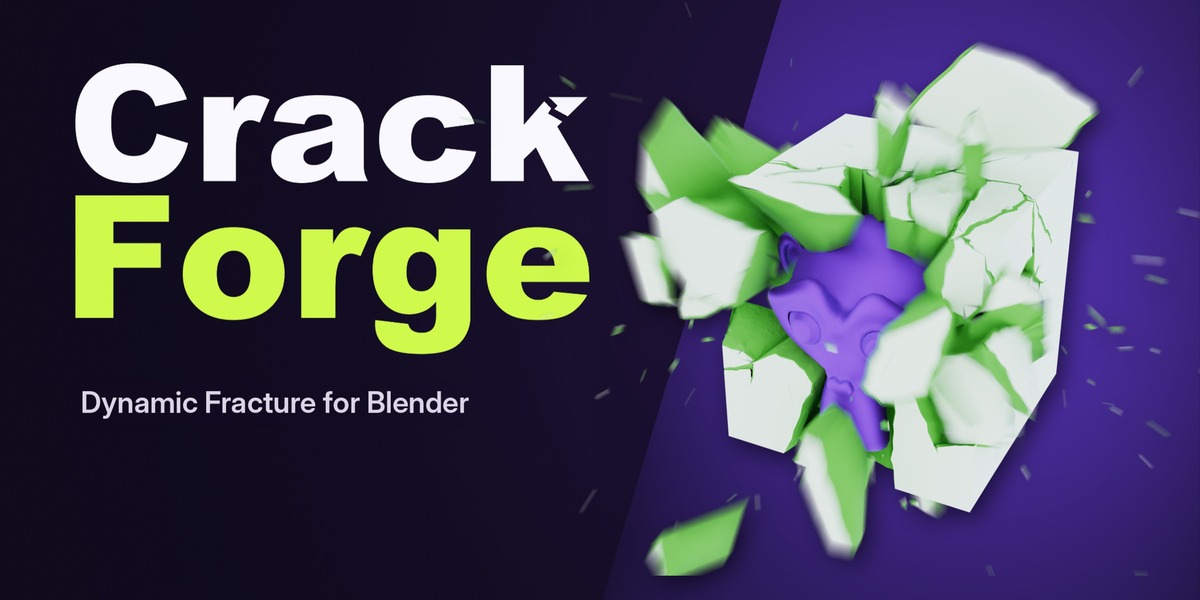
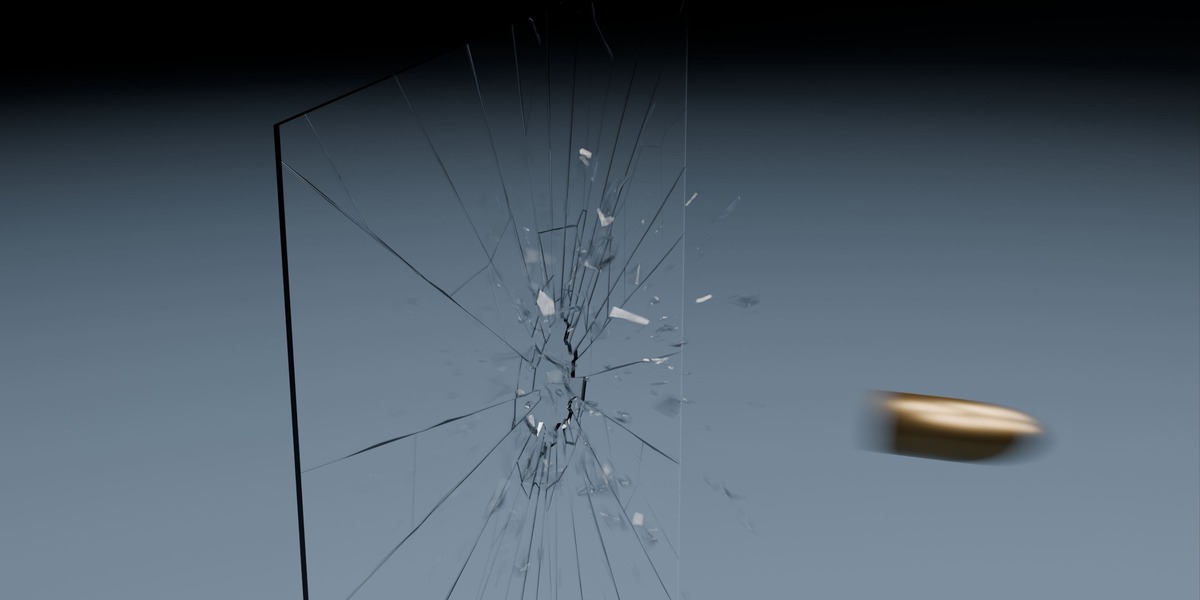
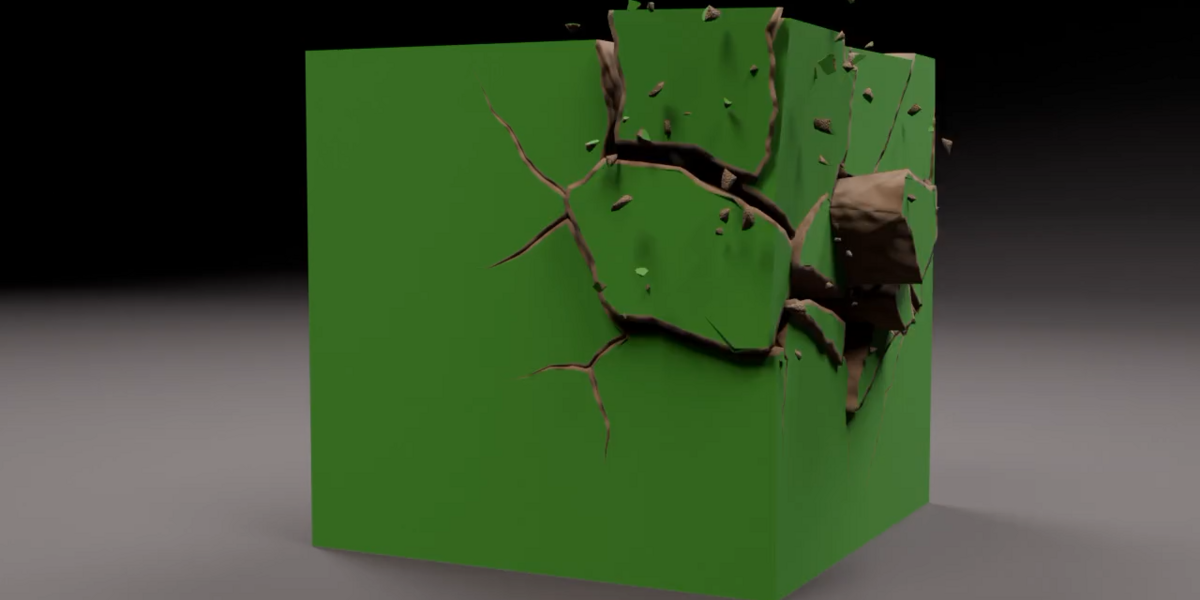
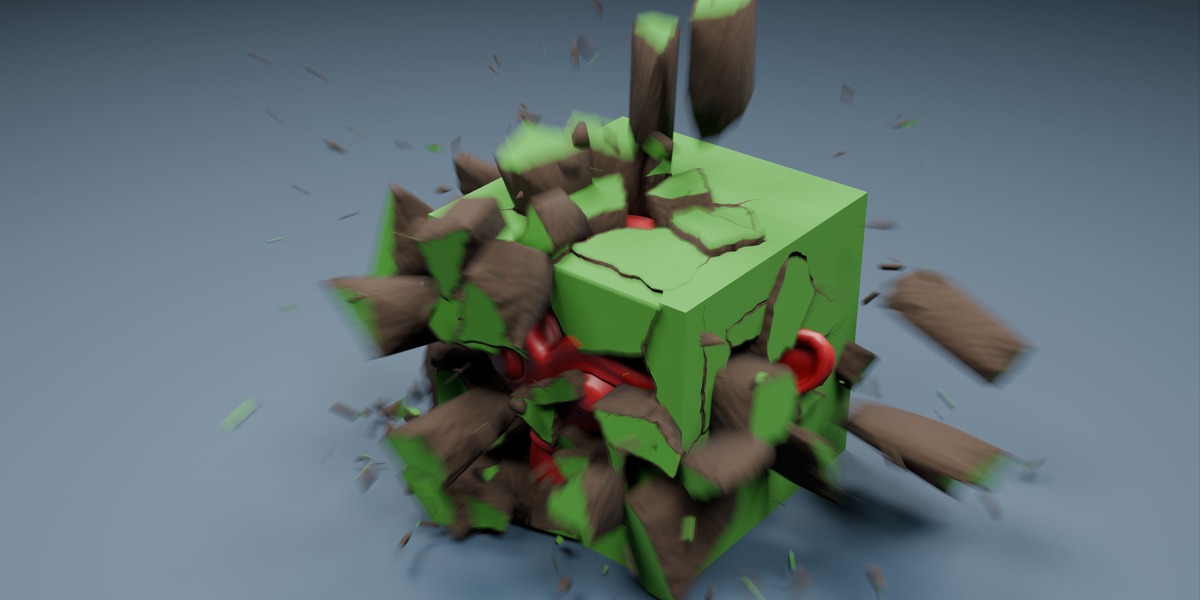
CrackForge
Set up once. Start breaking.
A Geometry Nodes preset supplied as a .blend file. No add-on installation required.
Installation
- Download the file and keep the supplied .blend file in a permanent folder.
- In Blender 5.2, open Edit → Preferences → Asset Libraries. Click + and select the folder containing the .blend file.
- Open the Asset Browser, select your library, and drag the CrackForge asset onto your mesh in the 3D Viewport.
Use CrackForge
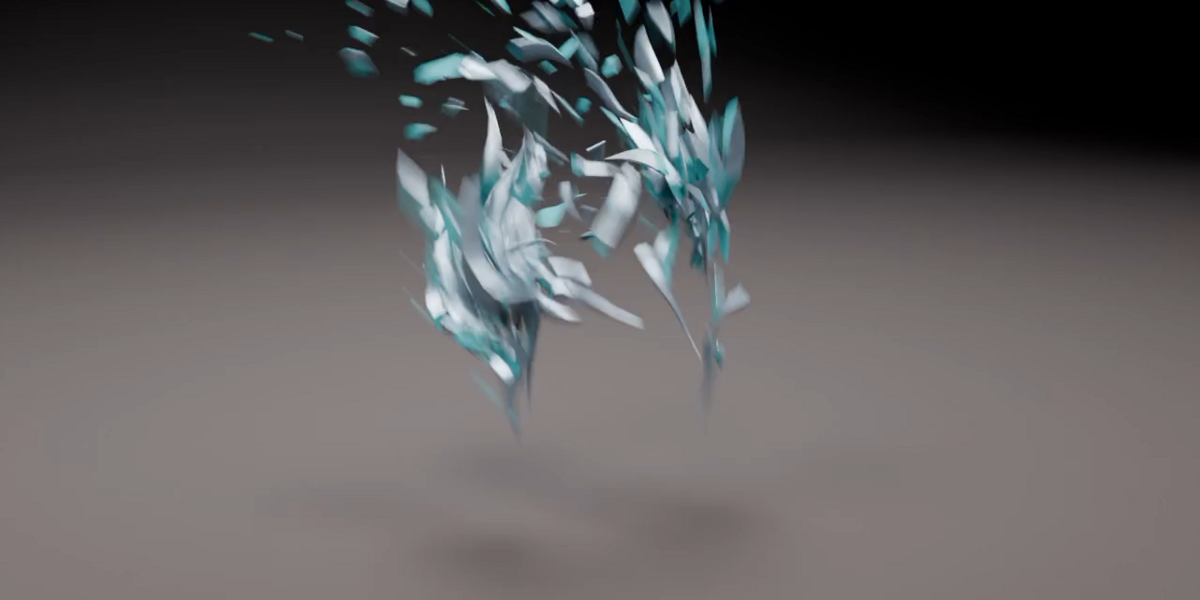
- Open the object’s Modifiers tab, choose a fracture pattern, and adjust the parameters.
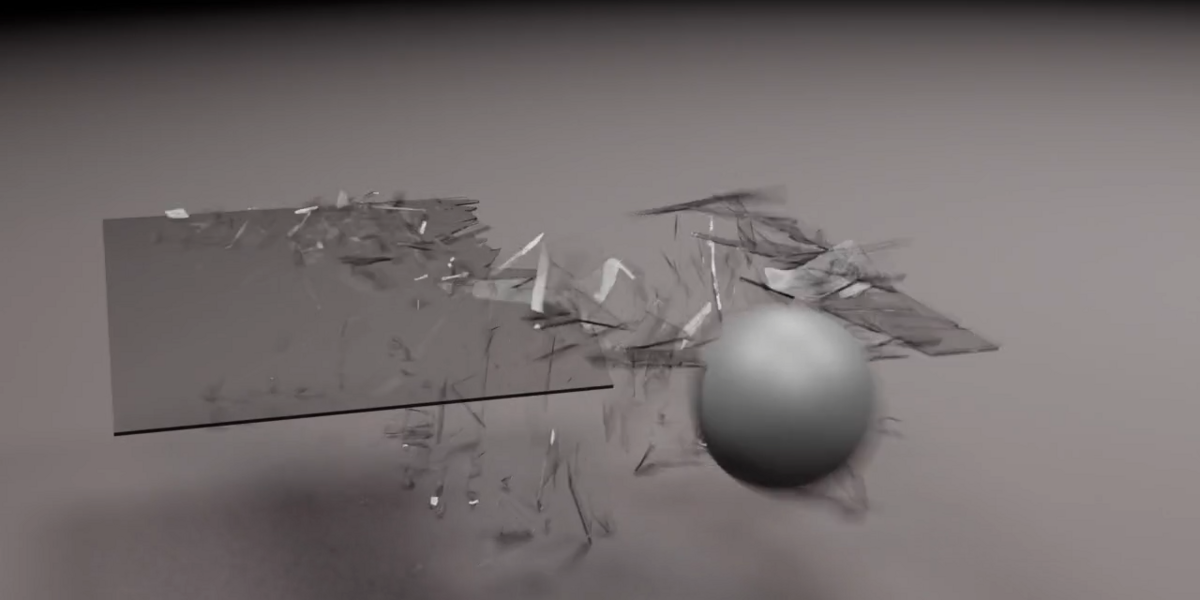
- Use vertex group weights or an impactor to control the affected area, and enable animation options as needed.
- Hover over parameters to read their tooltips.
For examples, open the supplied .blend file and explore the settings on the included objects.
Have questions about this product?
Login to message