 YU_Design


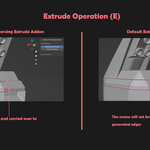
Crease-Preserving Extrude: Smart Creasing for Faster Modeling
Tired of reassigning crease values after every extrusion?
Crease-Preserving Extrude is the tool to help Blender users keep the edge flow and crease detail consistent — automatically. This powerful Blender add-on intelligently carries over crease values from existing geometry to newly extruded edges, which will help improve the efficiency of your modeling process.
Install the addon

Key Features:
1. Extrude with Crease
-
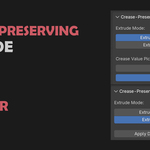
There are two options in this addon, Extrude with Crease and Extrude (Default), when Extrude with Crease option is picked, the newly generated edge will automatically inherit the crease value from its neighboring edges based on the built in algorithm. Extrude with Crease works for vertex, edge and face extrude operations. And Extrude (Default) is the same as the Blender built in extrude operation.

2. Crease Value Picker
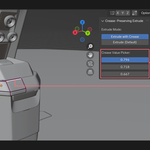
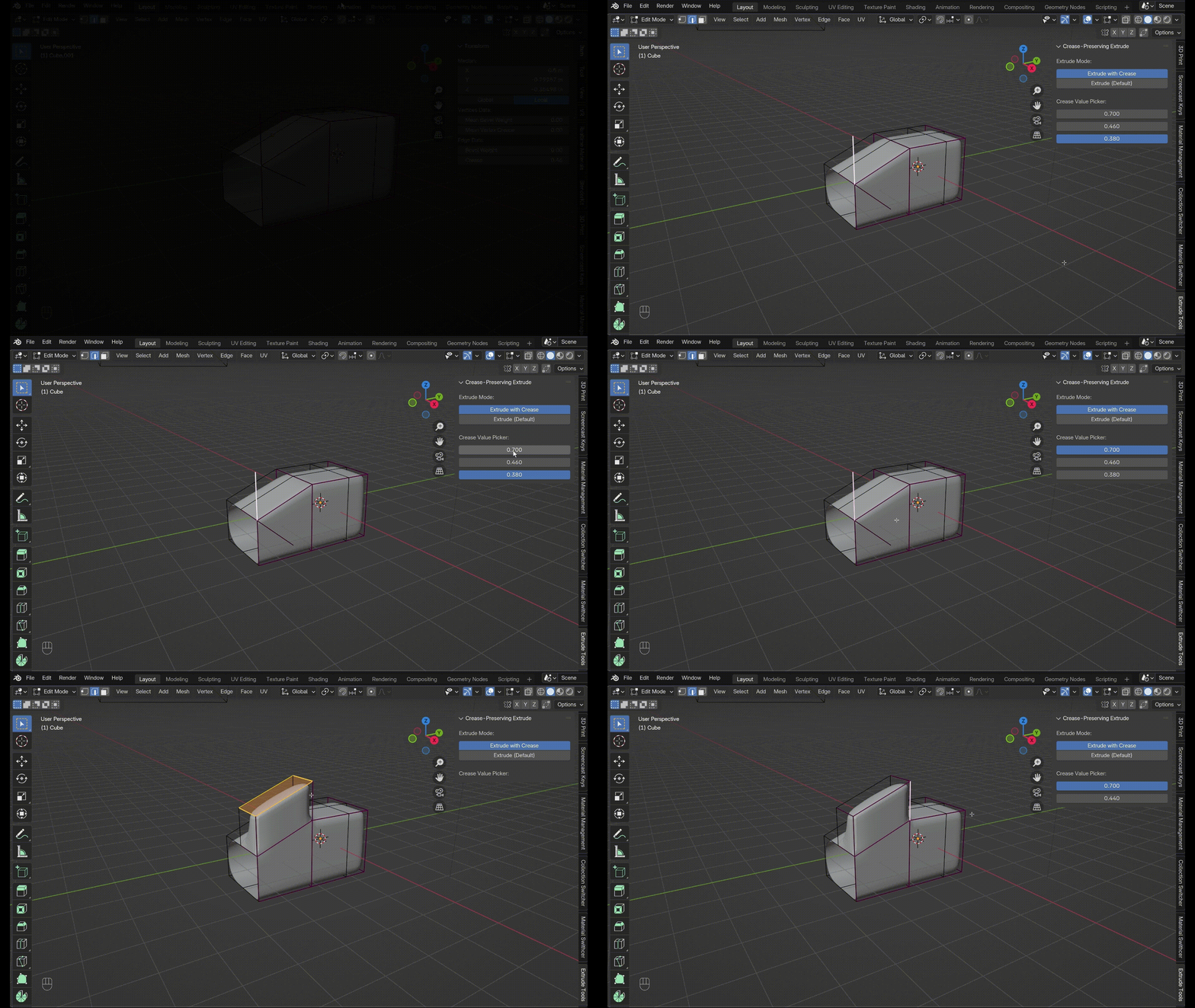
- Under Extrude with Crease, if the automatically inherited crease value is not the one you wish, you can change it under Crease Value Picker. The addon will list all the potential crease values from the neighboring edges (edges share one vertex with the newly generated edge), and you can pick the one you want if the automatically assigned one is not what you think.
3. Apply Directional Crease
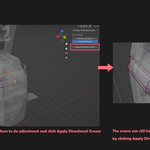
- If you need to access the Adjust Last Operation Panel (the pop up menu in the bottom left corner after each operation), you can start by using Extrude (Default), then do the adjustments with Adjust Last Operation Panel. After that, click the Apply Directional Crease button. The crease will also be added on based on its neighboring edges' crease value. Once you click the Apply Directional Crease button, you can also adjust which crease value to inherit with the Crease Value Picker.

4. Works with most Alt+E Operations
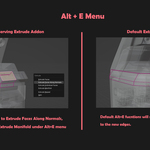
- The Extrude with Crease, Crease Value Picker, Apply Directional Crease work with most of the operations under Alt + E menu in vertex, edge, face select modes. Extrude Repeat and Spin operations under face extrude are not working with this addon.

How does the built in algorithm work
-
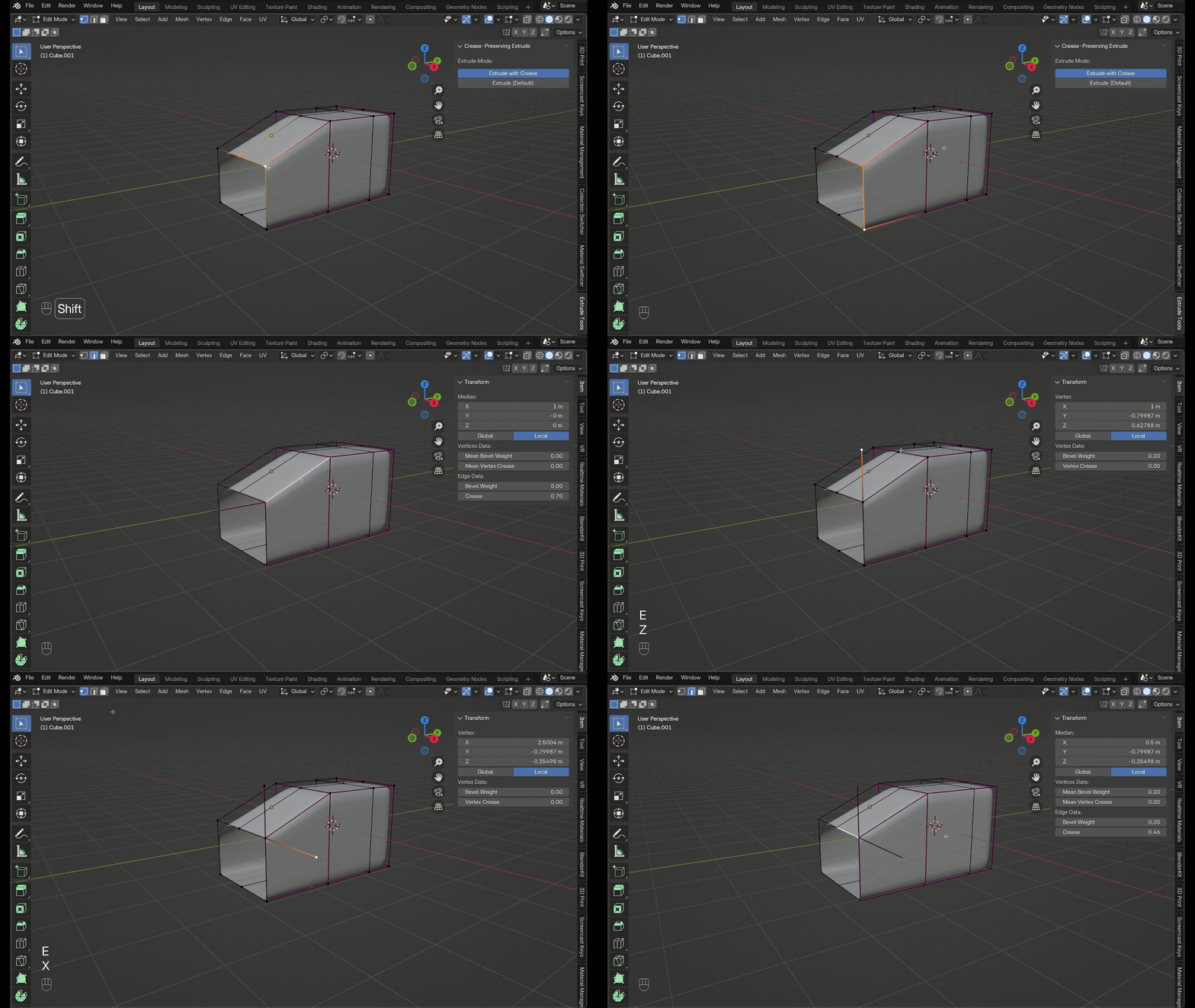
The addon algorithm will carry over the crease value of the neighboring edges that has the most aligned direction to the newly generated edge. But users can always change the value with Crease Value Picker if the automatically assigned one is not the expected one.
Benefits
-
Automatic Crease Preservation
Extrude faces, edges, or vertices without losing existing crease values -
One-Click Mode Switching
Toggle between default extrusion and crease-preserving extrusion directly from the sidebar panel. -
Time-Saving Workflow
Eliminate manual repetitive crease reassignments and keep your modeling process fast, consistent, and clean.
