 My 3D Class


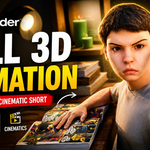
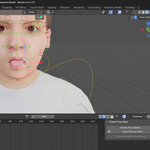
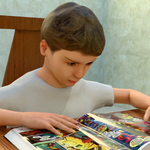
Learn how to create a complete cinematic 3D animation project in Blender using a practical, step-by-step workflow.
In this class, students will build a full animated scene from scratch, including environment creation, character setup, animation, lip-sync basics, cinematic camera movement, lighting, and final rendering. The course also introduces simple AI-assisted workflows to help speed up parts of the animation process.
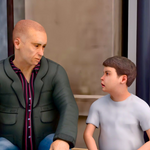
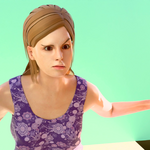
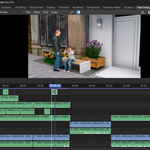
The class begins with modeling and setting up a room environment and city scene. Students will then learn how to work with 3D characters, apply Mixamo animations, combine multiple actions, and improve movement using Blender tools. Additional lessons cover facial expressions, dialogue animation, camera animation, background character movement, sound effects, and final video output.
This product is designed with a project-based approach so students can follow along and create their own animated short scene while learning industry-style workflows in an accessible way.
What Students Will Learn
- Environment and room creation in Blender
- Character setup and animation basics
- Using Mixamo animations in Blender
- Lip-sync and facial expression workflow
- Cinematic camera animation techniques
- Lighting, rendering, and final video export
- AI-assisted animation workflow basics
Included in the Product
- Step-by-step video lessons
- Practice project workflow
- Blend files and supporting assets for selected lessons
- HDRI and reference resources for specific sections
Skill Level
Beginner to Intermediate
Software Used
- Blender
Ideal For
- Beginners interested in 3D animation
- Blender users who want to create complete projects
- Students interested in cinematic storytelling and character animation
