 Harry Helps


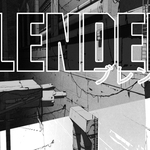
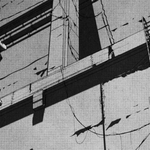
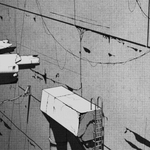
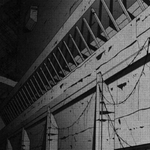
Hello and welcome to this retro manga inspired Blender class! I'm Harry, a seasoned 3D artist with over a decade of professional experience, specializing in Blender tutorials.
In this class, we'll be creating an animation in Blender inspired by classic sci-fi manga series such as BLAME! Whether you’re brand new to stylized rendering, or you’ve followed some of my previous classes, there should be something for everyone to learn! You’ll find my classes are easy to follow due to my focus on relaxed pacing and crystal clear instructions. This has made them popular with both beginner and intermediate artists alike!
This ENTIRE CLASS is available COMPLETELY FREE (including the Blender files and texture images) on my YouTube channel, however if you'd like to support me and download all of the video lessons (.mp4) and the completed Blender 4.4 file you can get them here! I really appreciate it!
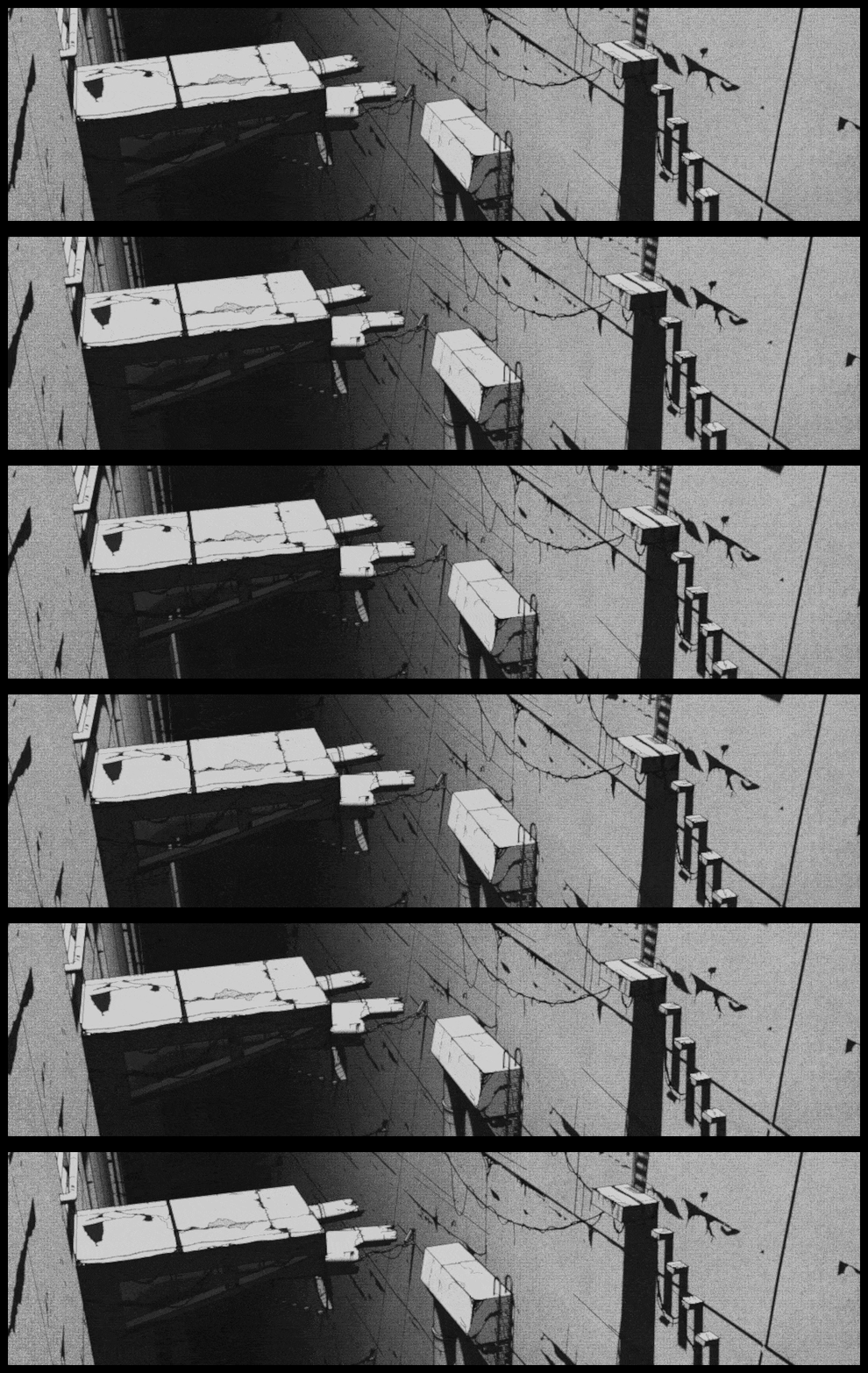
We’ll start the class with a pre-made starter file as the foundation for our simple animation. The starter file comes fully modeled and lit, so you won’t have to spend time on those aspects before you start creating textures, overlaying compositing effects and adding hand-drawn details.
Don’t let the term “hand-drawn details” scare you off! I promise I’ll make it really easy for you to follow and we’ll even be using our mouse to draw, so you won’t need a fancy drawing tablet either! Grease Pencil is a really fun and easy tool, and I promise you’ll love how it transforms your renders!
I’ve also included a handy cheat sheet filled with important keyboard shortcuts that you can reference during the class and in the future!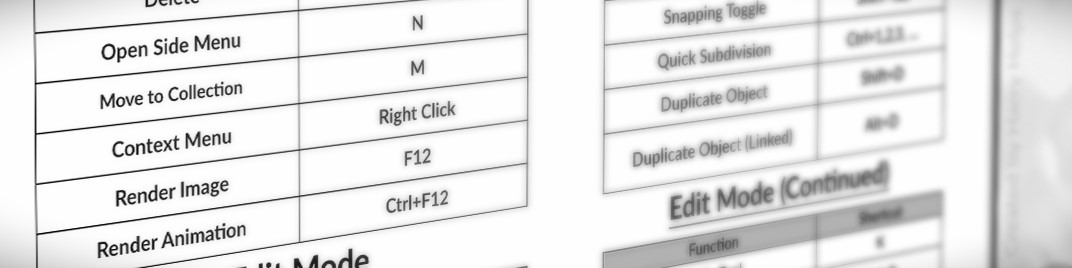
In this class, you'll learn:
- Manga style material creation
- Grease Pencil basics like the difference between drawing modes and tips for each
- Complex compositing techniques featuring multiple overlays and effects all done within Blender
- Simple animation tips to add life to your scene
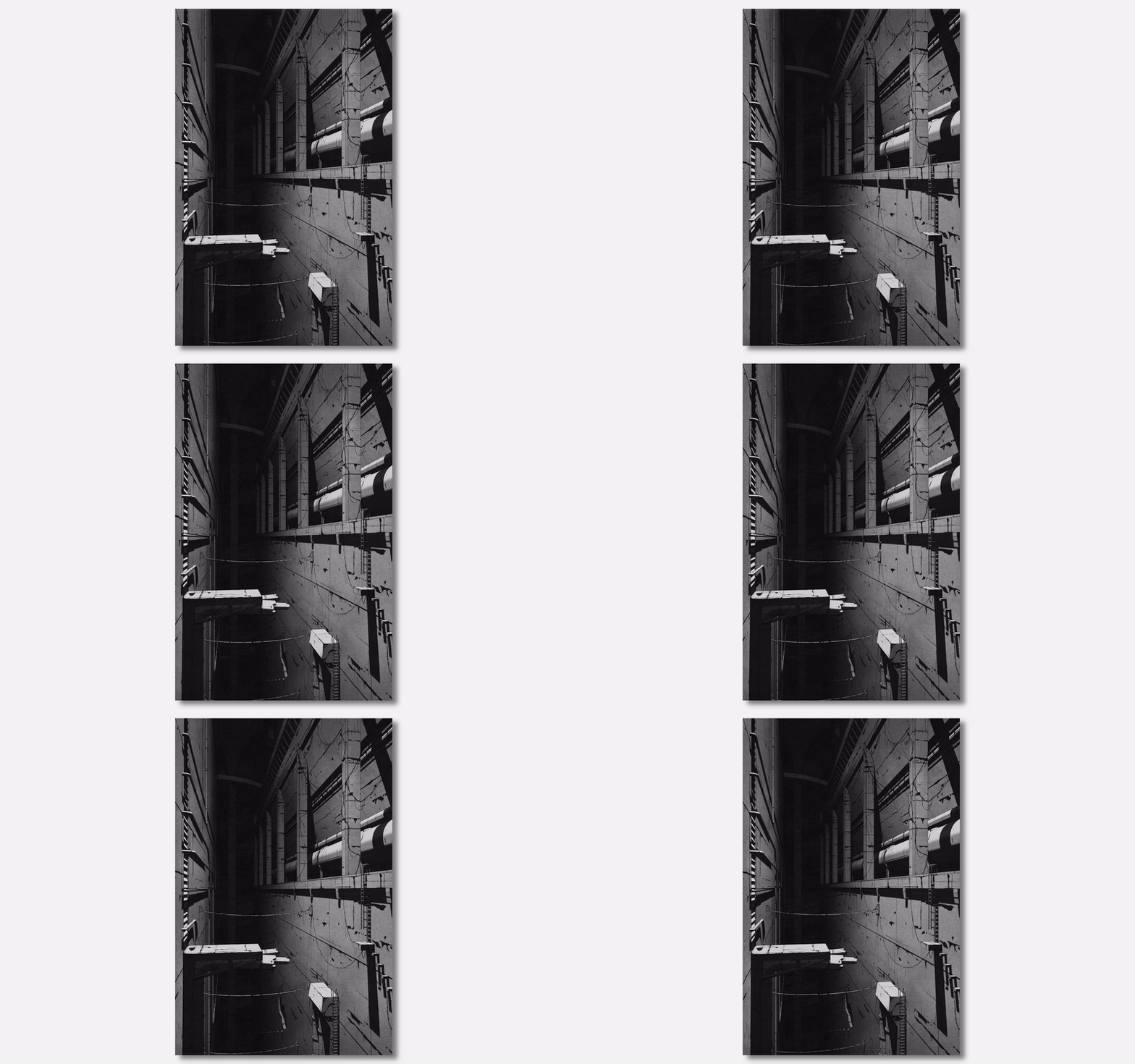
By the end of the class, you'll create:
This subtle looping animation of a manga inspired world!
You'll receive:
-
19 Video Lessons [.mp4] (Containing 4 hours of focused instruction)
- Introduction
- Starter File Exploration
- Discussing the Reference Image
- Creating the Object Material (Part 1)
- Creating the Object Material (Part 2)
- Creating the Background Material
- Adding Freestyle Linework
- Learning Grease Pencil Basics
- Adding Grease Pencil Wires (Part 1)
- Adding Grease Pencil Wires (Part 2)
- Adding Grease Pencil Details (Part 1)
- Adding Grease Pencil Details (Part 2)
- Adding Compositing Overlays (Part 1)
- Adding Compositing Overlays (Part 2)
- Animating the Camera
- Rendering the Final Animation
- Creating an Animated GIF
- Discussing the Class Project
- Conclusion
- All required assets to follow along including: Blender files (start and finish), texture images and reference images
By the end of this class, you'll be amazed how easy it is to create stunning retro manga animations in Blender!
So, if you're ready, I invite you to join me in class! Let's jump into our first lesson together!
-------------------------------
Please note that Blender version 4.4 or later is required to access the provided files and follow along. You can download the latest version of Blender for free from their website!
-------------------------------
Brand new to Blender? You might want to check this class out first!
https://superhivemarket.com/products/complete-beginners-guide-to-blender
Big fan of anime? Try this class out too!
