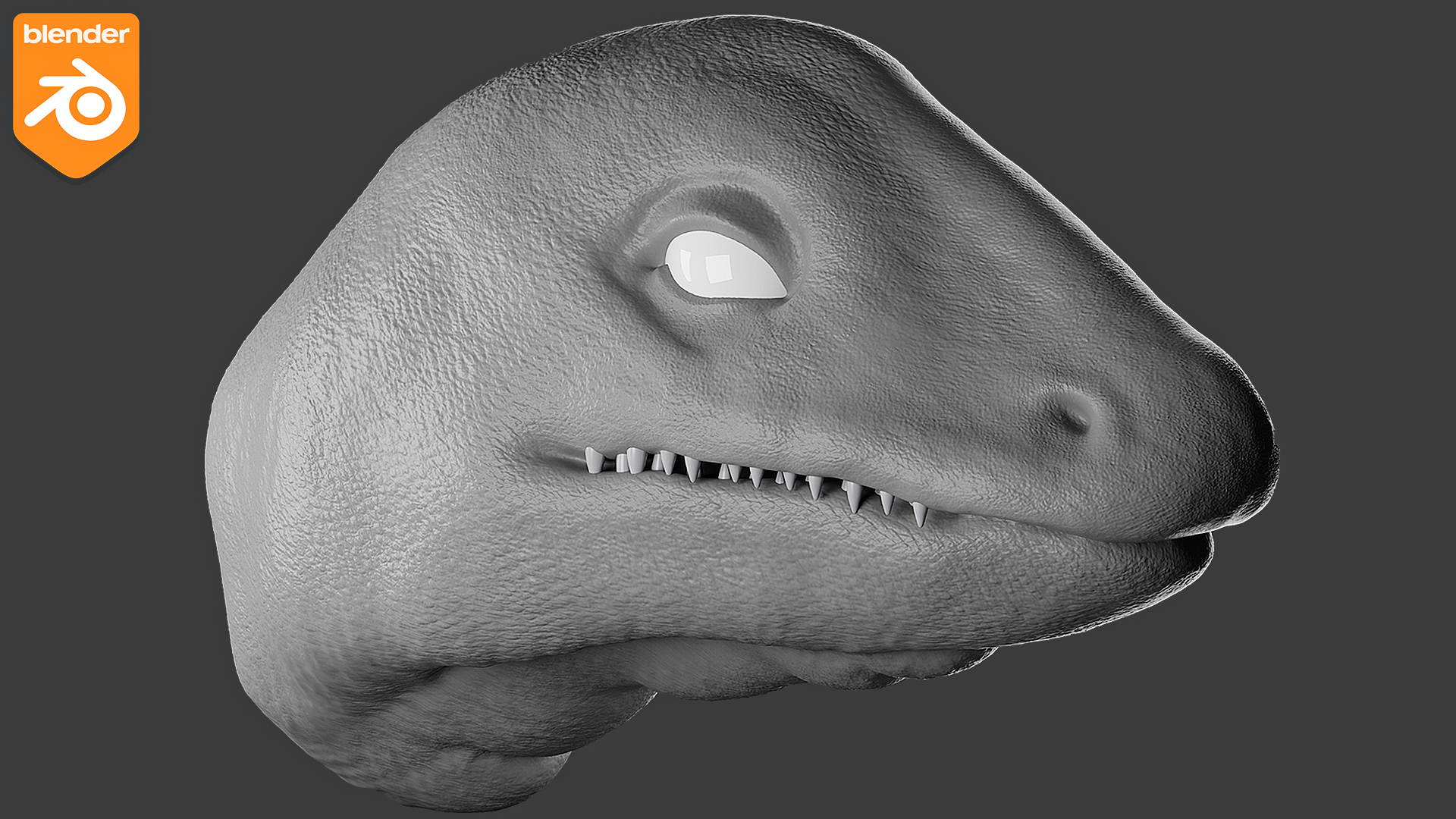
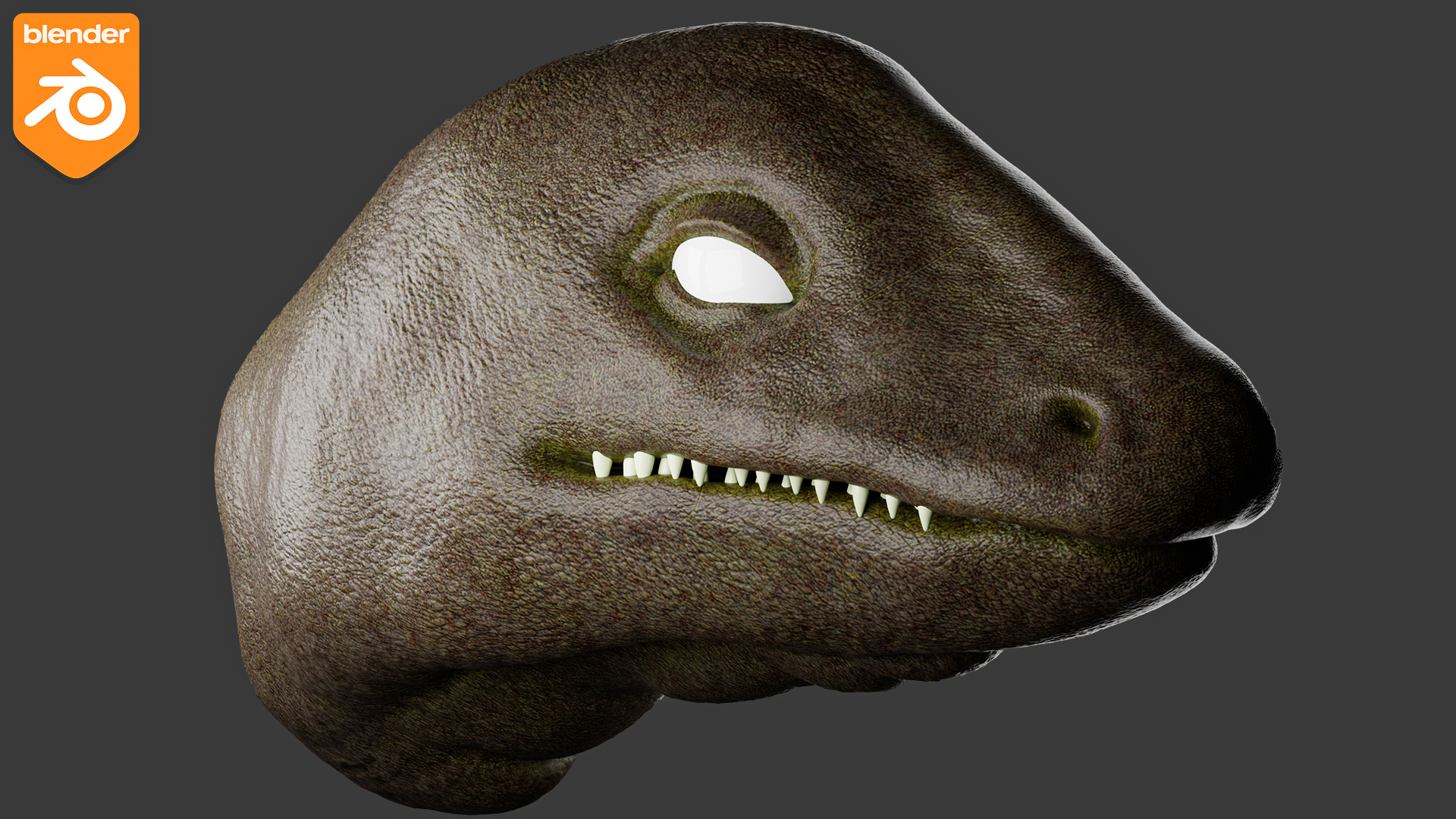
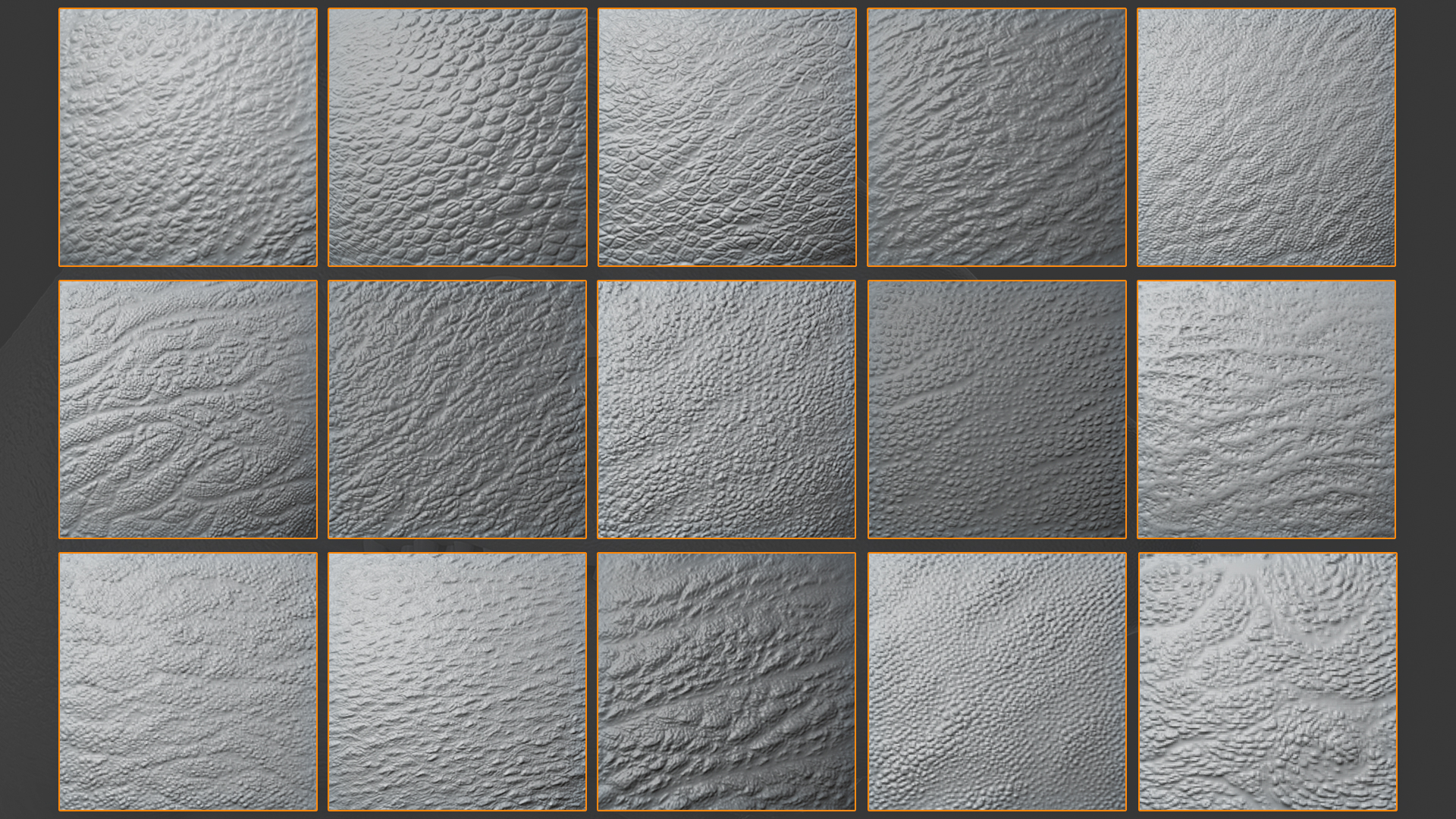
Creature, Animals, Dragon Brushes For Blender
 VK Gamedev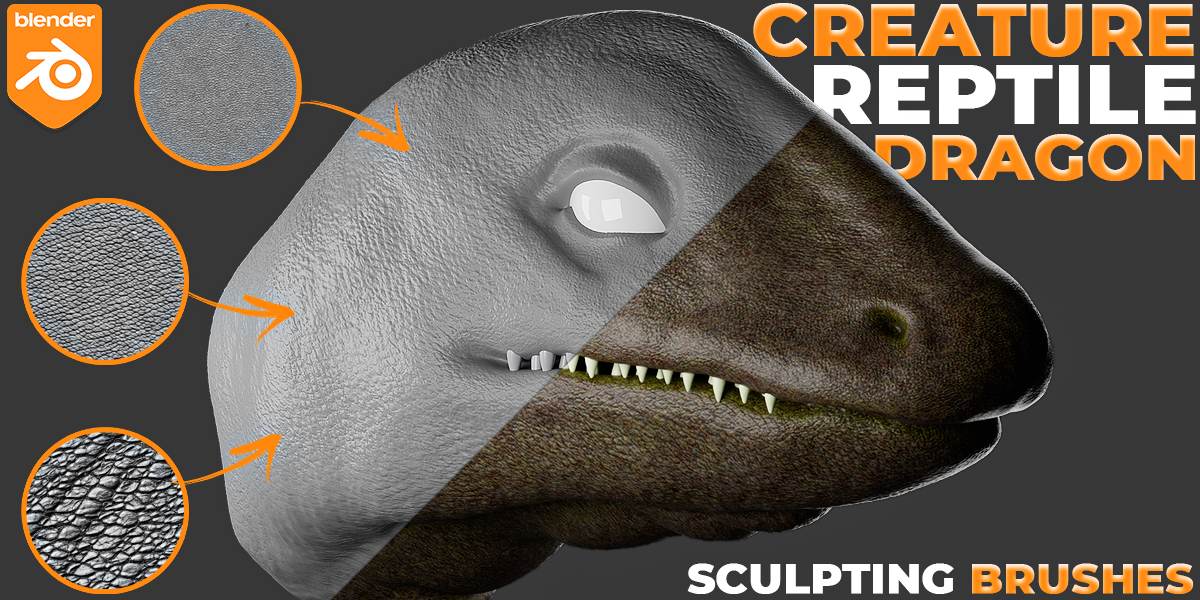
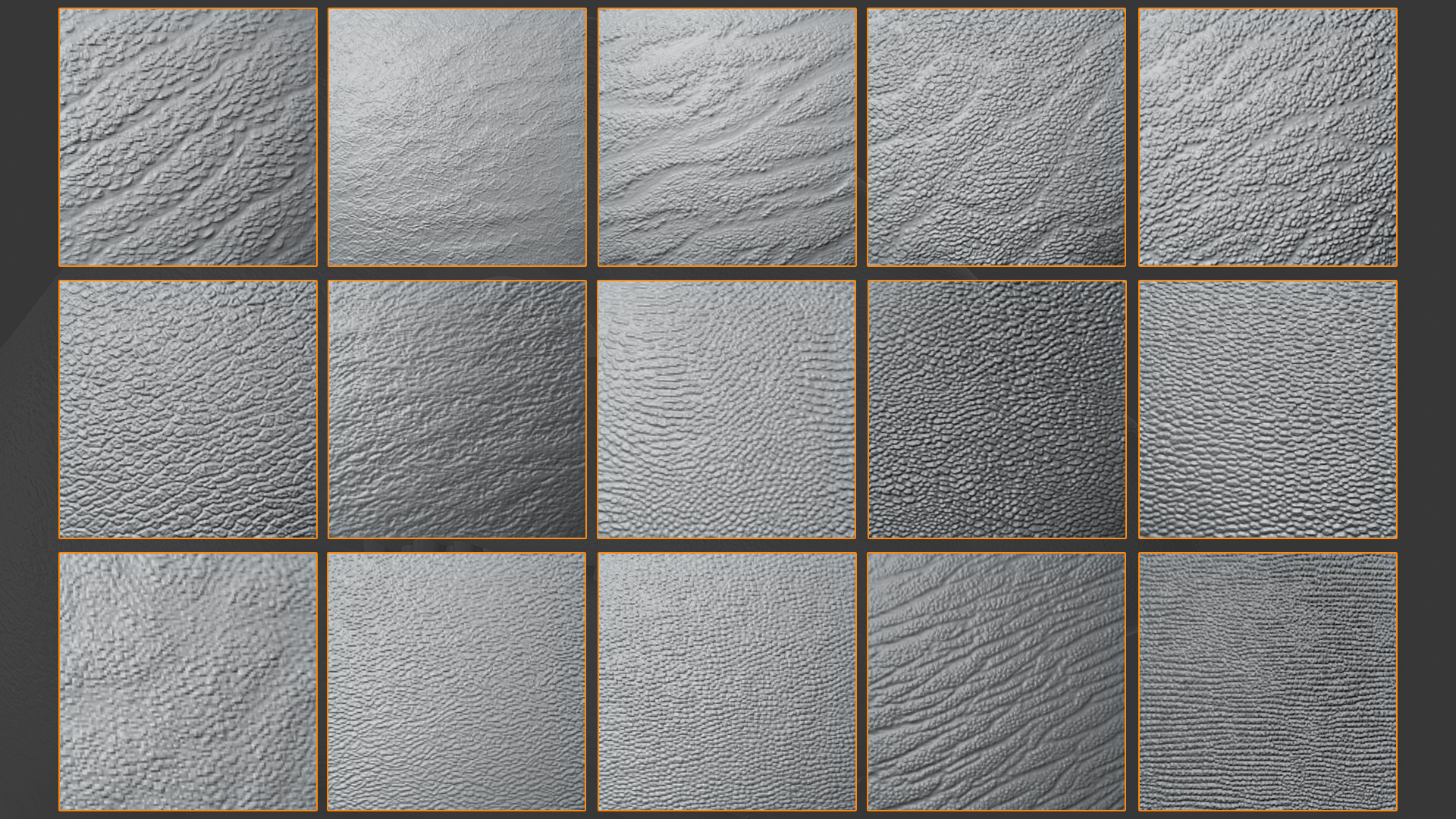
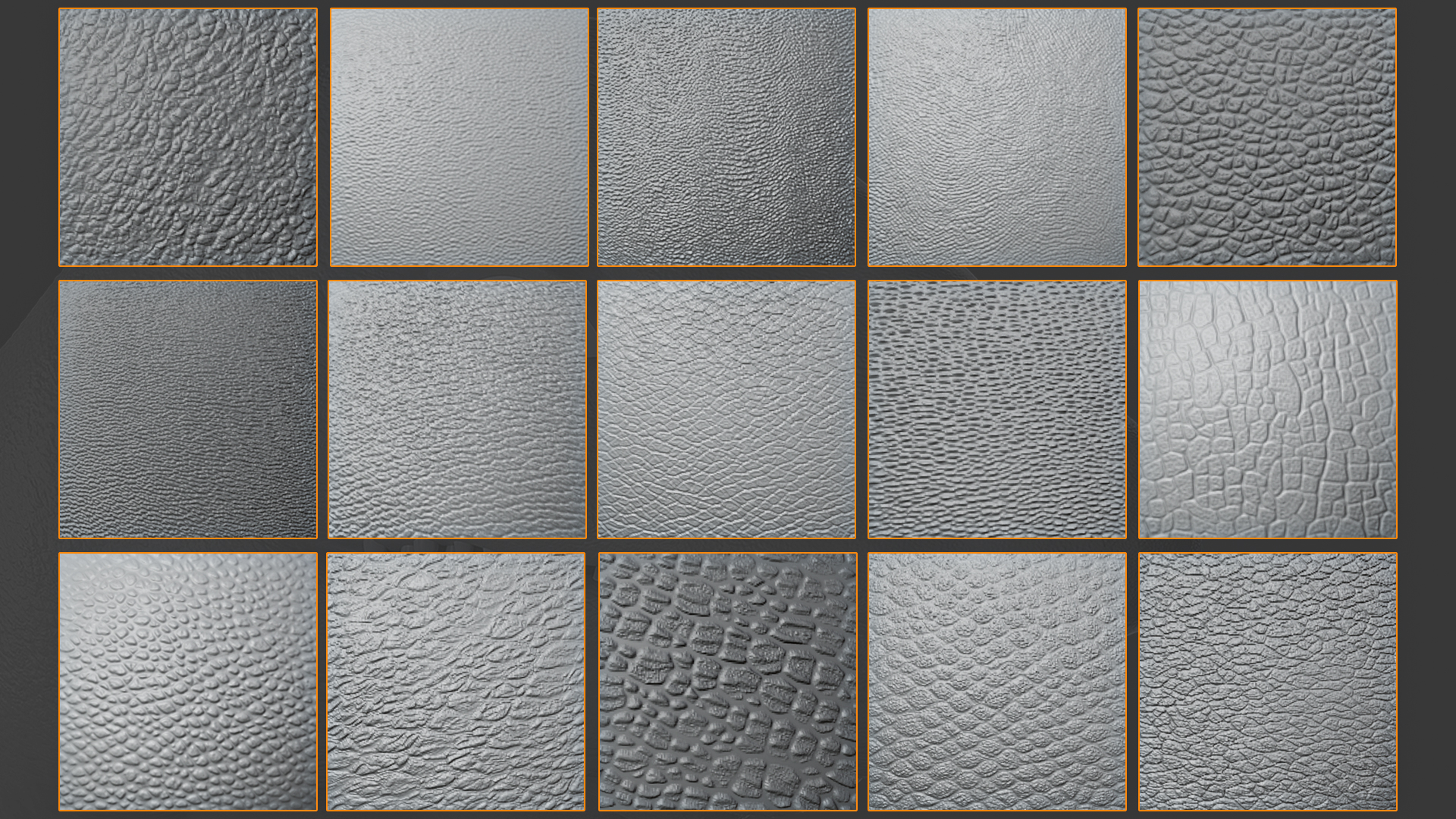
Install the brushes:
1. Unpack the archive into a separate folder - it's important.
2. Go to Blender and click append in the file tab.
3. In Explorer, find the location of the archive and click on the .blend file.
4. In the tab that opens, open the Brushes folder.
5. Select all the brushes from the package and click append.
6. After that, go into sculpting mode and choose the right brush.
-
$10
1 User - Commercial Use: unlimited projects
-
$50
Up to 5 users - For use on an unlimited number of commercial projects.
-
$100
Up to 100 users - For use on an unlimited number of commercial projects.
Have questions about this product?
Login to message
| Sales | 50+ |
| Dev Fund Contributor | |
| Published | over 3 years ago |
| Blender Version | 2.8 - 4.5 |
| License | Royalty Free |
