 ZEG



Installation
In Blender open Edit, Preferences, Get Extensions, then use Install from Disk and pick the coffee_espresso_generator zip.
Usage
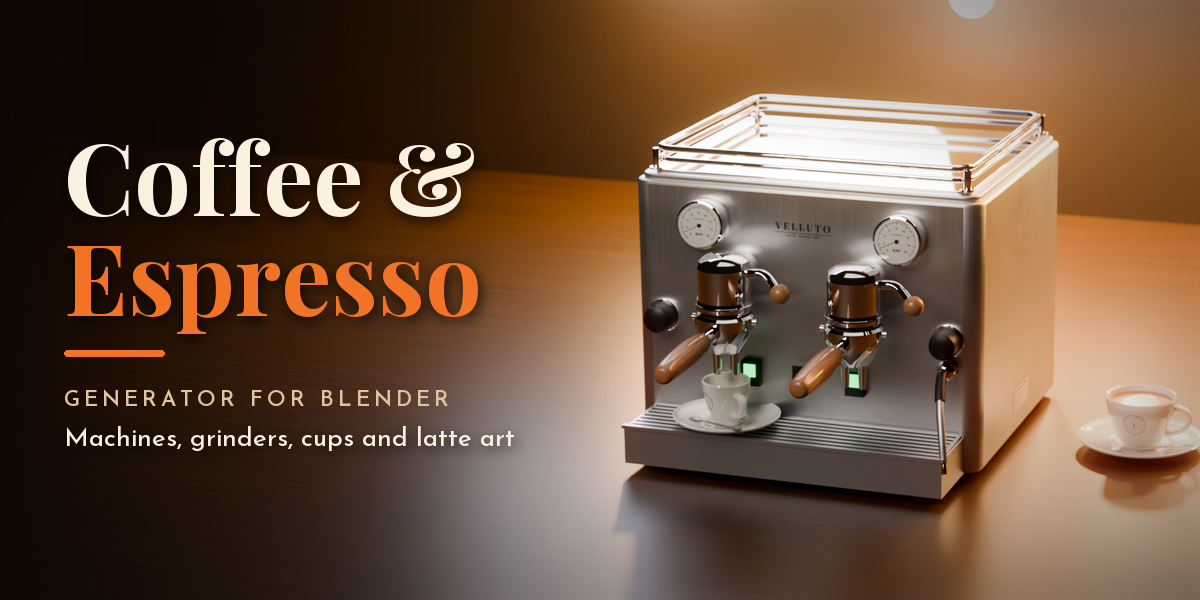
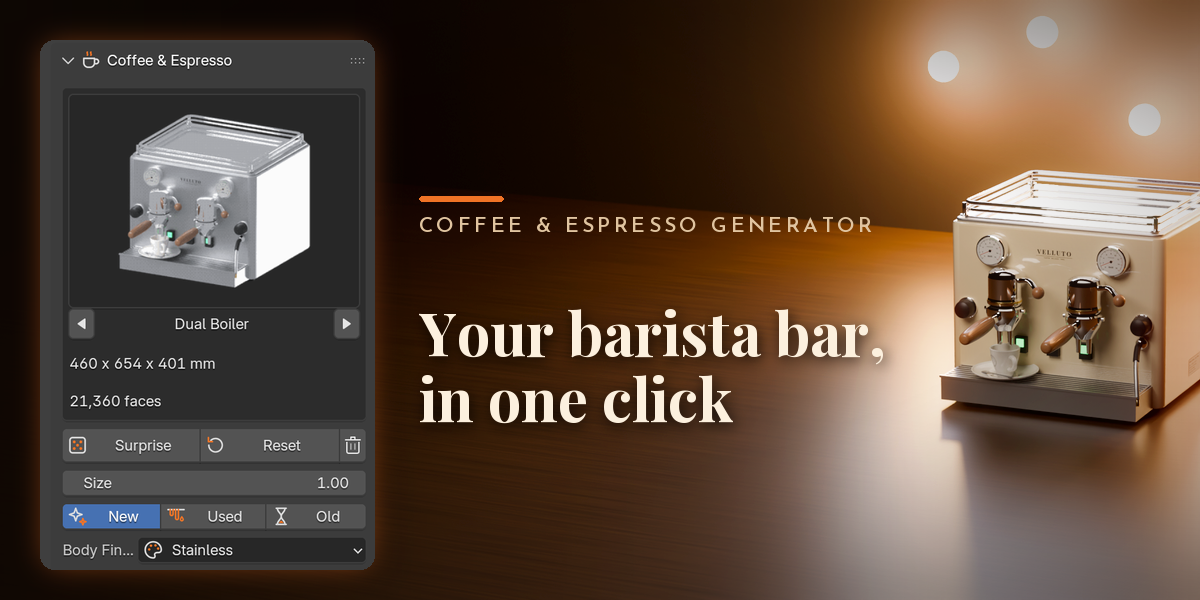
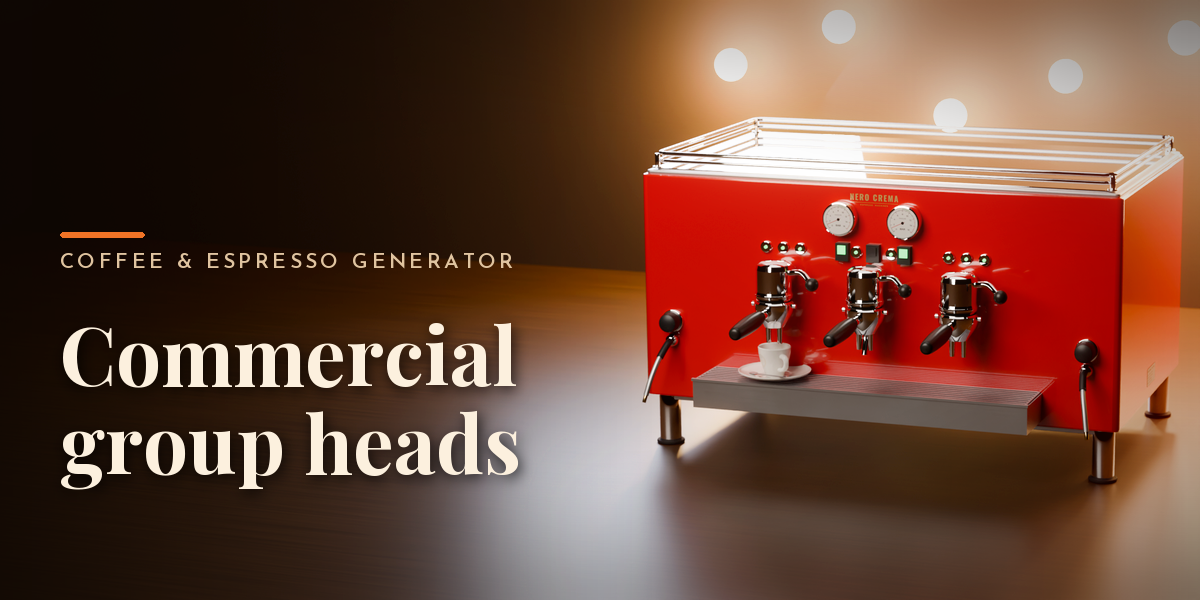
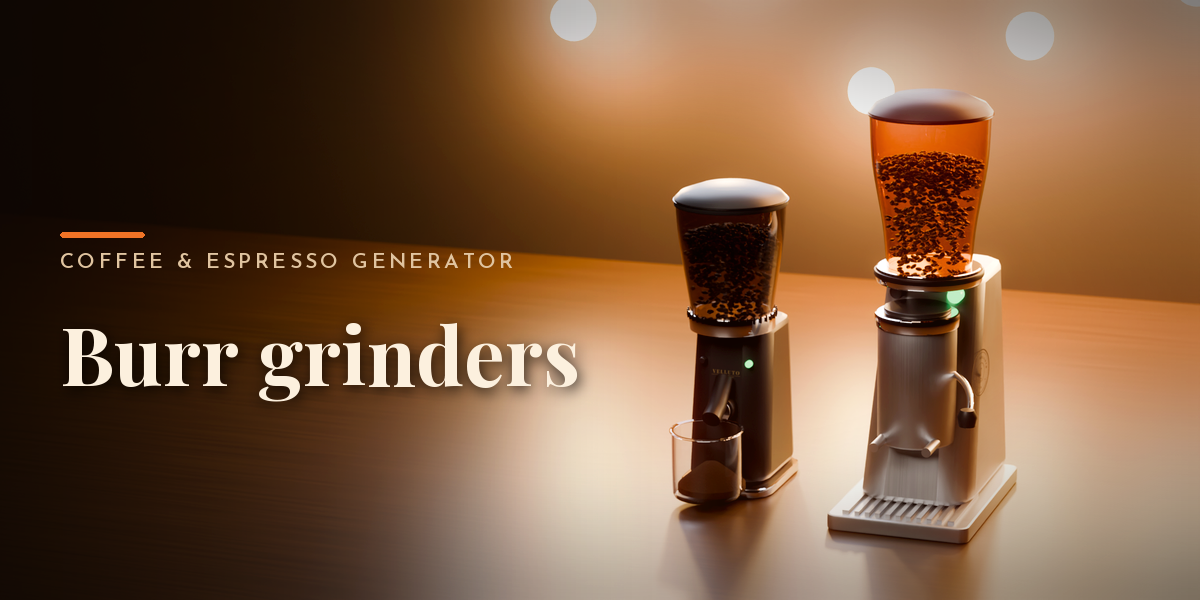
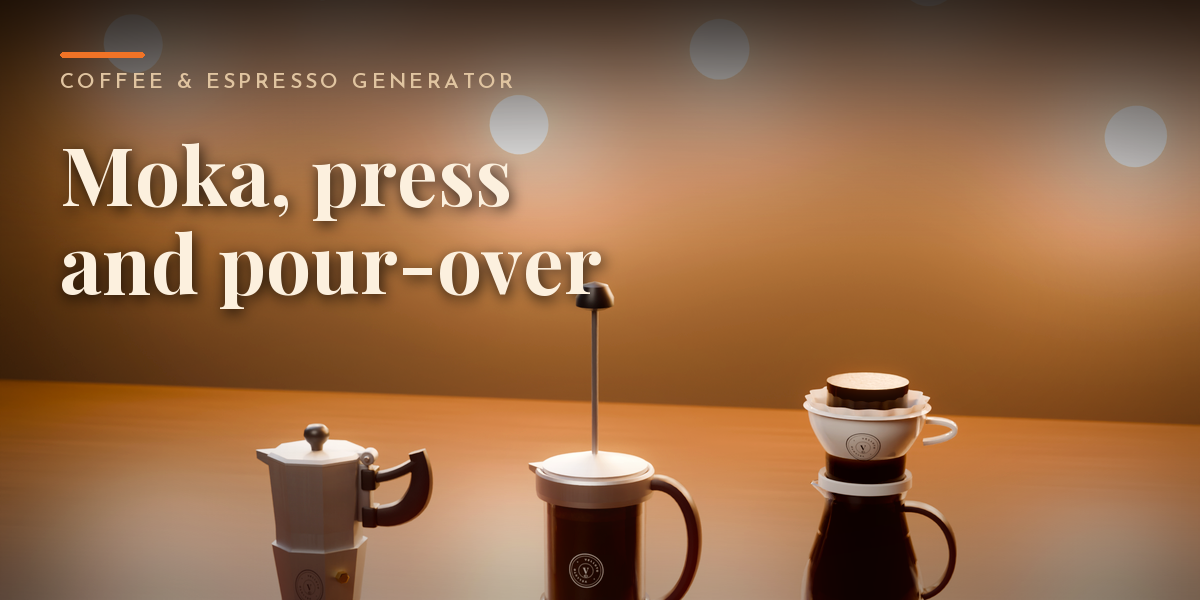
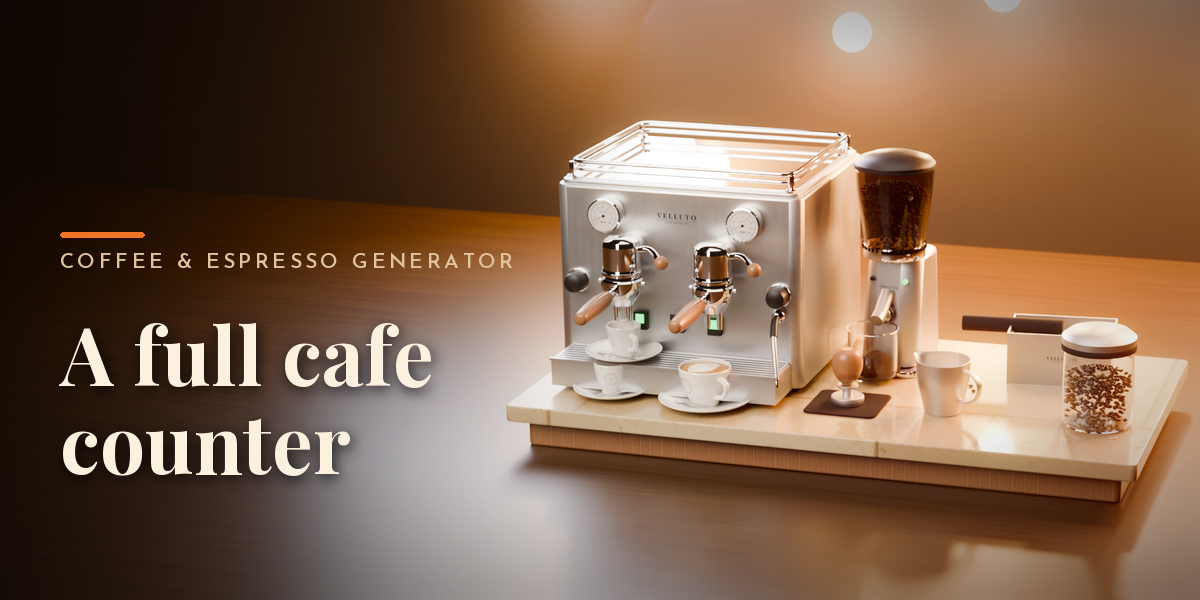
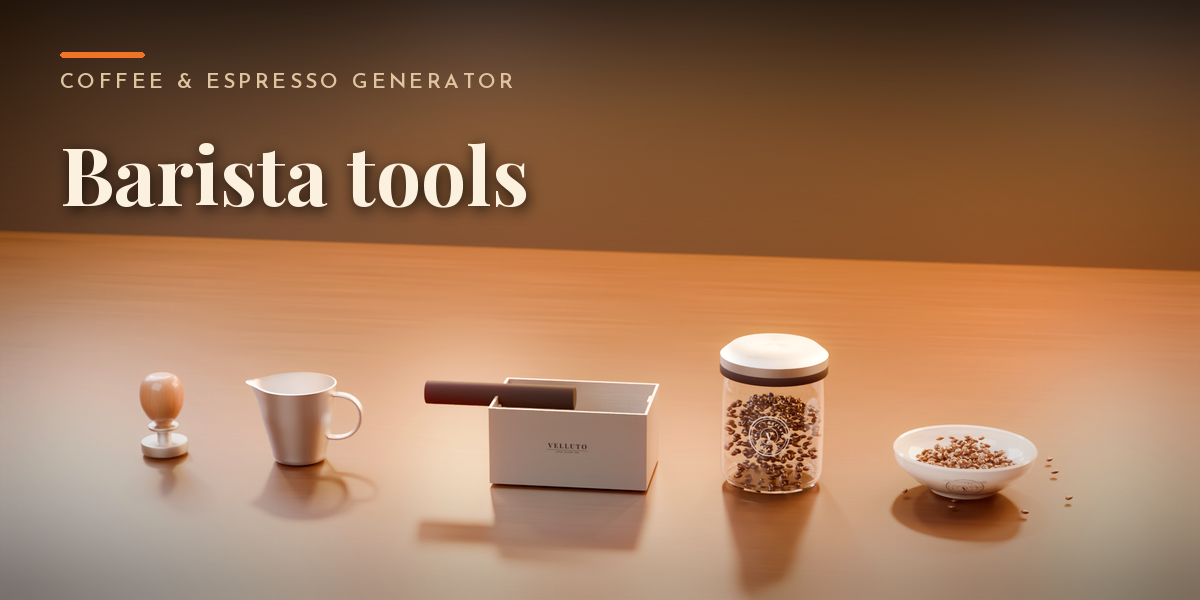
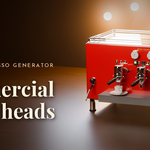
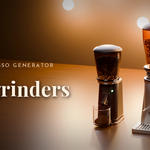
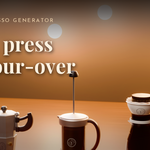
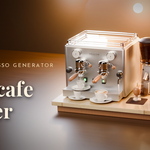
- Open the Coffee tab in the 3D viewport sidebar (N). With nothing selected, click the picture to choose a design or browse the families, then press Add. Shift+A, Coffee & Espresso works too.
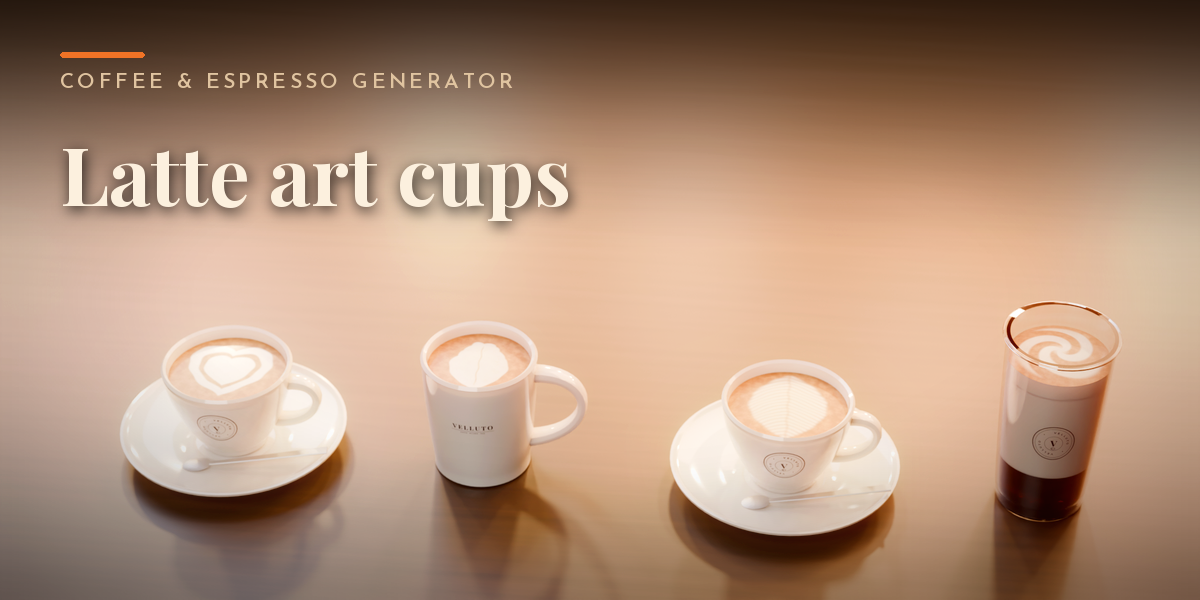
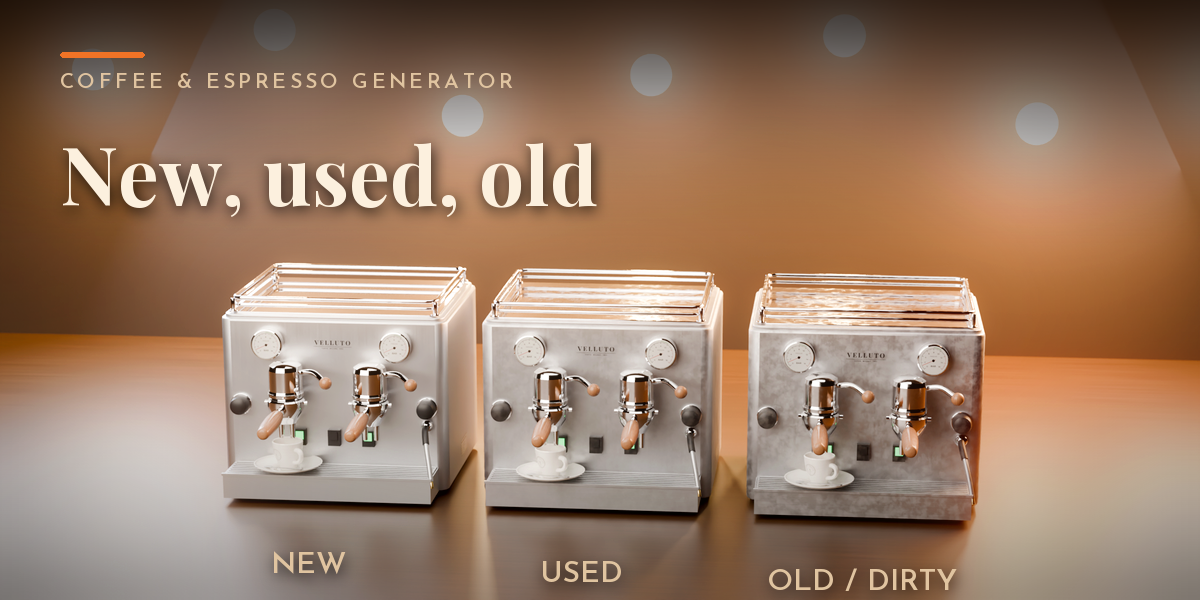
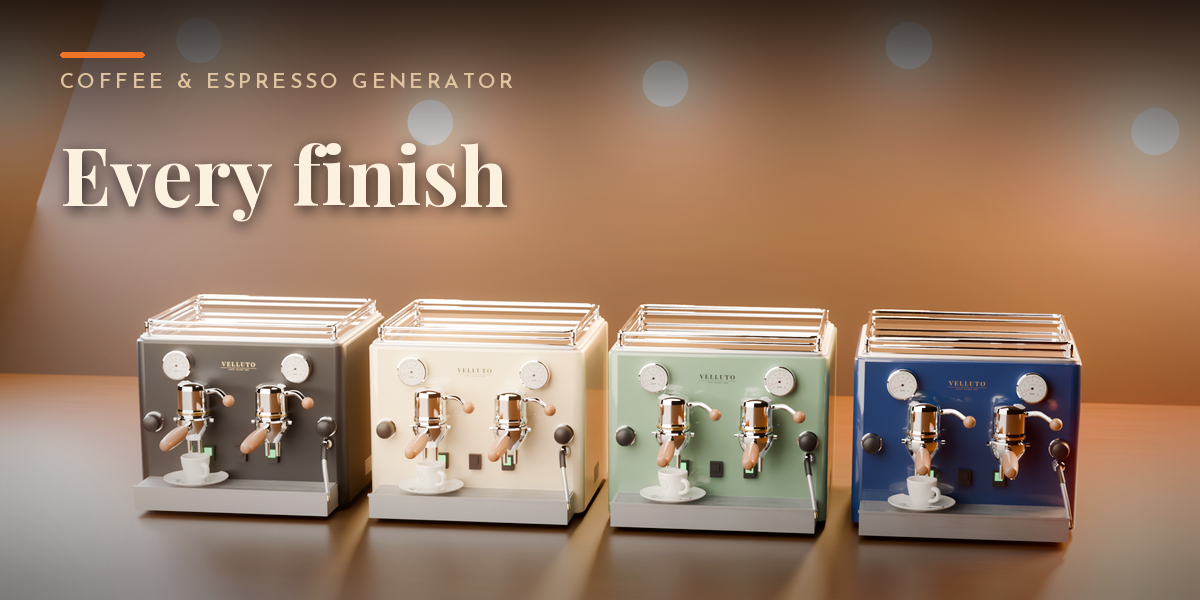
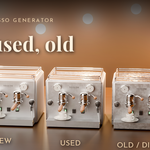
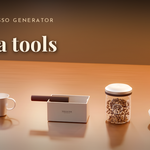
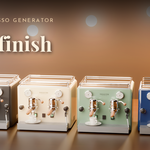
- Select the design to edit it. The Design tab holds counts, switches and fill levels, Look holds condition, brand, finishes and colors, Serve holds the cup, drink and latte art.
- Surprise randomizes the selected design in place and keeps its position; with nothing selected it adds a new random design.
- Use Rendered view in Cycles for the best glass and metal.
Copies made with Shift+D or Alt+D stay independent: editing one design never changes another.
Have questions about this product?
Login to message
| Blender Extension Compatible | Yes |
| Published | about 18 hours ago |
| Blender Version | 4.2 - 5.2 |
| Extension Type | Add-on |
| Render Engine Used | Cycles, Eevee |
| License | GPL |
