Crescent City Hall: Giant-Screen Cinema Environment
 Mie Studio
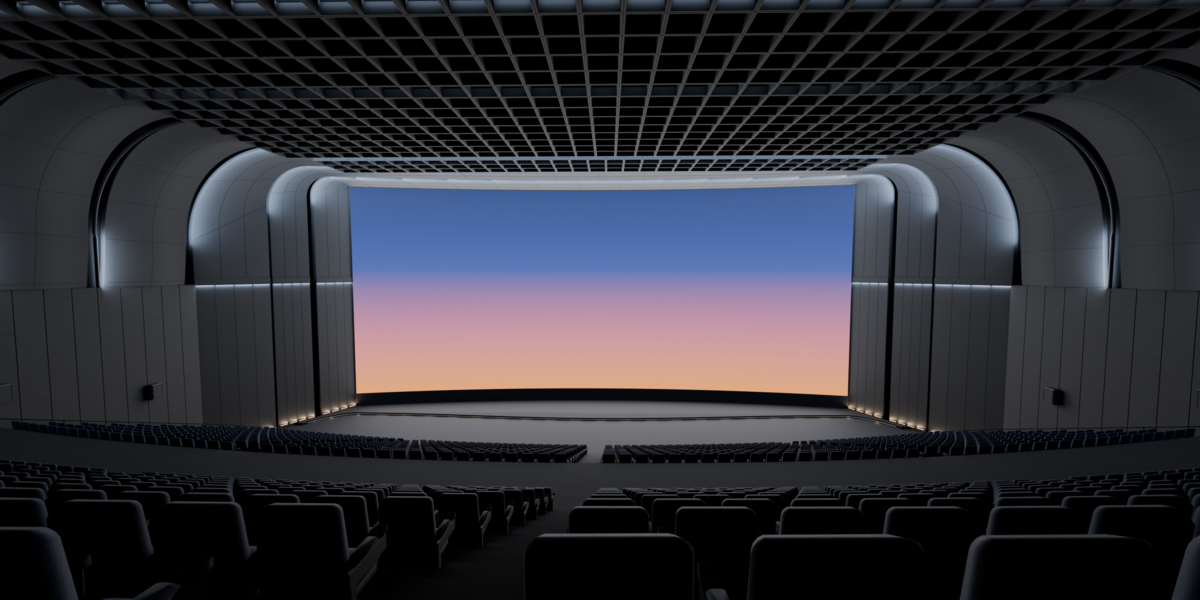
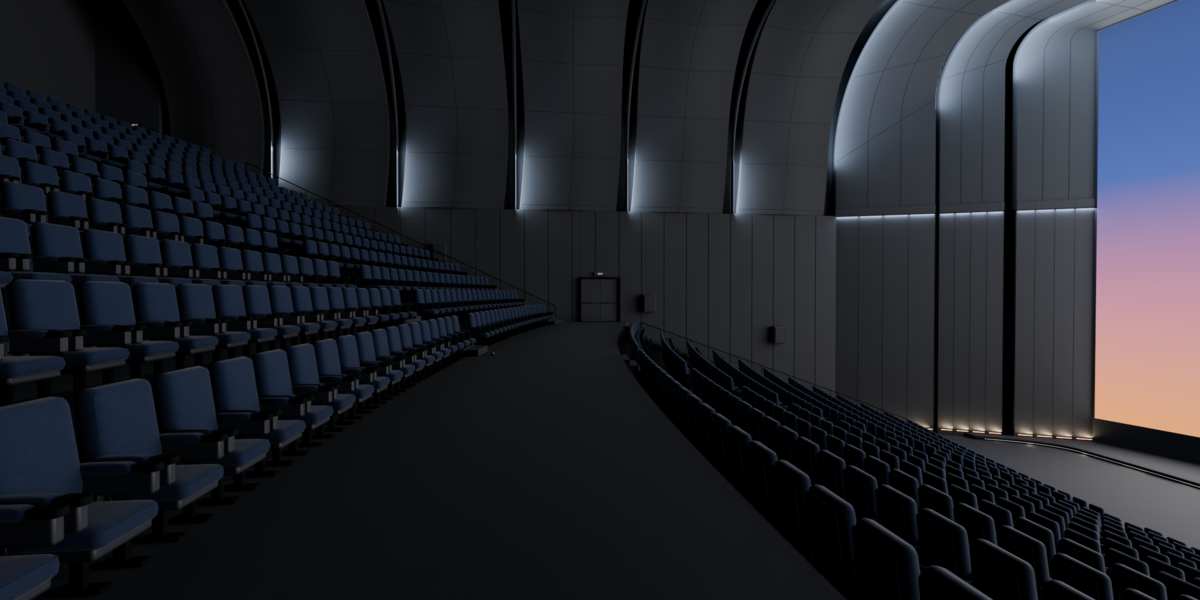
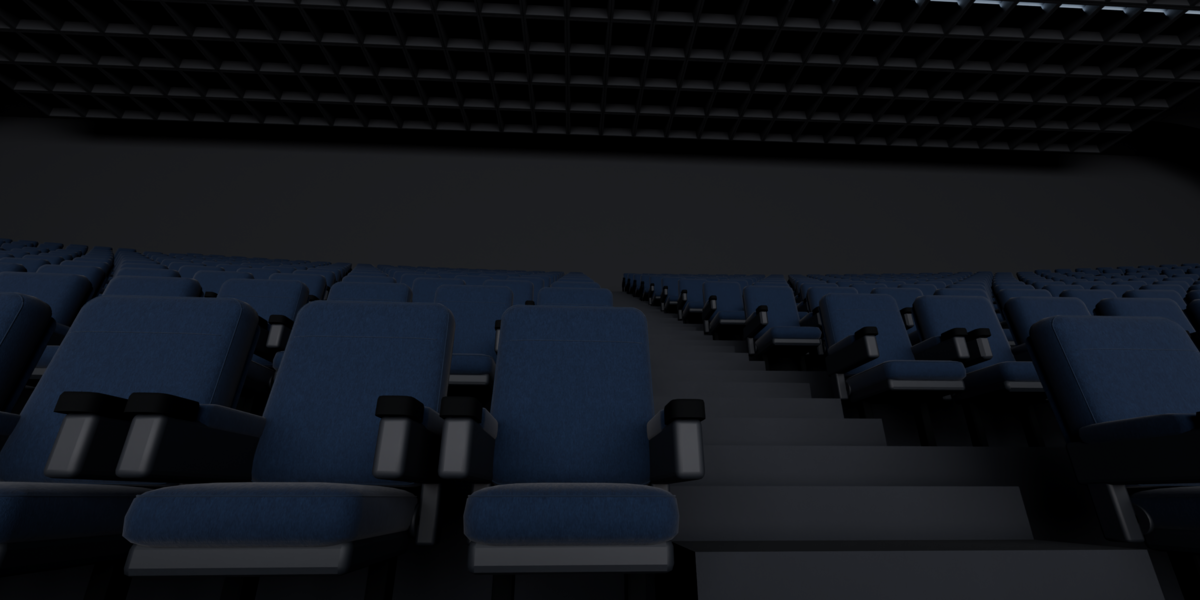
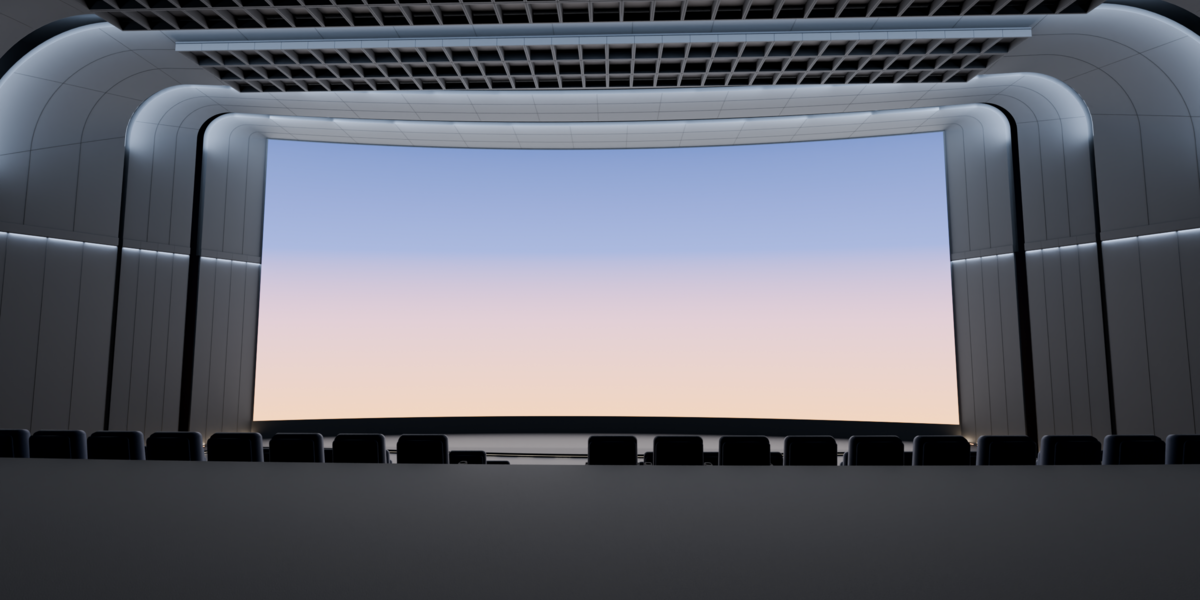
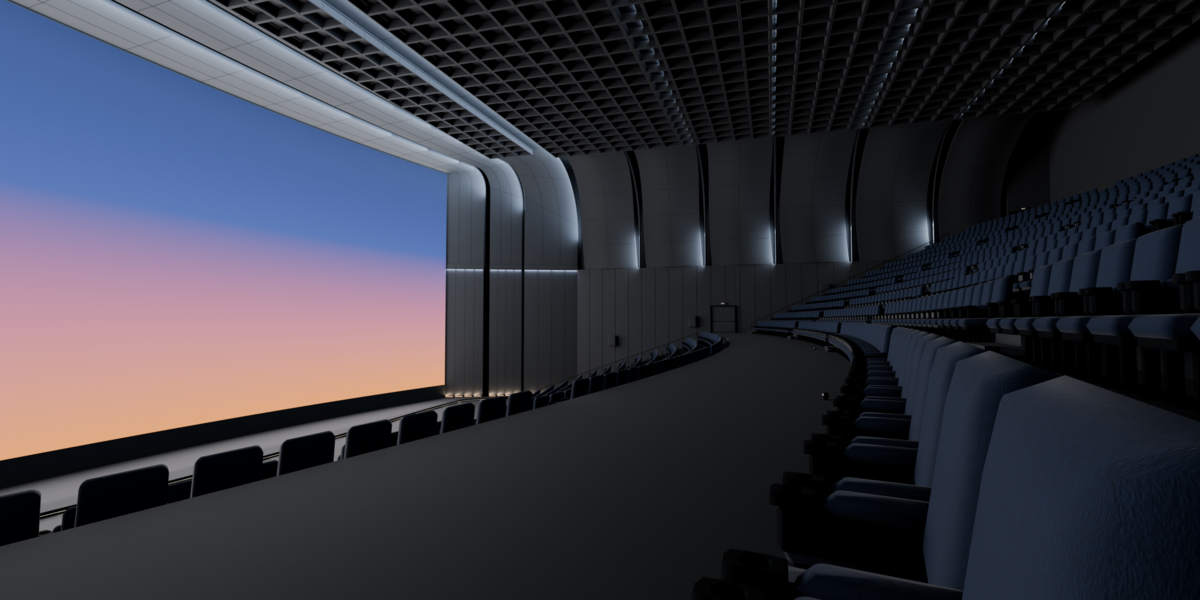
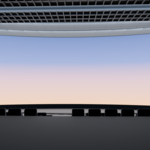
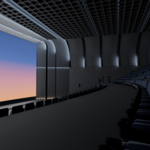
Getting started in Blender
- Unzip CrescentCityHall_Blender.zip and open CrescentCityHall.blend in Blender 5.1 or newer. All textures are packed, and no add-ons are needed.
- The scene is organised into the collections Cameras, Architecture, Seating, Screen and Lighting.
- Pick a view: the scene comes with 8 cameras (seated, front wide, side, reverse, landing, ceiling, seat close-up, screen junction). Set one as active with Ctrl+Numpad 0.
- Render with Cycles. House lighting is in Lighting_House; the screen glow is in Lighting_ScreenGlow.
Curved or flat screen
The curved screen is on by default. To switch, enable the ScreenVariant_Flat collection and disable ScreenVariant_Curved in the Outliner.
Using the FBX, GLB or USDZ files
- FBX: keep the Textures folder next to CrescentCityHall_Curved.fbx when you import it.
- GLB: textures are embedded, so it's a single file.
- USDZ: opens in Reality Composer Pro / RealityKit for visionOS.
- These exports contain the curved-screen variant with PBR materials (base colour, roughness, OpenGL normal). Blender lights don't carry over, so add lighting in your engine.
Scale
Real-world scale in metres: 62.6 m × 55.3 m × 24.7 m, with a 50 m wide screen.
Performance tips
The 1,920 seats are instanced and come in three detail levels (Seats_hero, Seats_mid, Seats_far). For lighter viewport work, hide Seats_hero and Seats_mid.
Have questions about this product?
Login to message
| Published | 3 days ago |
| Blender Version | 5.1 |
| Render Engine Used | Cycles |
| Misc Data | Low-High-Resolution, Normal-Mapped, Textured |
| License | Royalty Free |
Discover more products like this
theater seats usdz cinema Interior giant screen architecture vr movie-theater ArchViz environment visionOS auditorium