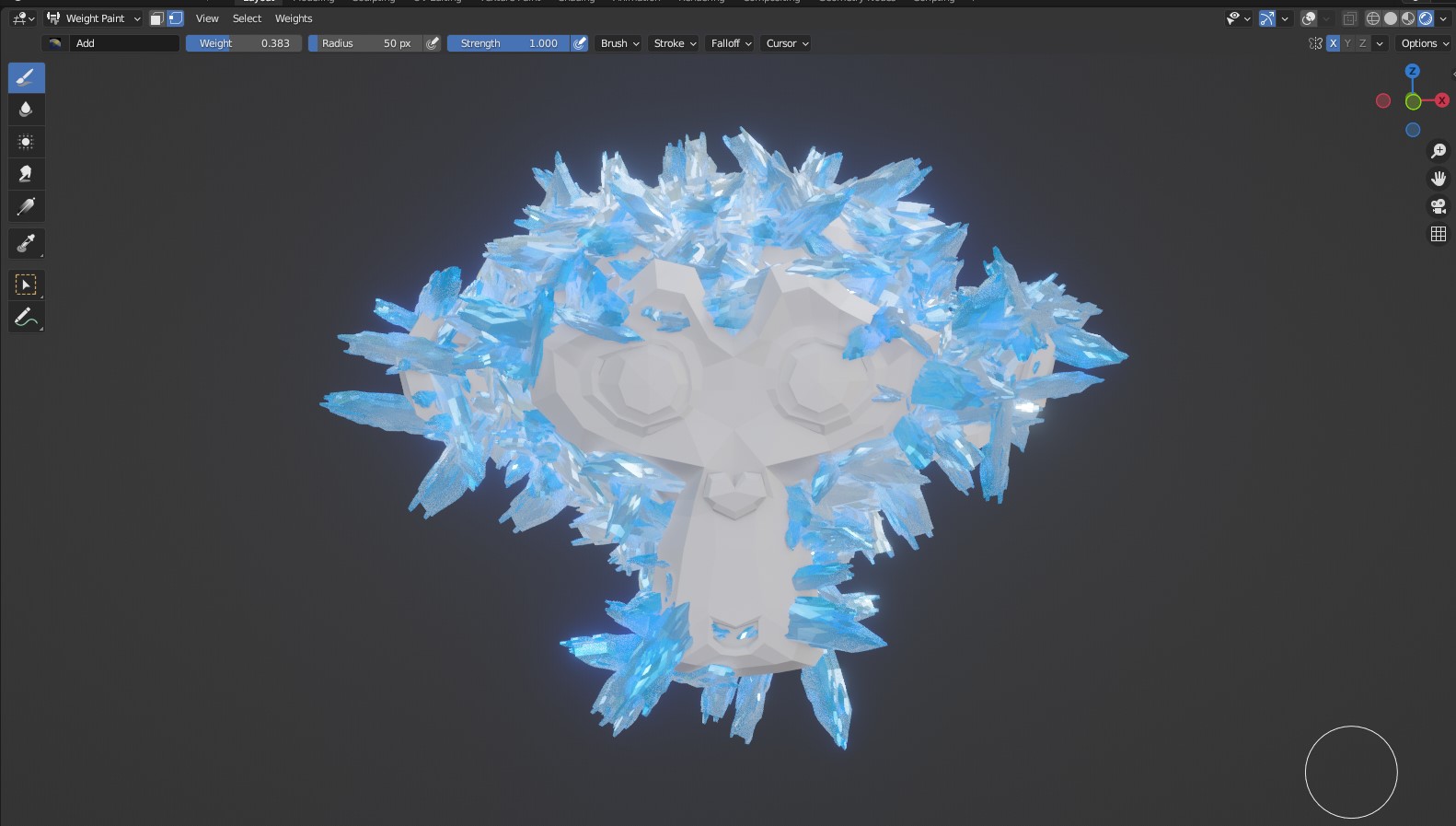
Crystalize Addon For Blender

Blender Procedural in Modeling


Item Rating

This item has an average rating of 2 from 6 ratings by the community.

0%
0%
17%
17%
67%

Purchase this item to leave a review!

  • Joshua Fountain
    9 months ago

    Works out of the box in Blender 3.6.8 LTS
    Did not work with Blender 4.2 LTS (tons of error messages)
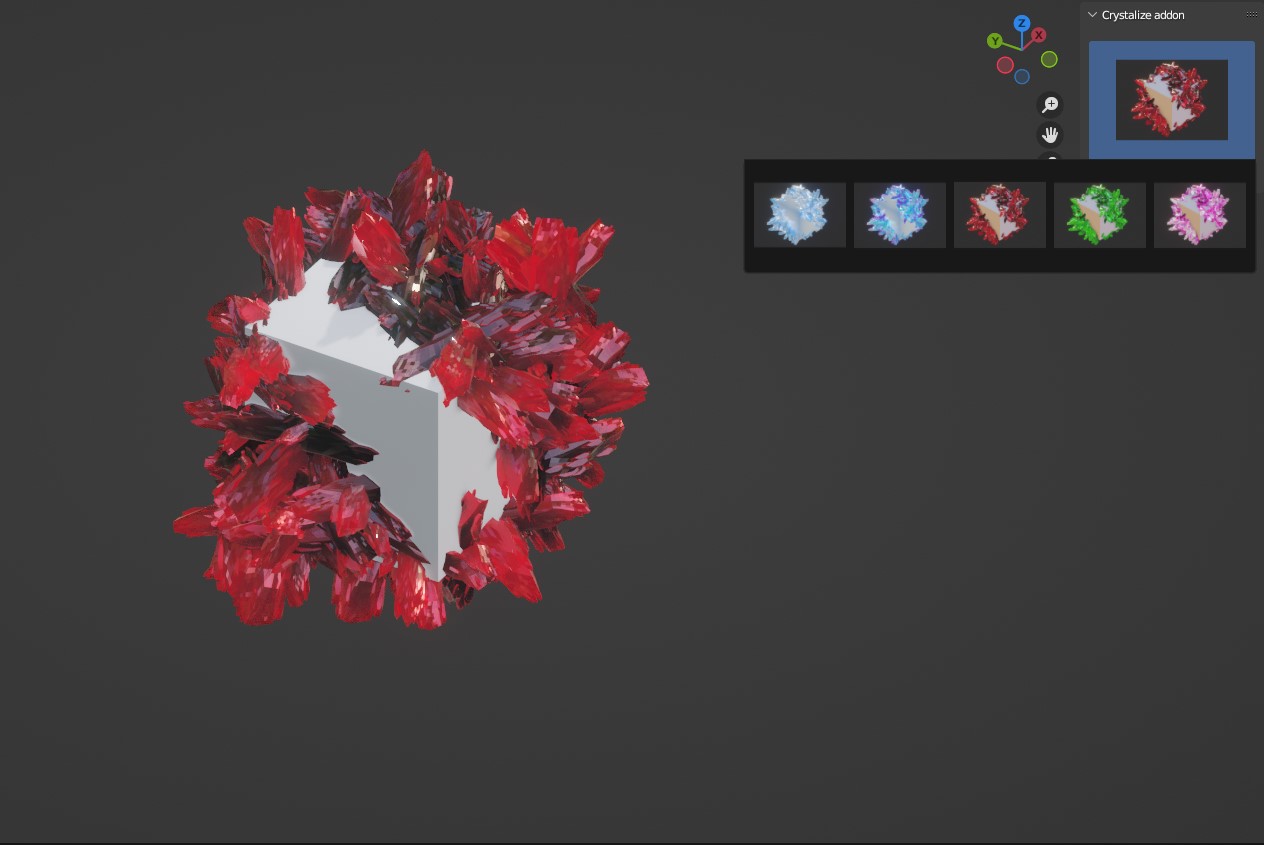
    This add-on adds a menu you can access in the Transform bar on the side of the render window. You need to apply it to regularly scaled objects and it shows up fine. I wish I knew what each option did though as I unfortunately found the "level" option adds levels of subsurface modifier (a quick way to crash your Blender instance).

    I also couldn't get the crystallized objects to apply the shader materials correctly until I unhooked the Ambient Occlusion node at the front of the node stack (which makes them almost entirely black in each rendering mode). But then you just get flat materials with a bit of glass effect on top.

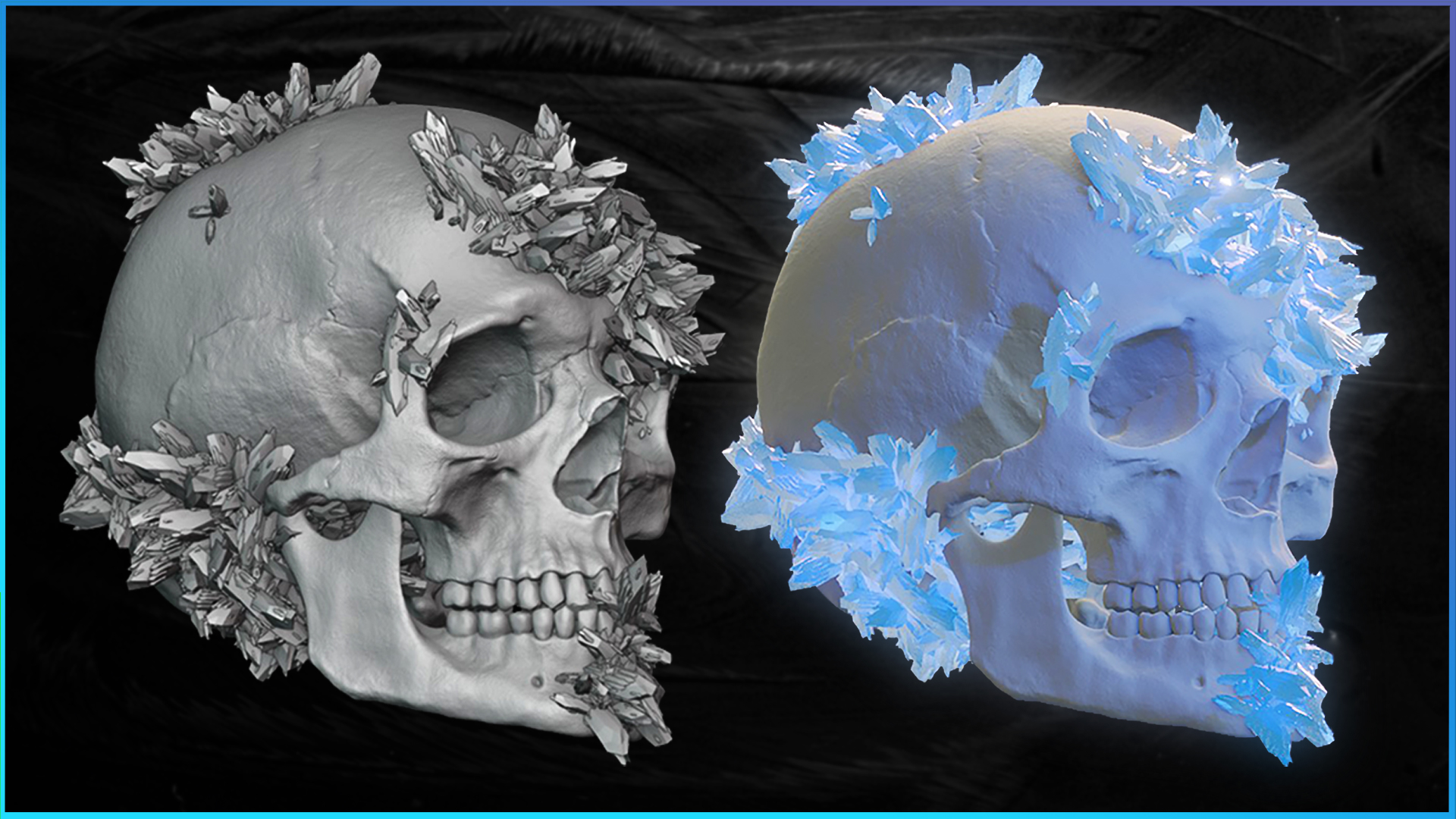
    Docking 1 points for no documentation provided and a strange shader stack that doesn't look like the preview images and 1 point for not specifying what version of Blender to use with it. Otherwise it's a fantastic way to apply a ton of crystals onto a mesh.

  • Christian
    over 2 years ago

    I really tried to make this add on work when using it but I found a few snags that just prevent me from continuing with this product. At first, it loaded. It worked best for cubes and very small (I'm talking tiny items). But when I tried to join two separate objects, it merged the crystals as if it were one object, so everything I placed separately came undone once I joined two crystalized objects together. I tried using this add on for a medium sized object and my computer ran extremely hot for the first time since using blender, and then the blender app promptly crashed. Now, it keeps crashing my blender program after I try to crystalize any item and my computer runs so hot. This doesn't happen if I open a file in blender and use another add on; it's just this one. I tried uninstalling and reinstalling but I get the same results. It's a beautiful concept. I just wish it actually worked for longer than 1 minute.

    For reference, I used Blender 3.6 and 3.5 for this add on. Blender 4.0 doesn't work for it. Both the 3.5 and 3.6 crashed while trying to use this.

  • Tony Grant
    6 months ago

    Just had to make sure I dropped by and warn all my good Blender buddies out there--STAY AWAY. I don't even know if the person who makes these add-ons is active, real, or just running a malicious false advertising campaign, but every last add-on I purchased from this "store" No longer works, and if its a raw blend file, somehow the files are missing, unpacked and "corrupted?" I don't even know how this page is still in operation, but I haven't purchased since, and warn fellow devs to stay away!

  • Seona
    about 1 year ago

    It doesn't work. Crashes immediately and comes with no documentation. Do not buy.

  • Gonzalo
    about 2 years ago

    It doesn't work, and it's a shame because I wanted to use it

  • Nicholas Crosgrove
    over 2 years ago

    Does not work, the plugin is broken.

  • Displaying 6 ratings
$4.90

Have questions about this product?
Login to message

Details
Sales 100+
Rating
6 ratings
Dev Fund Contributor
Published about 3 years ago
Blender Version 3.6, 3.5, 3.4, 3.3, 3.2, 3.1, 3.0
License Royalty Free