 ZEG


Installation
In Blender open Edit, Preferences, Get Extensions, then use Install from Disk and pick the curtain_blind_generator zip.
Usage
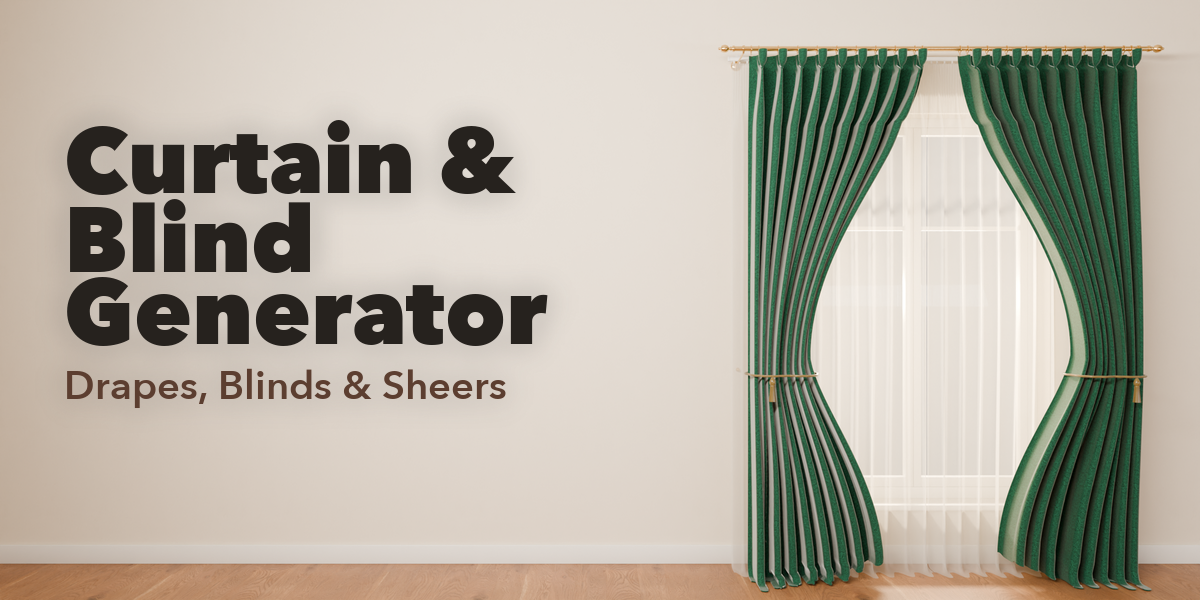
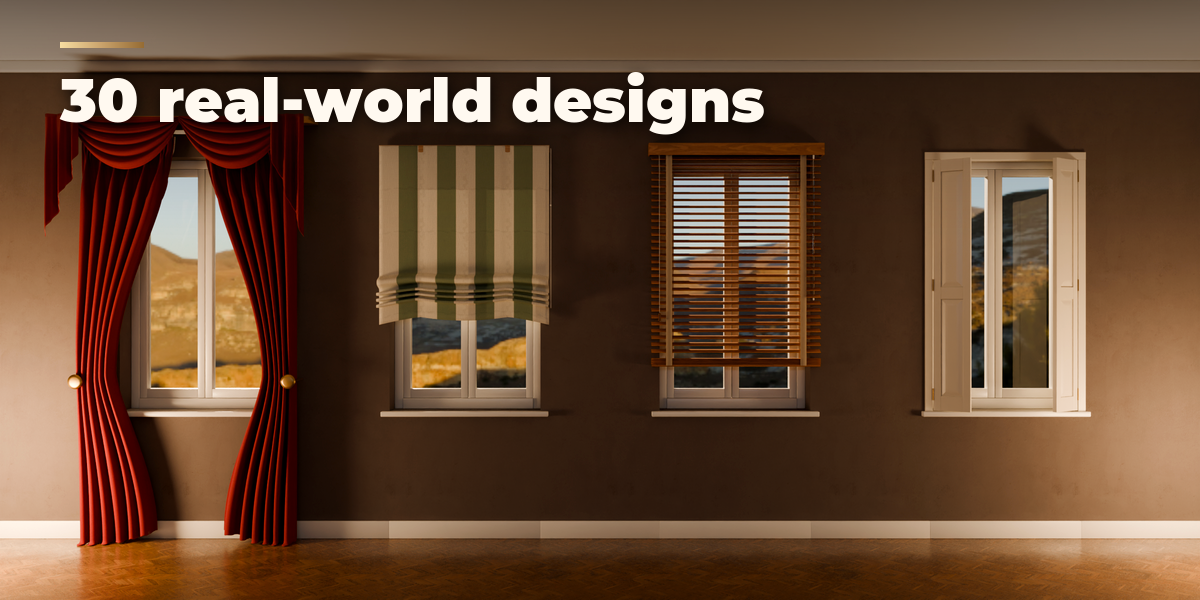
- Open the Curtains tab in the 3D viewport sidebar (N). Pick a design from the gallery.
- To fit a window, select the window object (or its glass faces in Edit Mode) and press Fit to Selected Window. With nothing selected the treatment is added at the 3D cursor; set Width and Height to your opening. You can also use Shift+A, Mesh, Curtain & Blind.
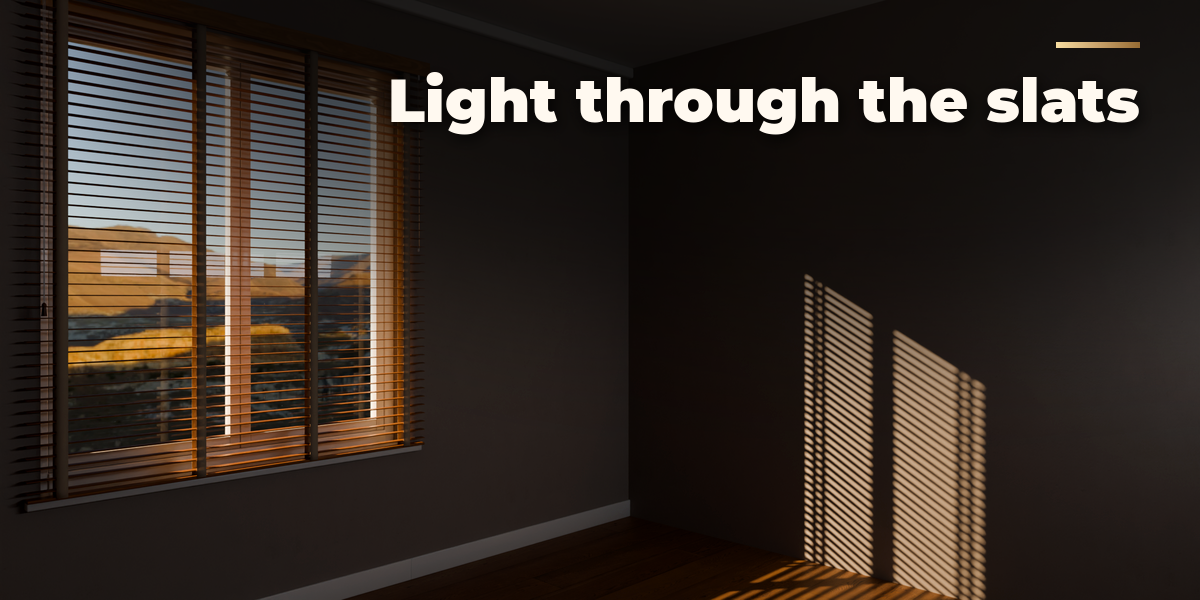
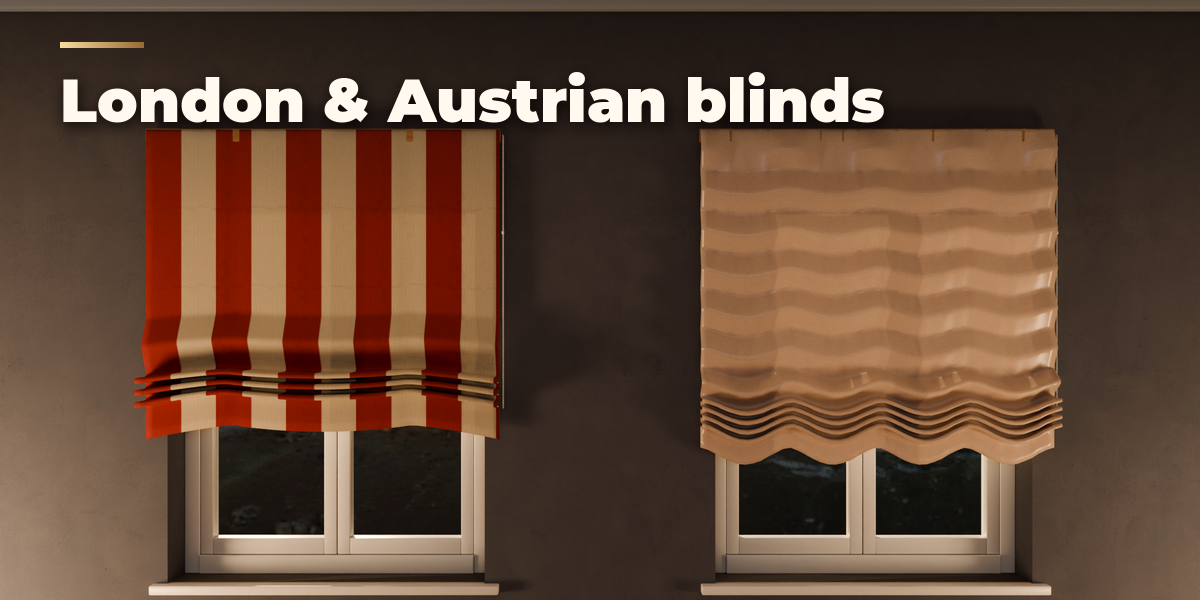
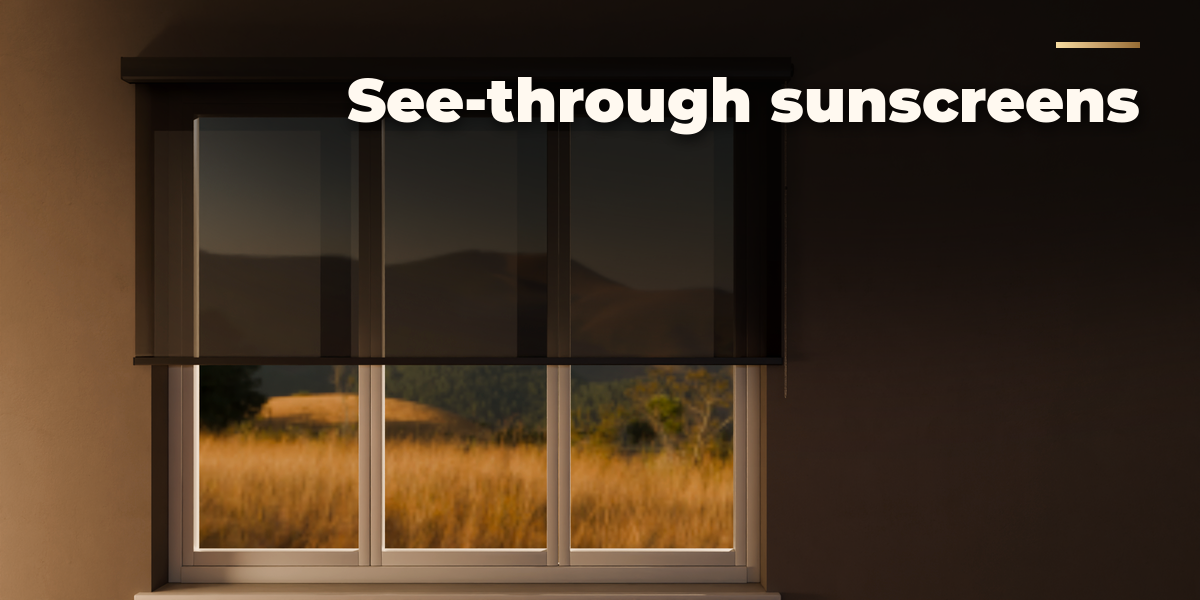
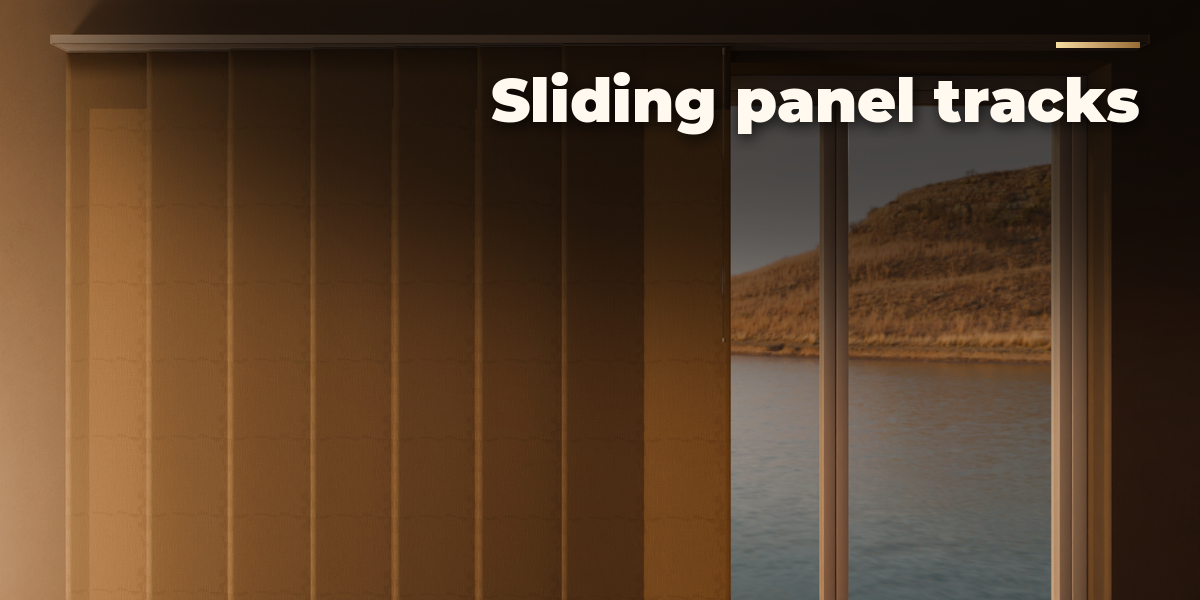
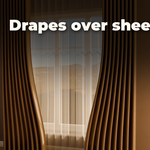
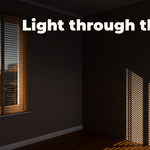
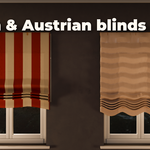
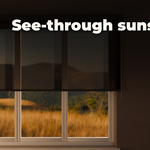
- Surprise makes a new random design, Variation changes the current one a little and the palette button picks a random finish. The Type buttons switch between curtains, every blind type and shutters.
- Open and Tilt are sliders. The key buttons next to them keyframe open, close or tilt from the current frame; the Animation panel sets the frame range or clears the animation.
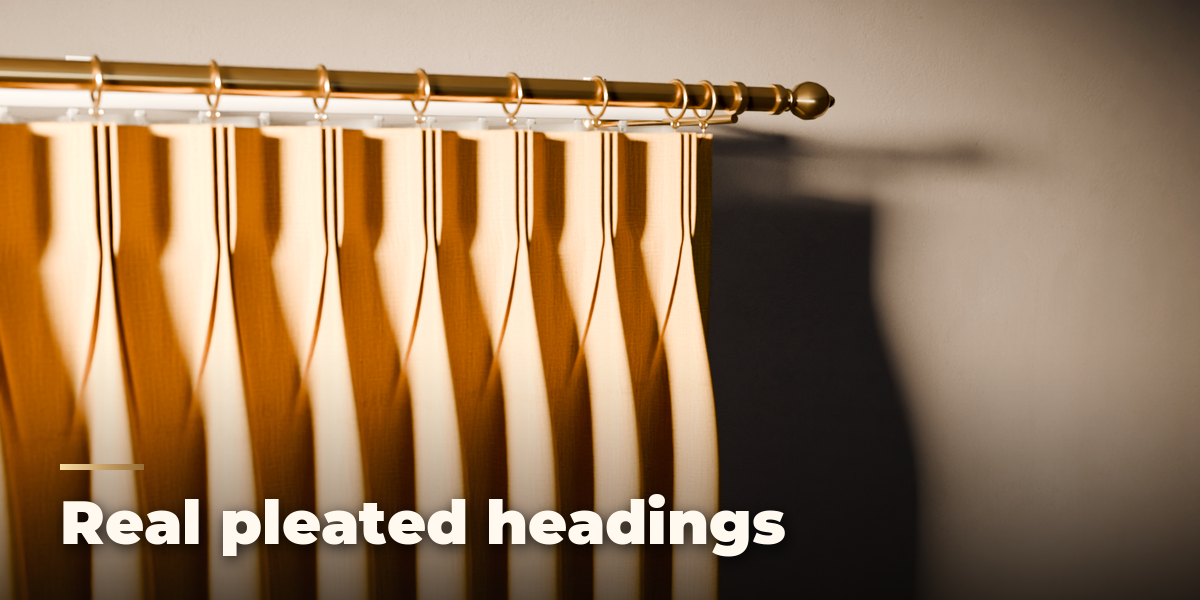
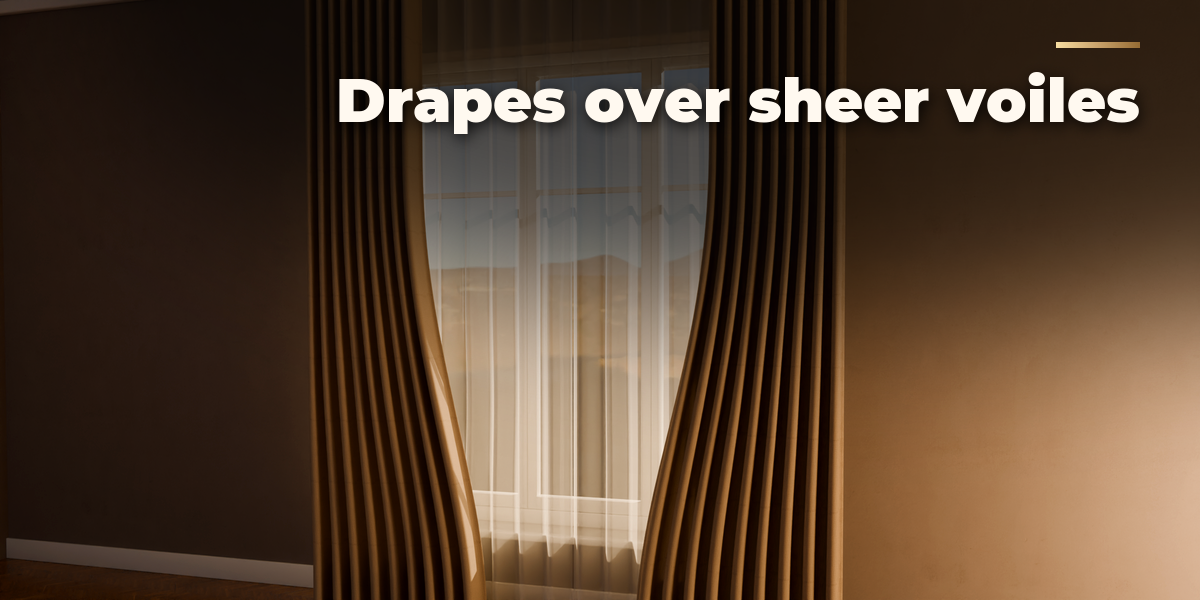
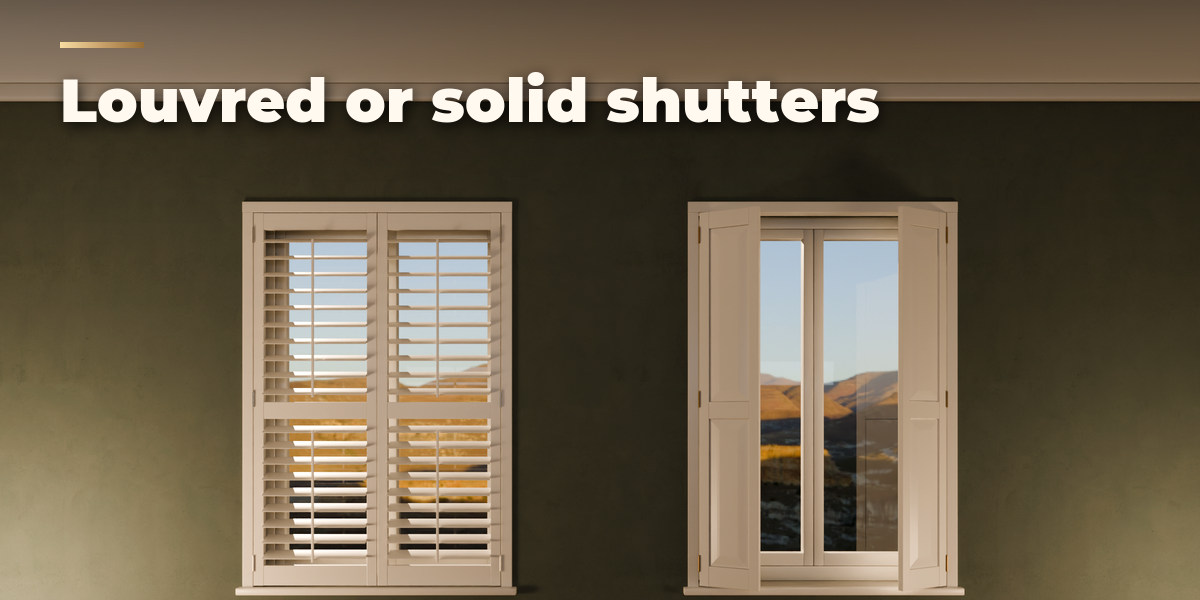
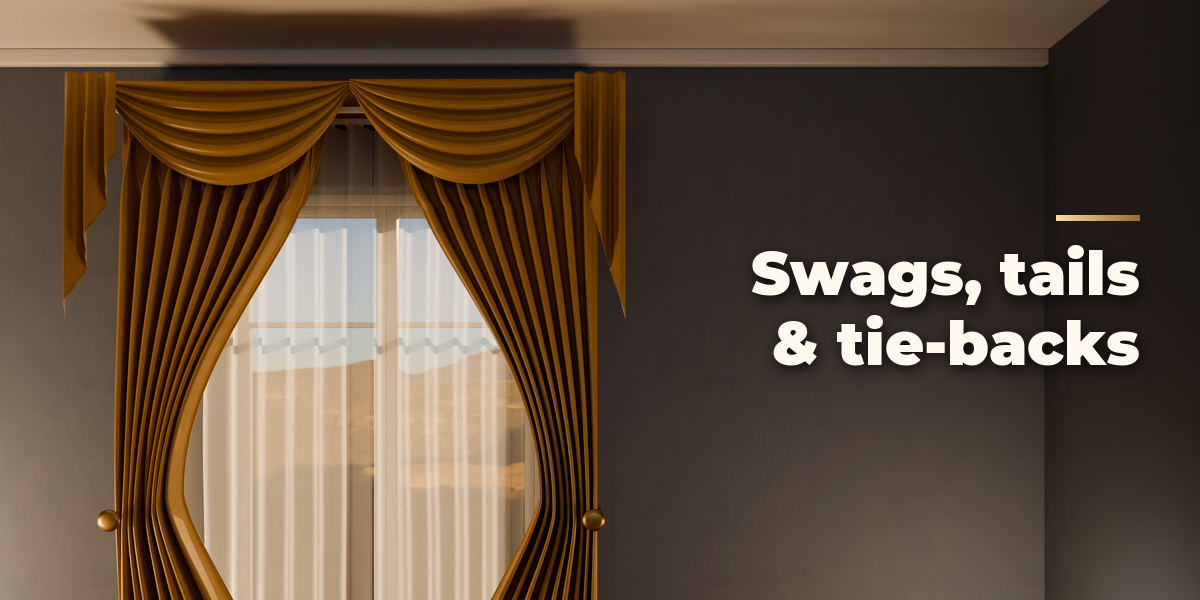
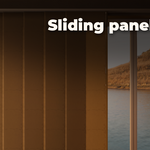
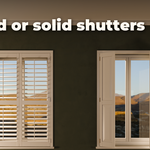
- The sub-panels hold the details: Curtain (heading, fullness, length, sheer, tie-backs, valance), Blind or Shutter details (louvred or solid panels), Materials, Window & Placement, Animation and Mesh & Output (detail level, Convert to Mesh).
Have questions about this product?
Login to message
| Blender Extension Compatible | Yes |
| Published | 3 days ago |
| Blender Version | 4.2 - 5.2 |
| Extension Type | Add-on |
| Render Engine Used | Cycles, Eevee |
| License | GPL |
