 MeshMind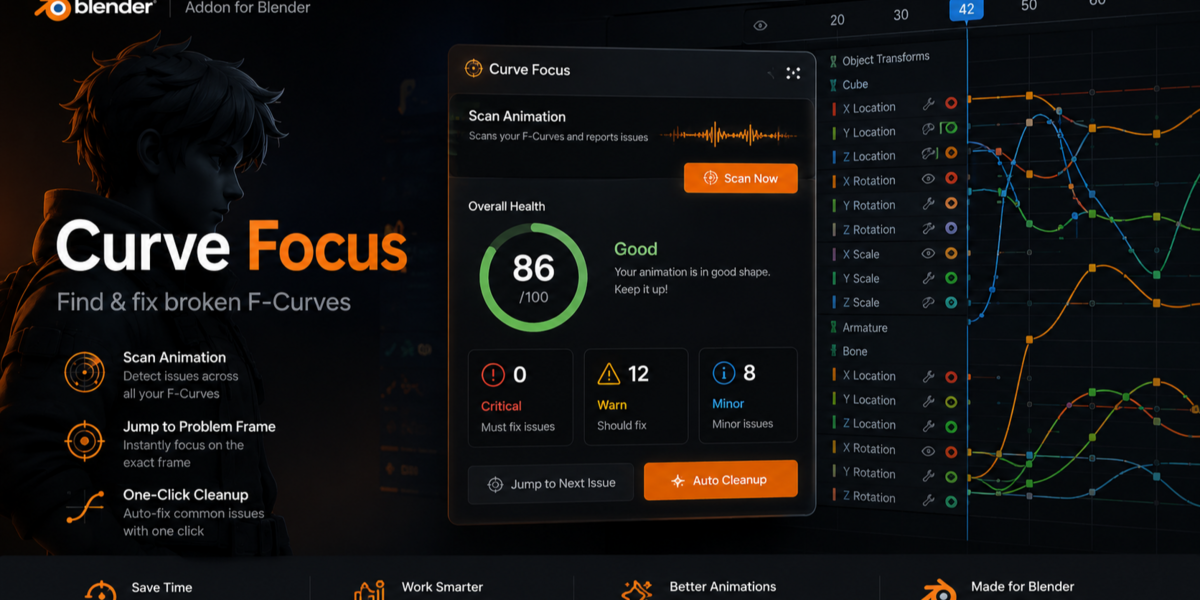
Curve Focus — Documentation
Version 2.0+ · Blender 4.2+
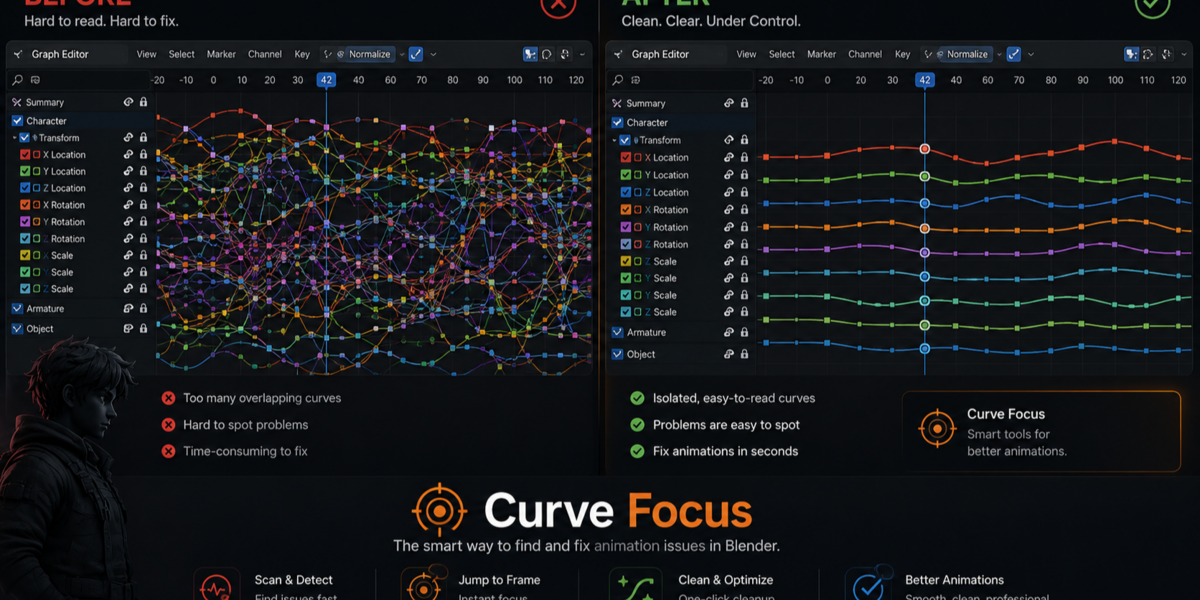
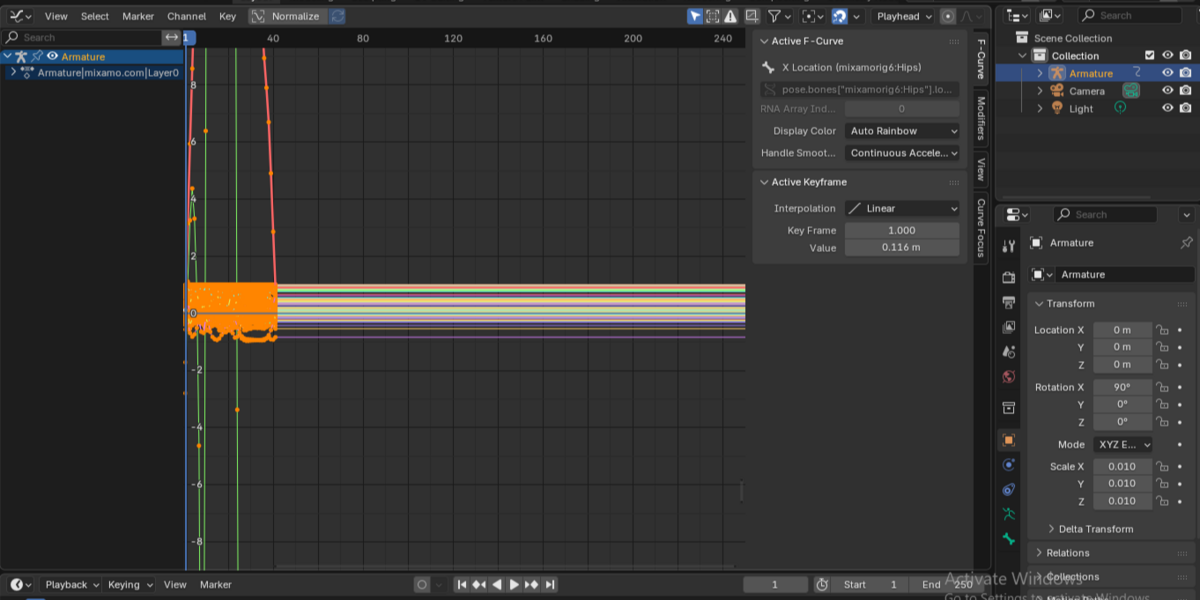
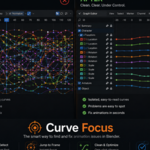
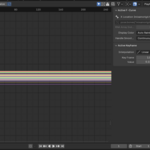
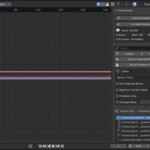
Curve Focus helps you find, understand, and fix problem F-Curves in the Graph Editor — especially on dense character and mocap animation.
Installation
- Download the .zip (do not unzip).
- In Blender: Edit → Preferences → Get Extensions → Install from Disk
(or Add-ons → Install on older layouts). - Enable Curve Focus.
- Open a Graph Editor, press N, open the Curve Focus tab.
Also available as a small reminder panel in the 3D Viewport N-panel.
Requirements
- Blender 4.2 or newer
- Active object with an Action (animation data)
- For bone filters: armature in Pose Mode with bones selected when using “Only Selected Bones”
Quick start (2 minutes)
- Select your armature (must be the active object).
- Open the Graph Editor → N → Curve Focus.
- Click Scan Animation.
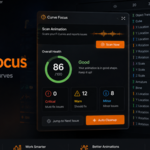
- Review the score and problem list.
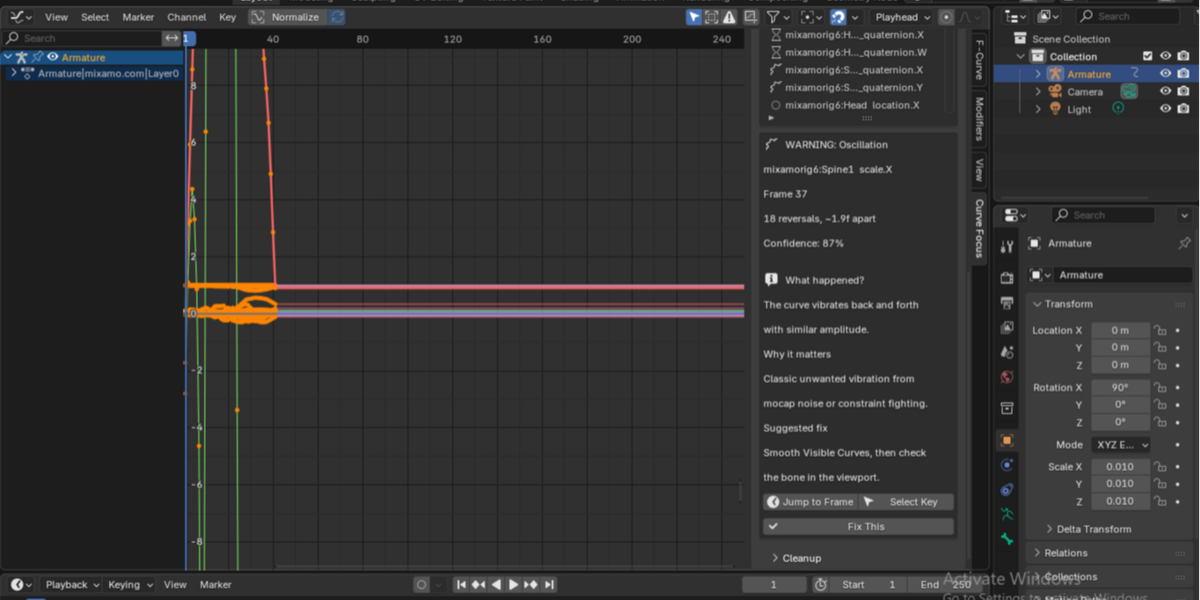
- Click a problem → read the explanation → Jump to Frame or Select Key.
- Use Fix This or Fix Safe Problems, then scan again to see the new score.
Main features
Scan Animation
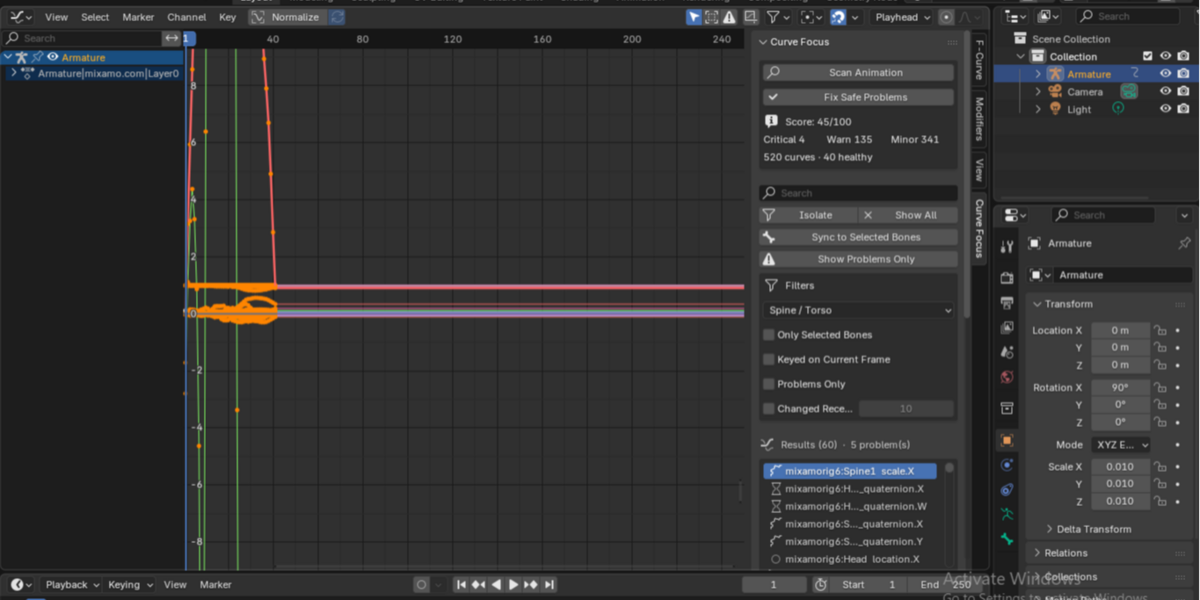
Scans every F-Curve on the active action and builds a health report:
- Score (0–100)
- Critical / Warning / Minor / Healthy counts
- Ranked problem list
The Graph Editor focuses on curves that need attention (severity ≥ warning).
Problem types
| Type | Severity | Typical cause |
|---|---|---|
| Euler discontinuity | Critical | Rotation jump > 180° between keys |
| Quaternion jump | Critical | Sharp jump on a quaternion channel |
| Spike / outlier key | Critical | Single key far from neighbors |
| Jitter | Warning | Many direction reversals (often mocap noise) |
| Oscillation | Warning | Tight back-and-forth vibration |
| Sudden accel / decel | Warning | Abrupt velocity change |
| Extreme handles | Warning | Bezier handles causing overshoot |
| Redundant keys | Minor | Many keys on a nearly straight line |
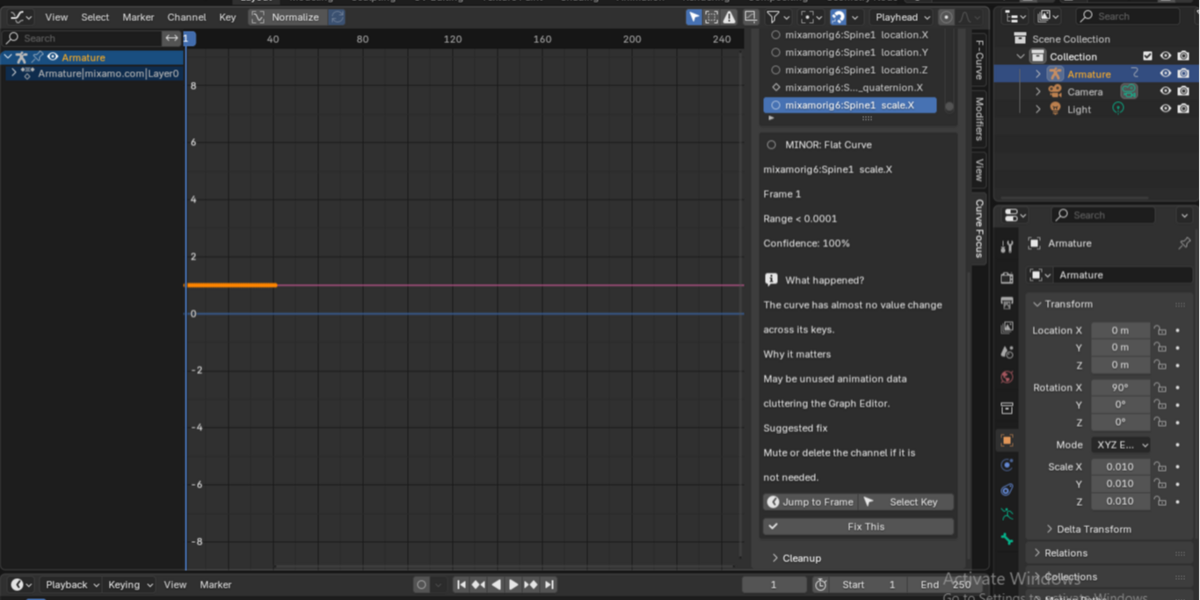
| Flat curve | Minor | Almost no value change |
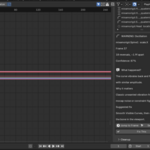
Each problem can show:
- Bone / channel name
- Frame
- Detail (e.g. jump angle, reversal count)
- Confidence (where relevant)
- What happened / Why it matters / Suggested fix
Jump to Frame / Select Key
- Jump to Frame — moves the playhead to the problem frame
- Select Key — selects the offending keyframe (and jumps to it)
Isolation tools
- Search — match bone, property, or axis (e.g. arm, spine rot)
- Body Part — All, Arms, Legs, Spine/Torso, Hands, Feet, Head
- Only Selected Bones — curves for selected pose bones
- Keyed on Current Frame
- Changed Recently — value change in a frame window
- Problems Only
- Sync to Selected Bones
- Isolate Only This Curve — single channel
Filters combine with AND (every enabled filter must pass).
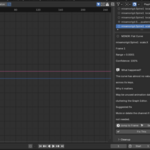
Cleanup (visible curves only)
| Tool | Use for |
|---|---|
| Smooth Visible Curves | Mocap jitter, quaternion noise, mild spikes |
| Fix Euler Discontinuities | Euler wrap / gimbal-style jumps only |
| Remove Redundant Keys | Dense keys on nearly straight segments |
| Match Loop Ends | Align first/last key values for loops |
| Fix This | Suggested fix for the selected problem |
| Fix Safe Problems | Batch: Euler unwrap + smooth jitter/quat + redundant keys |
After cleanup, health stats refresh when a scan was already run. Run Scan Animation again anytime for a full report.
Recommended workflows
Mocap / Mixamo cleanup
- Select armature → Scan Animation
- Fix Safe Problems (once or twice)
- Re-scan and check score
- Manually inspect remaining criticals with Jump to Frame
- Smooth or edit keys as needed
Finding one bad channel
- Search or set Body Part → Isolate
- Or Show Problems Only
- Open a problem → Select Key → edit in the Graph Editor
Looping clips
- Isolate the curves that must loop
- Match Loop Ends (try First→Last or Average)
- Check playback for a pop at the seam
Important notes
- Works on the active object’s Action only.
- Fix Euler Discontinuities does not modify quaternion curves — use Smooth instead.
- Diagnostics are heuristics: they highlight likely issues; they are not a full motion-analysis system.
- Intentional motion (e.g. rapid direction changes in a dance) can be flagged as jitter — use confidence and your eye.
- Prefer testing cleanup on a copy of the action if you need a safe backup.
Have questions about this product?
Login to message
| Blender Extension Compatible | Yes |
| Published | 29 days ago |
| Blender Version | 4.2 - 5.2 |
| Extension Type | Add-on |
| Render Engine Used | Cycles, Eevee |
| License | GPL |

Discover more products like this
gimbal cleanup eular motioncapture mocap keyframe fcurve #GraphEditor animation blender fcurve addon isolatecurves