 Wei
Wei

Ilya Zinovjev
over 5 years ago
Thanks so much for your feedback, any advice are very important to me) I will think about the implementation of your idea in the next updates.
This item has an average rating of 5 from 13 ratings by the community.
Purchase this item to leave a review!
Ilya Zinovjev
over 5 years ago
Thanks so much for your feedback, any advice are very important to me) I will think about the implementation of your idea in the next updates.
Ilya Zinovjev
over 5 years ago
Thanks bro) I'll think about what you suggested) The main feature of the next patch will be the ability to multi-select objects, and create a mixed array.
Ilya Zinovjev
almost 3 years ago
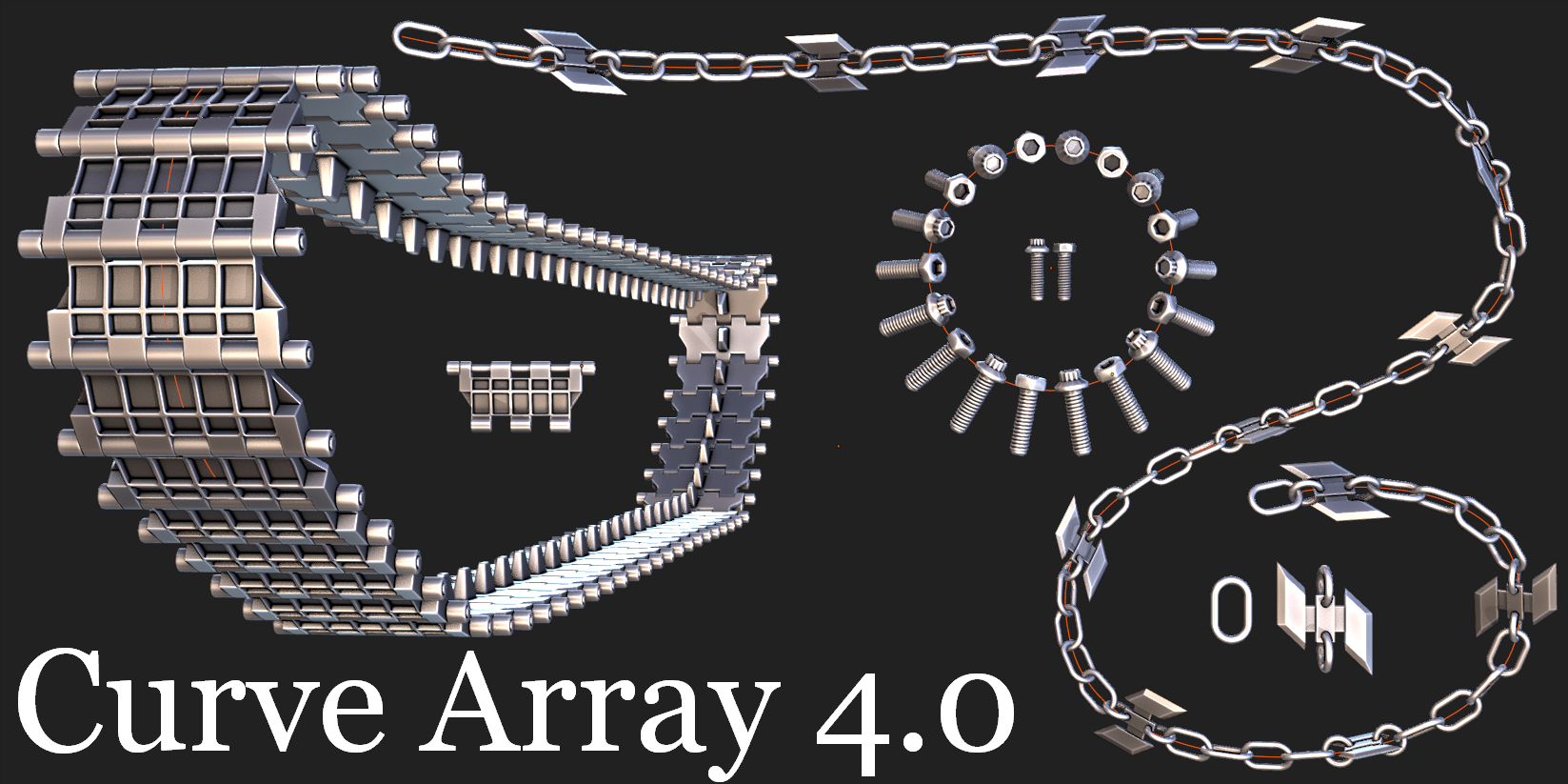
Curve Array positions itself as an array creation tool. Not editing or animation, but creation. In other 3D packages, such tools are built into the software initially, but in Blender they are not (for example, in 3ds Max there is an Array Tool). There, too, you cannot animate or edit arrays after creation (although in Curve Array you can edit an array after creation, until you close the program or create a new array). And initially, Curve Array was created as an alternative to such tools, but in Blender. But in the end, at the moment, it provides much more opportunities and settings for creating arrays than in those tools.
As for animation and editing of previously created arrays, I would be happy to add these functions if the Blender Api allowed me to do this.
As for your comment, I have heard the saying more than once - “If you don’t do good, you won’t receive evil.” You wrote to me in a personal message with a question, to which I immediately answered, describing your problem in detail with screenshots, and spent my personal time explaining to you how to correctly use CurveArray in your case. After which you wrote again, telling me that I should be ashamed to charge money for this product (I quote your message: "That's pretty rude to charge money for it, really."). And this despite the fact that Curve Array after the latest update (for which I spent 7 months of work) is distributed free of charge on sites such as Gumroad and GitHub, and on the blendermarket you can support me if you want by purchasing it. Well, take the time to make a refund and enjoy using the free full version from Gumroad or Github, all the best :)
Have questions about this product?
Login to message
| Sales | 800+ |
| Downloads | 90+ |
| Rating | 13 ratings |
| Dev Fund Contributor | |
| Published | over 5 years ago |
| Blender Version | 2.9, 2.91, 2.92, 2.93, 3.0, 3.1, 3.2, 3.3 |
| License | GPL |
curve drom loop edge to curve curve array curve summer21 array along curve no distort array array along path right tilt curve
 tcwik
tcwik
 Ersin
Ersin