Open and Close - Autoreactive "Opening" Curves Setup in Geometry Nodes
 codesignprojects
Documentation
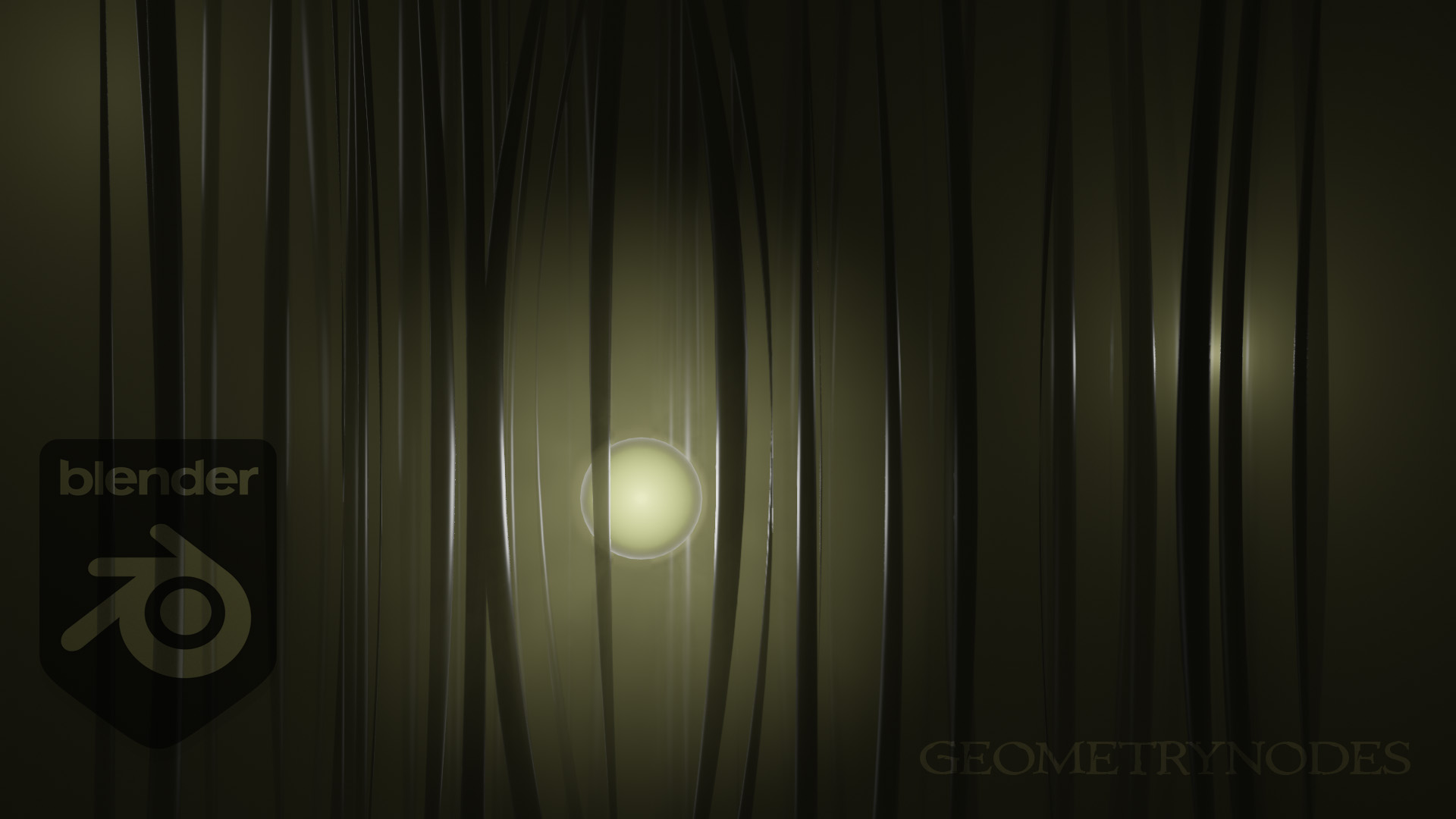
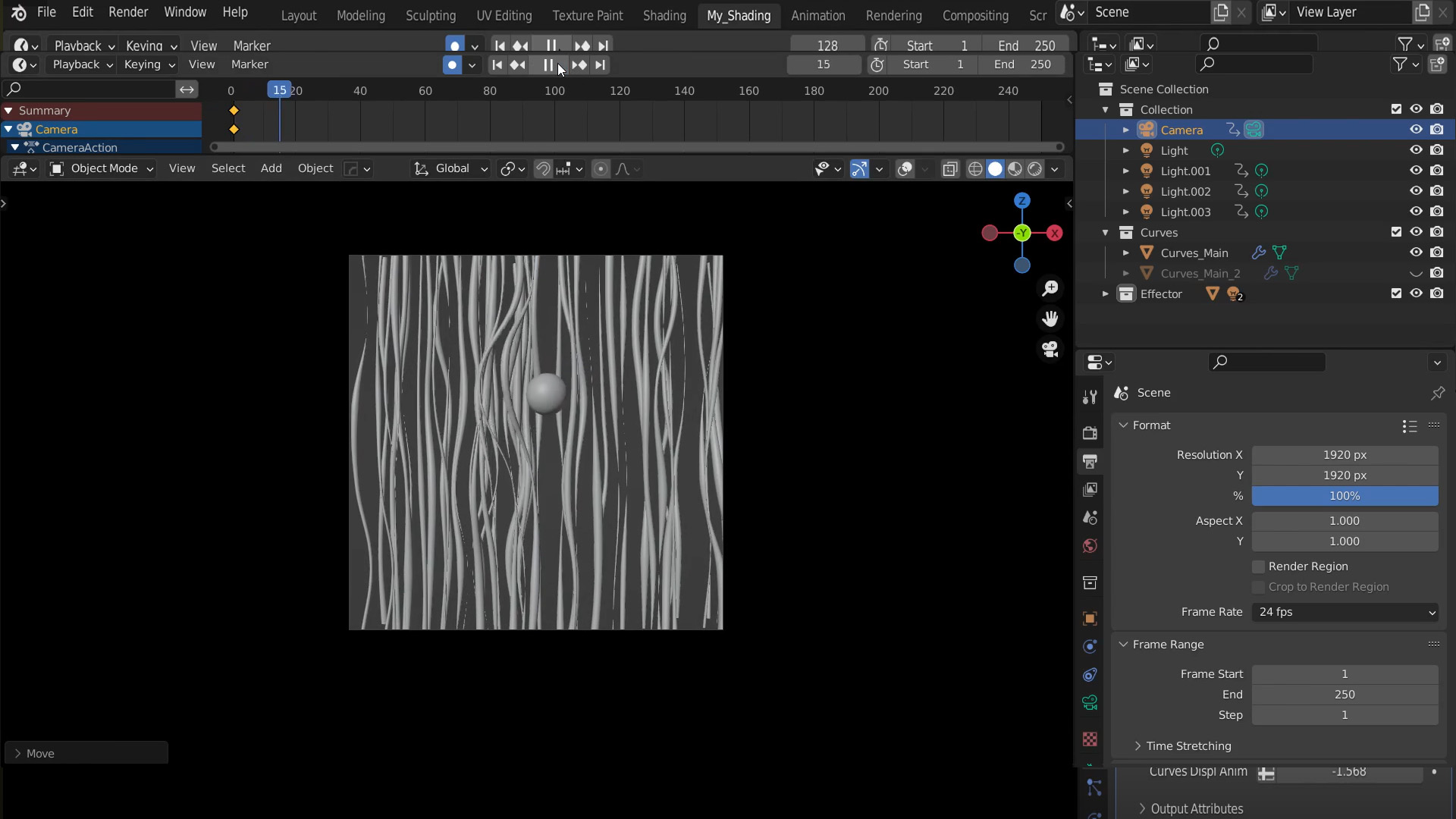
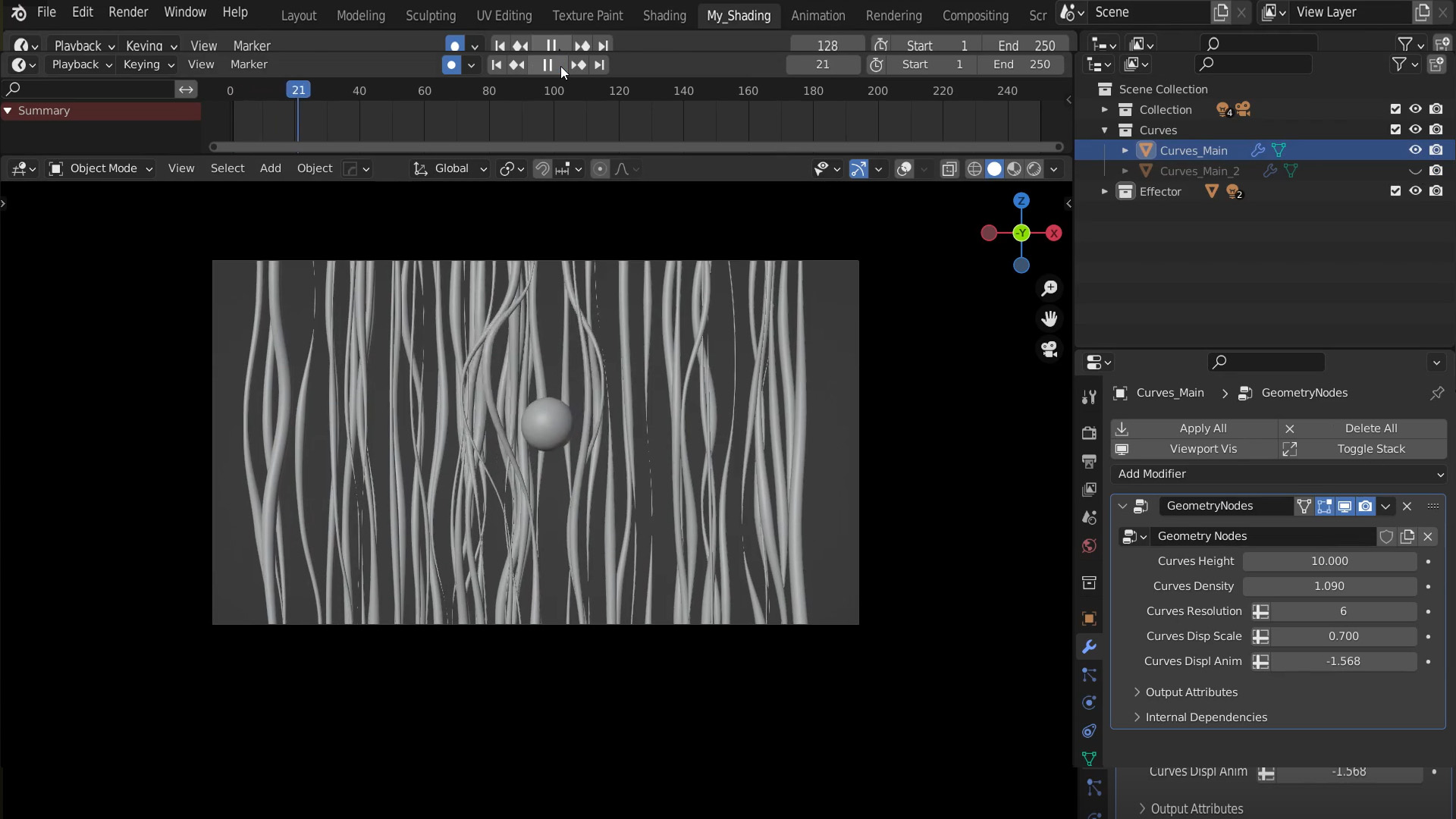
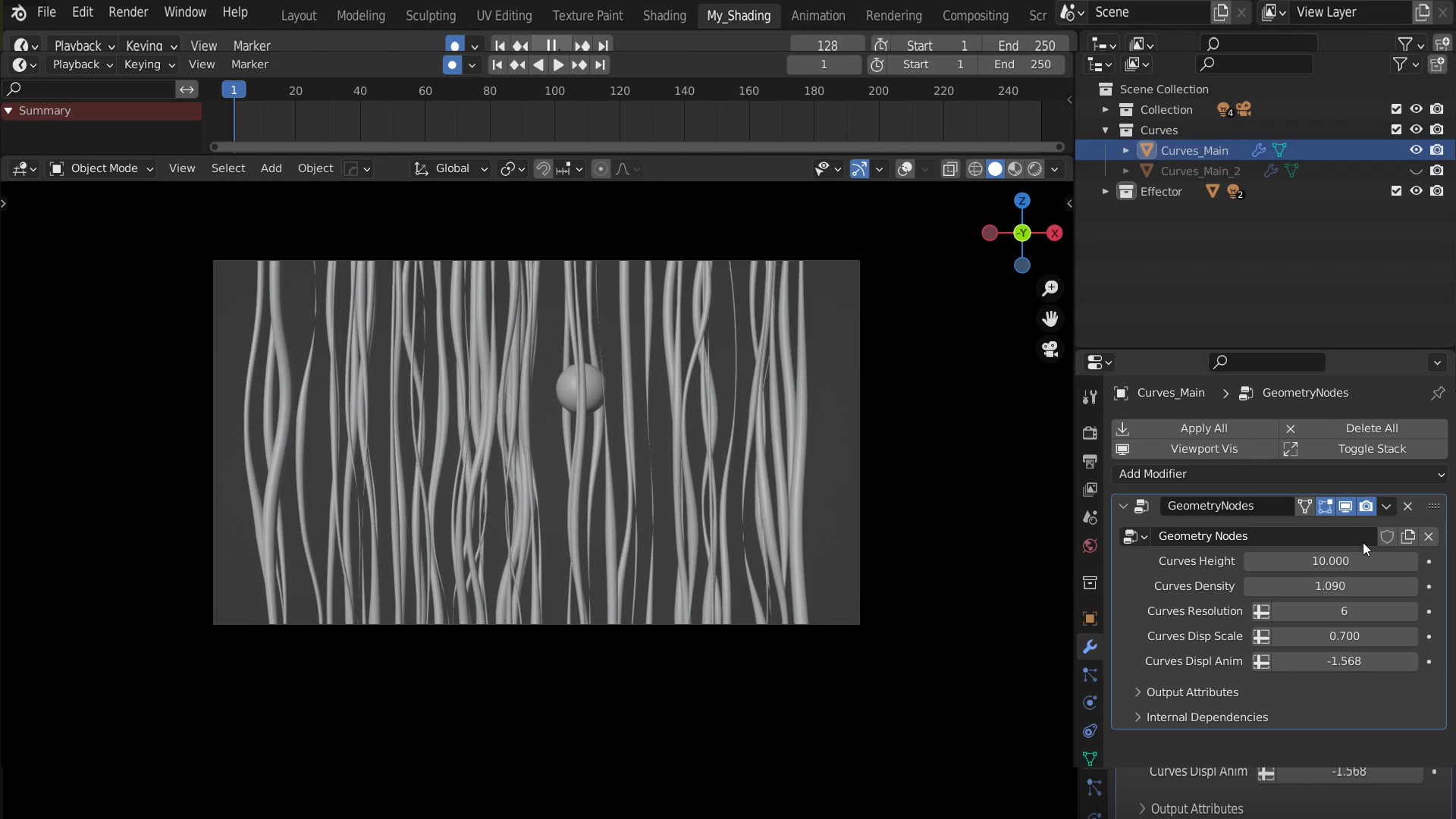
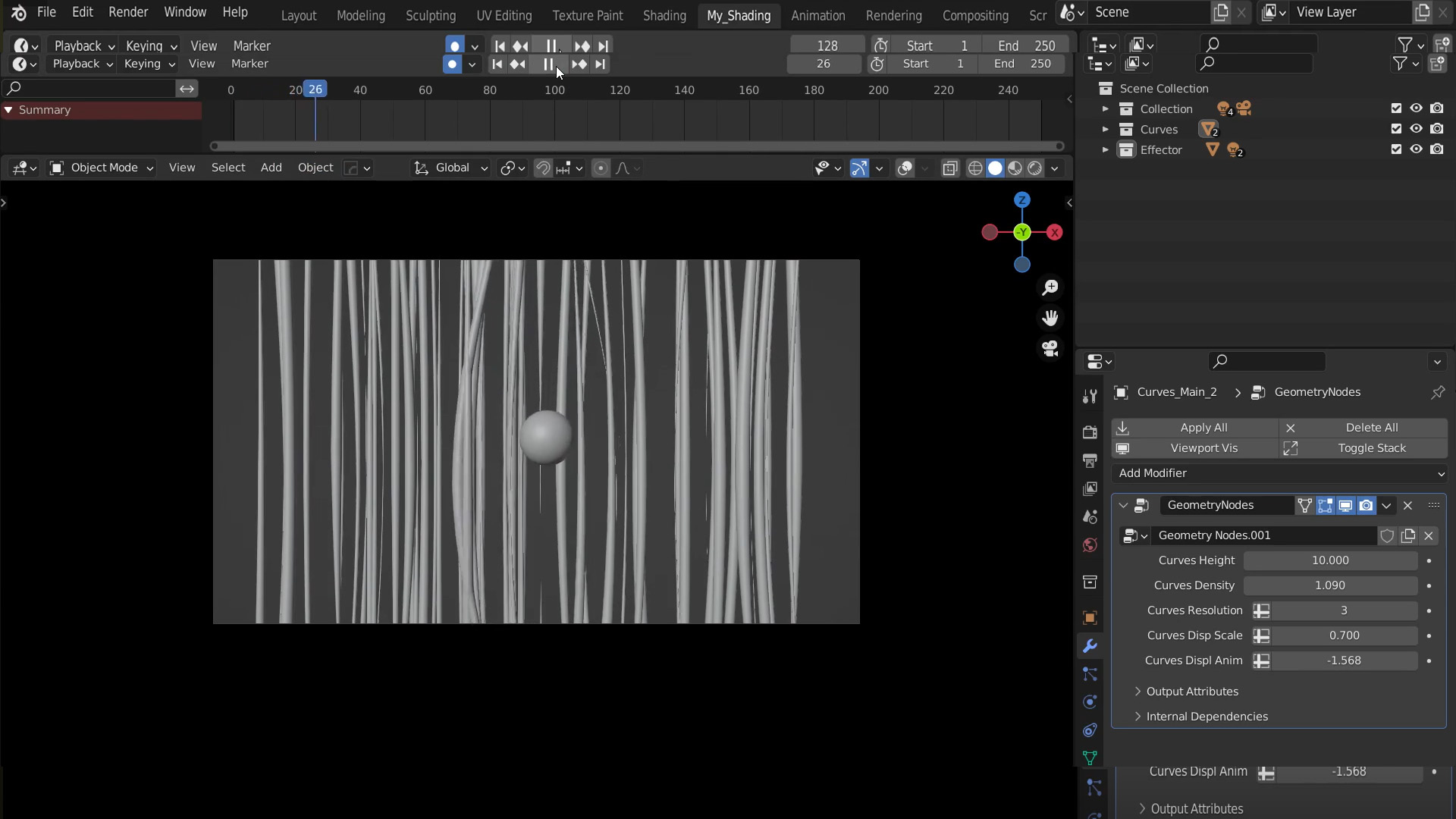
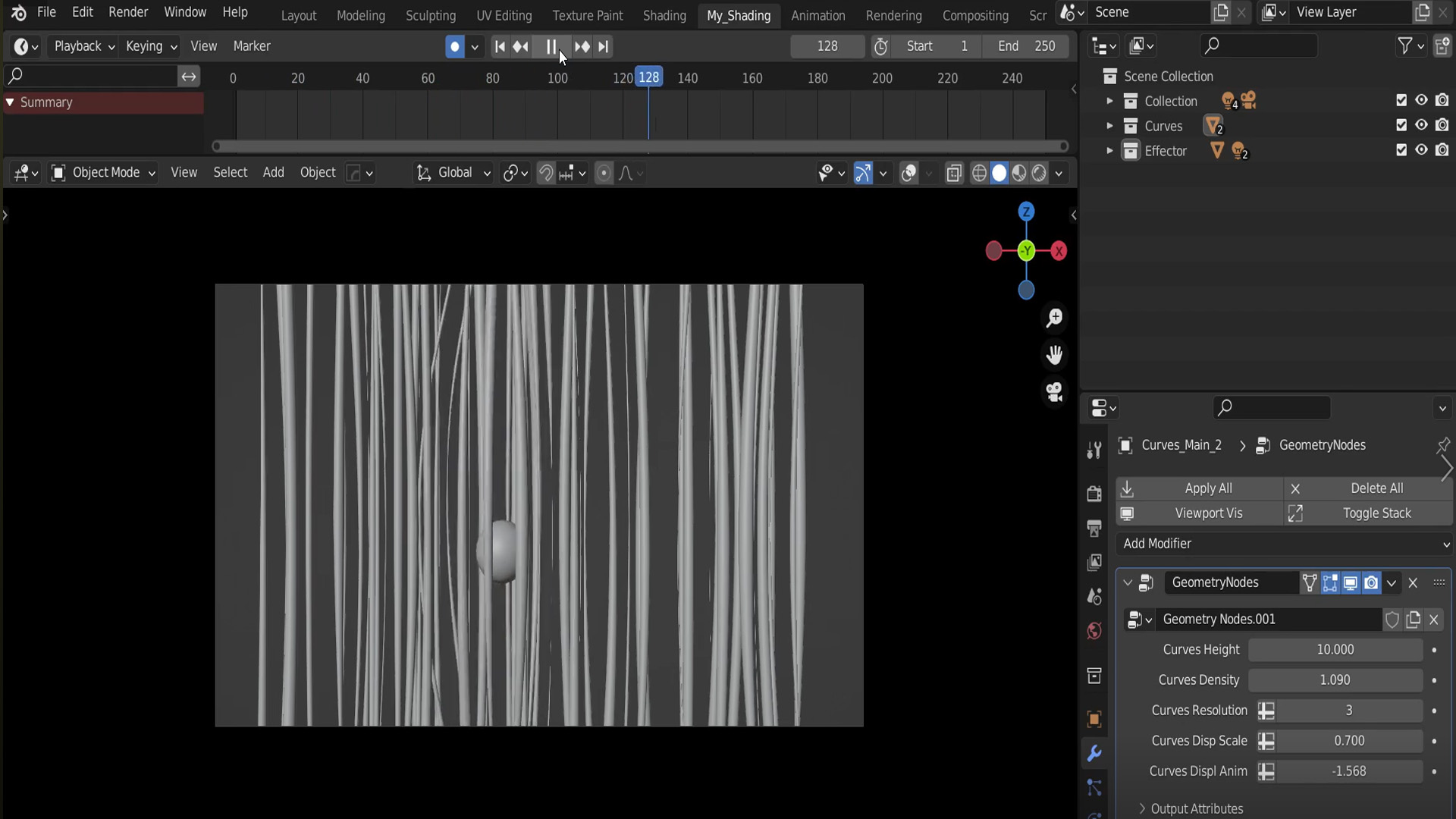
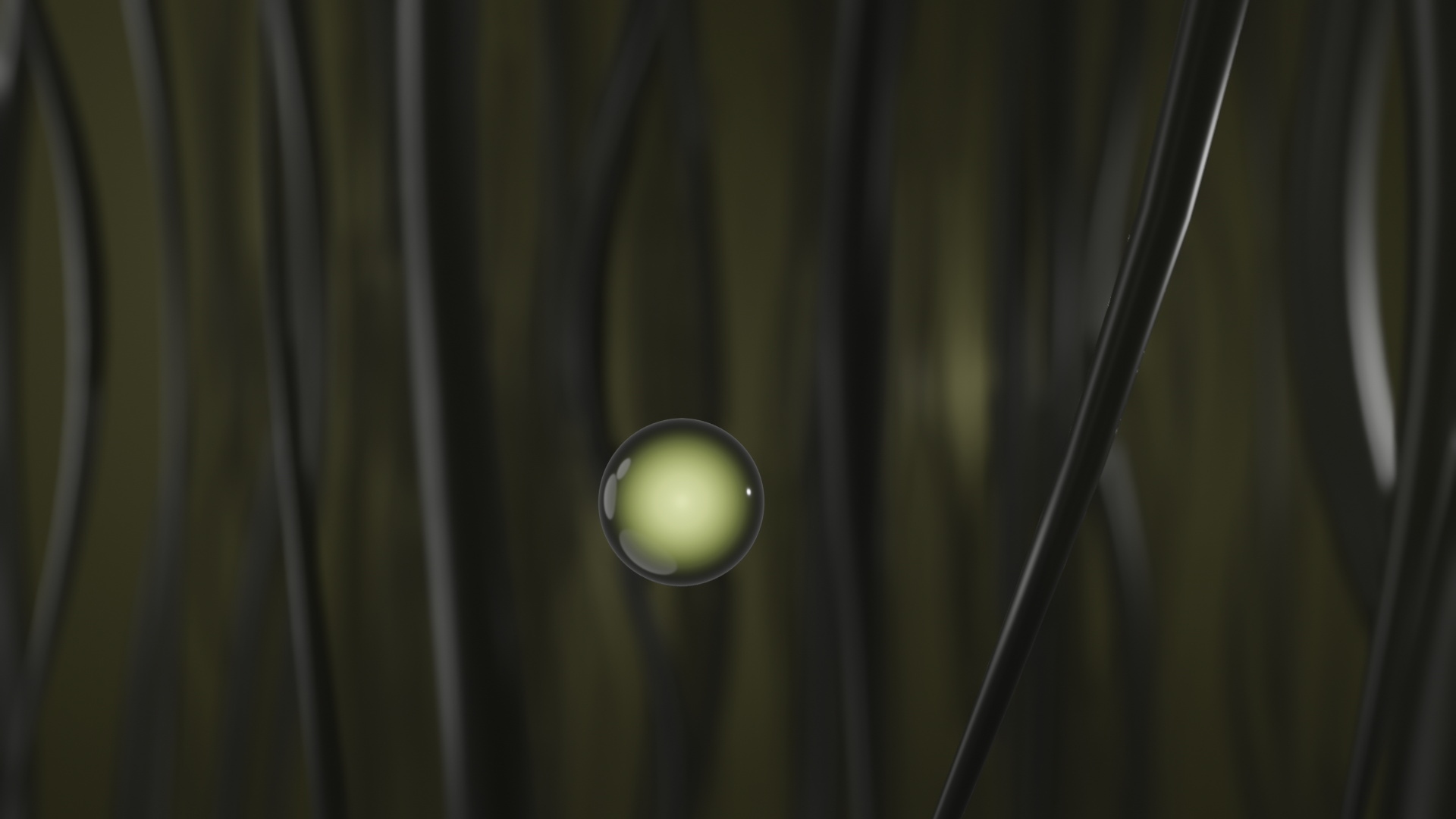
Overview This Geometry Nodes setup creates an autoreactive spline-morphing system. It utilizes proximity mathematics to detect a custom effector object and dynamically displaces the control points of surrounding curves, causing them to procedurally "fold out" or open up as the object approaches, and close seamlessly as it passes.
Quick Setup
Apply the Geometry Nodes modifier to your base curve or hair system.
Locate the
Object Infonode responsible for the effector (often grouped under a proximity or collision frame) and assign your target object (e.g., an animated sphere or character).Animate your effector object moving through the curves to see the automatic opening effect in the viewport.
Customization
Opening Radius: To make the hole larger or smaller, locate the math nodes calculating the distance from the effector (usually a
Geometry Proximitynode followed by aMap RangeorColorRamp). Adjust the distance limits to expand or shrink the effector's area of influence.Curve Smoothness: If the curves bend sharply or look jagged as they fold back, increase the point count on the
Resample Curvenode. More control points allow for smoother, more organic bending.Curve Thickness: The visual thickness of the splines is controlled by a
Set Curve Radiusnode or the profile curve input of aCurve to Meshnode. Adjust these to change the physical appearance of the stems/wires.
Have questions about this product?
Login to message
| Sales | 10+ |
| Published | about 4 years ago |
| Blender Version | 3.6 - 5.2 |
| License | Editorial |
Discover more products like this
curves opening splines geometry nodes curves bend curve auto open node setup auto avoid autoreactive generative procedural