 Siler Technology Limited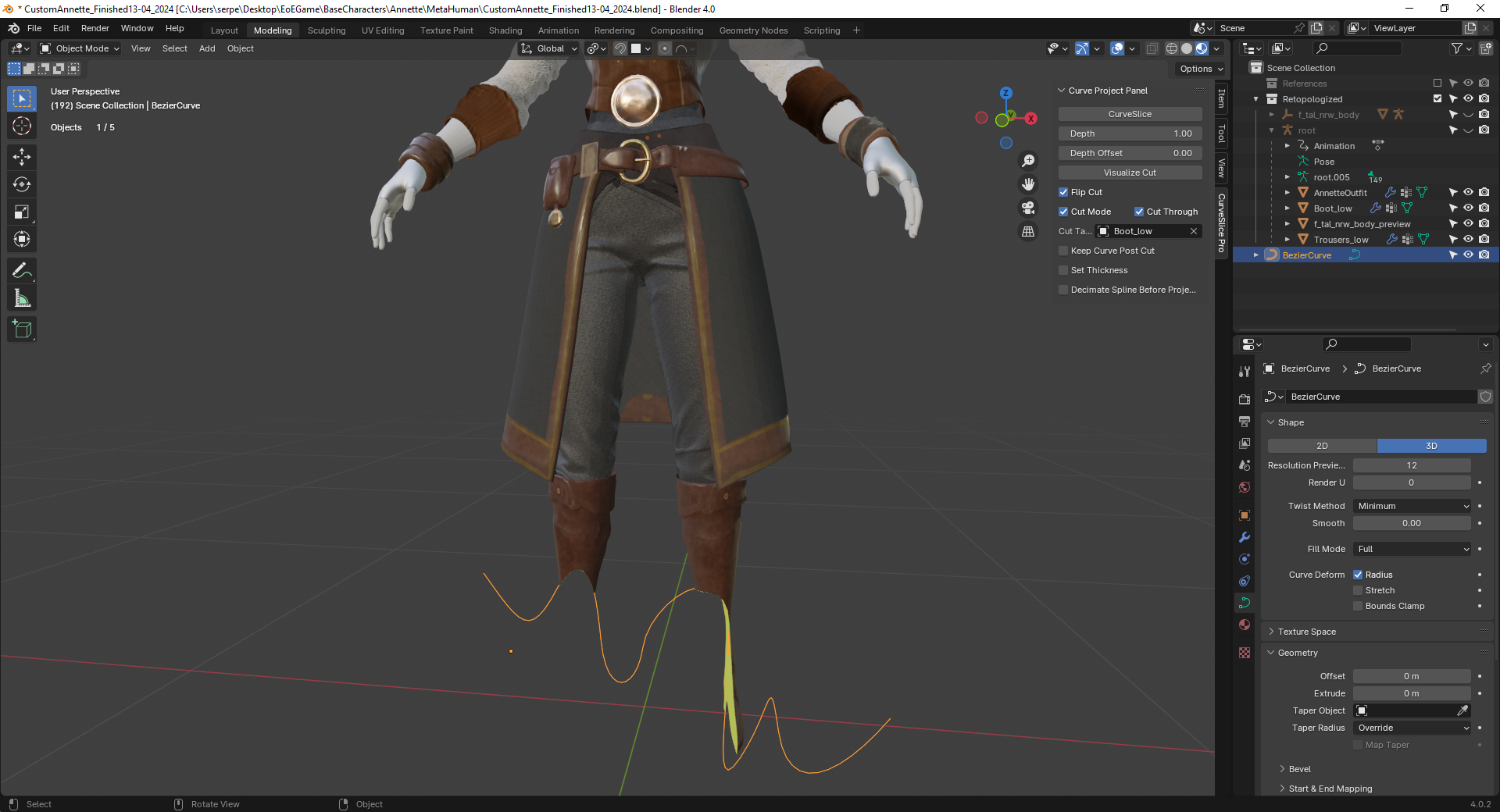
CurveSlice Pro — Interactive Curve Cutting for Blender
Draw. Cut. Done. The fastest way to slice, trim, and punch holes in any mesh.
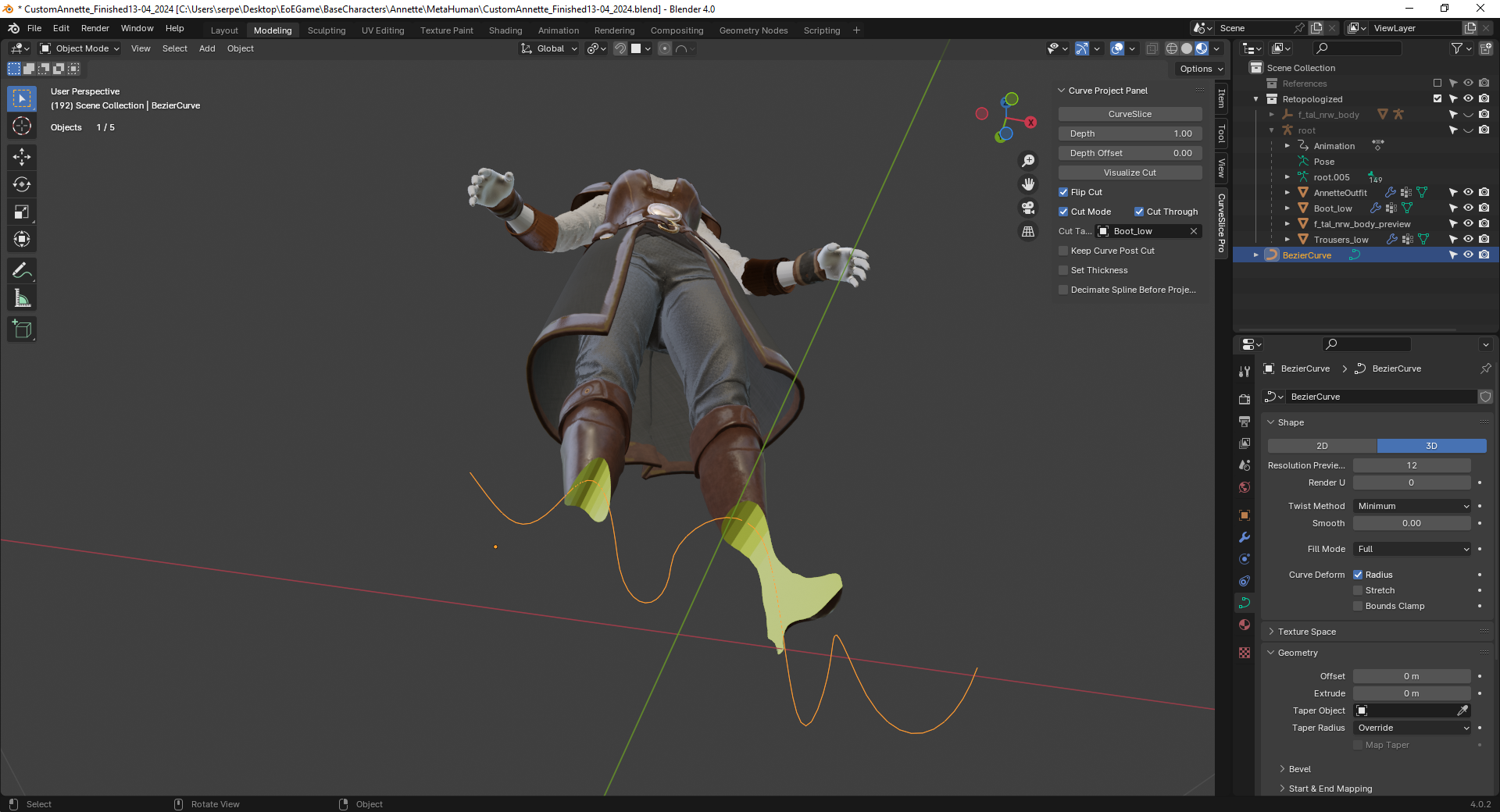
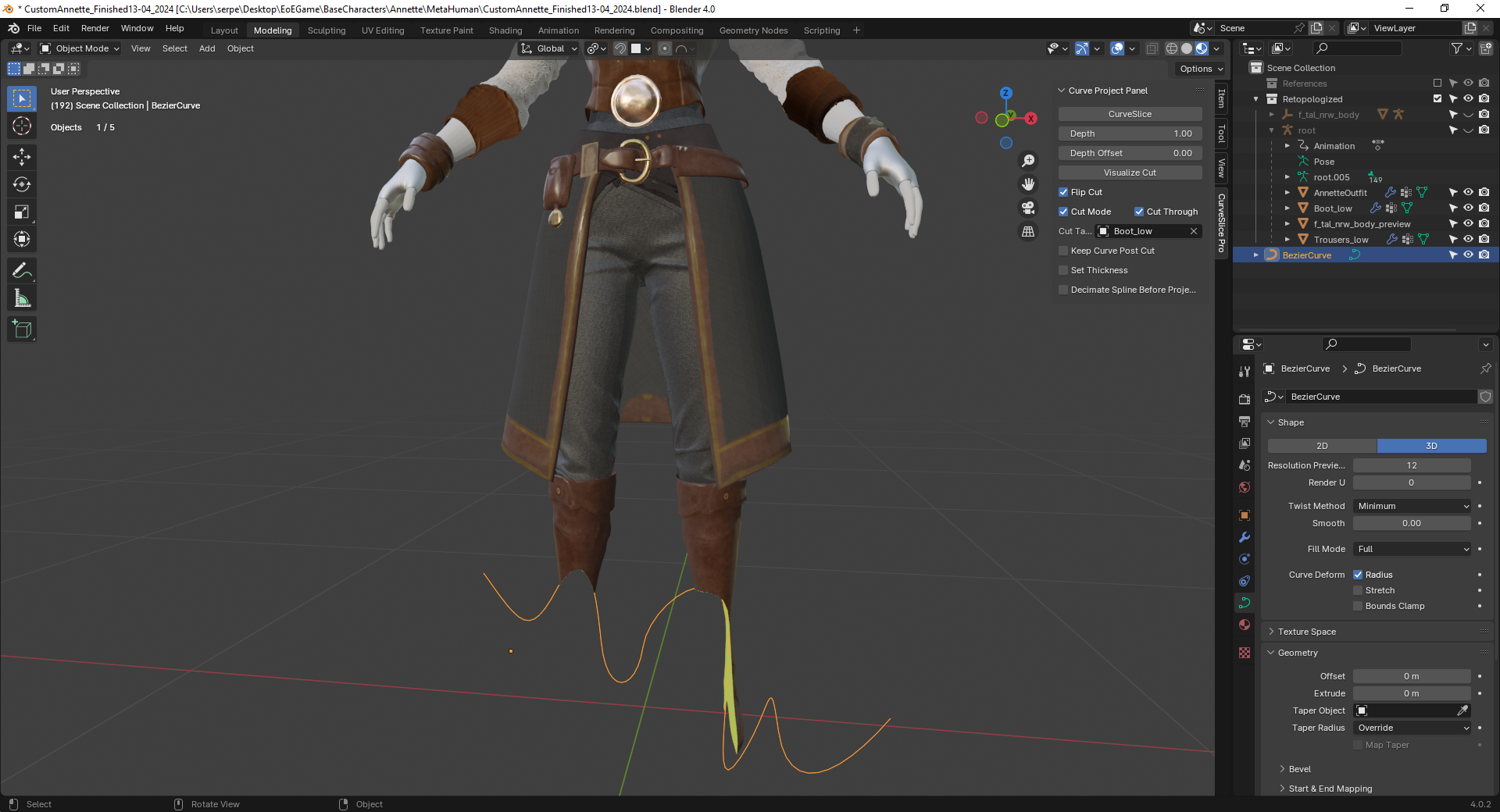
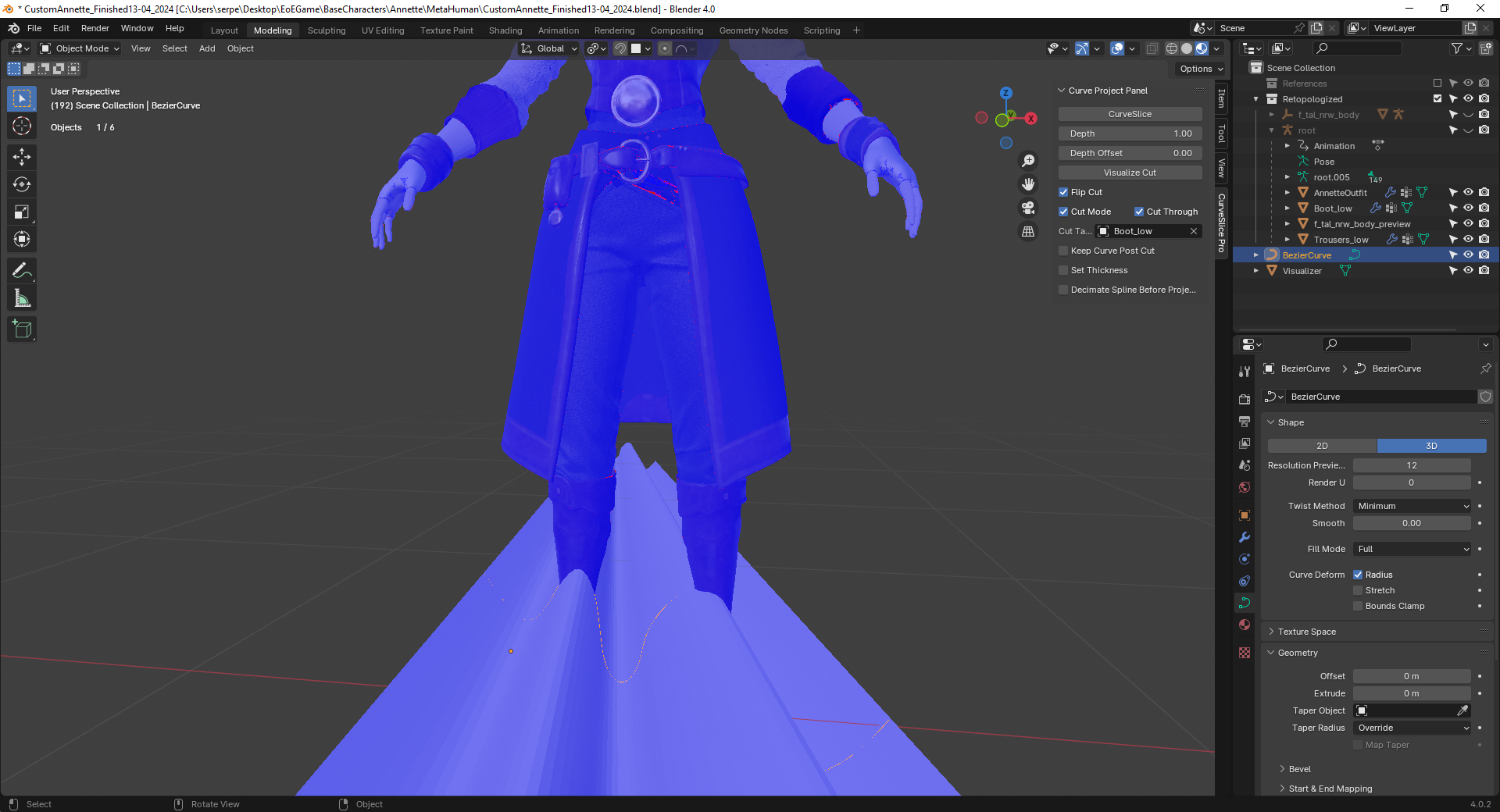
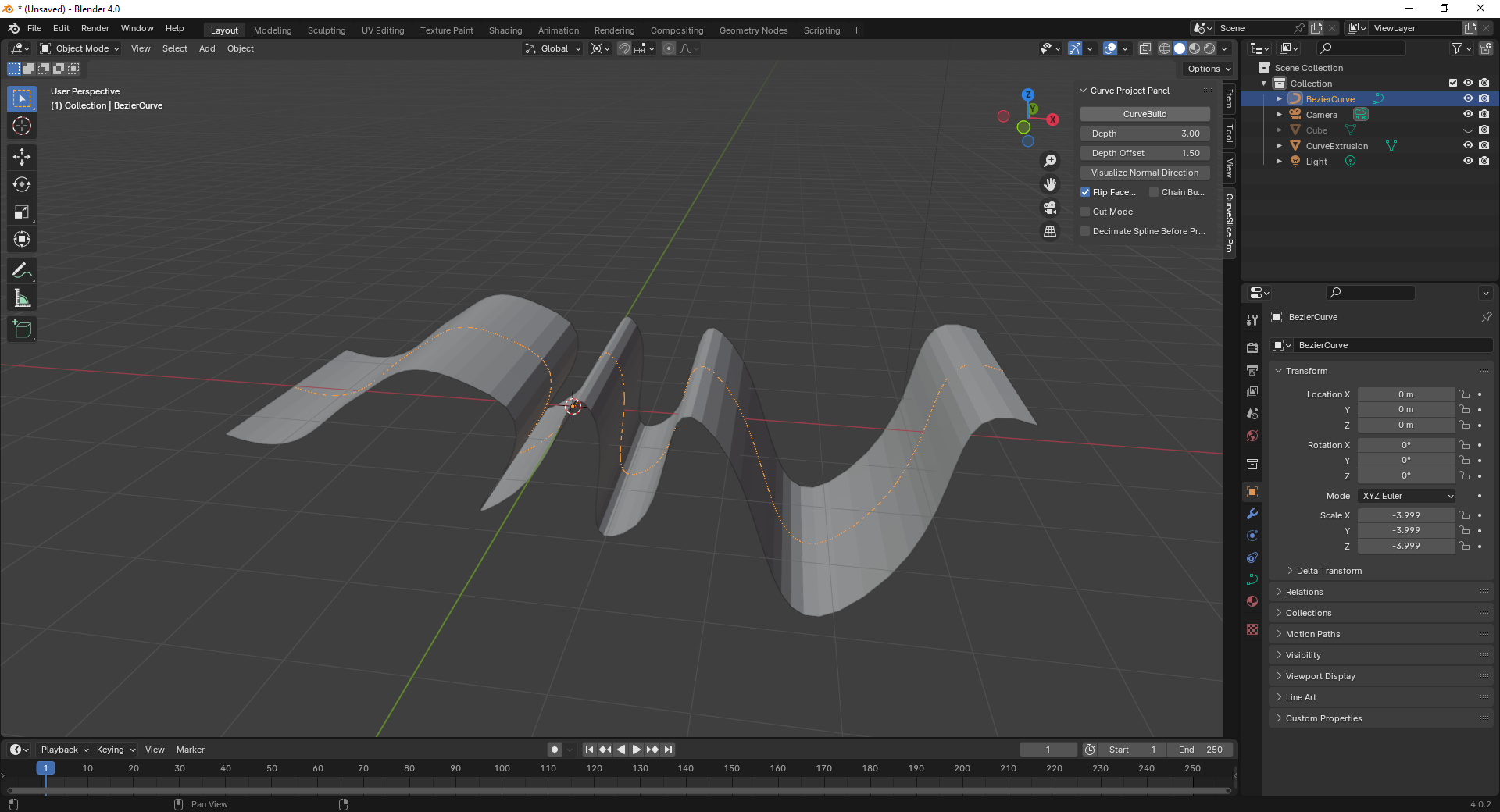
CurveSlice Pro brings ZBrush-style interactive curve cutting to Blender. Draw a line across any mesh with your mouse, see exactly what will be removed in real-time, and cut with a single keystroke. No complex boolean setups, no manual curve creation — just draw and cut.
What's New in v2.0
-
Interactive Drawing — Click to place points directly in the viewport. No separate curve creation step.
-
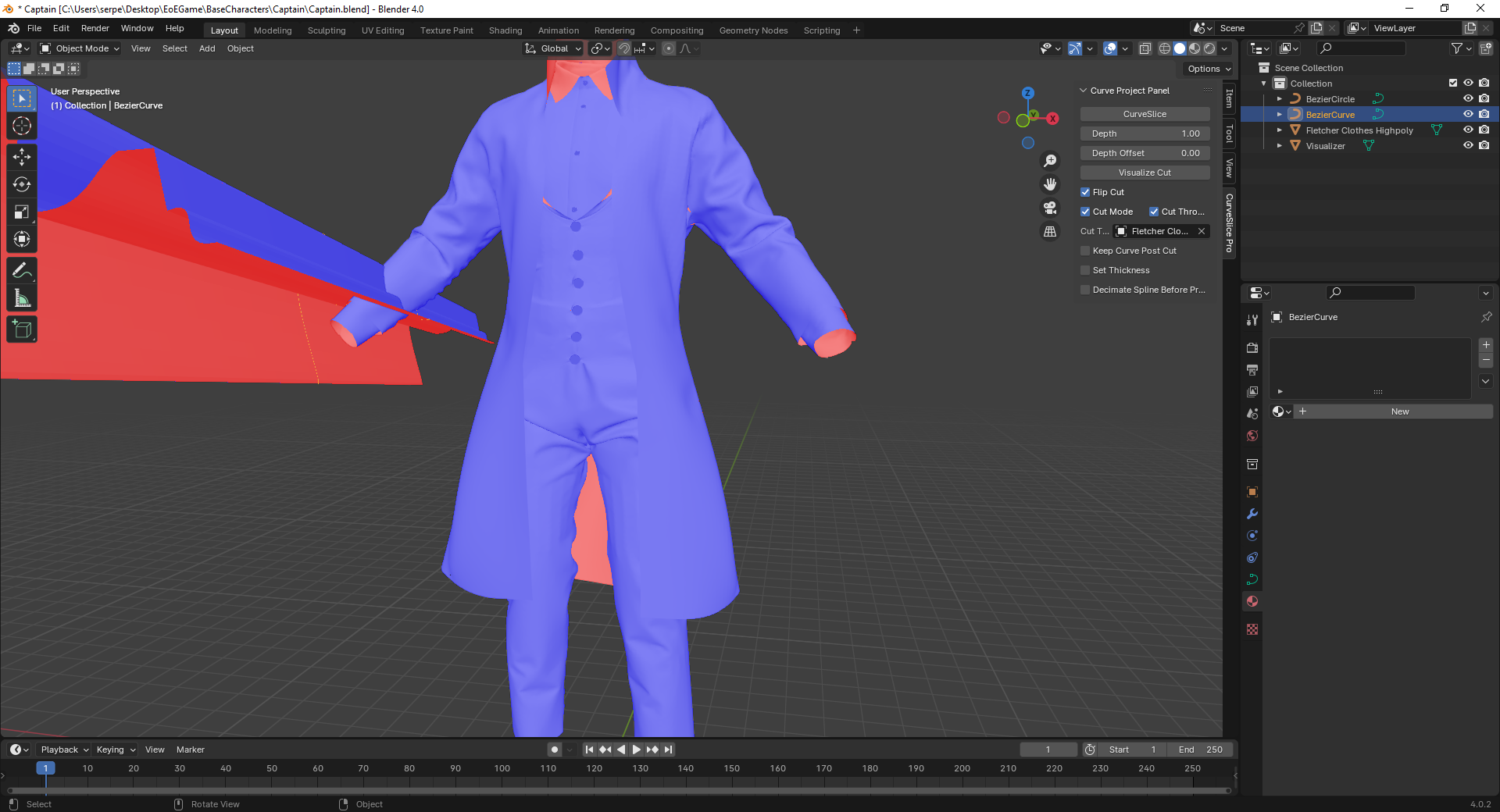
Live WYSIWYG Preview — See the exact cut result before committing. Red overlay shows what gets removed.
-
Bezier & Straight Segments — Mix curve types freely. Press Alt to toggle between smooth and straight.
-
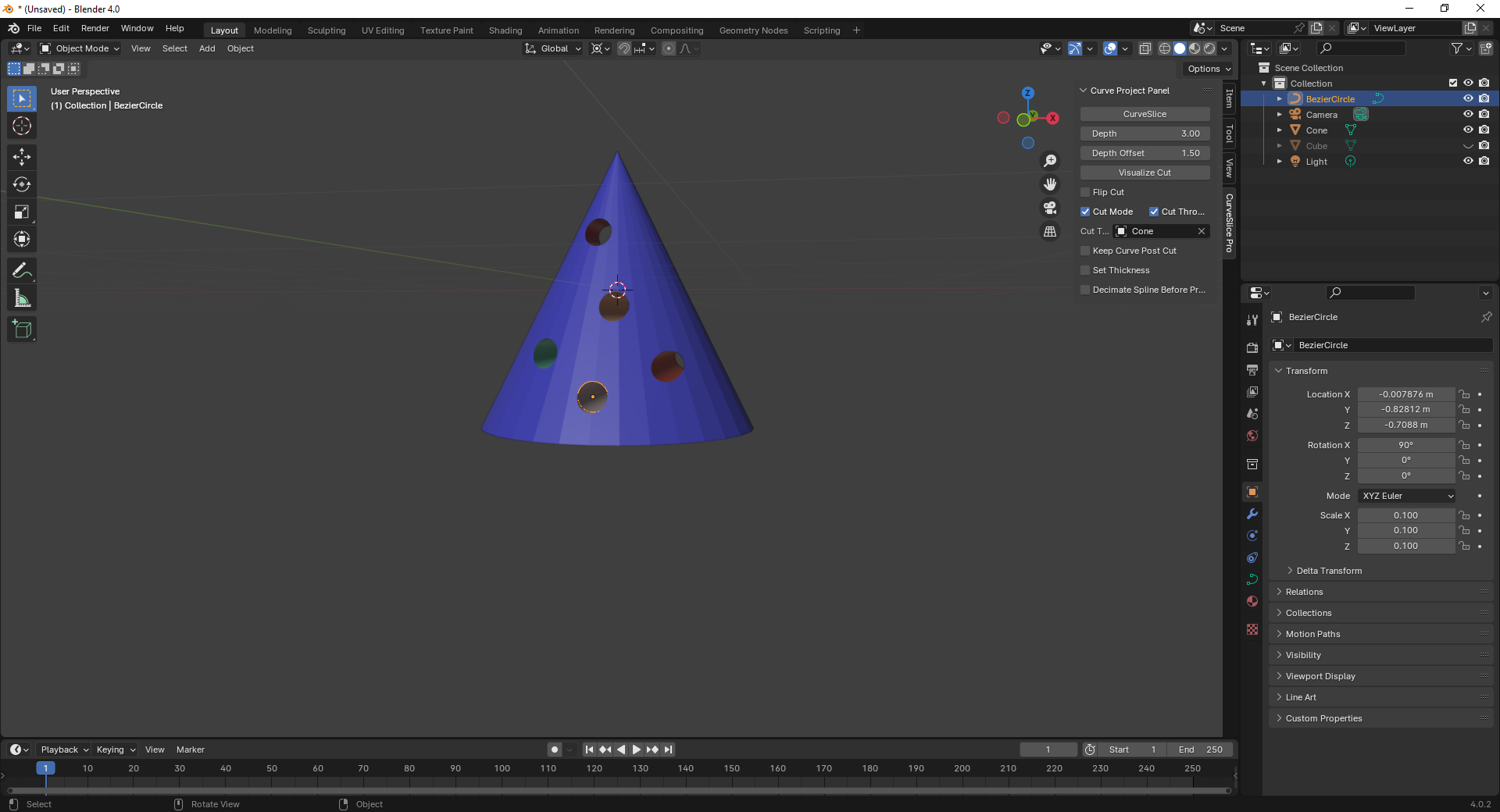
Closed Loop Cuts — Draw a closed shape to punch holes or extract regions. Fully dynamic cyclic Bezier preview.
-
Smart Close Detection — Hover near your first point and the curve snaps to show the true closed shape.
-
View Lock — Viewport locks during drawing so you never accidentally rotate mid-cut.
-
Viewport HUD — Blue border frame and status bar show when cut mode is active.
Key Features
Three Cut Modes
-
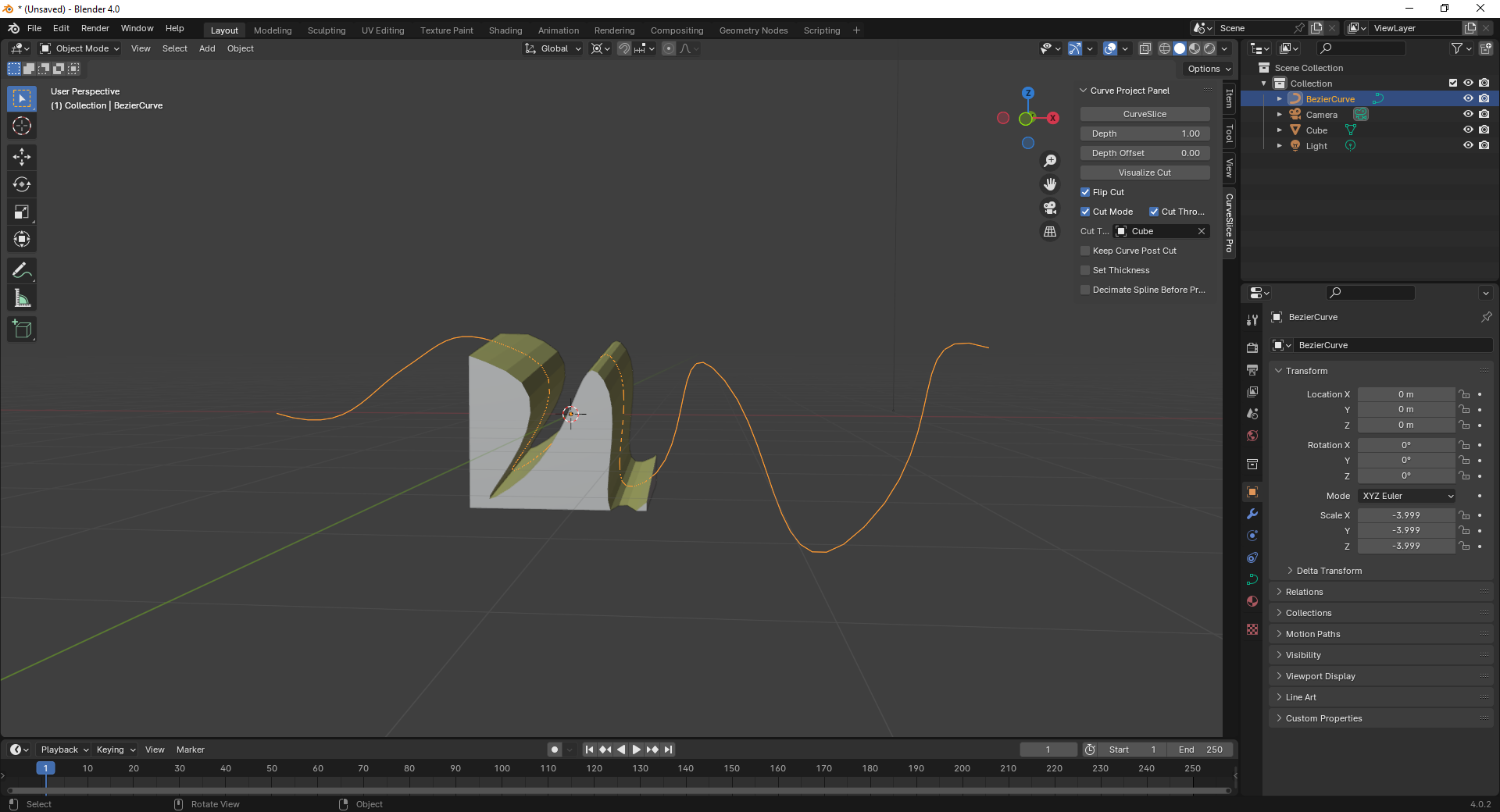
Trim — Remove one side of the curve. Flip sides with F during drawing.
-
Slice — Split the mesh into two separate objects along the curve.
-
Intersect — Keep only the geometry on one side.
Live Visualization
Real-time red overlay shows exactly which part of the mesh will be removed or kept. For closed loops, the fill accurately follows the Bezier curve boundary — what you see is what you cut.
Bezier & Straight Curves
Toggle between smooth Bezier curves and straight segments with Alt. All Bezier handles update dynamically as you place points — including full cyclic recalculation for closed loops.
Open & Closed Loop Cuts
-
Open curves — Cut across the mesh like a knife
-
Closed loops (inward) — Punch holes by drawing a closed shape
-
Closed loops (outward) — Keep only the interior, remove everything outside
Auto Remesh After Cut (Indie & Pro)
Automatically clean up topology after every cut:
- Voxel Remesh — Fast uniform remesh. Tip: Press R in Sculpt Mode to preview the grid.
- QuadriFlow (Pro) — Intelligent quad remesh that preserves shape and features.
- QuadRemesher (Pro) — Async integration with the QuadRemesher addon.
Edit & Sculpt Mode Support (Indie & Pro)
Cut while modeling in Edit Mode or sculpting in Sculpt Mode. The addon handles mode transitions automatically.
Built-in Mesh Statistics
Face count and vertex count displayed directly in the Remesh panel. Quick-toggle buttons for viewport Statistics and Face Orientation overlays — no hunting through menus.
How It Works
- Select your mesh and set it as the Cut Target in the CurveSlice panel
- Press Ctrl+Shift+X or click Draw Cut Curve
- Click to place points — the red overlay updates in real-time
- Press F to flip which side gets removed
- Press Enter to cut
Keyboard Shortcuts
| Shortcut | Action |
|---|---|
| Ctrl+Shift+X | Start drawing |
| LMB | Place point |
| Alt | Toggle Straight / Bezier |
| F | Flip cut side |
| Shift (hold) | Constrain to 45° |
| Backspace | Undo last point |
| Enter | Confirm and cut |
| Escape | Cancel |
Projection Settings
-
Cut Through — Cut all the way through the mesh (default ON)
-
Custom Depth — Control how deep the curve projects when Cut Through is off
-
Depth Offset — Set the starting point of the projection
-
Flip Cut Side — Toggle which side of the curve is removed
-
Keep Curve — Optionally retain the projected curve mesh after cutting
-
Apply Cut Materials — Color-code cut surfaces for easy identification
Pricing
| Free | Indie | Pro | |
|---|---|---|---|
| Cuts per day | 3 (after 7-day trial) | Unlimited | Unlimited |
| Cut modes | Trim, Slice, Intersect | All | All |
| Bezier curves | ✓ | ✓ | ✓ |
| Closed loops | ✓ | ✓ | ✓ |
| Live preview | ✓ | ✓ | ✓ |
| Edit Mode | — | ✓ | ✓ |
| Sculpt Mode | — | — | ✓ |
| Voxel Remesh | — | ✓ | ✓ |
| QuadriFlow | — | — | ✓ |
| QuadRemesher | — | — | ✓ |
| Devices | 1 | 3 | 5 |
| Monthly | Free | $9/mo | $15/mo |
| Yearly | Free | $69/yr | $99/yr |
| Perpetual | Free | $149 | $249 |
7-day free trial includes all Pro features.
Installation
- Download
curveslice_pro.zip
- In Blender: Edit → Preferences → Add-ons → Install
- Select the zip file and enable the addon
- The CurveSlice panel appears in the 3D Viewport sidebar (press N)
curveslice_pro.zip
Requirements
- Blender 4.0 or later
- Windows, macOS, or Linux
Support
For questions, feature requests, or license issues: [email protected] Purchase licenses and manage subscriptions: curveslice.jacobsiler.com
