Custom Lights
 Manh Huynh


🚀 Installation
- Download the
custom_light.zipfile - Open Blender → Edit → Preferences → Add-ons
- Click Install... and select the downloaded zip file
- Enable "Custom Lights" in the addon list
Accessing the Panel
- Open the 3D Viewport
- Press "N" to open the Sidebar
- Click the "Custom Lights" tab
⚡ Quick Start
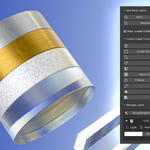
Add Base Lights
Click Point, Sun, Spot, Rectangle, or Ellipse to add lights at your 3D cursor. Lights are auto-organized into collections.
Custom Light Tools
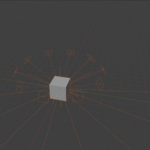
- Tracker Light - Area light that tracks a target object
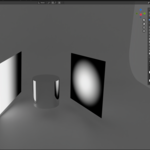
- Linear/Sphere Gradient - Emission planes with gradient patterns
- Translucent Light Plane - Diffusion panel for soft shadows
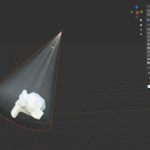
- Simple God Rays - Volumetric effects for Spot lights
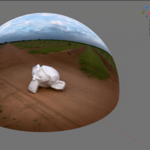
- Dome Light - Environment lighting dome
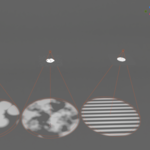
- Gobo Lights - Pattern projection (Noise, Image, Voronoi, Wave)
- Make Emission Mesh - Convert any mesh into a light source
- Set Blackbody Color - Use Kelvin temperature for accurate colors
Keyboard Shortcut
Press "L" while a light is selected for quick parameter access.
📊 Manage Lights Panel
Control all scene lights from one panel:
- World Brightness - Adjust environment lighting
- Collection Brightness - Multiply all lights in a collection
- Color & Strength - Adjust inline for each light
- Visibility Toggles - Viewport, Render, Camera visibility
✅ Compatibility
| Blender | Render Engine |
|---|---|
| 3.0 - 5.0+ | Cycles & Eevee |
$5
Have questions about this product?
Login to message
| Blender Extension Compatible | Yes |
| Dev Fund Contributor | |
| Published | 8 months ago |
| Blender Version | 4.1 - 5.0 |
| Extension Type | Add-on |
| Render Engine Used | Cycles, Eevee |
| License | Mit |