Maya Custom Mesh Pro
 sarmad domit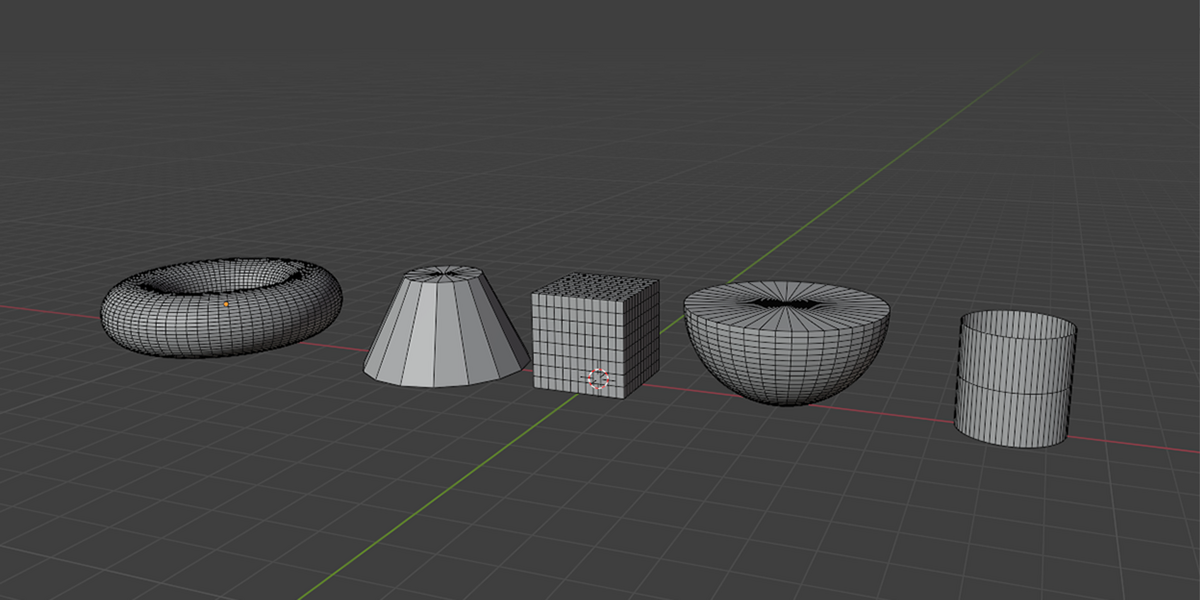
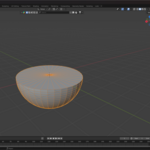
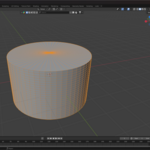
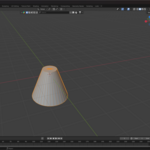
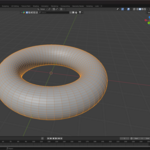
Maya Custom Mesh Pro for Blender – Documentation
Overview
Maya Custom Mesh Pro is a professional-grade Blender addon that brings Maya-style primitive creation, editing, and workflow to Blender. Designed for artists, modelers, and technical directors who demand speed, flexibility, and non-destructive control, this addon lets you create, edit, and regenerate advanced 3D primitives with ease—directly in the Blender viewport.
Key Features
🟢 Maya-Style Primitives
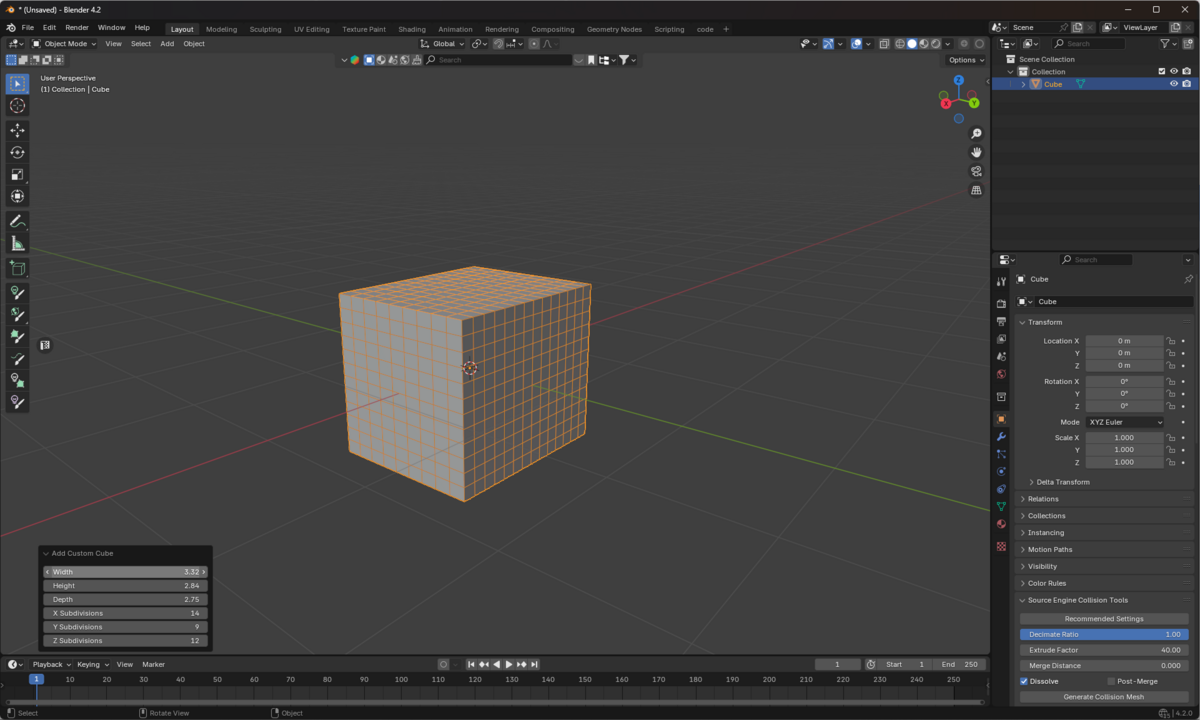
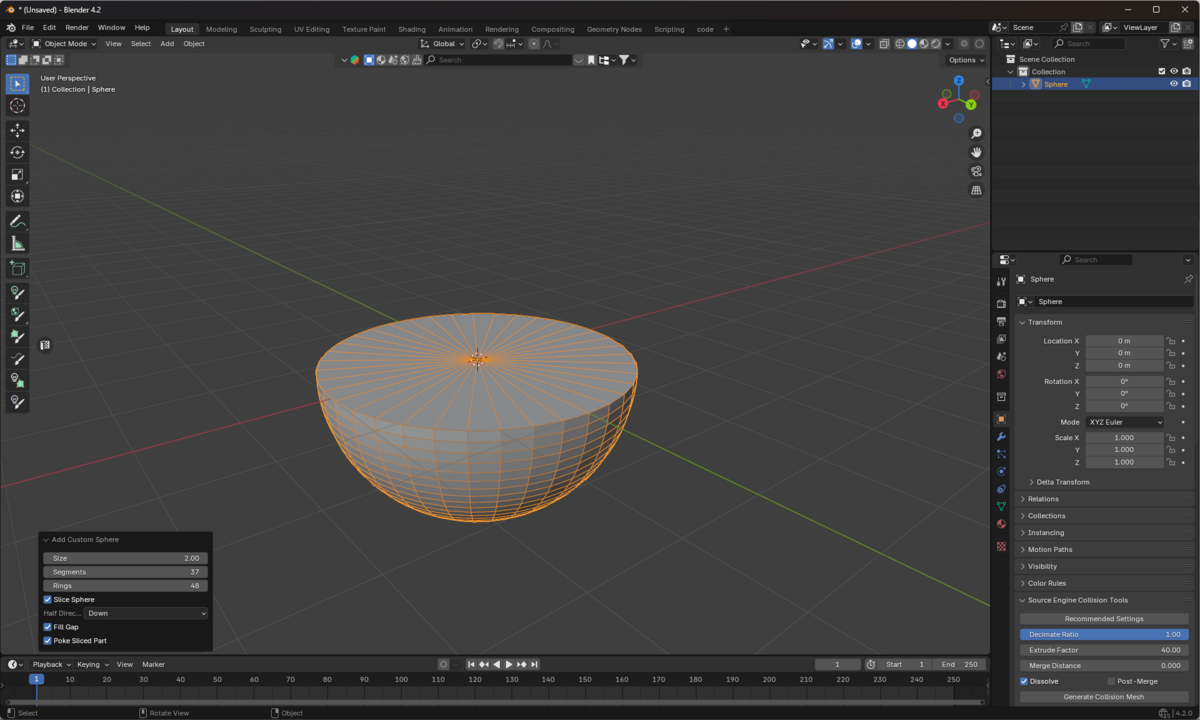
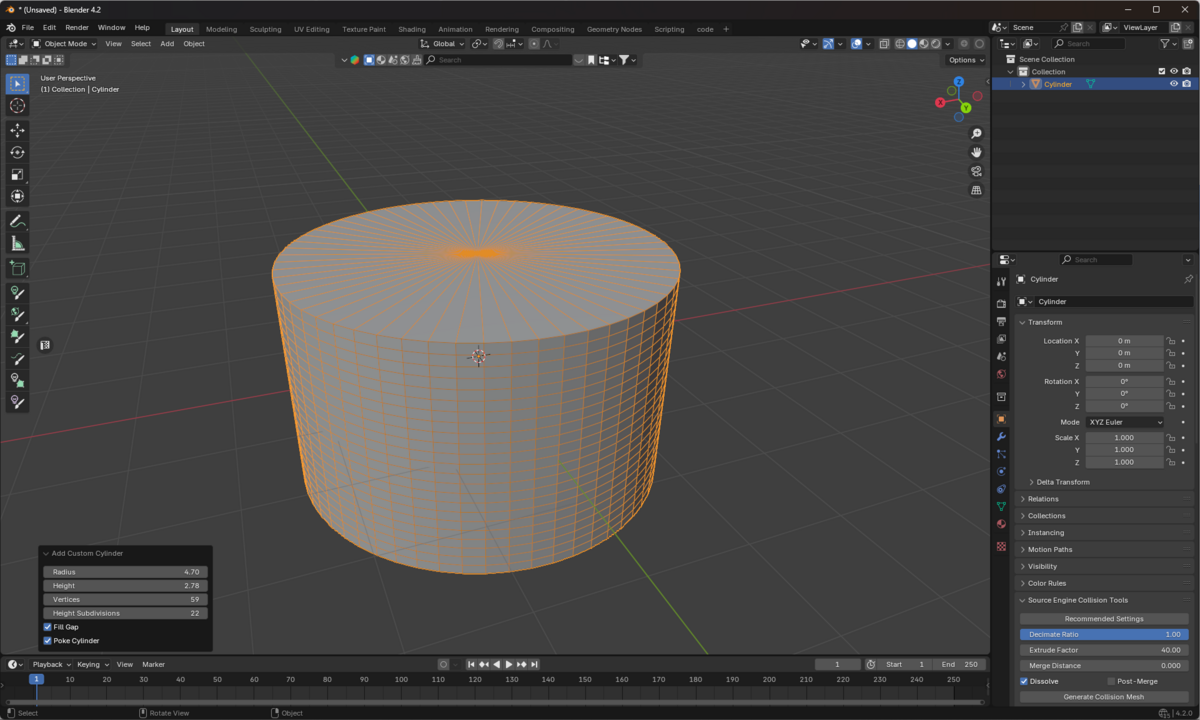
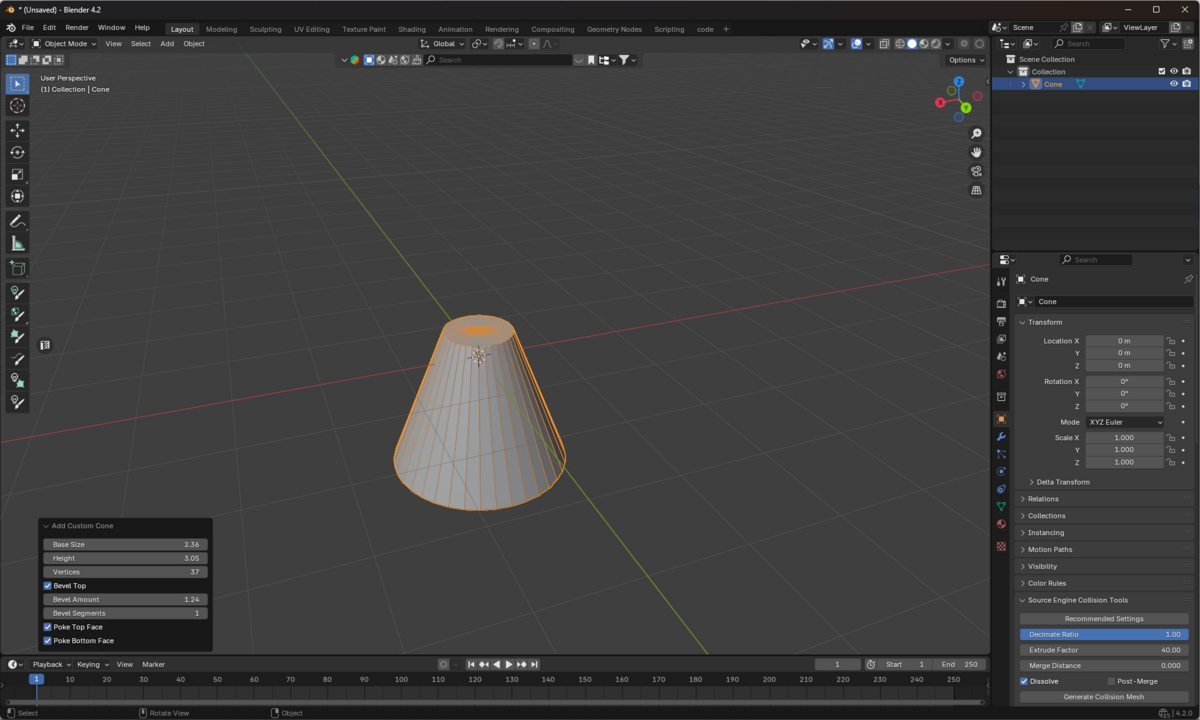
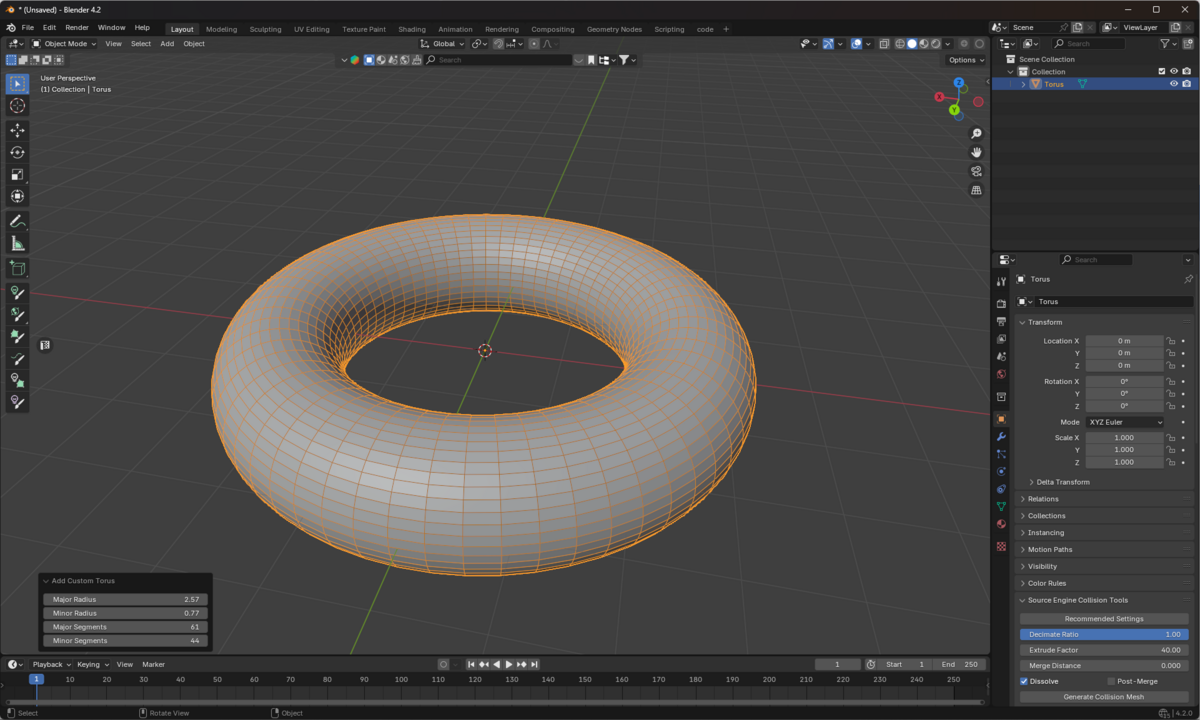
Sphere, Cube, Cylinder, Cone, Torus – All with advanced, editable parameters.
Axis Slicing – Slice any primitive along X, Y, or Z, with precise position and angle controls.
Live Parameter Editing – Instantly adjust segments, size, bevels, caps, and more from the N-panel.
Reset to Defaults – One-click reset for any shape, always returning to original settings.
🟢 Non-Destructive Workflow
Construction History – All parameters are stored on the object for later editing.
Regenerate Mesh – Change any parameter and instantly rebuild the mesh without losing transforms or materials.
Consistent Defaults – Every new shape starts with clean, predictable default values.
🟢 Professional UX
Quick Create Buttons – Add any primitive with a single click.
Advanced Placement – Place at origin, cursor, or selection; control pivot and alignment.
Presets System – Save, load, and manage your favorite primitive setups.
Last Used Recall – Instantly recreate your last-used mesh with one click.
🟢 Robust Technical Quality
Blender 4.x Compatible – Fully tested on Blender 4.2–4.5.
Error Handling – Friendly messages and robust fallback for all operations.
Clean UI – No clutter, only the controls you need.
How It Works
1. Quick Creation
Open the N-panel (press N in the 3D Viewport).
Go to the Create tab → Custom Mesh Pro.
Click any primitive (Sphere, Cube, Cylinder, Cone, Torus) to add it to your scene.
2. Live Editing
Select any custom mesh object.
The Edit Custom Mesh panel appears.
Adjust parameters (segments, size, slicing, etc.) and click Apply Changes to regenerate.
3. Axis Slicing
Enable Axis Slice for any shape.
Choose X, Y, or Z axis.
Move the slice position and rotate the slice angle for creative cuts.
Slicing is mathematically precise and always produces even, clean geometry.
4. Reset to Defaults
In the Edit panel, click Reset to Defaults to instantly restore all parameters to their original values.
5. Presets & Last Used
Save your favorite setups as presets for fast reuse.
Instantly recreate your last-used mesh with the Create Again button.
Use Cases
Game Asset Creation – Quickly block out and iterate on game-ready primitives.
VFX & Animation – Generate clean, parametric geometry for simulation or animation.
CAD & Hard Surface – Create precise, segmented, and beveled shapes for technical modeling.
Concept Art – Experiment with forms using advanced slicing and live editing.
Why Choose Maya Custom Mesh Pro?
Familiar for Maya Users – Brings Maya’s construction history and primitive workflow to Blender.
Non-Destructive – Change your mind at any time; your mesh adapts instantly.
Production-Ready – Built for professionals, with robust error handling and clean code.
Saves Time – No more deleting and recreating primitives just to tweak a setting.
Installation
Download the .zip file.
In Blender, go to Edit > Preferences > Add-ons > Install.
Select the zip file and enable Maya Custom Mesh Pro.
Access the addon from the N-panel in the 3D Viewport under the Create tab.
Have questions about this product?
Login to message
| Published | about 2 years ago |
| Blender Version | 4.2 |
| Extension Type | N/A |
| License | GPL |
