 Firg
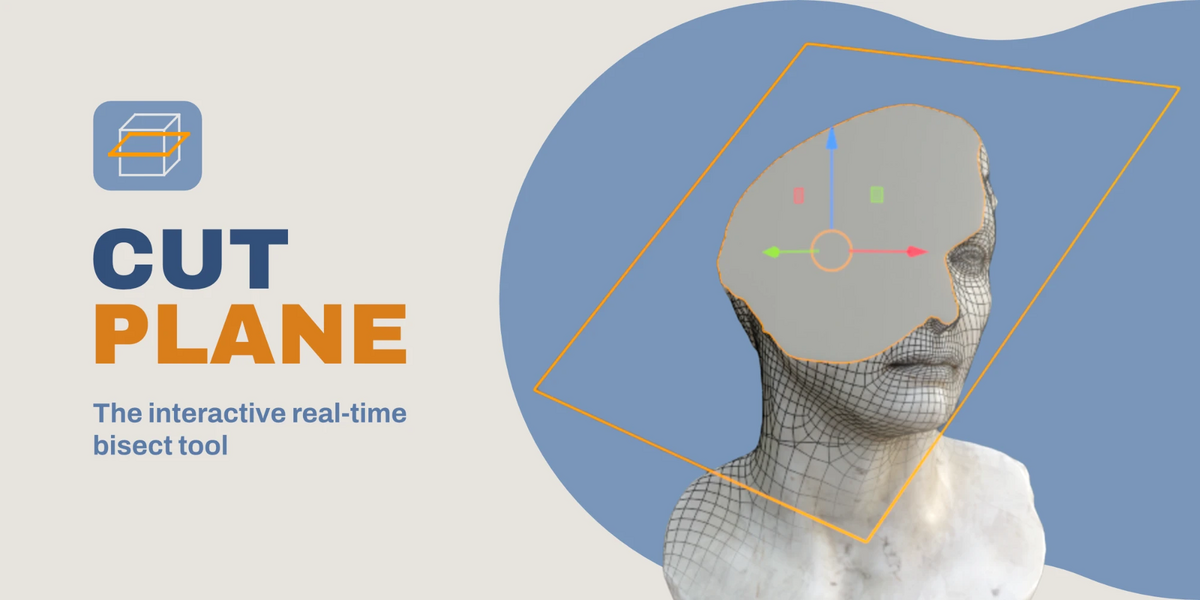
Cut a mesh with a plane, and see the result while you move it.
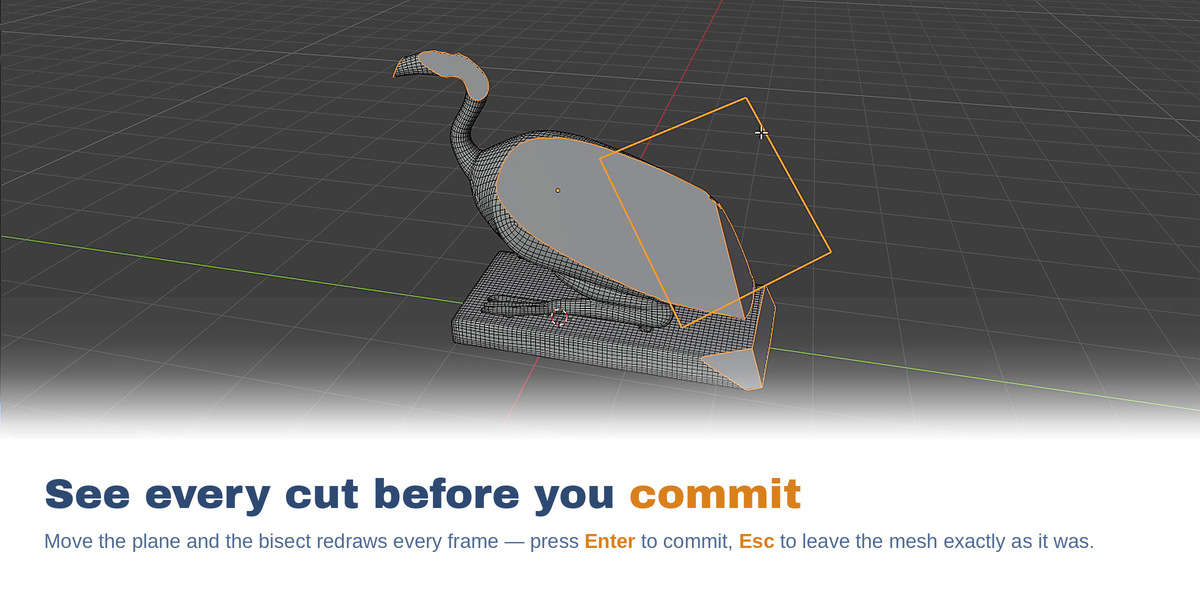
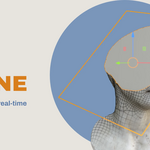
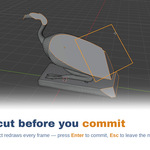
Position the plane with a gizmo. The mesh is bisected along it and redrawn on every change. Press Enter to keep the cut. The tool stays active afterwards, so you can move the plane and cut again — each cut applies to the result of the last one.
Live preview
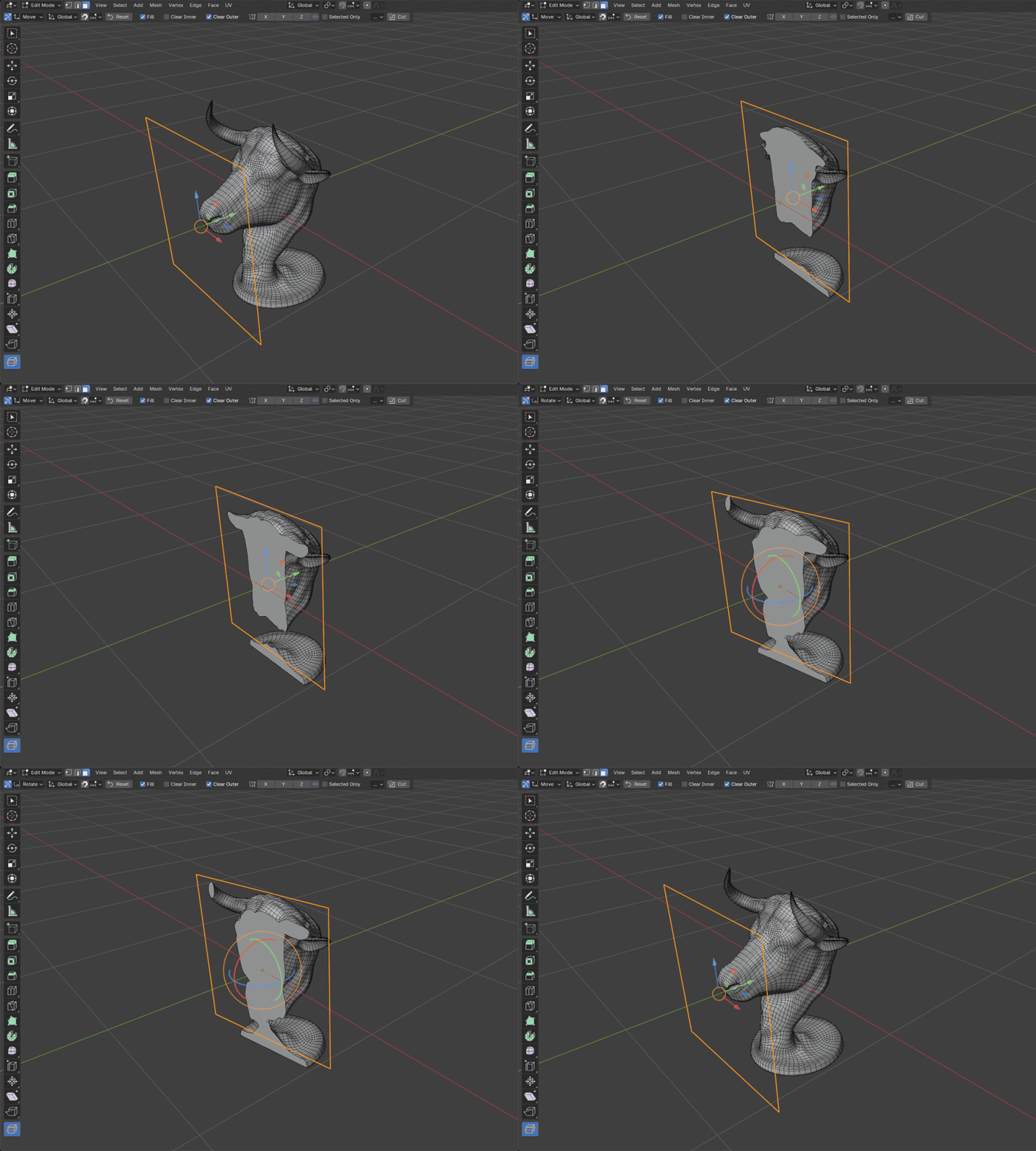
Move or rotate the plane and the cut is recomputed. Leave the tool and the mesh is back as it was.
Cut options
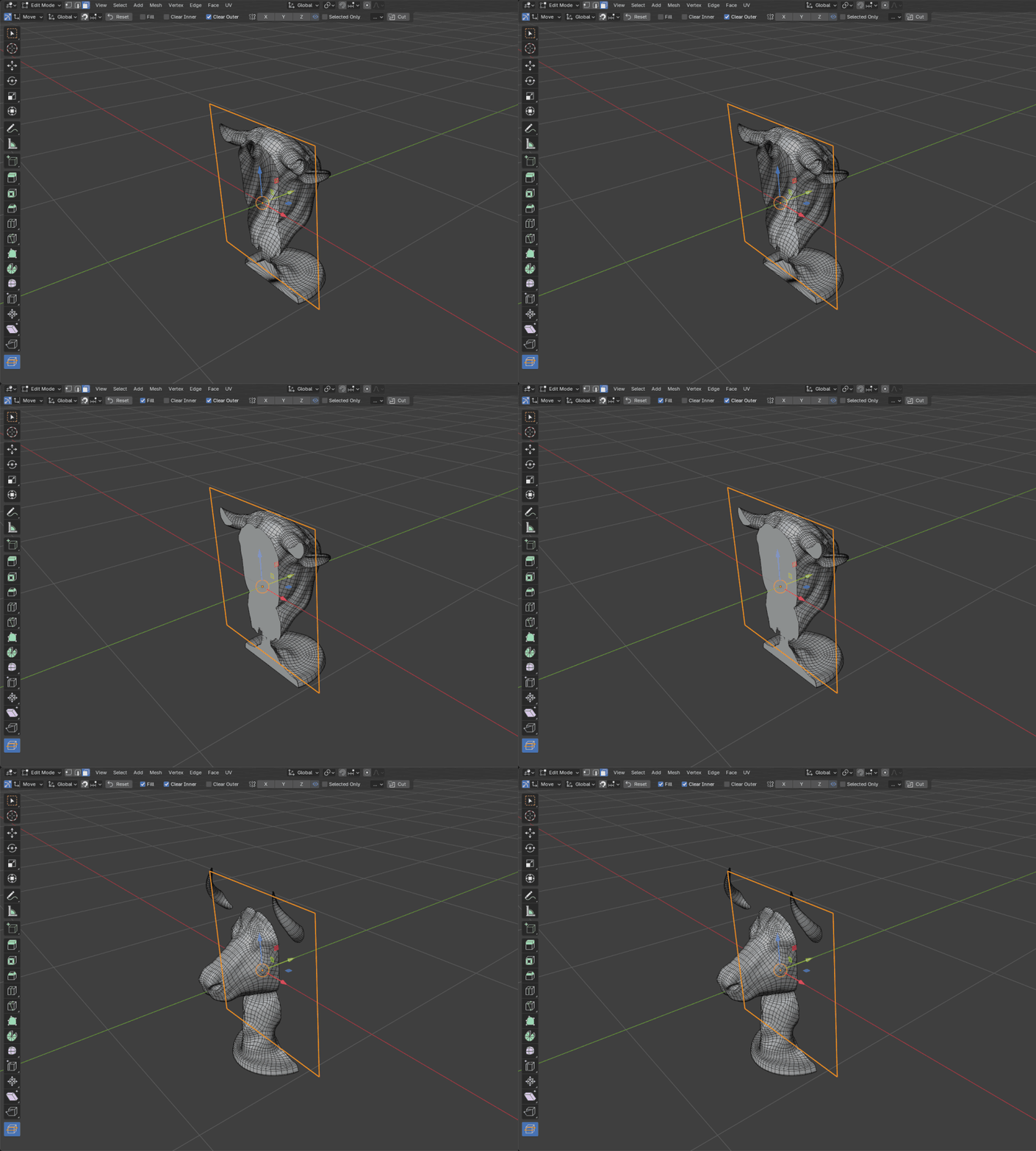
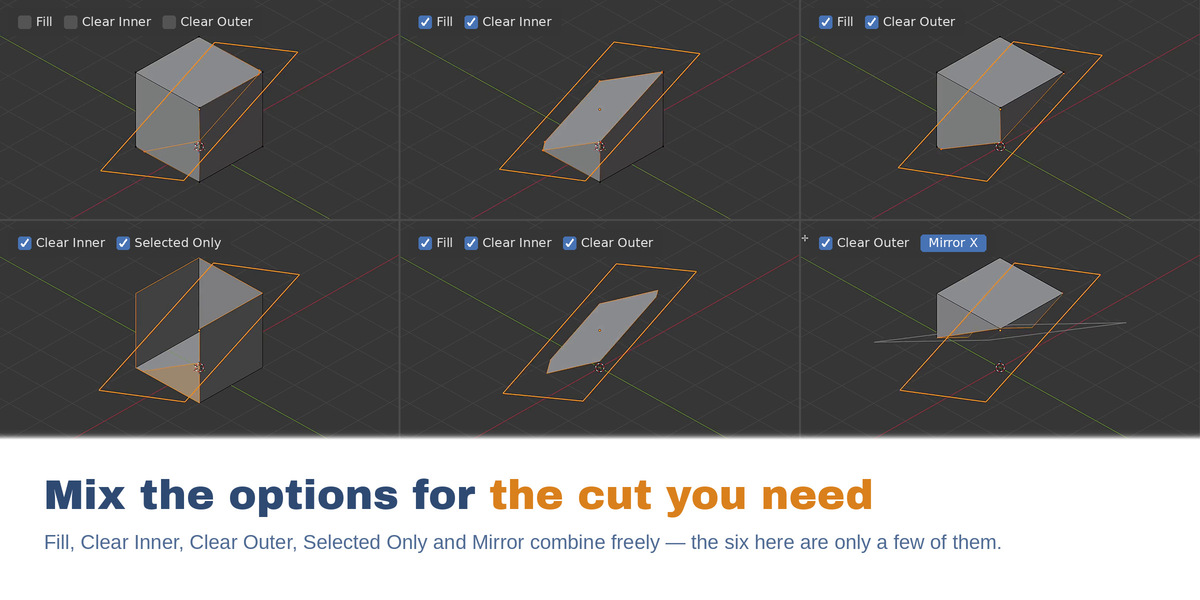
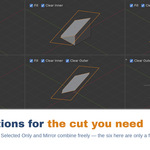
Fill caps the cross-section. Clear Inner and Clear Outer delete one side.
Selected Only
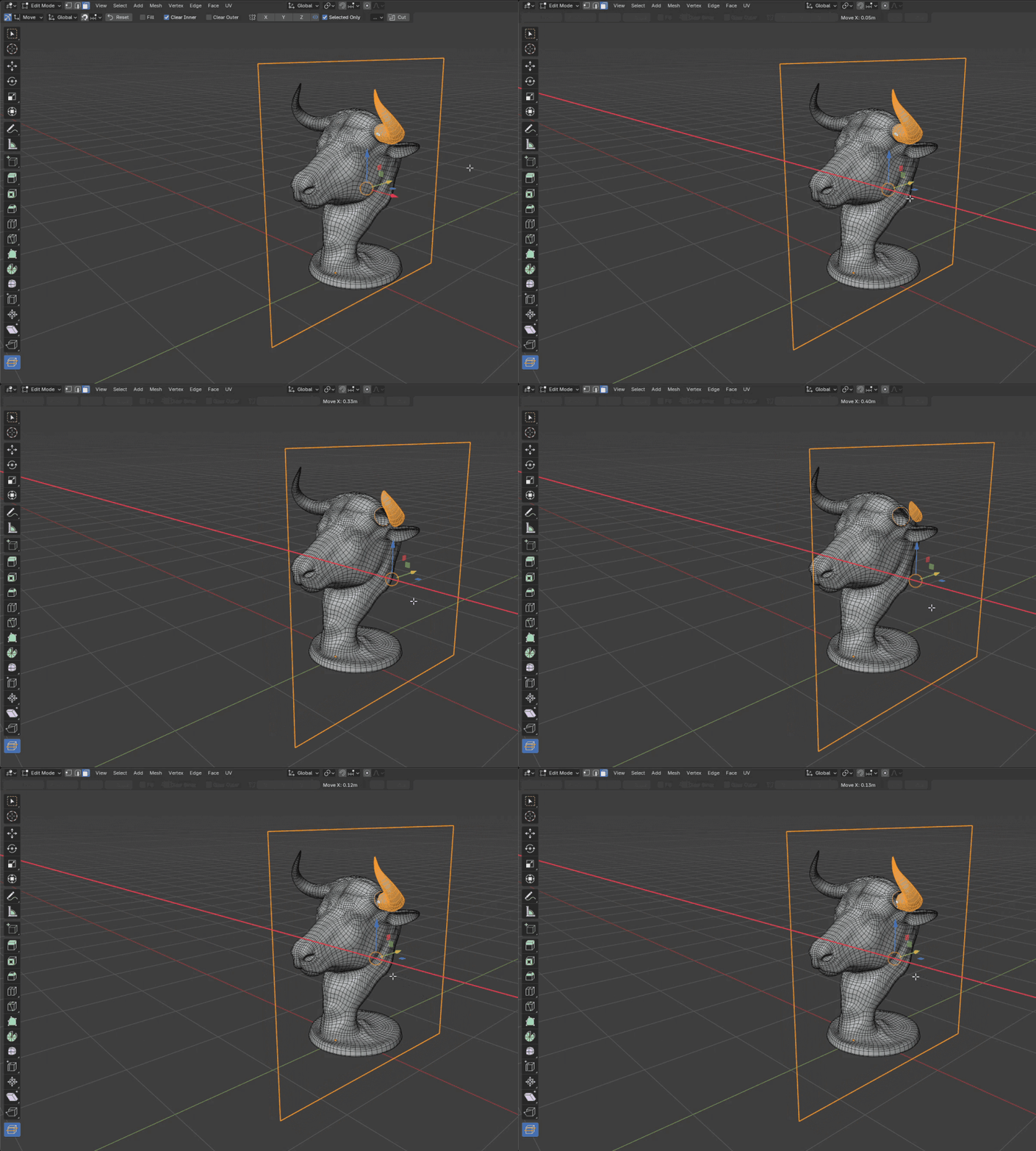
Cut only what you selected.
Mirror
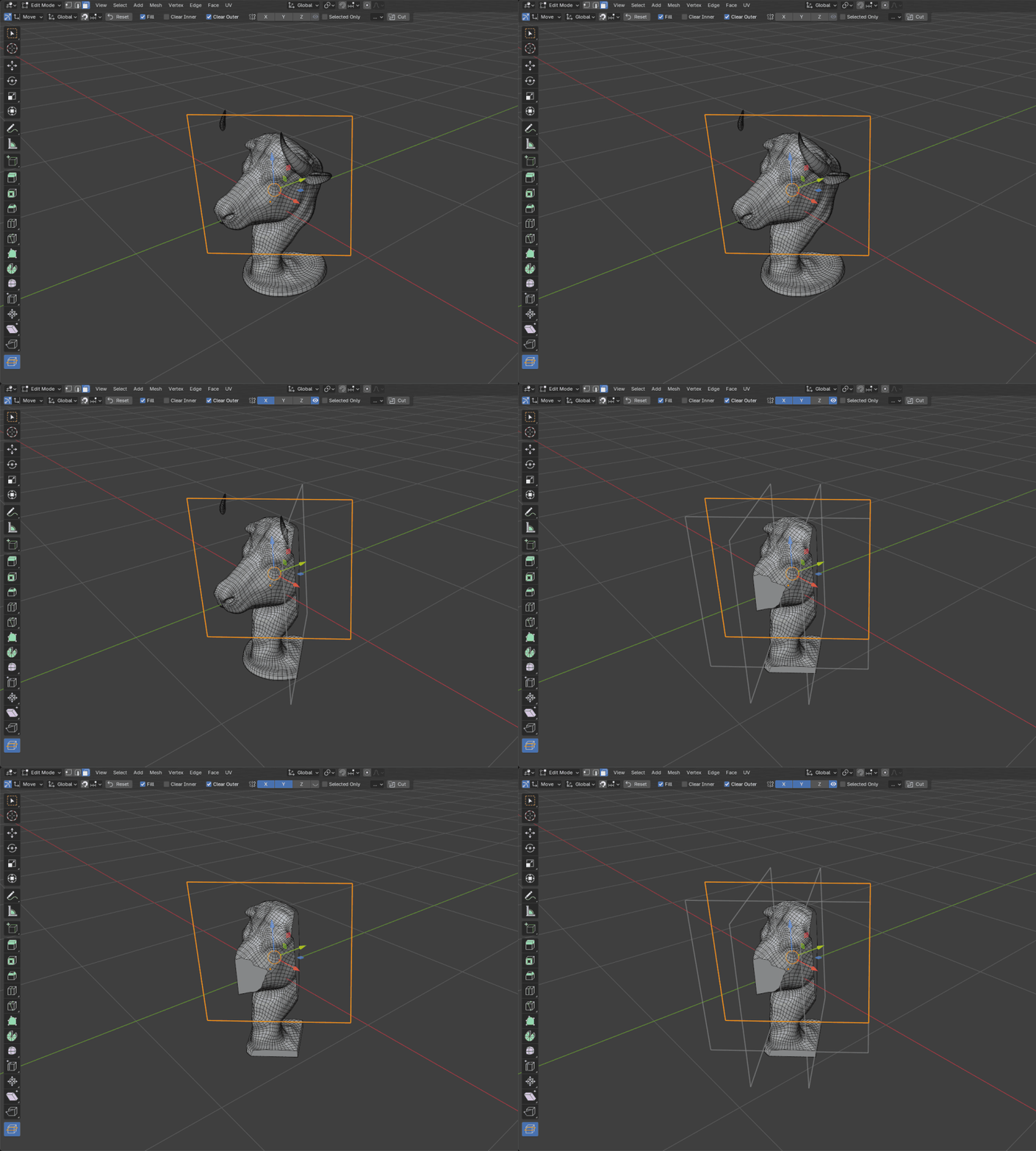
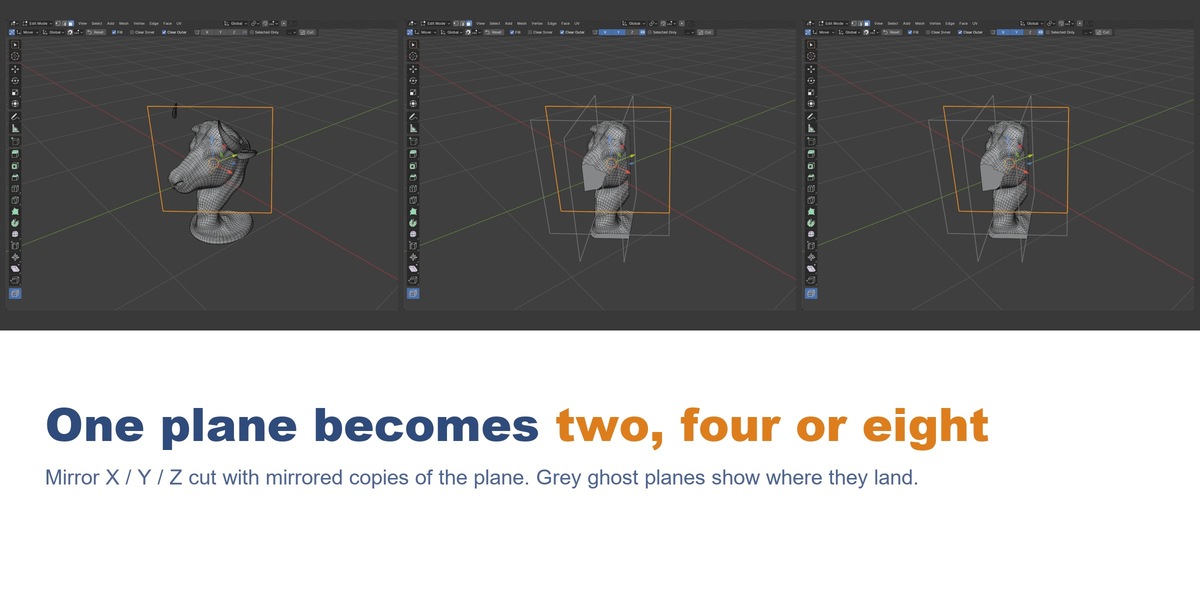
Mirror X / Y / Z cut with mirrored copies of the plane — one plane becomes two, four or eight. Grey ghost planes show where they land.
Numeric input
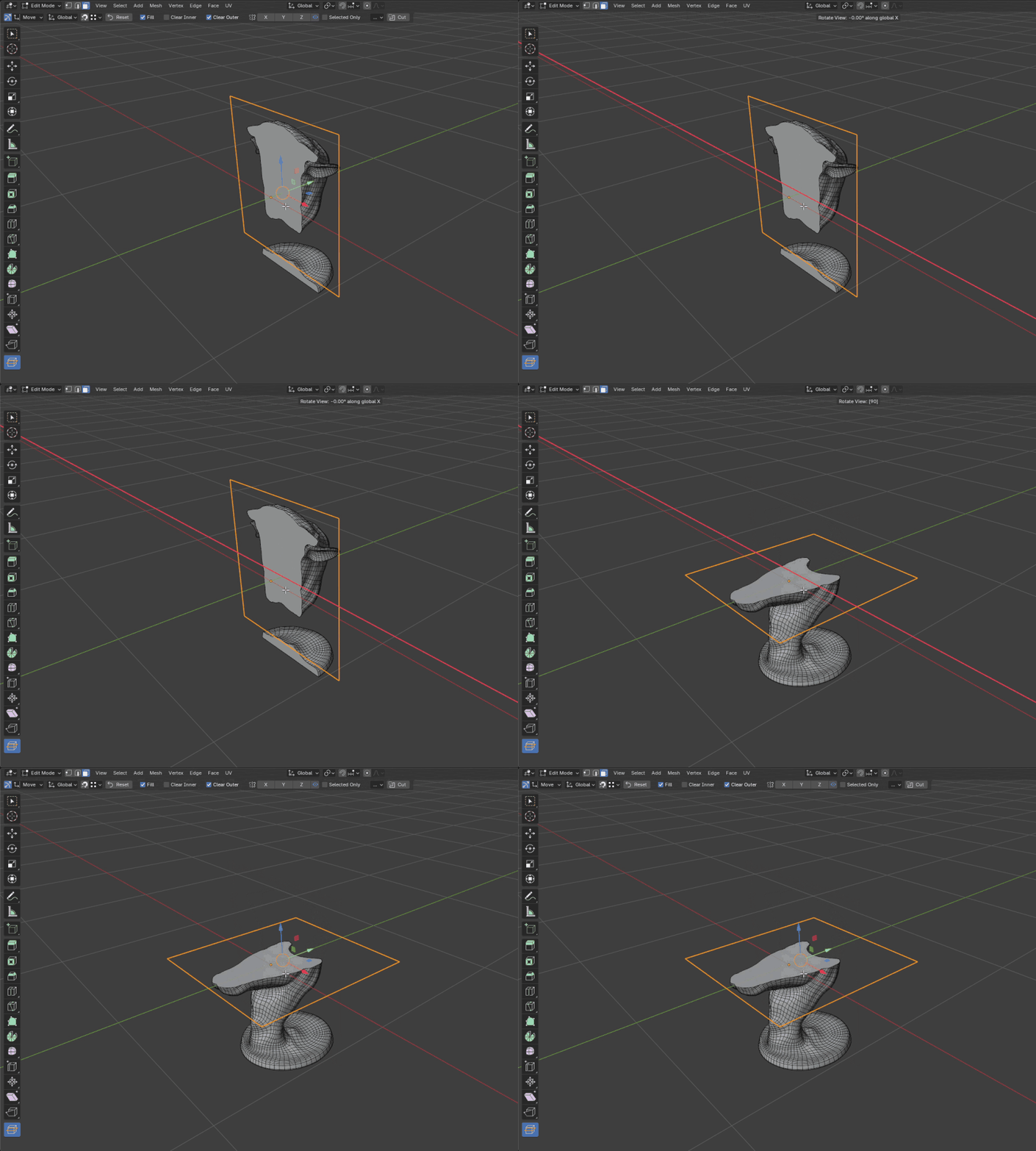
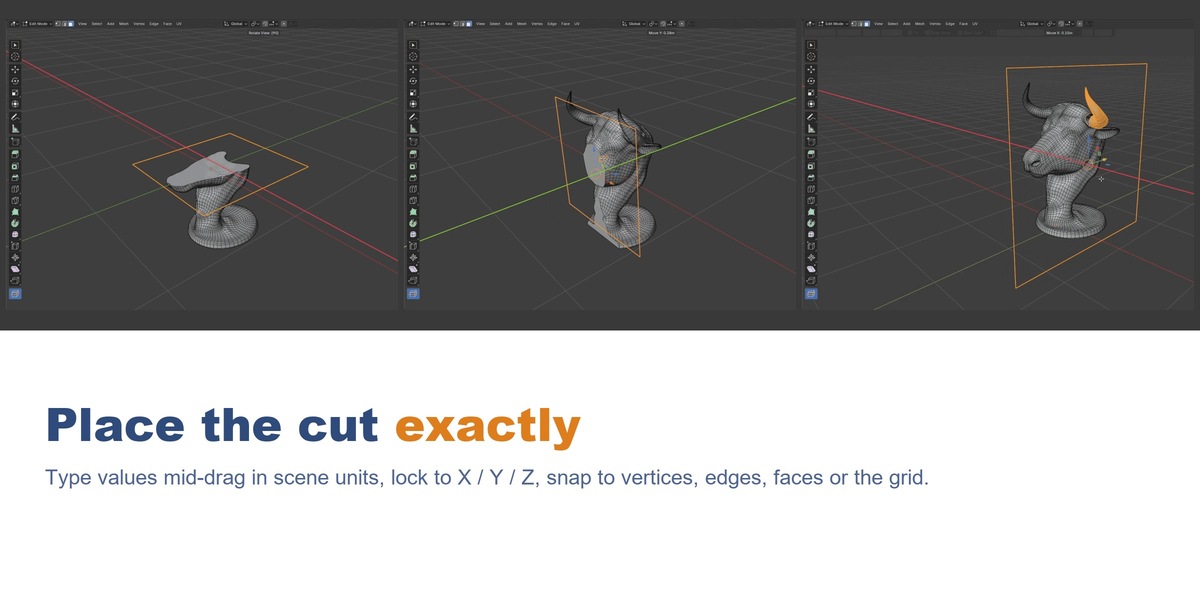
Type a value in the middle of a drag. Scene units work — 0.5m, 25cm, degrees for angles.
Snapping
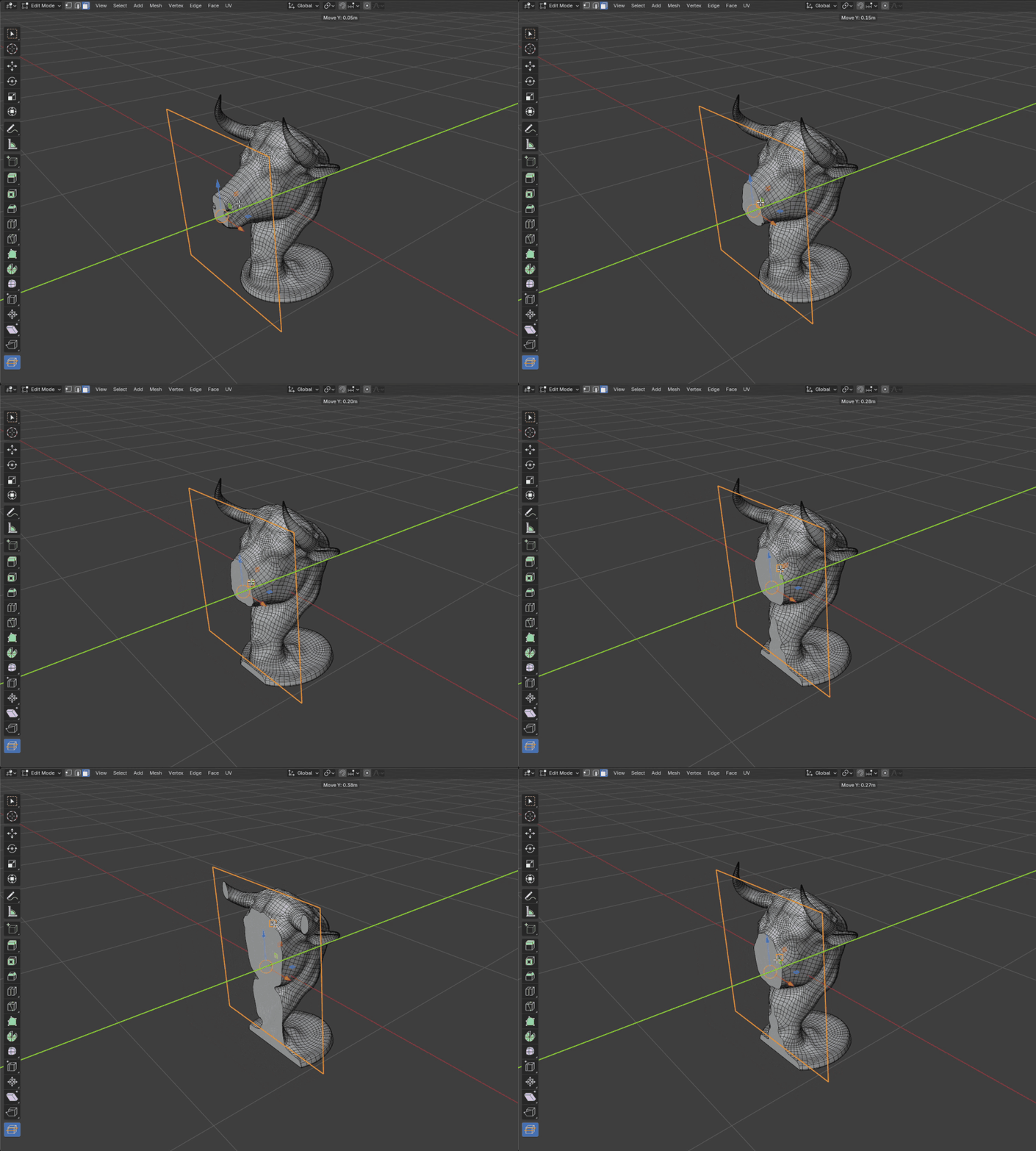
X / Y / Z during a drag locks the plane to an axis. The magnet snaps to vertices, edge centres, faces or the grid.
G / R / S work on the plane exactly as they do everywhere else in Blender. Every shortcut is rebindable.
Full guide, shortcuts and source: github.com/firg659-del/cut-plane