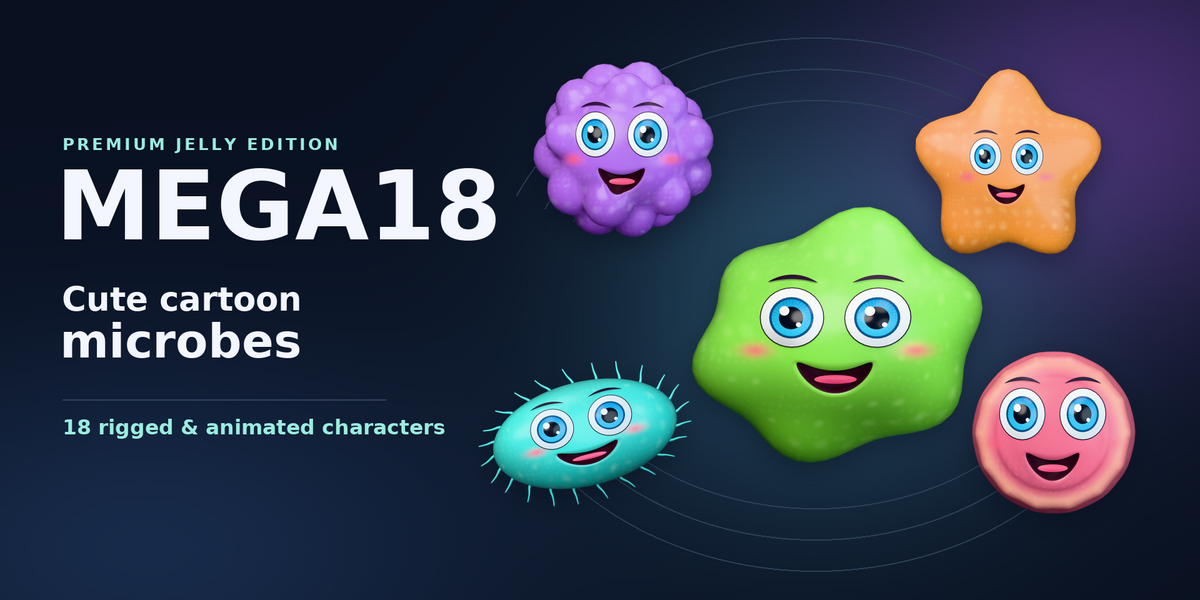
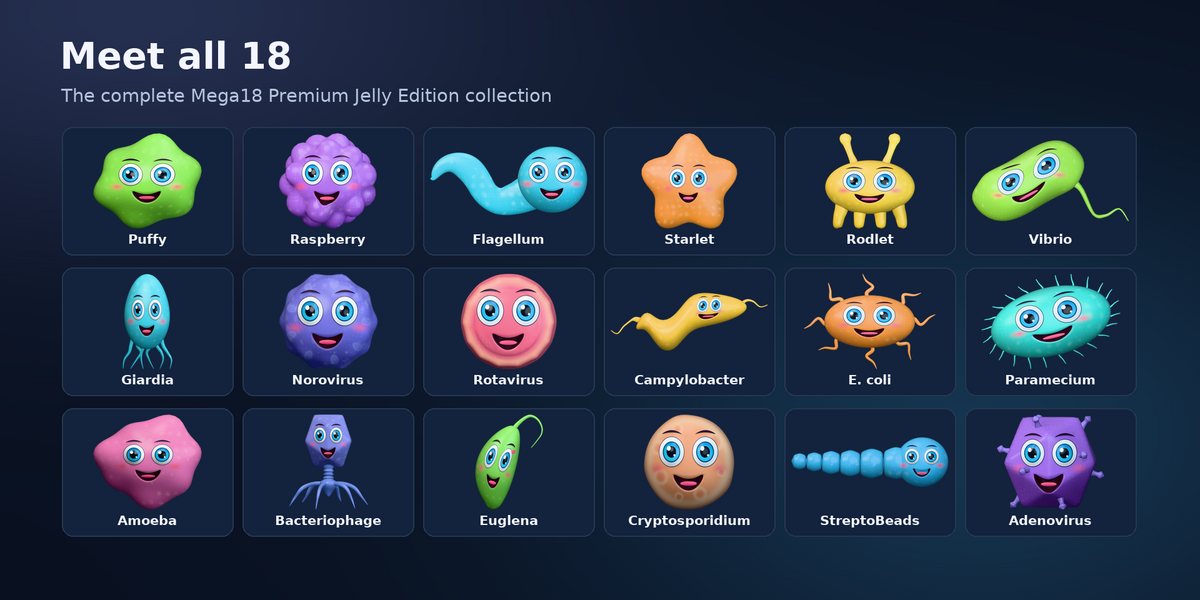
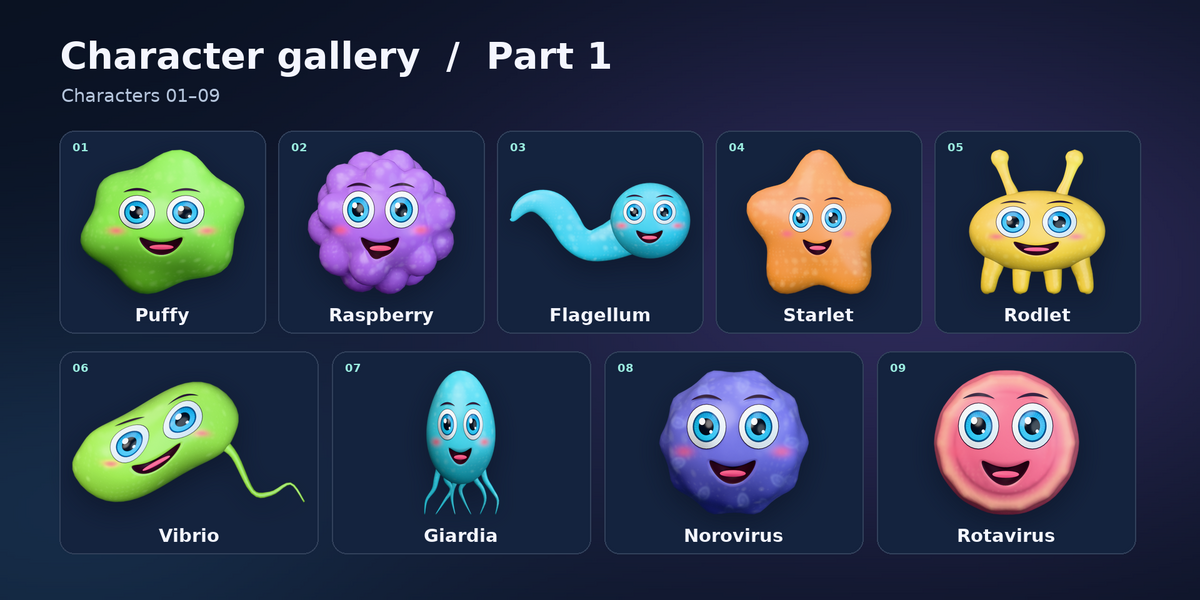
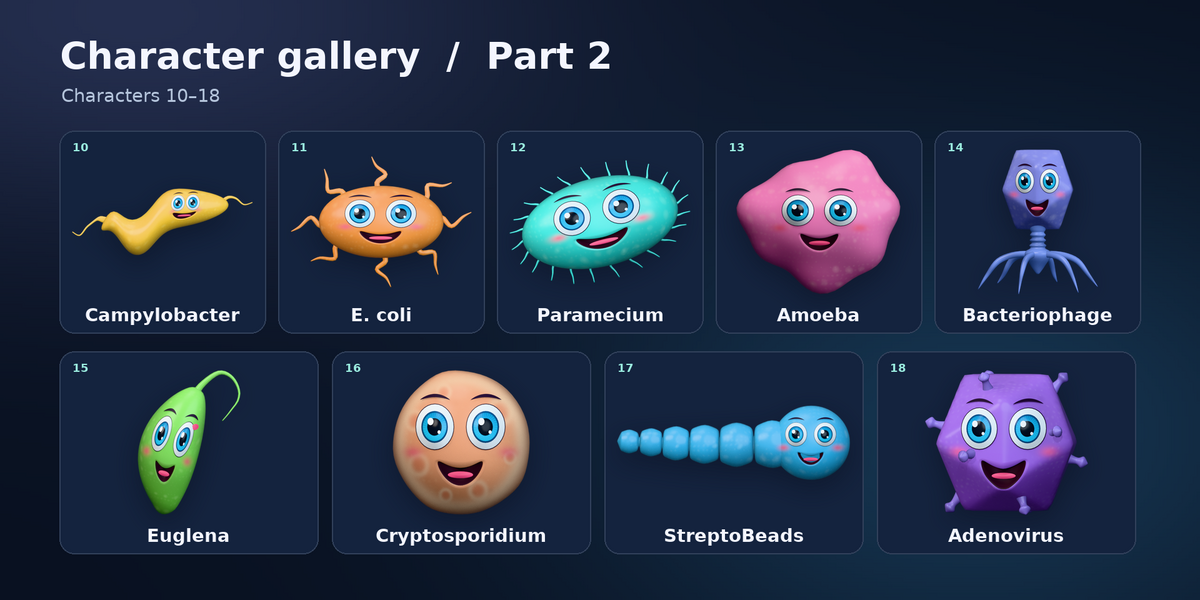
18 Cute Cartoon Microbes - Rigged and Animated Character Pack
 animap
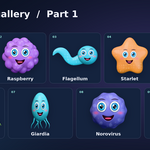
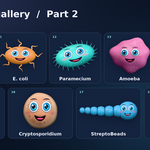
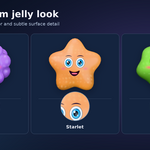
Getting Started
Blender
Extract the downloaded Blender ZIP file.
Open any individual character file or one of the included demonstration scenes.
Choose EEVEE or Cycles.
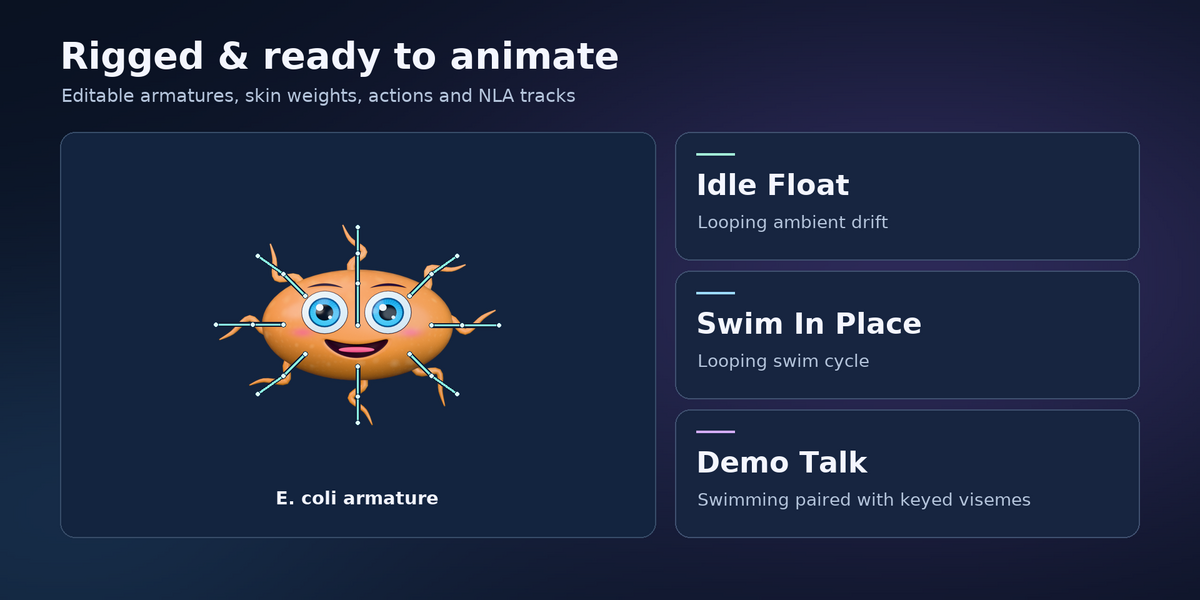
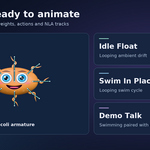
Use the Timeline, Action Editor or NLA Editor to access and edit animations.
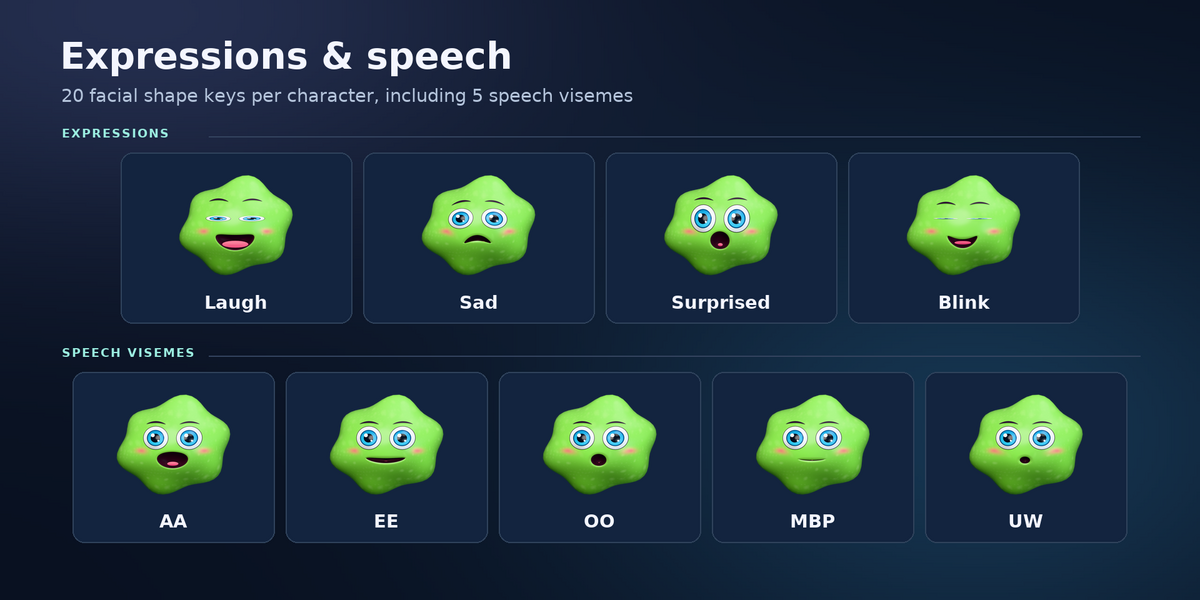
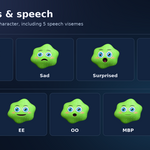
Select the character mesh to access its facial shape keys.
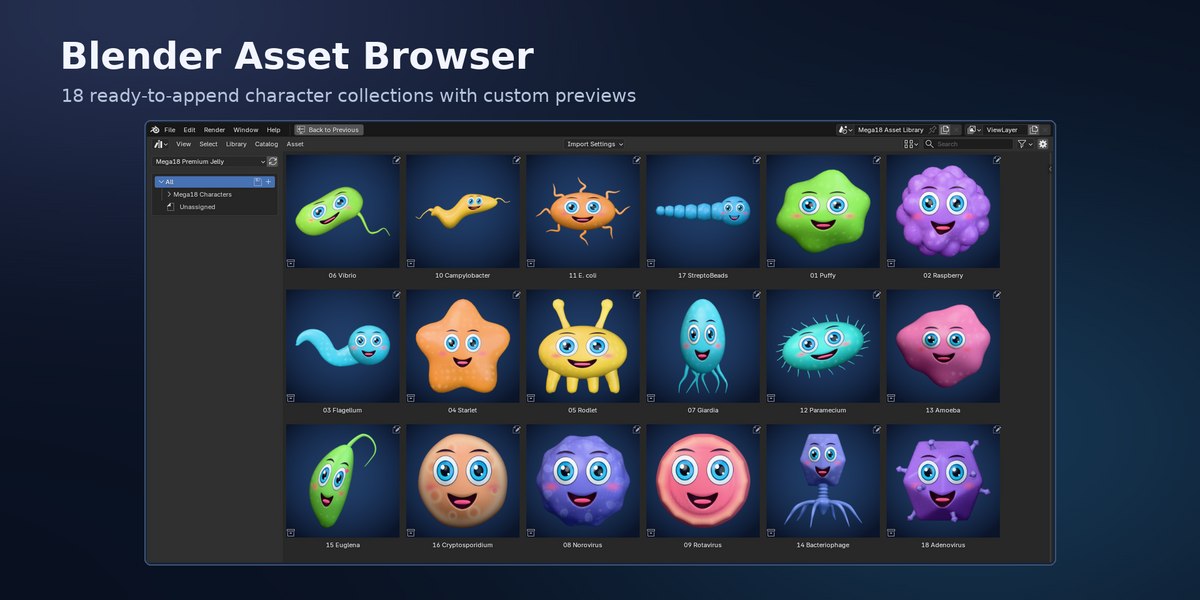
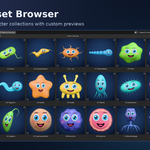
Blender Asset Browser
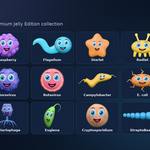
Access the included Mega18 Asset Library.
Select your preferred character and drag it into your scene using Append mode.
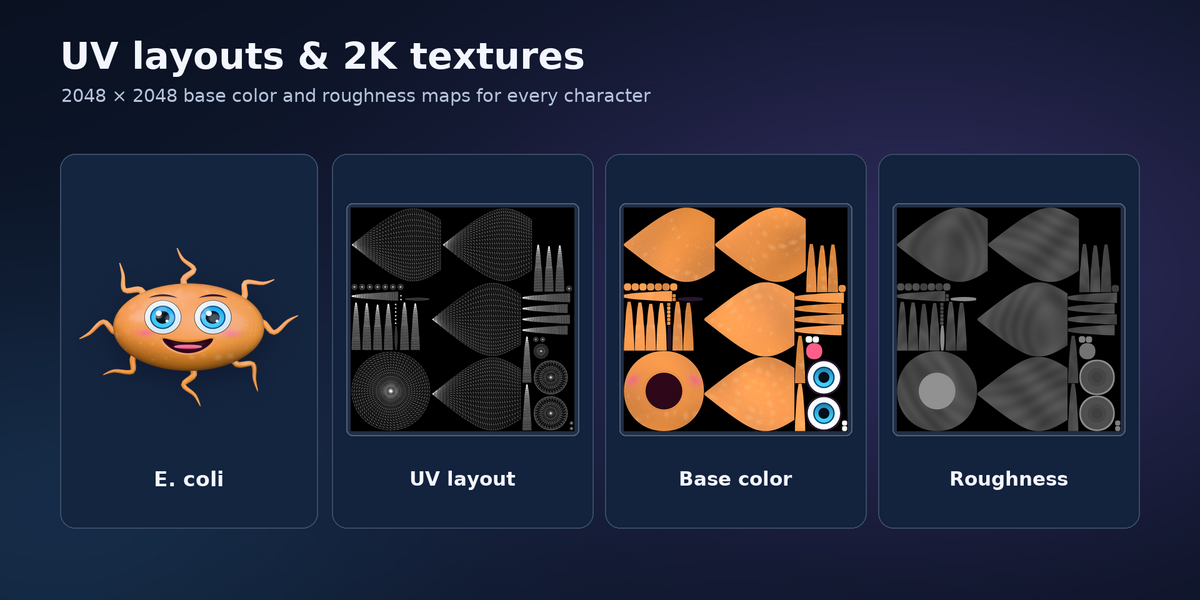
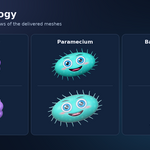
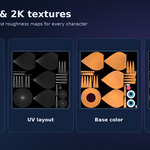
Each character includes its rig, materials, packed textures, animations and facial shape keys.
FBX
Extract the FBX ZIP file.
Import the desired character and animation into your preferred 3D application or game engine.
Keep the included texture folder alongside the FBX files.
Adjust materials if required by your render engine.
Additional PDF user guides are included in the downloadable product files.
Have questions about this product?
Login to message
| Published | about 22 hours ago |
| Blender Version | 5.2 |
| Render Engine Used | Cycles, Eevee |
| Misc Data | Uvs-Unwrapped, Rigged, Animated, Textured |
| License | Royalty Free |
