Cwk3D's Color Material Library
 CWK3D
CWK3D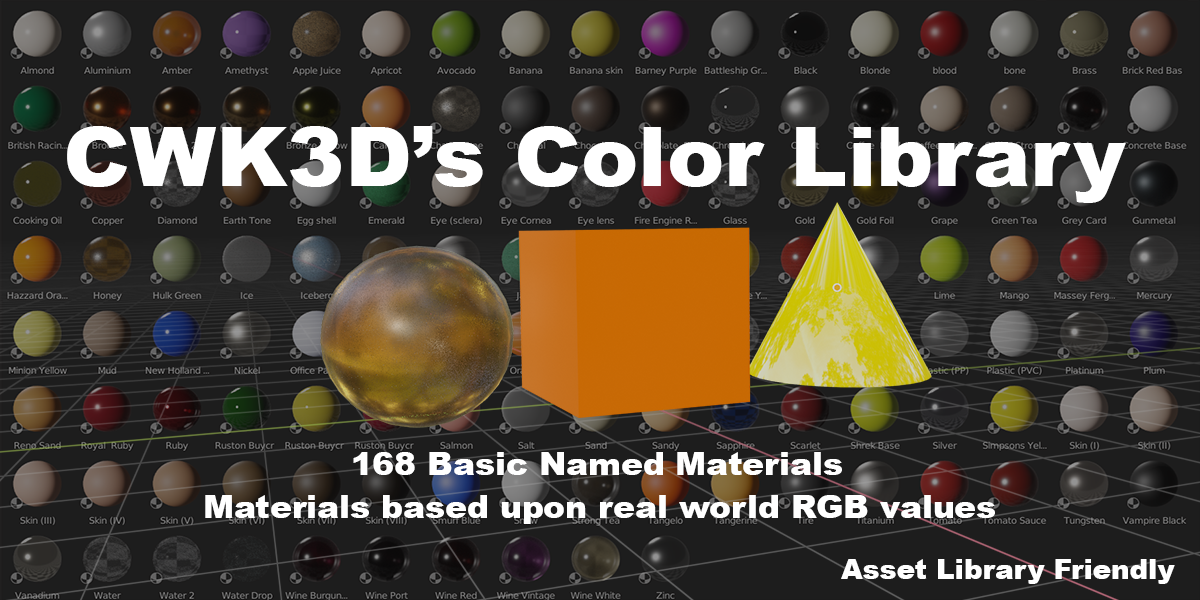
Installation.
1. After download locate the CWK3D Base Color Library zip file
2. Extract the Blend file and its named folder
3. Put the folder to where you have your Blender materials, or to a place on your hard drive
4. Open Blender
5. Select Edit/Preferences
6. Select File Paths
7.Navigate to where you have saved the file and select it. (see picture)
8. When done close Preferences
9. In Blender open the Asset Browser window and select CWK3D Base Color Library.
Hi thank you for purchasing/downloading my material library. The files have been updated as per the changelog below. Please log in to your Gumraod accout to download the latest version.
Changelog:
23/08/2022
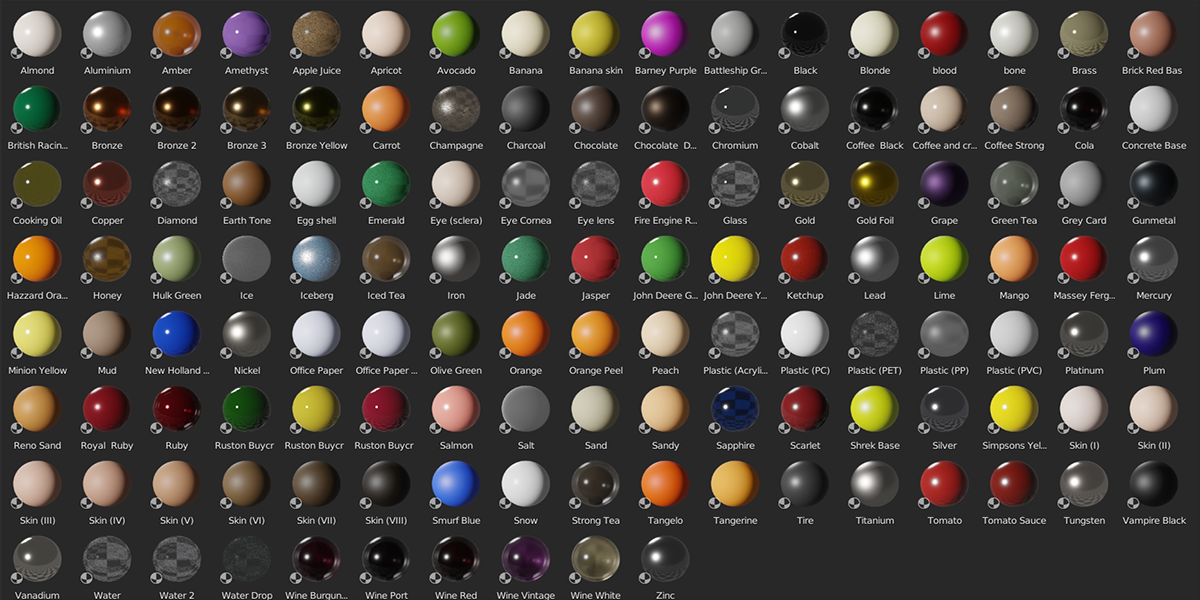
UPGRADE has 168 total materials
Added 38 more material colors
Some materials now have textures
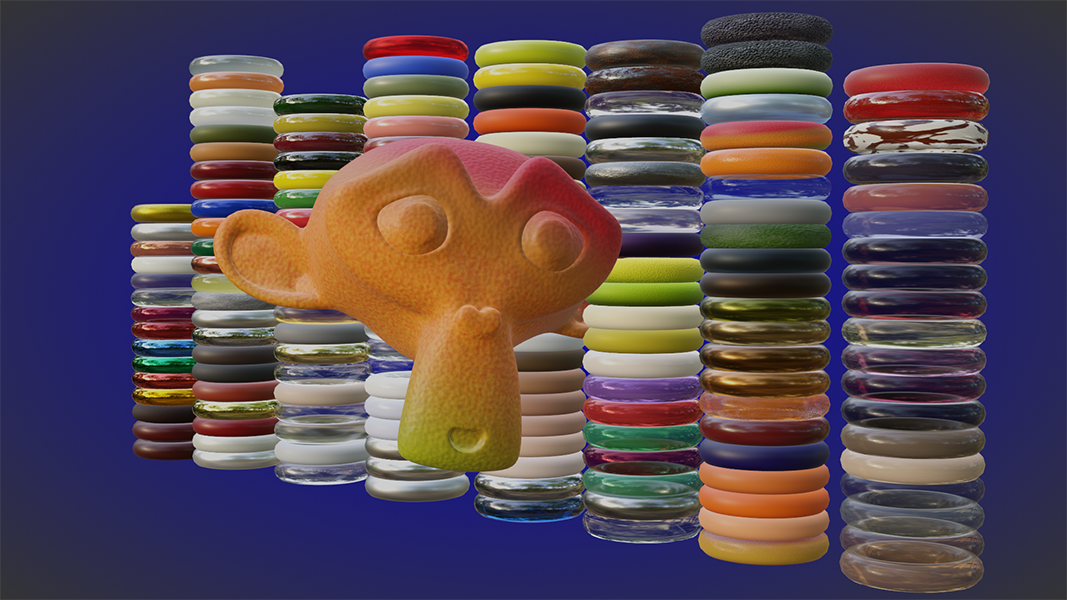
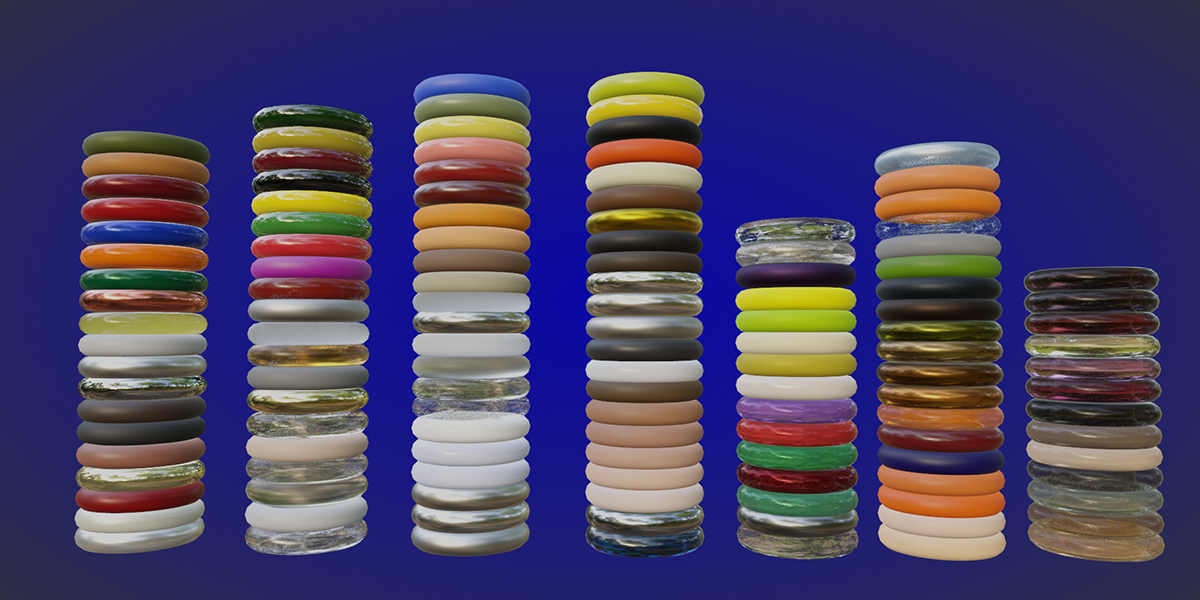
Check out Gummies, Car Paint, Jelly... These materials have multi color selection.
Have questions about this product?
Login to message
| Sales | 50+ |
| Published | about 4 years ago |
| Blender Version | 3.0, 3.1, 3.2 |
| Render Engine Used | Cycles, Eevee |
| Misc Data | Low-High-Resolution |
| License | Royalty Free |