 Xin185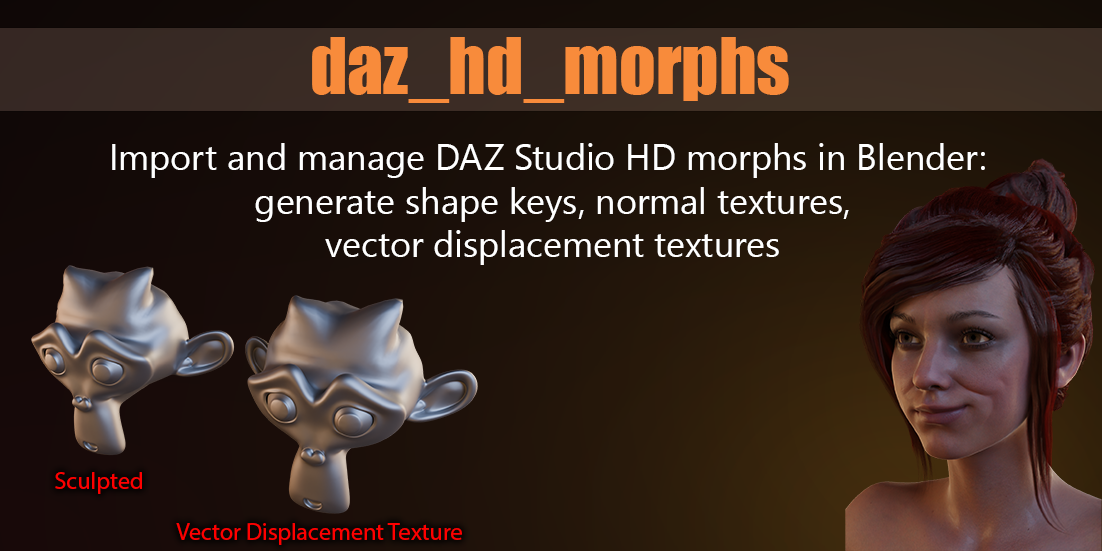
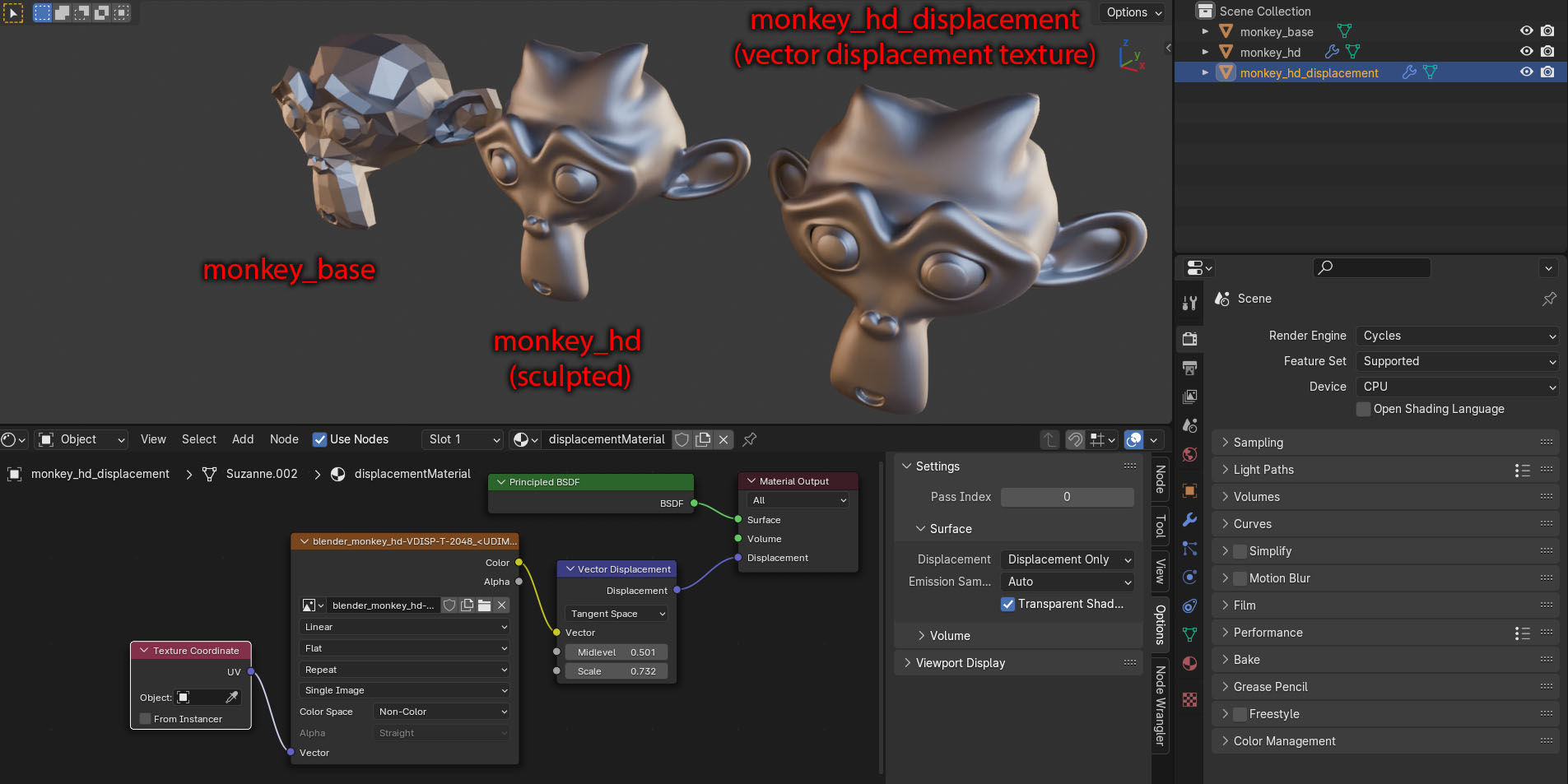
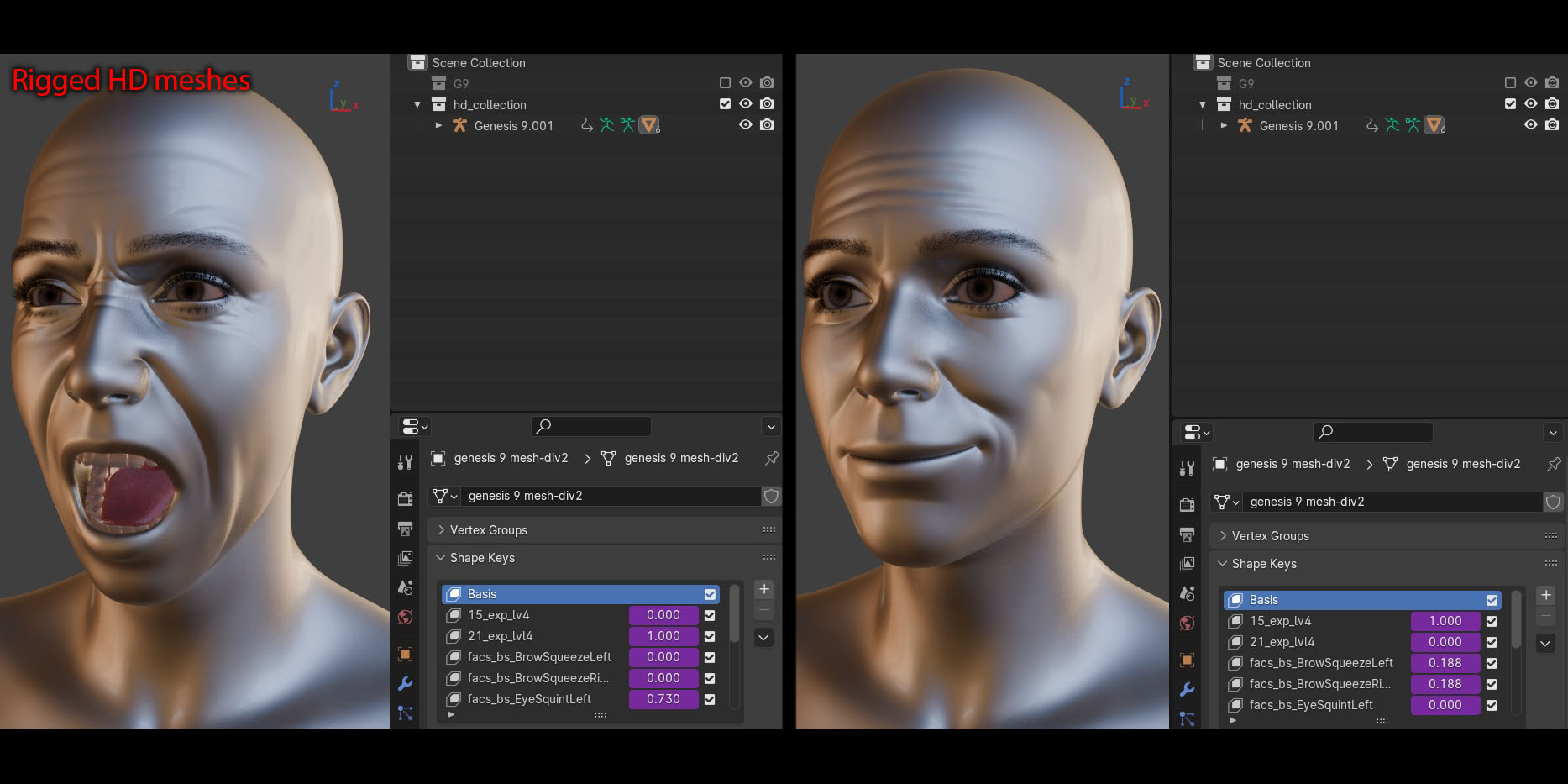
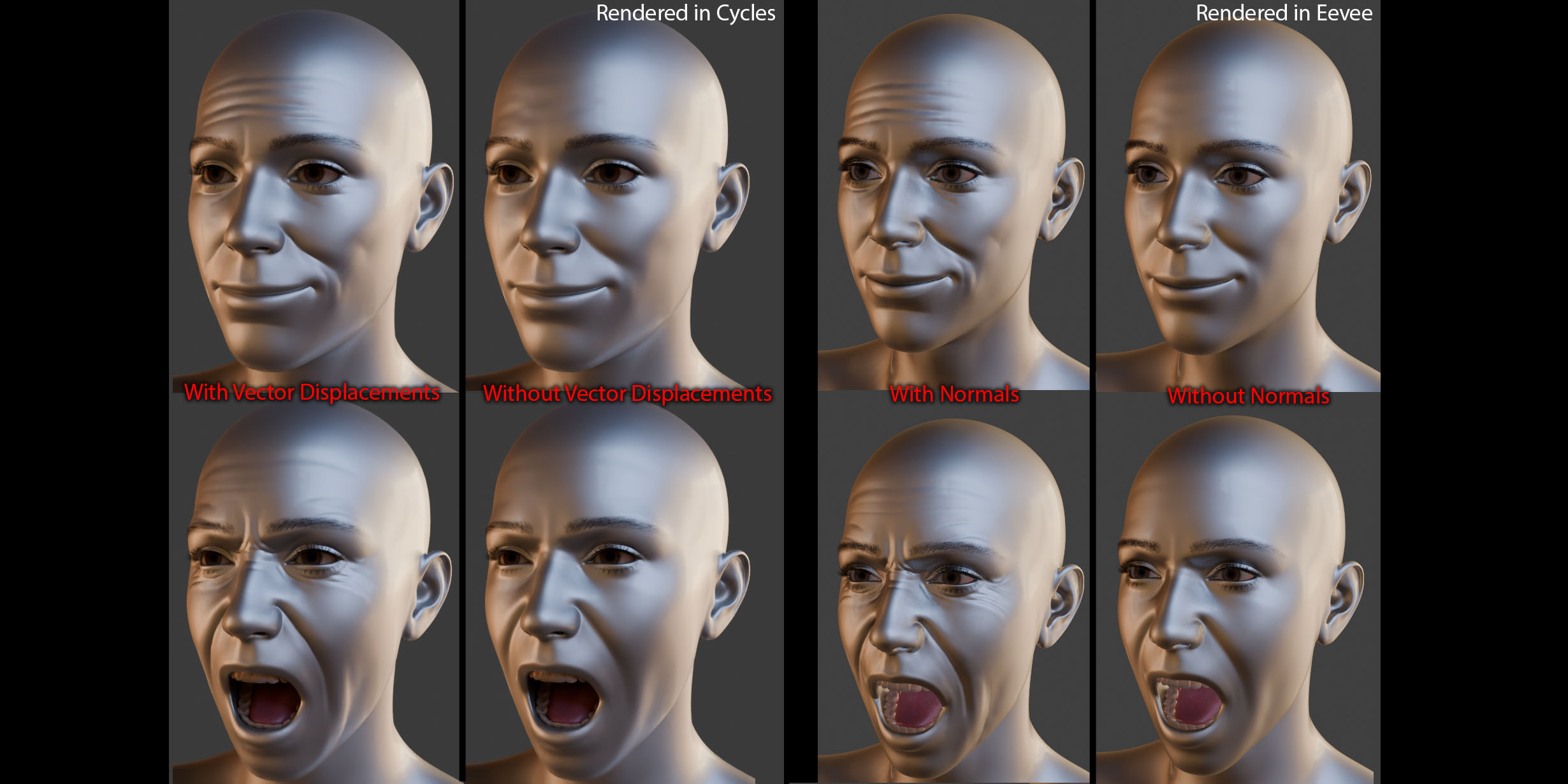

Installation:
You can install the addon in two alternative ways:
1- In Blender, go to Edit > Preferences > Add-ons > Install..., then select "daz_hd_morphs.zip".
2- Decompress "daz_hd_morphs.zip", and copy the directory "daz_hd_morphs"
to "%USERPROFILE%/AppData/Roaming/Blender Foundation/Blender/[Blender version]/scripts/addons" (default addon directory in Windows).
If reinstalling, it's a good practice to delete any previous "daz_hd_morphs" directory
present in Blender's addons' directory to avoid potential conflicts with previous versions.
Compatibility:
The files include a version for Blender 2.93 (Windows only), Blender 3.3 (Windows only), and Blender 3.4+ (Windows and Linux). The Linux version is in its early stages, so report any issues you encounter.
Usage:
The addon's interface can be found on the sidebar of the 3D Viewport, in a tab called HD Morphs (in object mode). The default Blender shortcut to show the sidebar is N.
Documentation:
Detailed documentation in a .pdf is included with the files:

Changelog:
This addon has been released for a while now, but only now it's being published here. As such, there have been many changes and it remains actively maintained.
Have questions about this product?
Login to message
| Sales | 30+ |
| Dev Fund Contributor | |
| Published | over 2 years ago |
| Blender Version | 4.0, 3.6, 3.5, 3.4, 3.3, 2.93 |
| License | GPL |

Discover more products like this
High definition normals maps vector displacement 2k texture 3d-texture daz studio blender shape keys spring24 Daz vector displacement map 3d character 3d animation shapekeys baking highdetail