 Alaa CG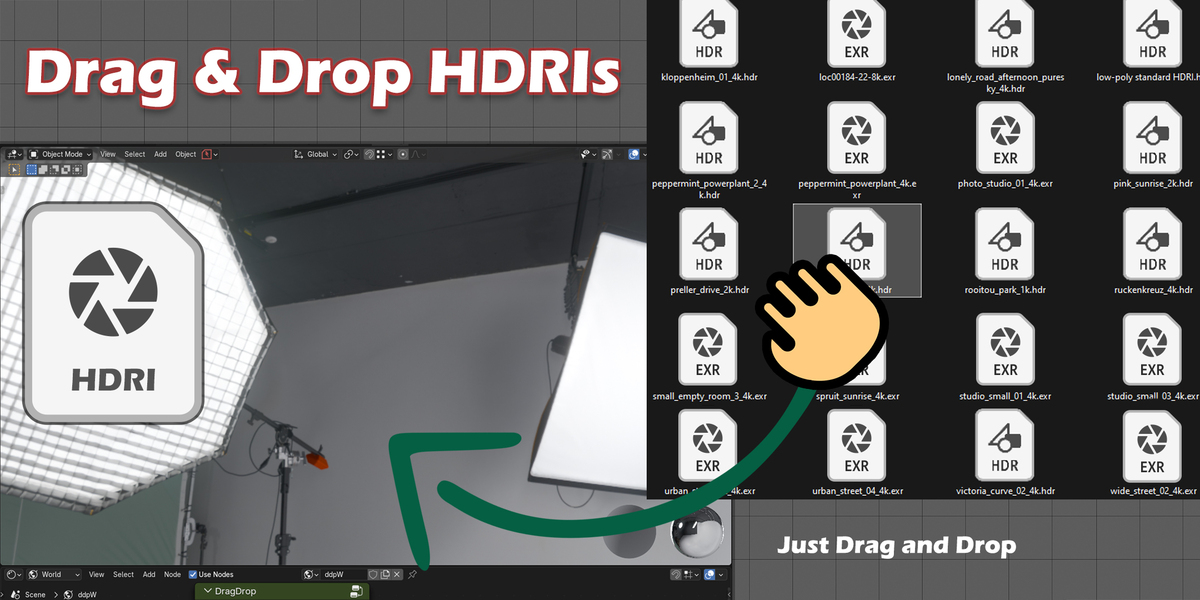
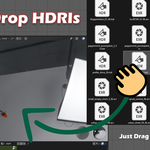
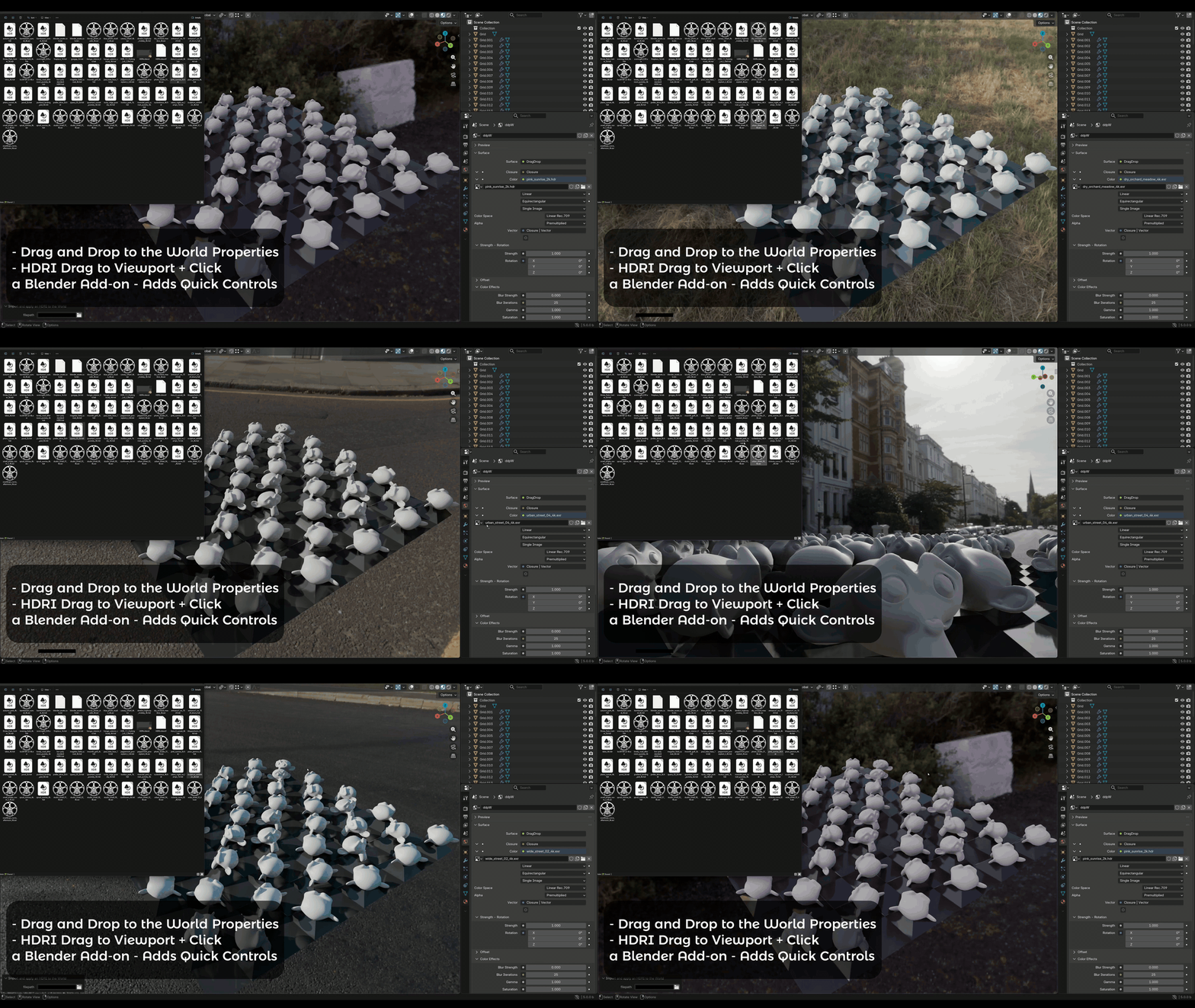
Drag and drop HDRIs in blender, With a Custom node group.
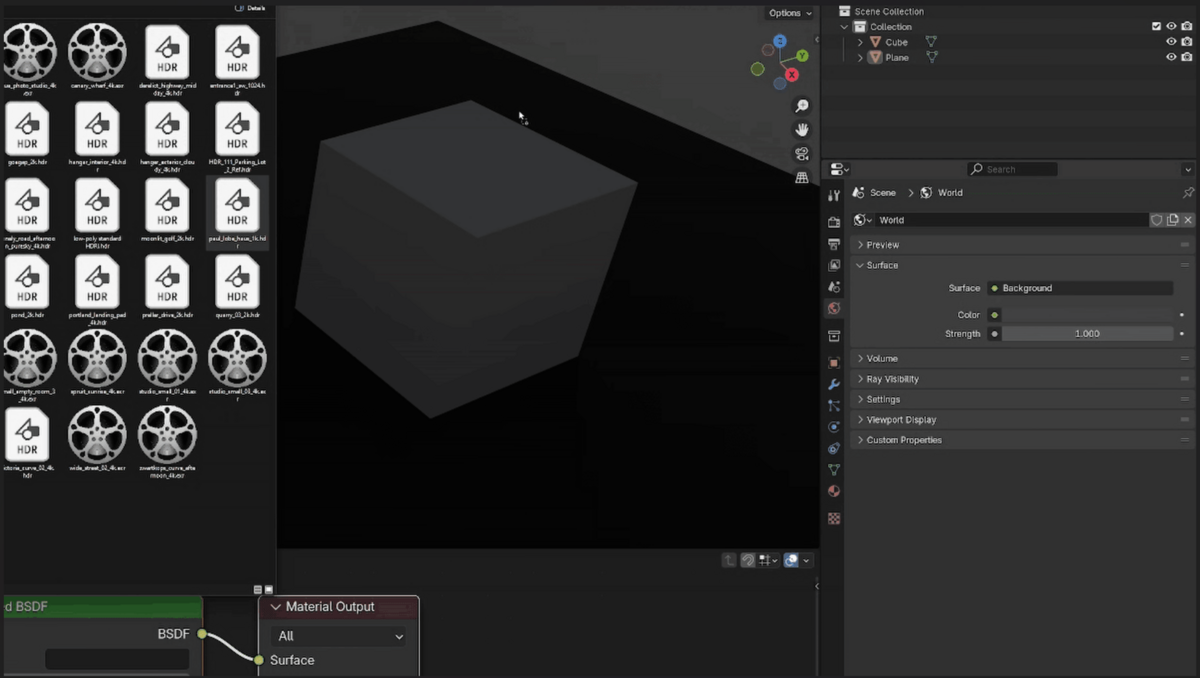
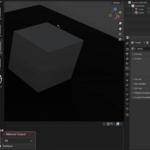
just drag an image on to blender's World properties Tab, or the viewport and Click, it will be setup as the active HDRI
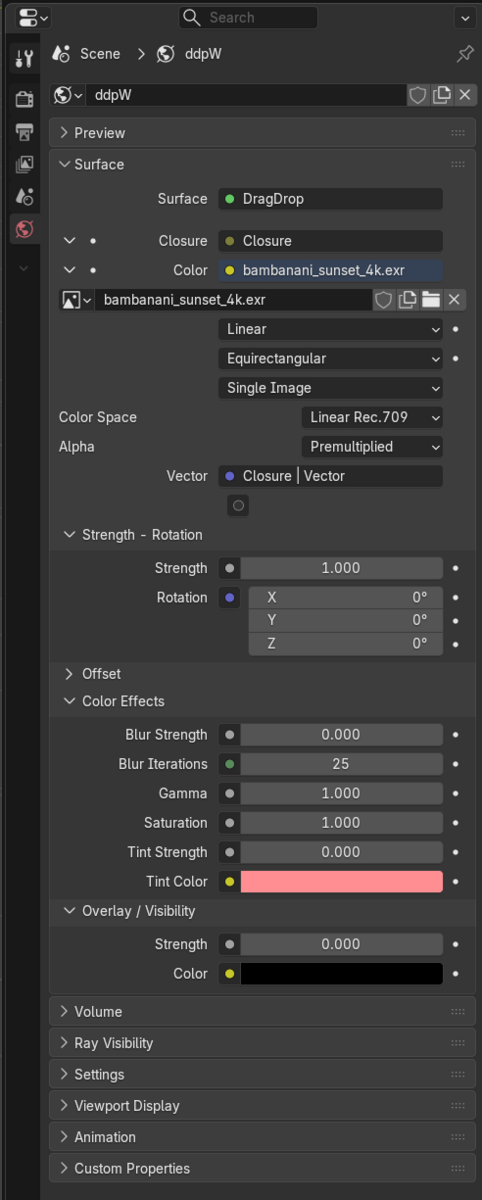
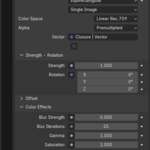
The Node Group comes with many ready controls:
the default HDRI Strength, Rotation, Location, and More color and image effects,
Blur, Gamma, saturation, a Color tint, and a Visibility overlay, For Cycles and Eevee
Supported on all Blender Versions down to 3.6
Works on All Platforms (Mac, Windows, Linux) - It's Not platform Dependent
Just install it, then start Dragging and dropping HDRIs!
Change Log:
V 2.1
Drop on the Viewport + Click
Drop on the world Properties Directly
V2 - For blender 5.0+
Drag and drop Now works in the world Properties, no more interfering with the viewport
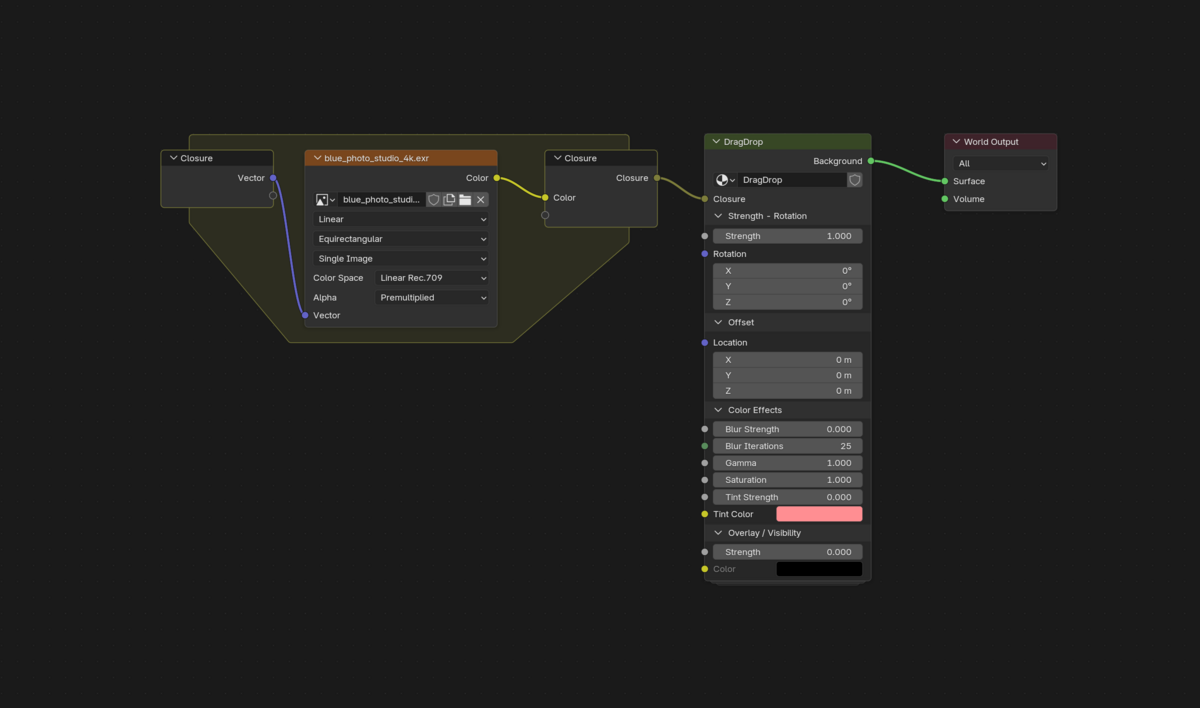
Better nodes, and making using of 5.0 Closures to expose the environment texture in the World properties tab
V1
First release, Drag and drop HDRIs on the viewport, overriding the drop images as Background references operator
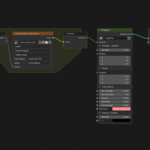
The Node Group: