 Milad_Kambari




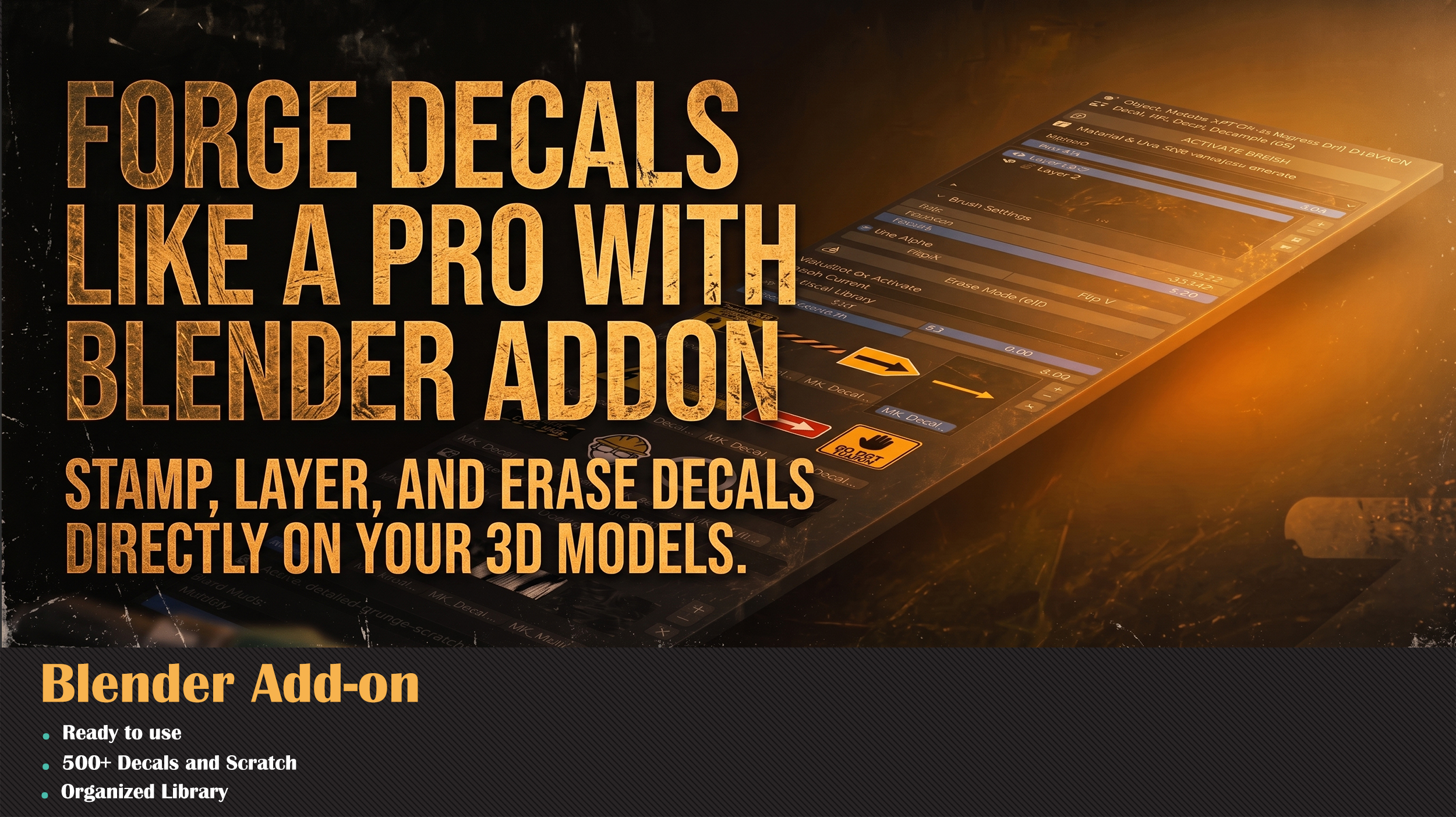
Stamp decals directly.
No baking. No nodes.
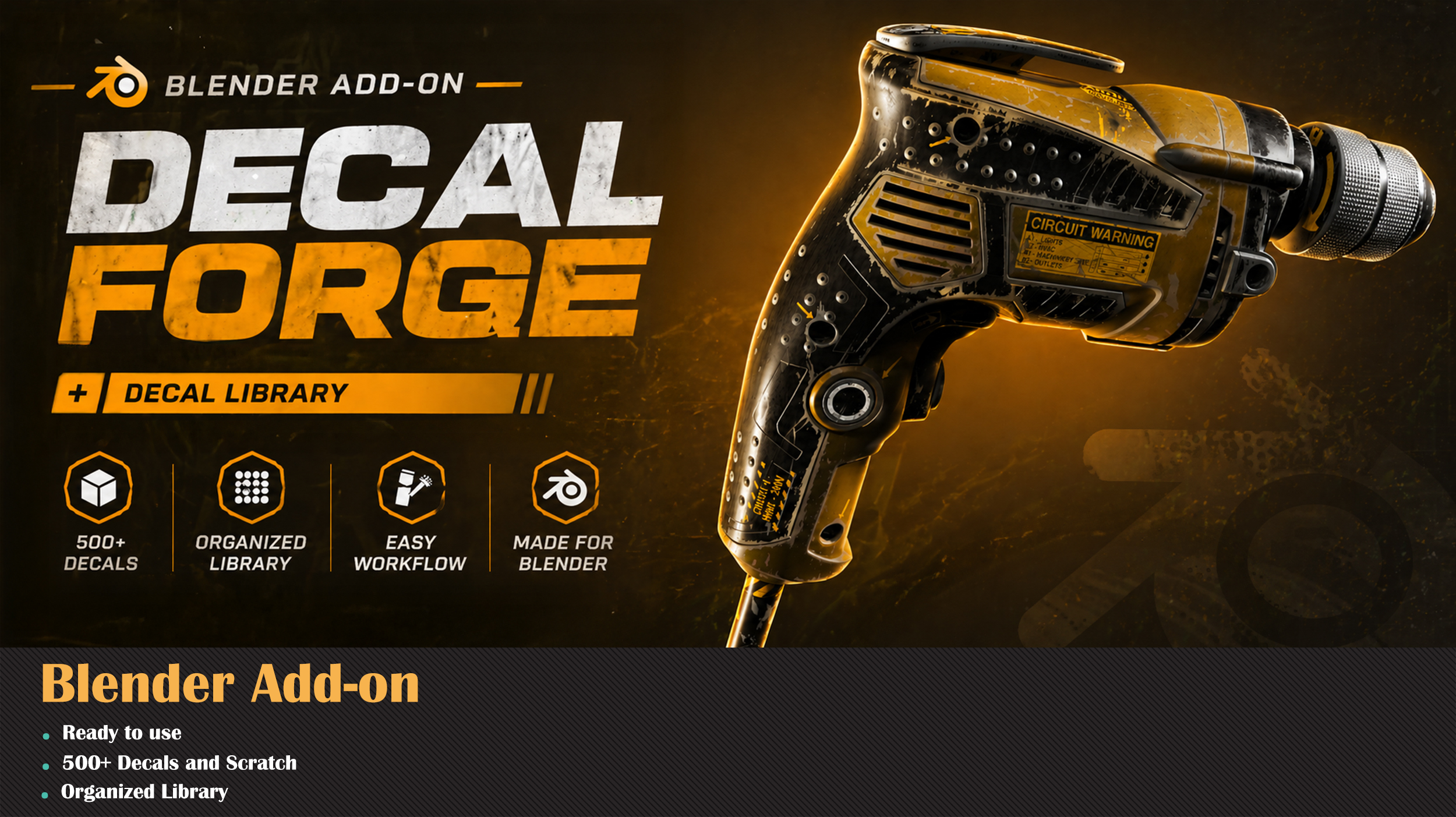
A complete Blender workflow for stamping, layering, and erasing decals on any 3D model — with a built-in library of 500+ decals, scratches, dirt, and grunge ready to use.
Three steps. Zero friction.
From browse to stamp, your decal lands on the model in seconds.
| 1 PICKBrowse the built-in library and pick a decal, scratch, or grunge texture. | 2 STAMPClick directly on your 3D model. The decal projects in place, instantly. | 3 LAYERStack decals, erase parts, flip and rotate — all without baking. |
Stamp, Layer, and Erase
Forge decals directly on your 3D models inside Blender. Stamp a decal, layer multiple on top, erase the parts you don't need — all in real-time, on the surface, with full brush control.
No node setup. No UV unwrapping. No external apps.
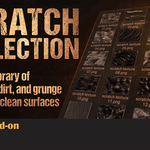
Scratch Collection
A built-in library of scratches, dirt, and grunge to break up clean surfaces. Add wear and damage exactly where you want it — no more flat, sterile materials.
Perfect for hard surface props, weapons, vehicles, sci-fi assets, and game-ready models.
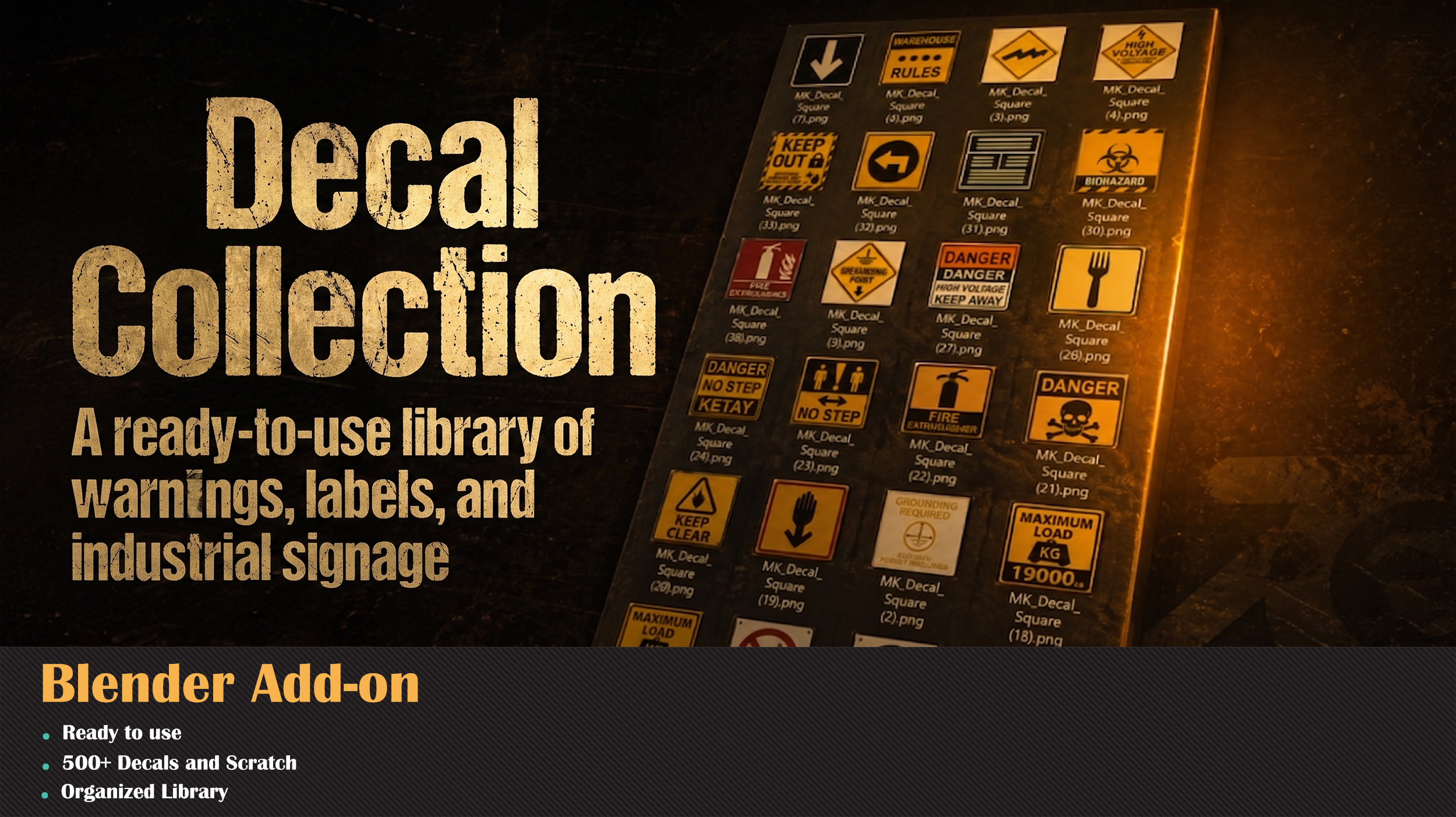
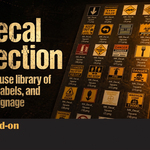
Decal Collection
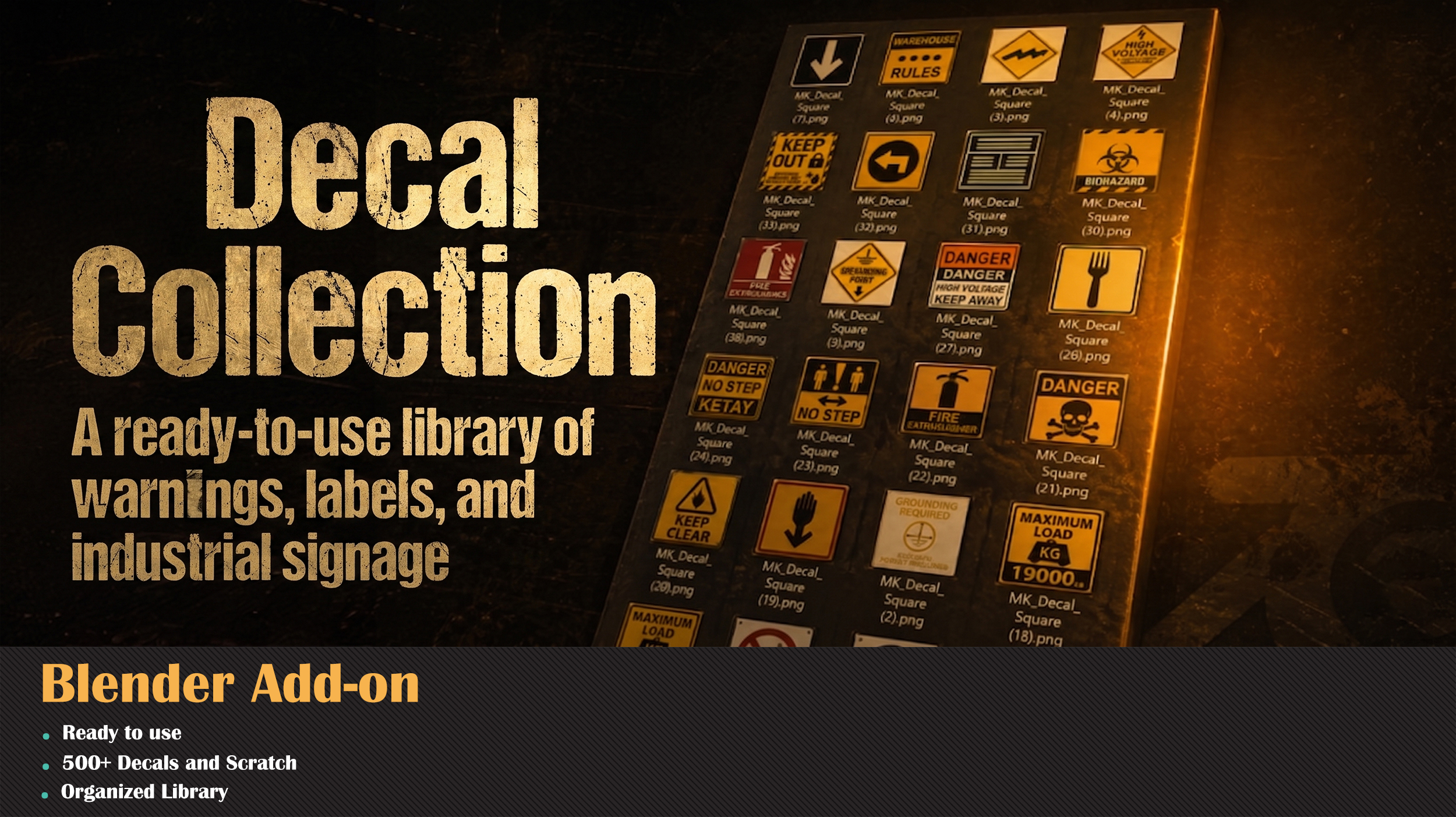
A ready-to-use library of warnings, labels, and industrial signage. Hazard signs, arrows, voltage warnings, biohazard markers, weight limits — everything you need to add believable detail to industrial environments.
All organized by category, all ready to stamp.
Manual decals vs. MK Decal Brush
| ✗ MANUAL | ✓ MK DECAL BRUSH | |
| Decal placement | Manual UV unwrap, plane projection | One click on the model surface |
| Library | Build your own from scratch | 500+ decals included |
| Layering | Complex node setup per decal | Stamp, stack, erase — no nodes |
| Iteration speed | Minutes per decal | Seconds per decal |
| Substance Painter needed? | Often yes | No — fully inside Blender |
| Learning curve | Texture painting + UV knowledge | Pick, click, done |
What you get
| 500+ DECALS & SCRATCHES | 4.2+ BLENDER VERSION | 1-CLICK STAMP WORKFLOW | ∞ LAYERING |
Install. Stamp. Done.
Drop the .zip into Blender's add-on installer, enable, and start stamping. Works in Blender 4.2+ and 5.0.