 Pitiwazou
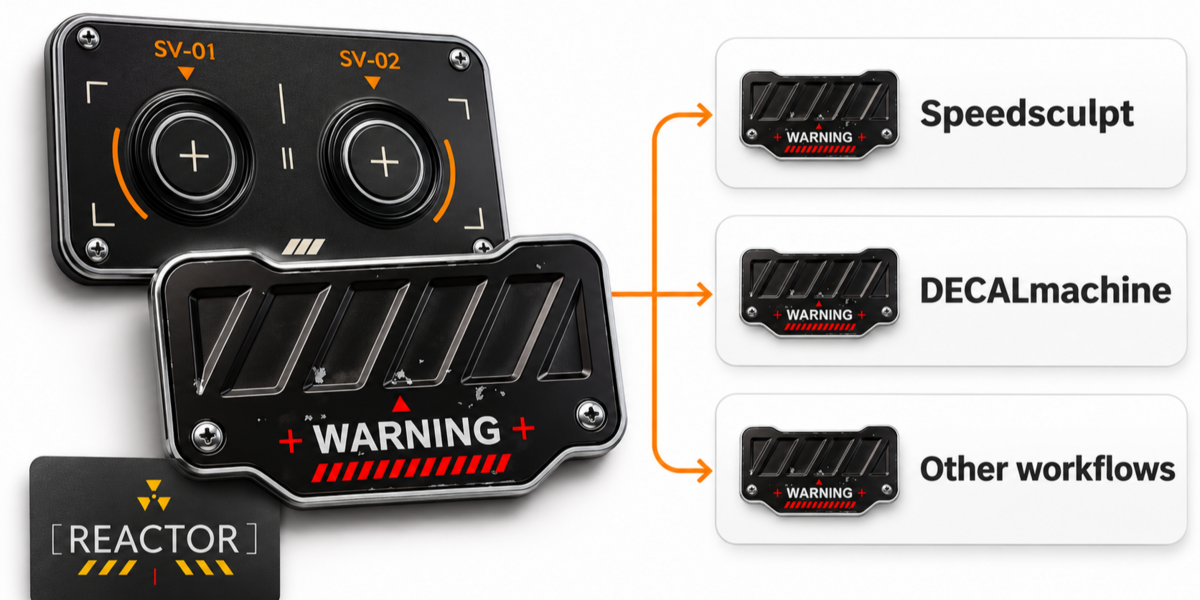


What's the difference with DecalMachine?
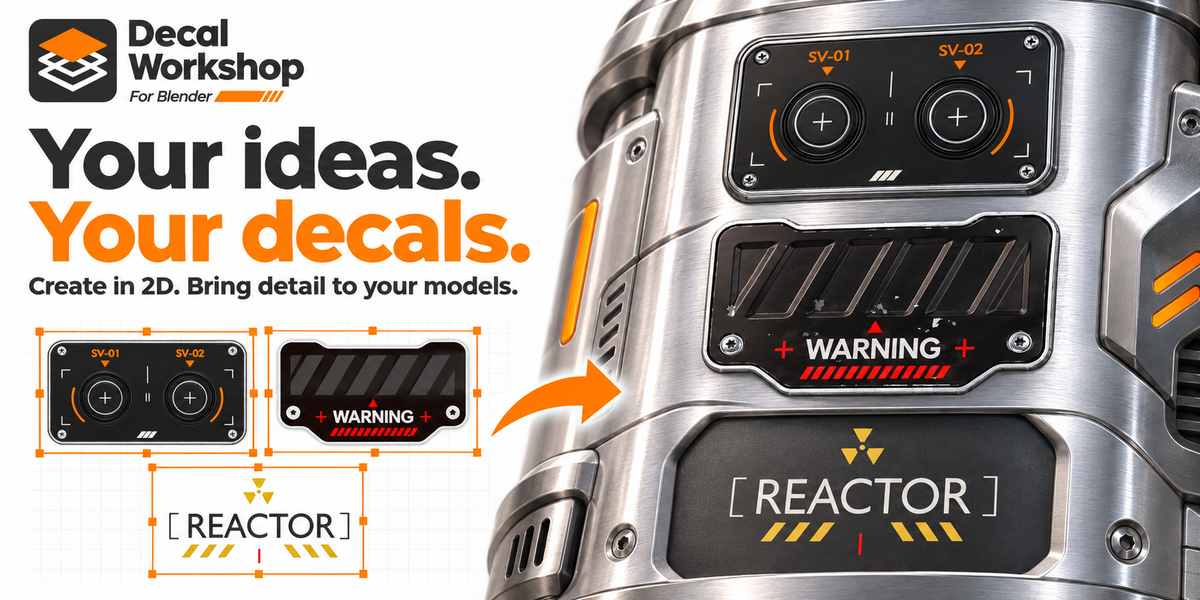
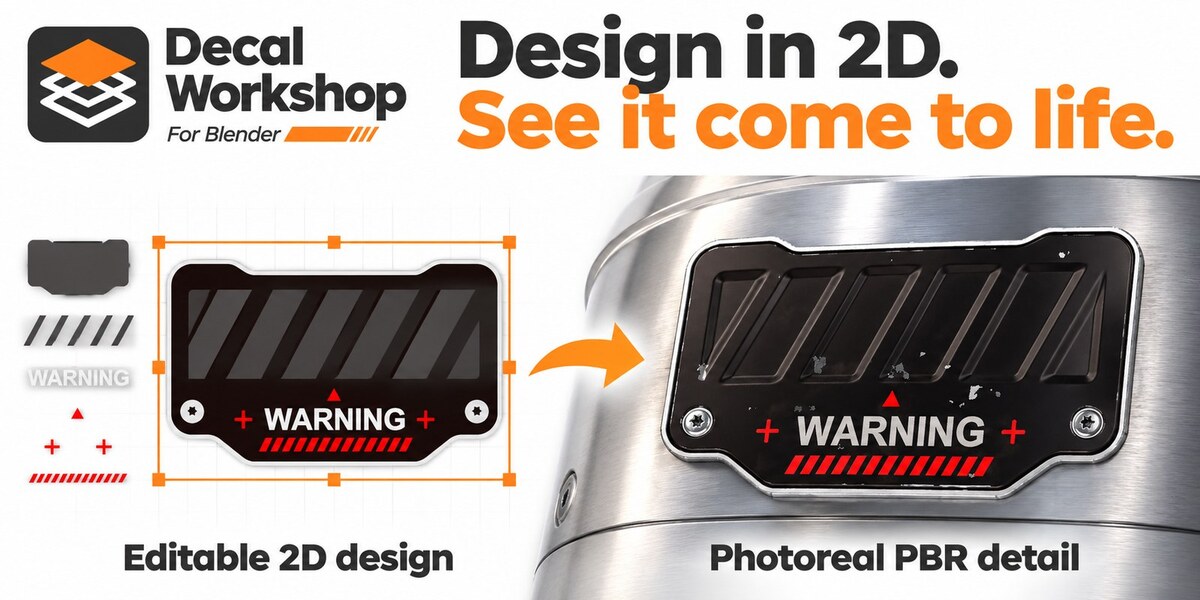
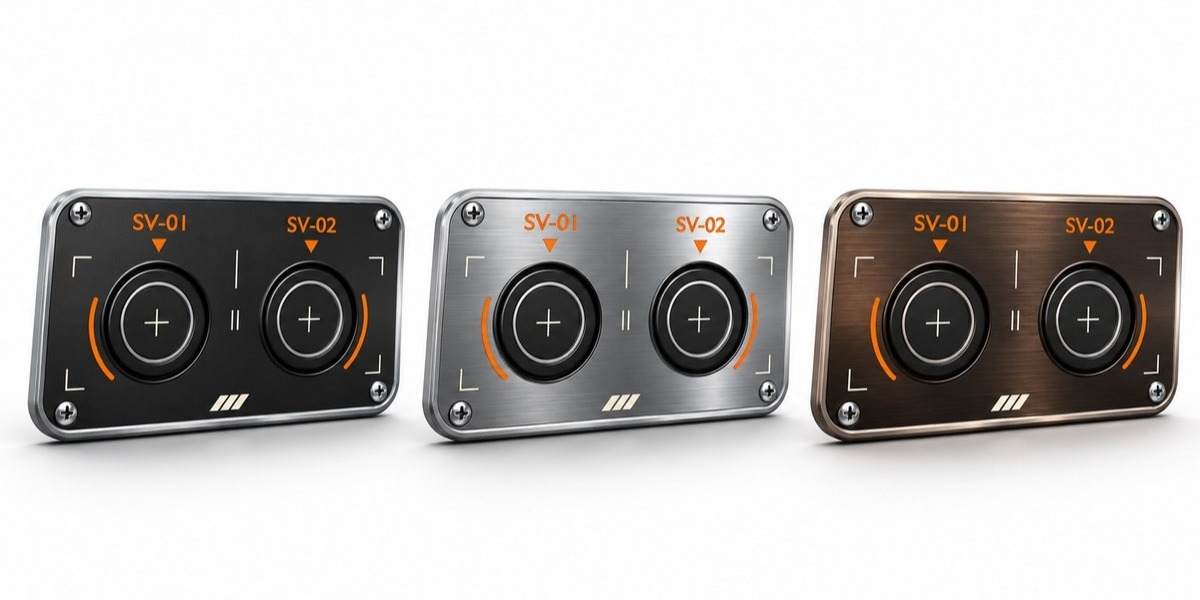
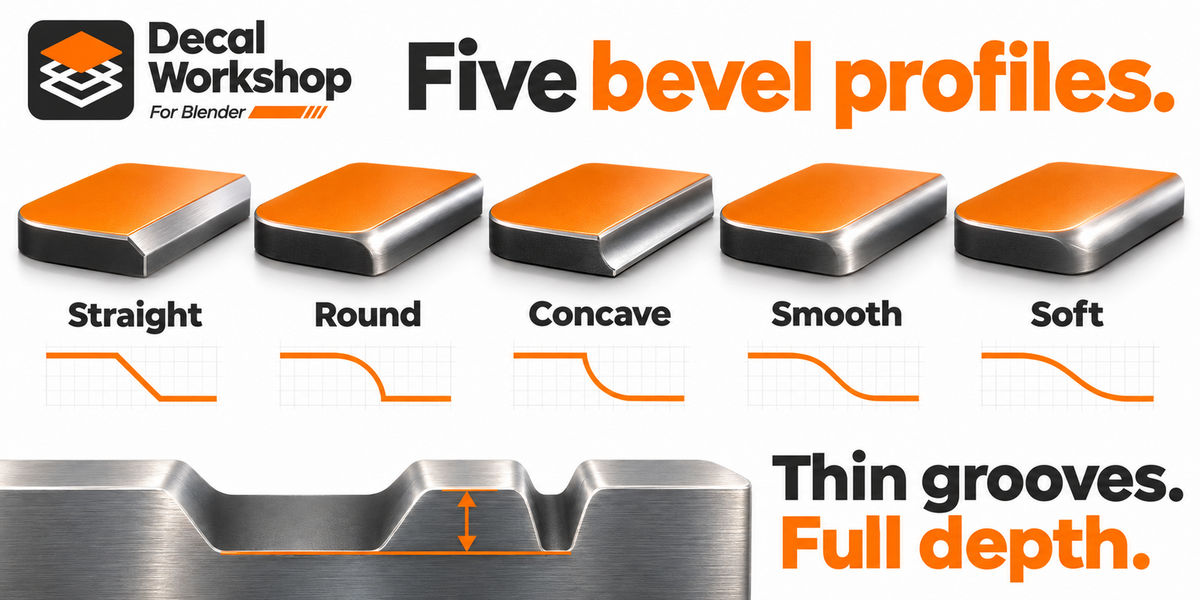
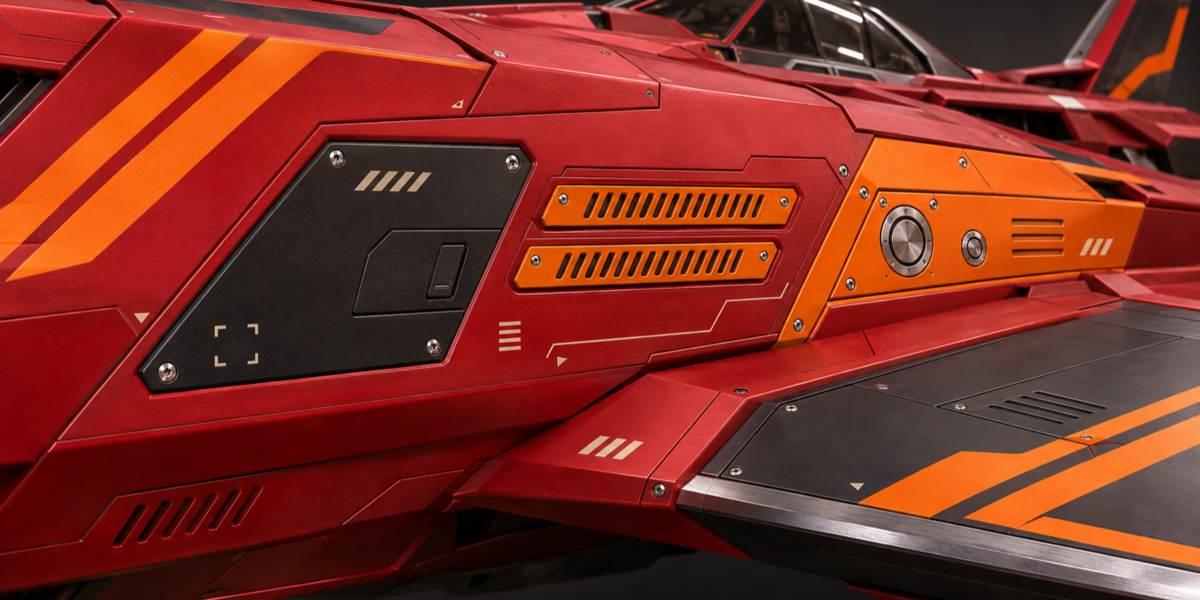
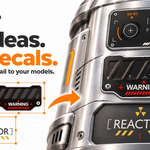
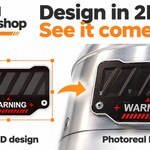
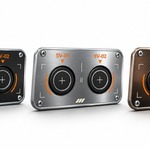
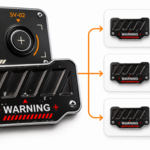
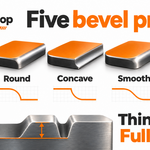
Decal Workshop works with 2D heightmaps, and the assets are 100% editable!
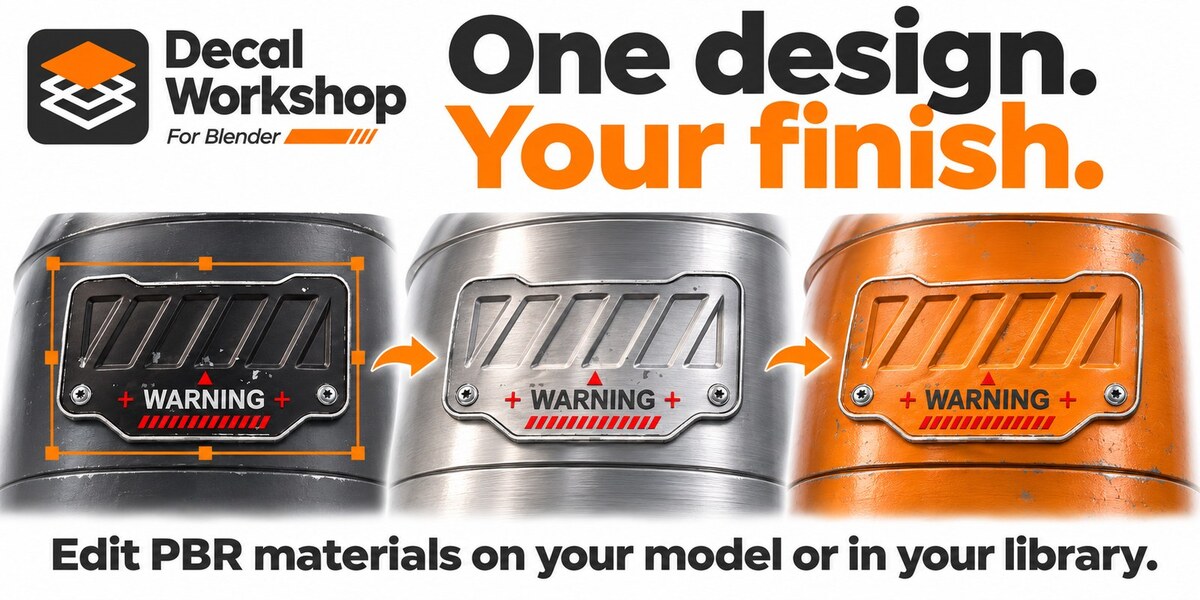
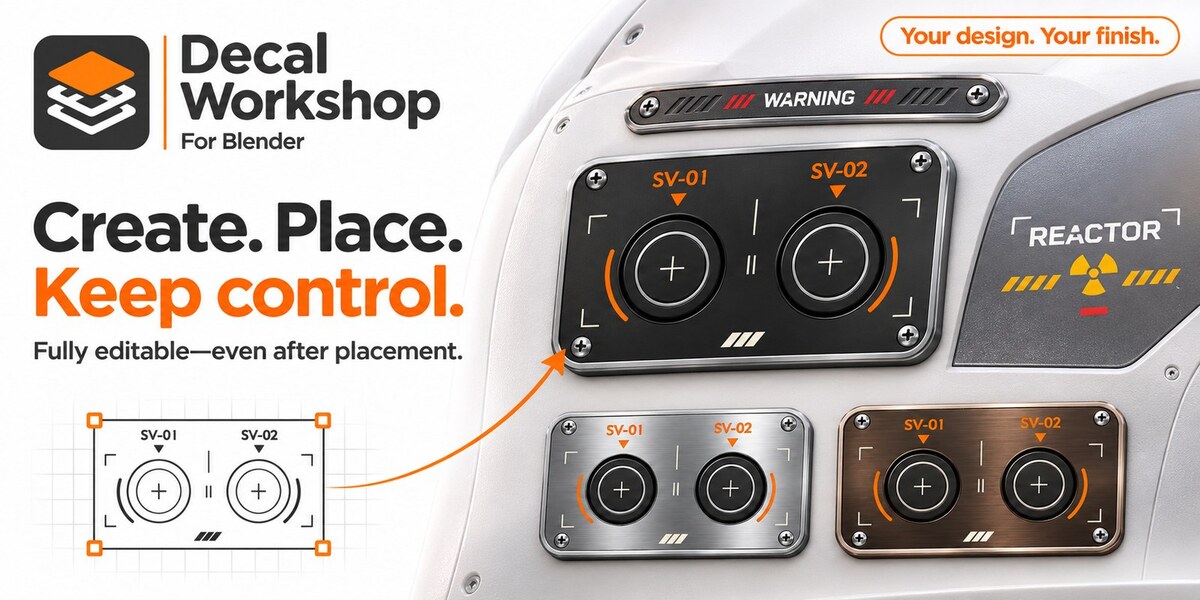
Even when you place your decal on the surface of a mesh, you can still edit Colors, Roughness, Metallic, and Emission.
If you want to make a change or a variant of a decal, just open it and edit it.
Decal Workshop lets you manage your libraries on the spot!
Is it 3D?
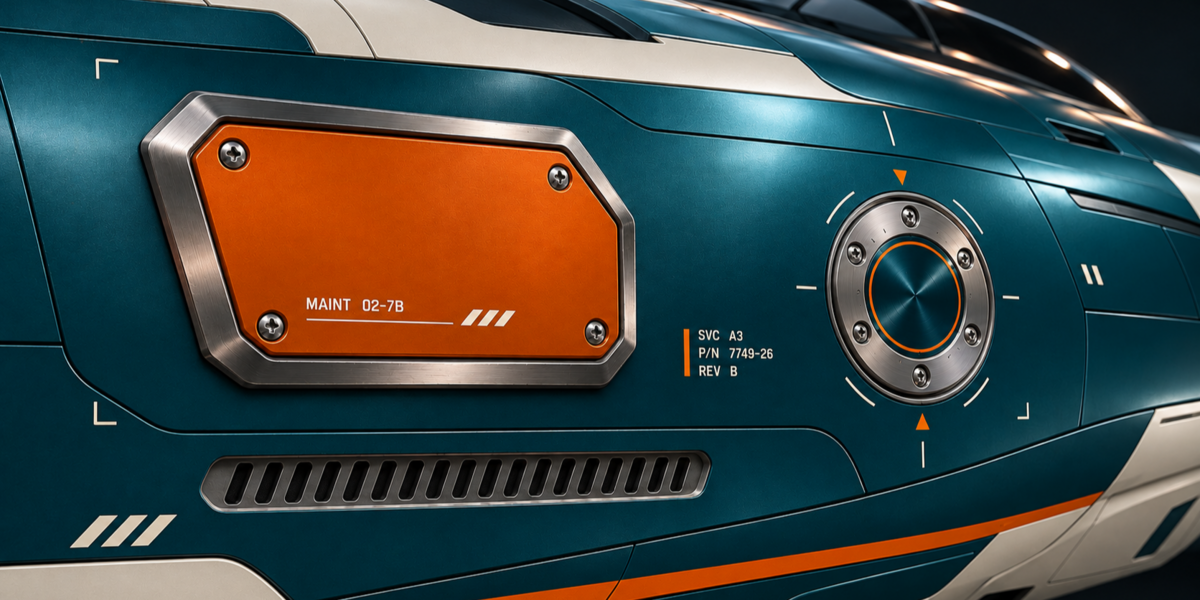
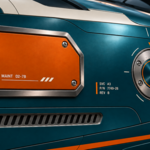
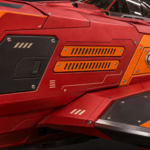
No, it's a 2D workflow that will give decals that seem to be 3D.
Are the decals editable?
Yes, 100% editable!
Can I share my decals?
Yes, the other people must buy the add-on to read and edit the decal.
If they have Decalmachine, you can export your decals for this add-on.
Where is the documentation
You have the link in the add-on preferences and in the help menu at the top right corner in the N panel
 Included
Includes 12 months of
- Support from Pitiwazou
- Product updates
Extend this product’s Support Period +12 months: 25% of product price
Have questions before purchasing?
Login to message
| Published | about 2 hours ago |
| Blender Version | 4.2 - 5.3 |
| Extension Type | N/A |
| Render Engine Used | Cycles, Eevee |
| License | GPL |