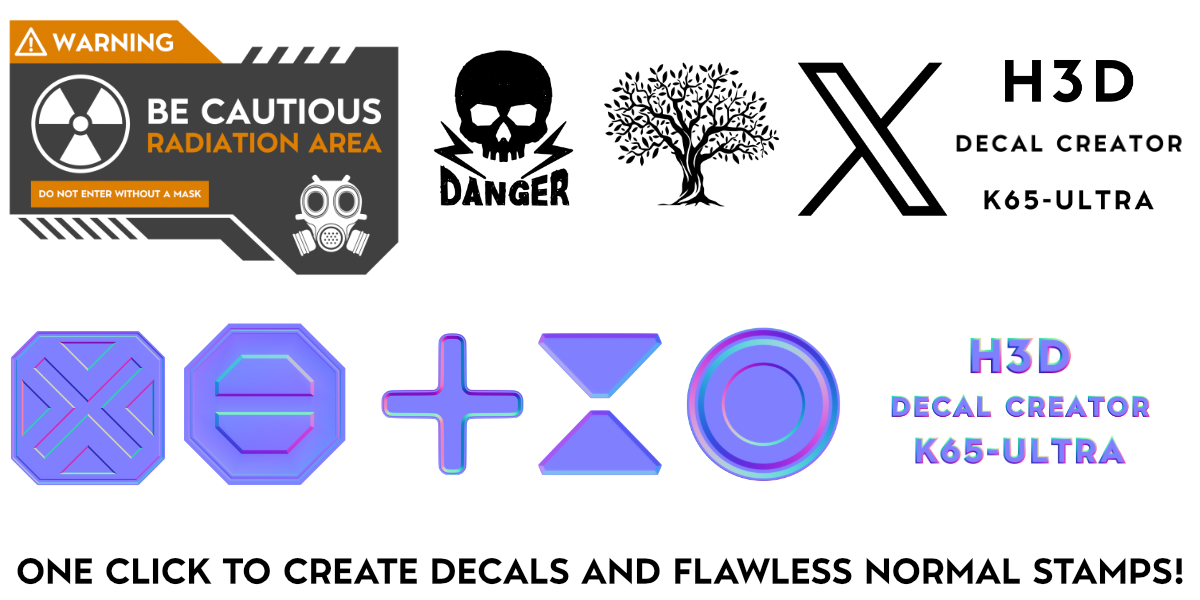
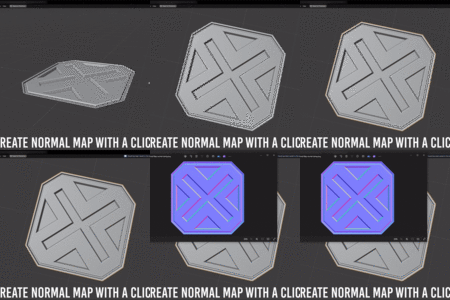
Decal Creator Pro - One-Click Decals & Normal Stamps From Mesh
 H3D
H3D



What should I do if I encounter borders or other issues when creating decals?
Decal Creator Pro includes an automatic transform check that applies all required transforms for you. Simply enable the Apply Transforms option in the add-on, and it will automatically apply location, rotation, and scale before creating the decal, helping prevent borders and alignment issues.
Why isn't the material showing when I add a material?
Ensure the active object has no material. If it has multiple materials, select the object, switch to Edit Mode, select all faces, and assign the desired material.
Can I use my own material for the decal?
Yes, you can. Make sure to link your texture or any node output to an emission node to prevent shadows or artifacts.
$7
Have questions about this product?
Login to message
Discover more products like this
normal maps CG Tools Efficiency Tools Quick Decals blender addon one-click Normal Stamps Decal Creation Decal Creator 3D Design 3d modeling decals mesh tools Blender Plugin