DecalWear – Decal Aging & Weathering for Blender
 Mona-Ghafourian
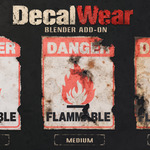
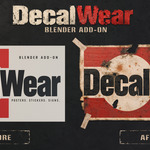
DecalWear — Quick Start & Documentation
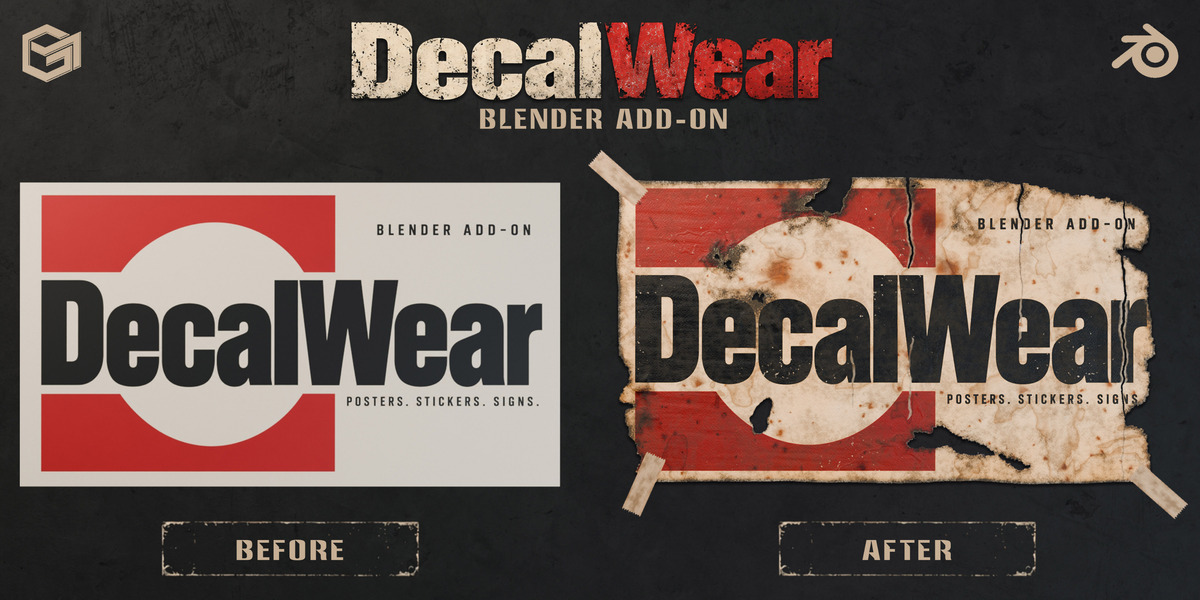
DecalWear is a non-destructive aging and weathering add-on for Blender, designed for decals, posters, stickers, labels, and signs.
Installation
Open Blender 4.5 LTS or newer (tested up to Blender 5.2).
Go to Edit > Preferences > Get Extensions.
Open the menu in the top-right corner and select Install from Disk.
Select the DecalWear ZIP file without extracting it.
Open the 3D Viewport sidebar (N) and select the DecalWear tab.
Quick Start
Click Sample Decals to choose from 40 included decals, or use Place with Mouse to import your own image.
Click on a surface to place your decal.
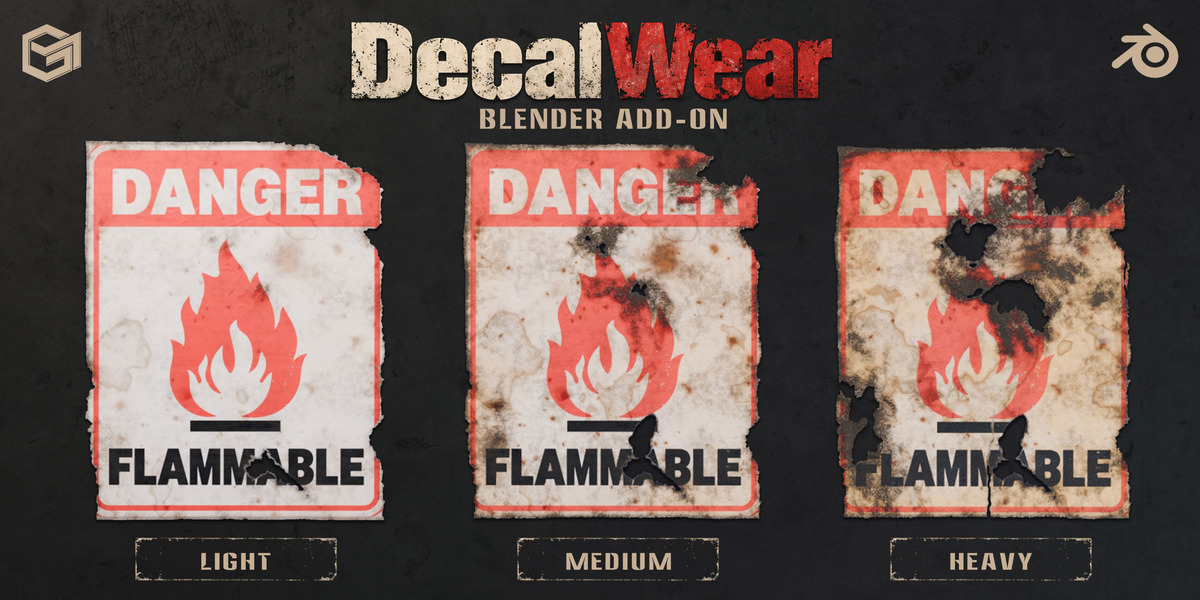
Choose one of the 16 built-in aging presets.
Adjust the weathering effects using the sliders.
Use New Variation to generate different wear patterns.
To apply weathering to an existing material, select the object and click Add Aging.
Main Features
16 built-in aging presets
40 ready-to-use sample decals
Non-destructive aging and weathering
Torn edges, peeling, dirt, scratches, cracks, rust, burns, and fading
Paper textures, wrinkles, fibers, water stains, and glue effects
Paint Mask for precise damage control
Die-cut decal support
Adhesive tape
Custom presets and decal library
Texture baking for game-ready assets
Texture Baking
Export Color + Alpha, Roughness, Normal, and Height maps at resolutions from 512 to 4096 pixels.
Compatibility
Blender 4.5 LTS – 5.2 (tested)
Cycles and EEVEE
Windows (tested)
Full User Guide
A detailed 34-page PDF user guide is included with the product. It covers all effects, controls, presets, placement tools, texture baking, performance tips, and troubleshooting.
Support
For questions, bug reports, or assistance, please use the Superhive support system.
 Included
Includes 12 months of
- Support from Mona-Ghafourian
- Product updates
Extend this product’s Support Period +12 months: 50% of product price
Have questions before purchasing?
Login to message
Discover more products like this
wear and tear weathering decal game assets posters distressed texture Stickers Shader Material decal aging grunge