 ZEG
Installation
In Blender open Edit, Preferences, Get Extensions, then use Install from Disk and pick the dj_equipment_generator zip.
Usage
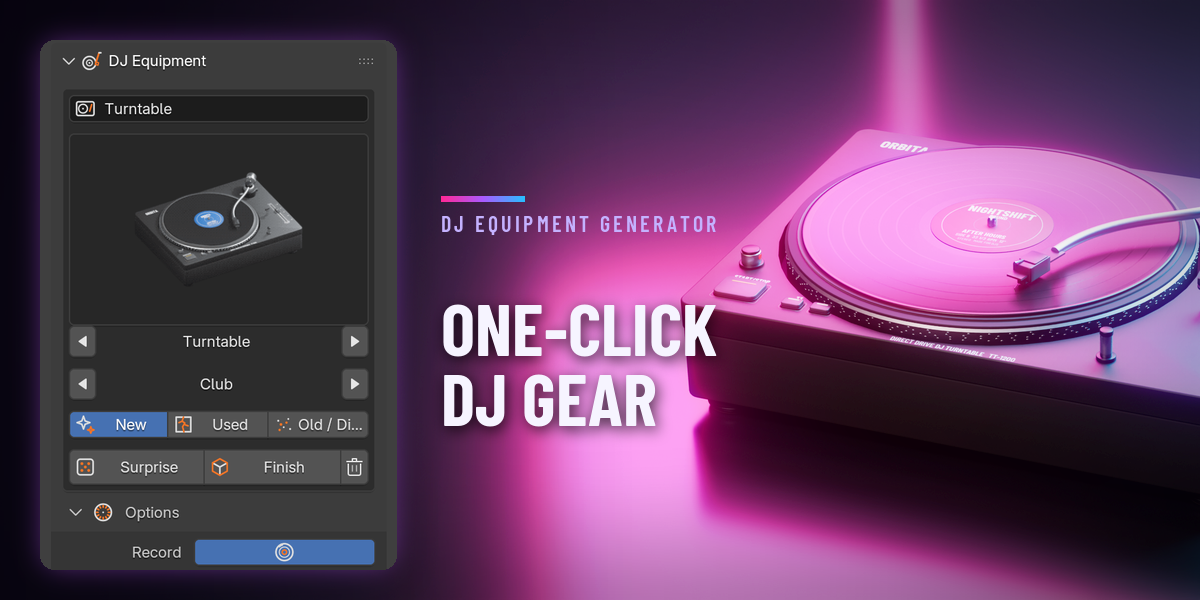
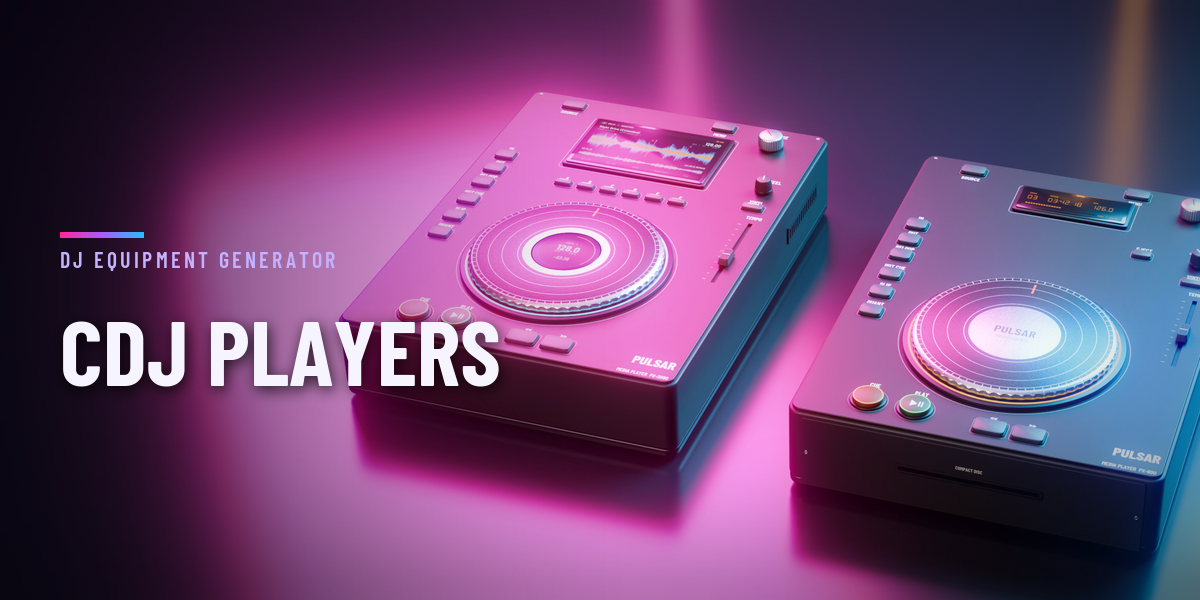
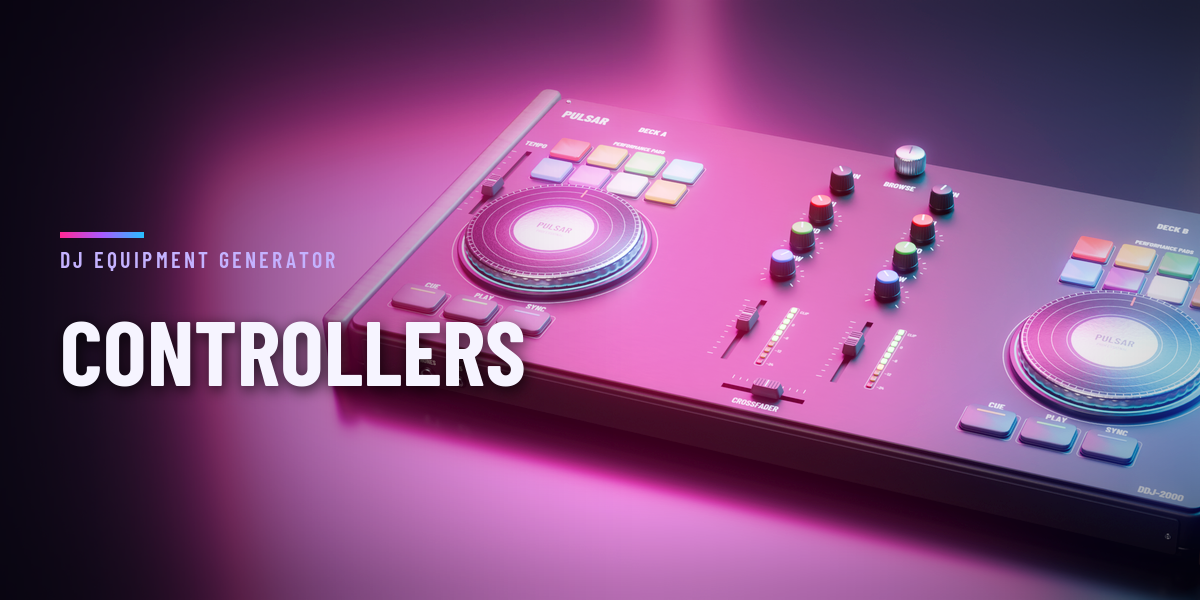
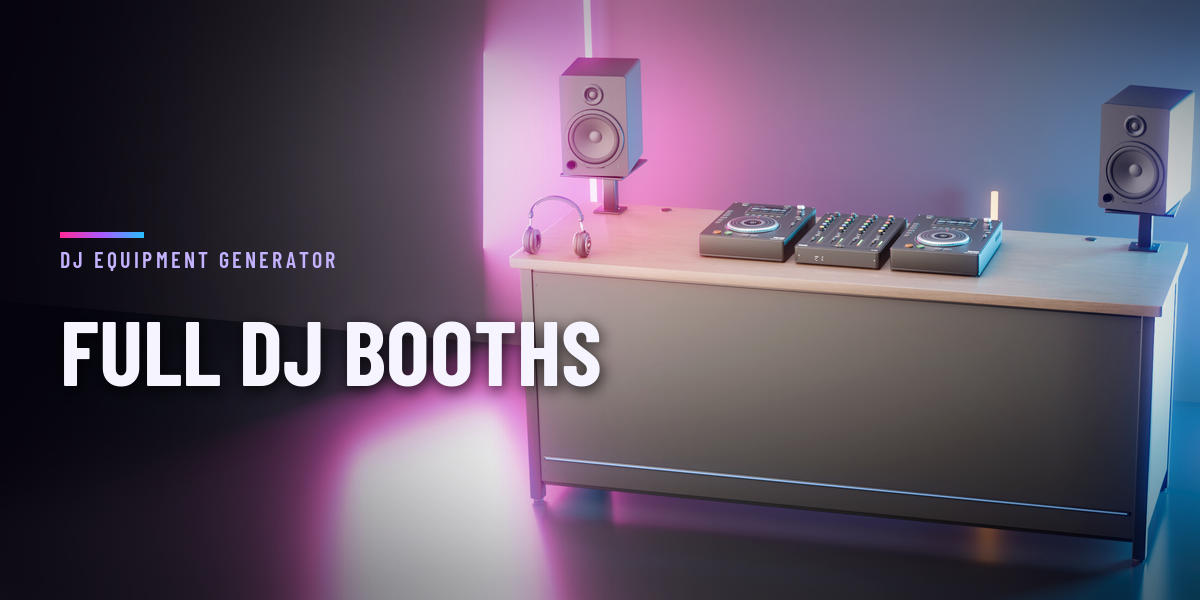
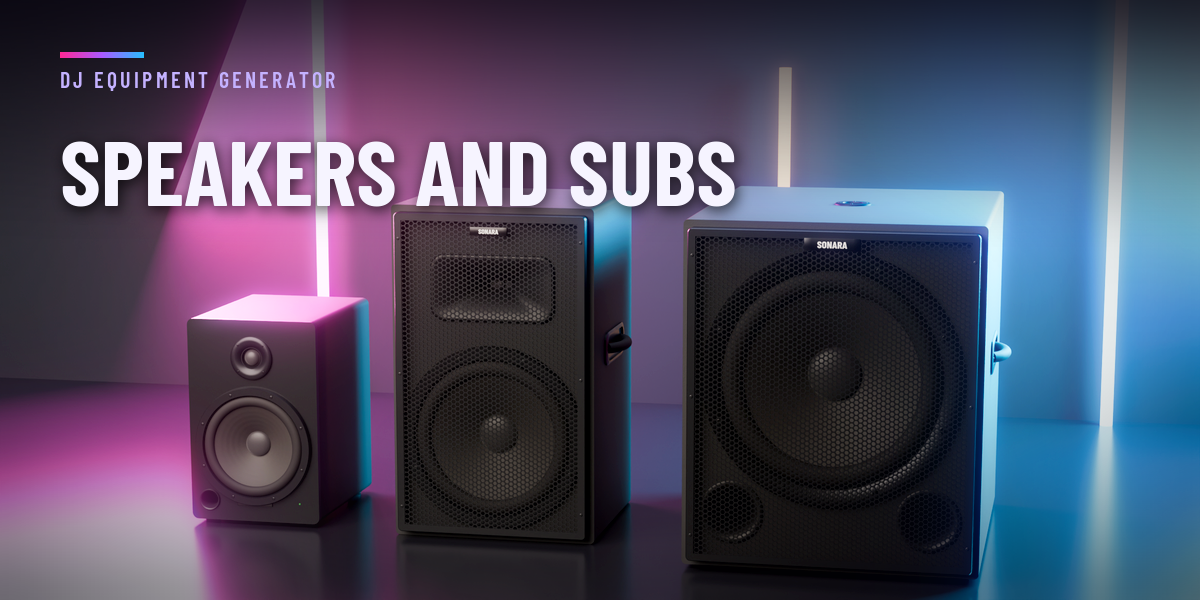
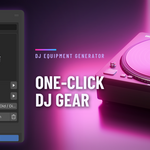
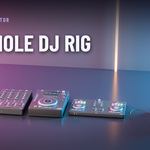
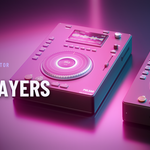
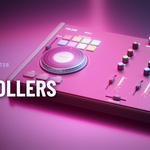
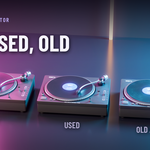
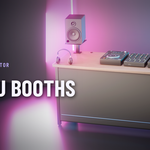
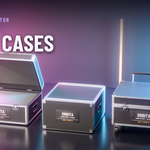
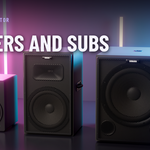
- Open the DJ tab in the 3D viewport sidebar (N). With nothing selected, click the picture to choose the equipment from the gallery, step through the models with the arrows, pick a condition and press Add. You can also use Shift+A, DJ Equipment, or a preset.
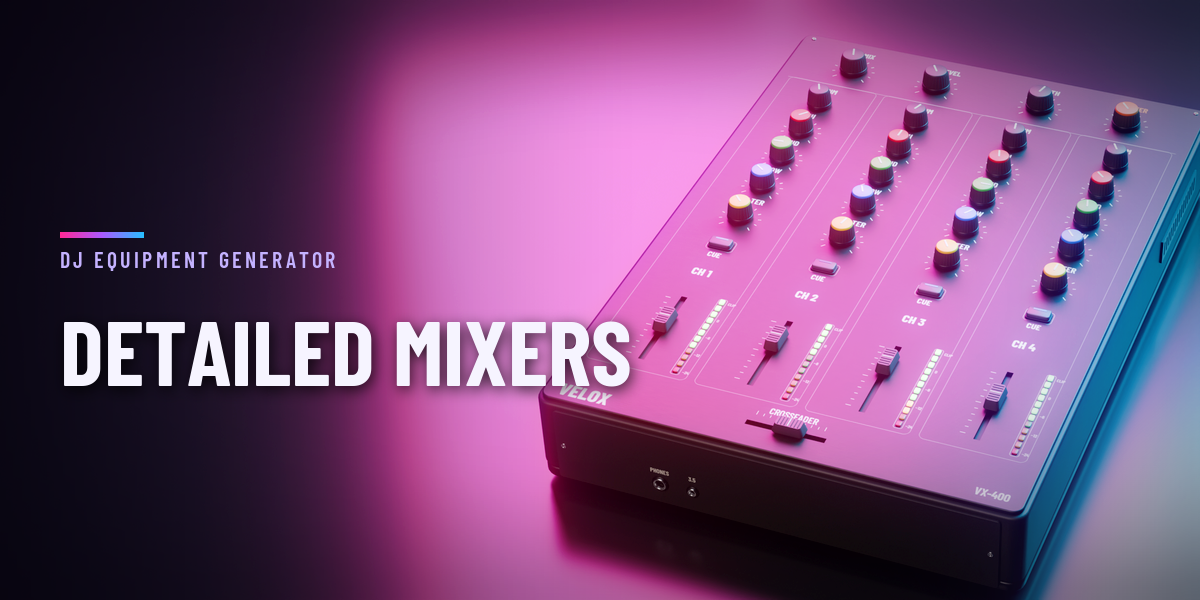
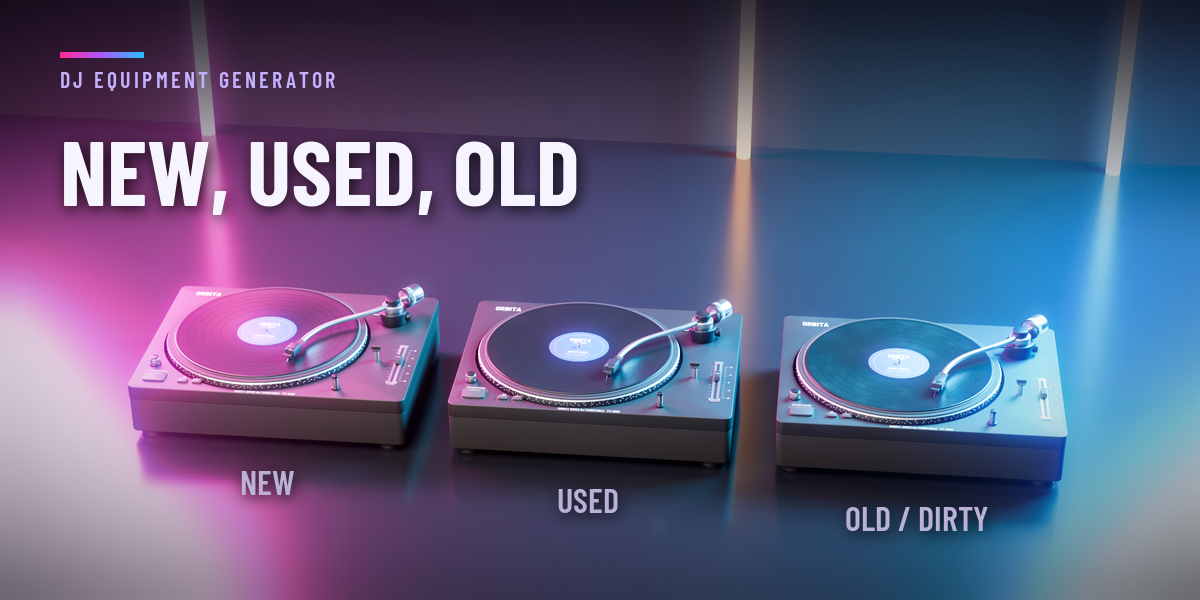
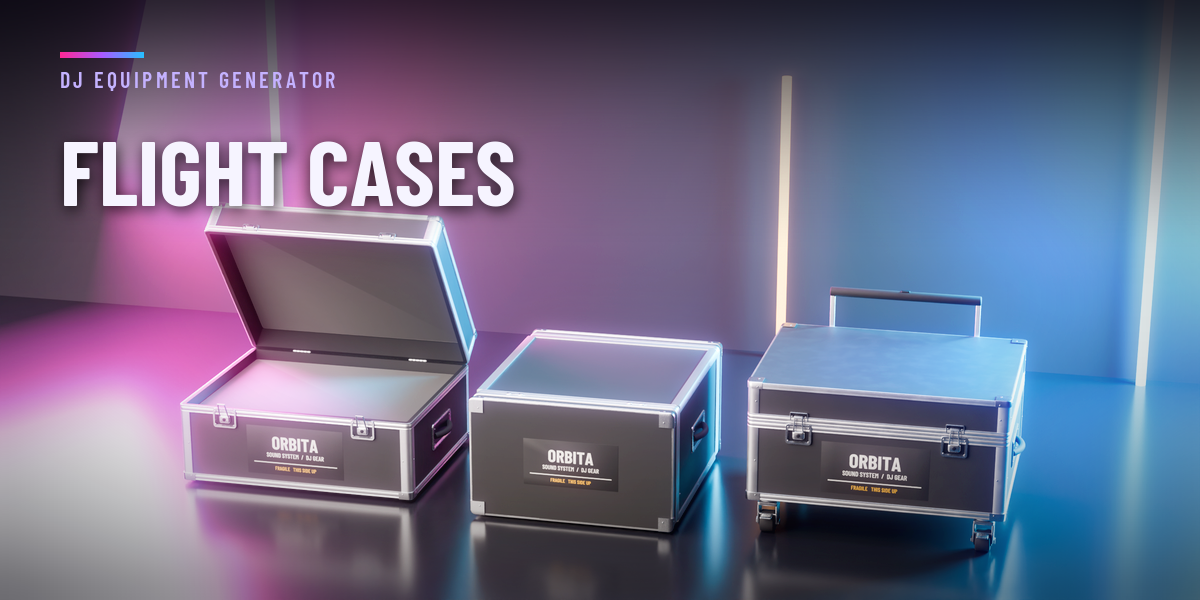
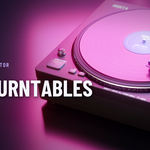
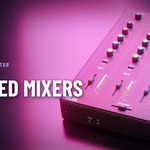
- Select a design to edit it: change the model, condition, finish, colours and the options of that equipment (record, tonearm and dust cover for turntables, knobs for mixers, lid opening for cases and so on).
- Surprise randomizes the selected design in place and keeps its position; with nothing selected it adds a new random design.
- The Parts section selects all knobs, faders, jog wheels or pads at once. Each part has its origin on its axis of motion, ready to animate.
- Finish keeps the design as plain objects; Delete removes it with all its parts.
Copies made with Shift+D or Alt+D stay independent: editing one design never changes another.
Have questions about this product?
Login to message
| Blender Extension Compatible | Yes |
| Published | about 7 hours ago |
| Blender Version | 4.2 - 5.2 |
| Extension Type | Add-on |
| Render Engine Used | Cycles, Eevee |
| License | GPL |

Discover more products like this
headphones vinyl flight-case cdj Club Music speaker turntable Generator controller dj mixer