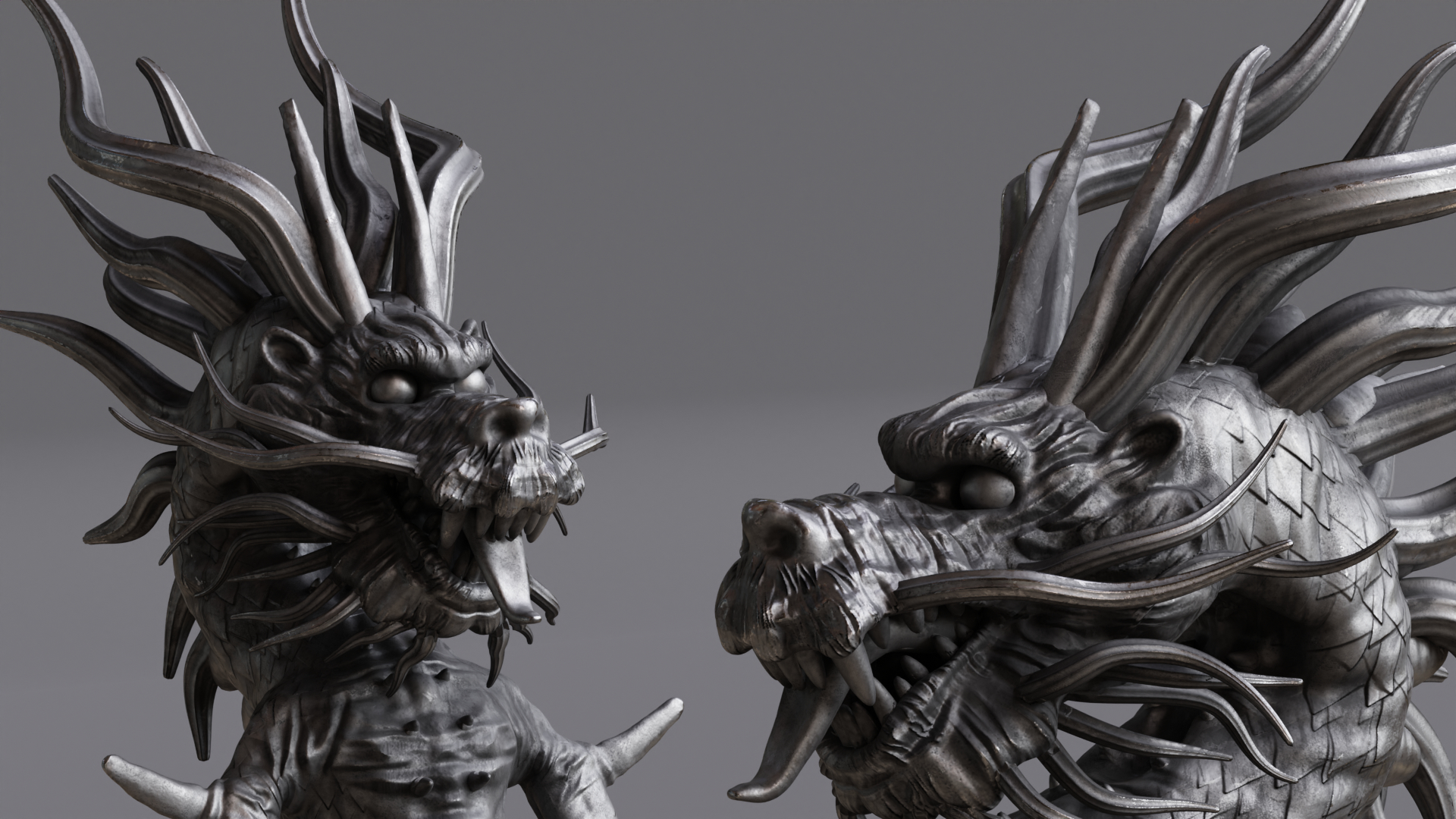
Decorative Dragon
 3Dcat
in Furnishings
3Dcat
in Furnishings
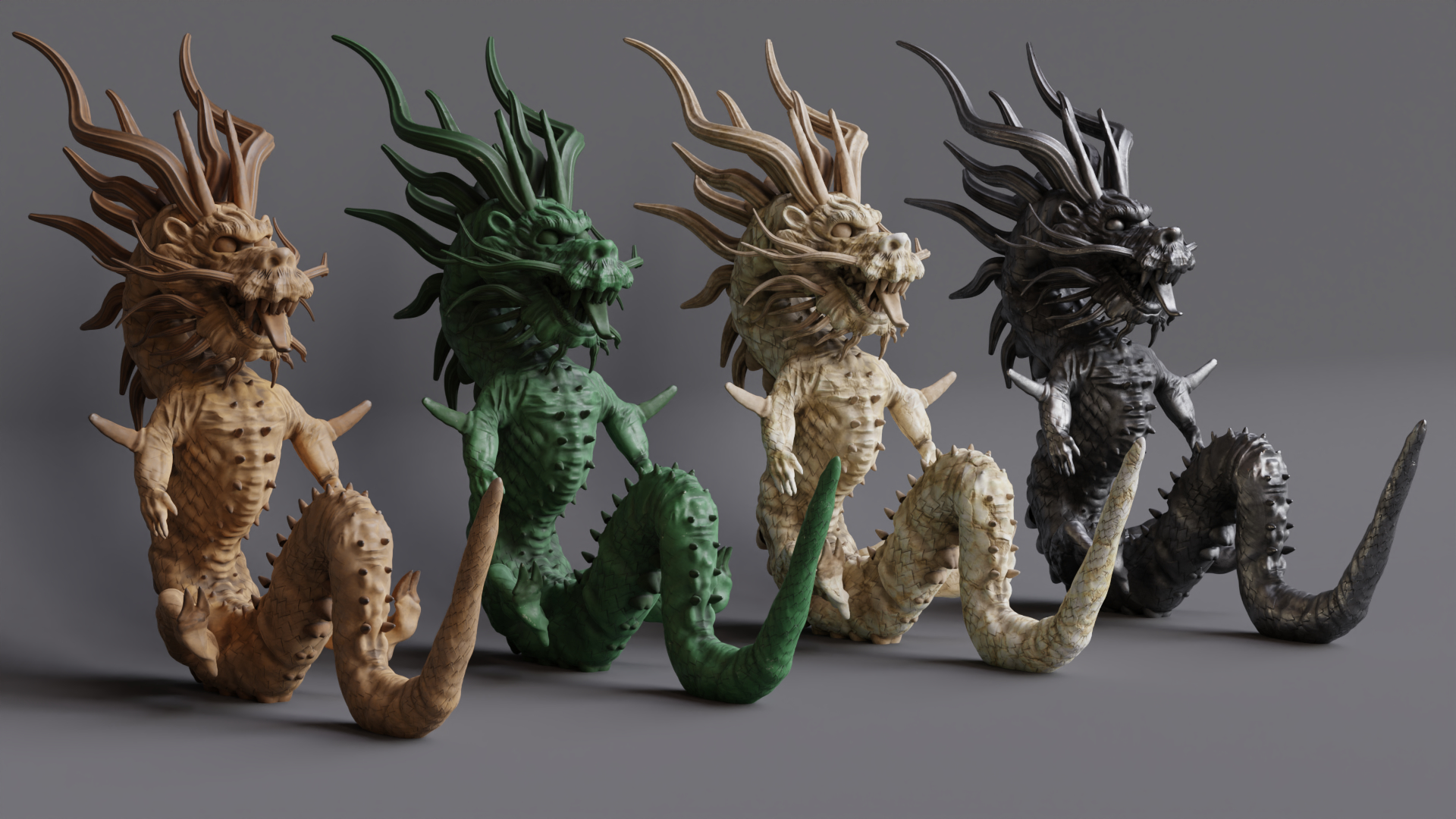
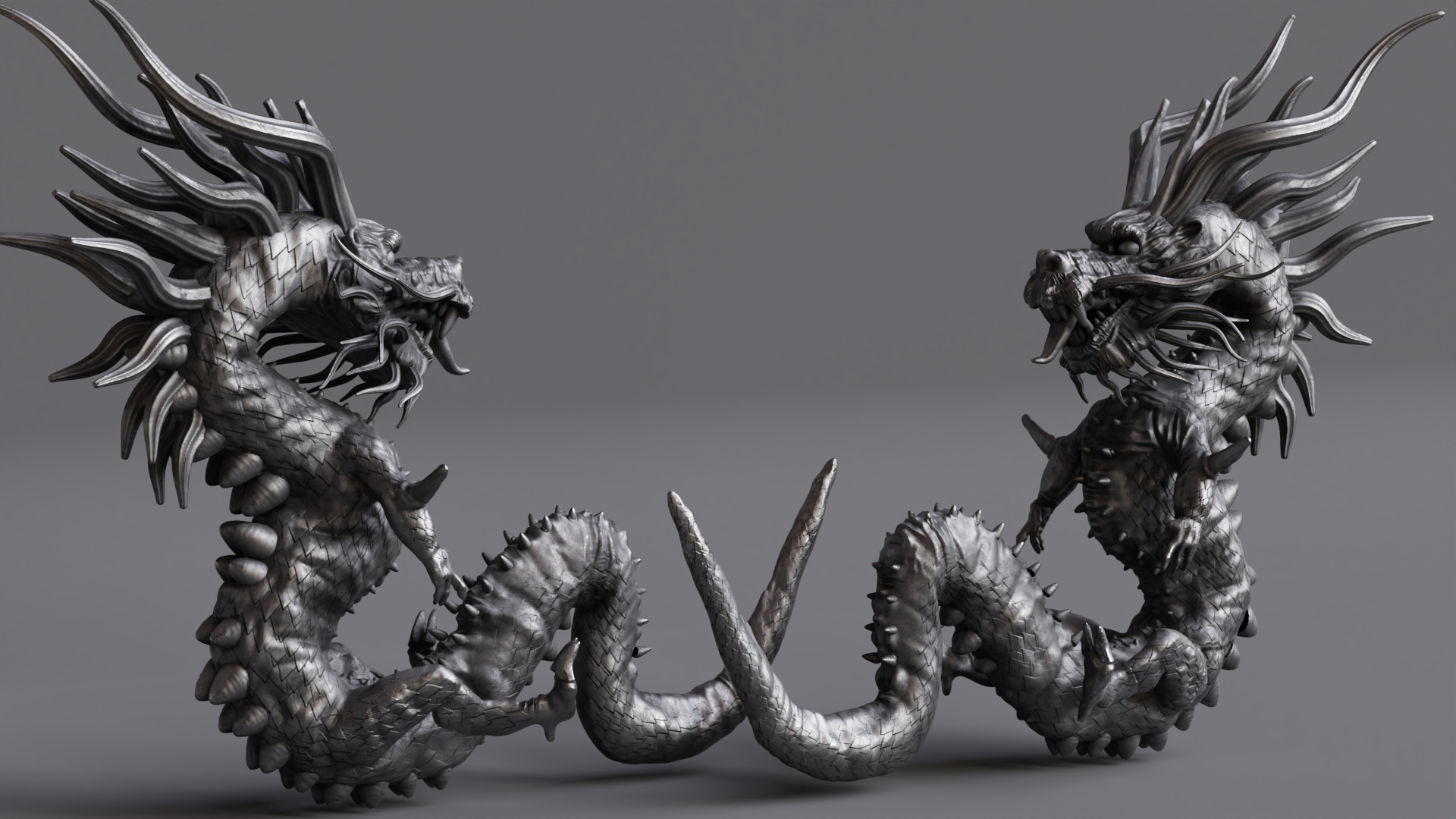
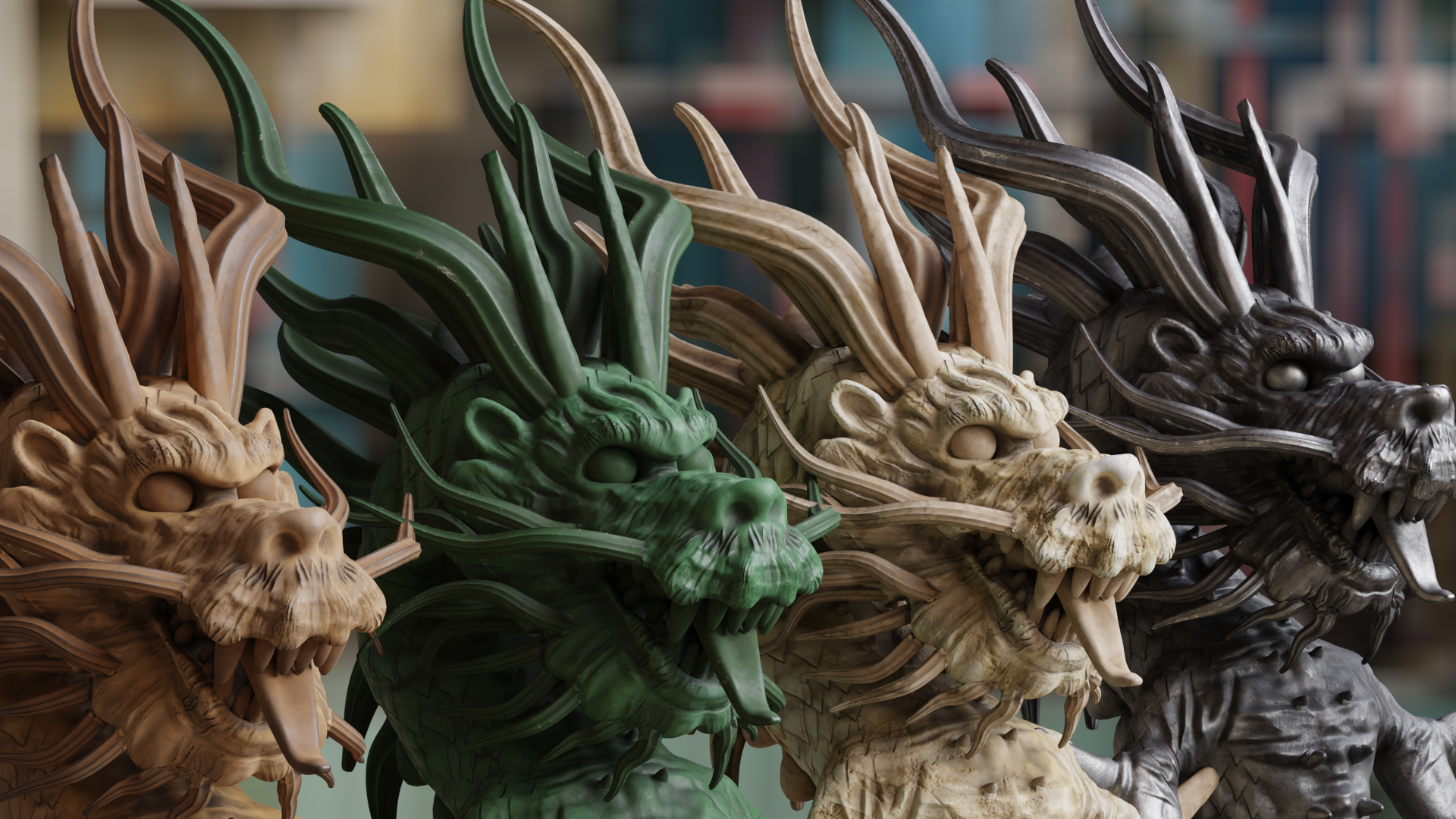
To import into your scene, go to File> Attach or you can select and copy it using CTRL + C and into your scene by pressing CTRL + V.
To relink the textures, go to File>External Data> Find Missing Files.
$9
Have questions about this product?
Login to message
| Published | over 4 years ago |
| Blender Version | 2.8, 2.81, 2.82, 2.83, 2.9, 2.91, 2.92, 2.93, 3.0 |
| Misc Data | Uvs-Unwrapped, Normal-Mapped, Textured |
| License | Royalty Free |