Deep Space — Space Shaders & 7 Static VDB Nebulae
 Space Store
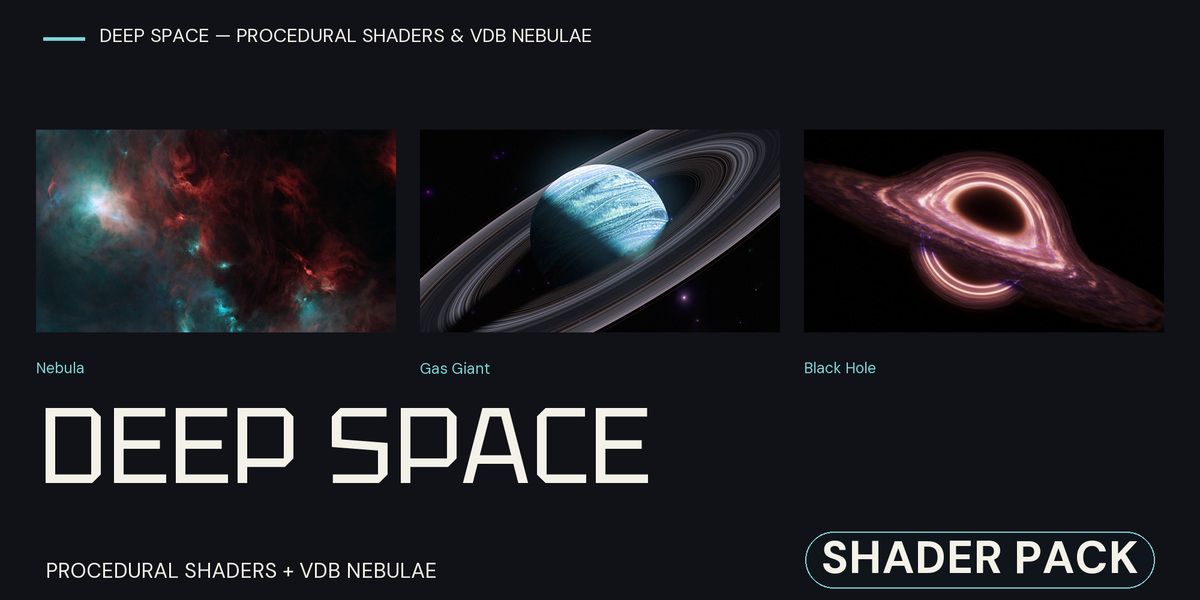
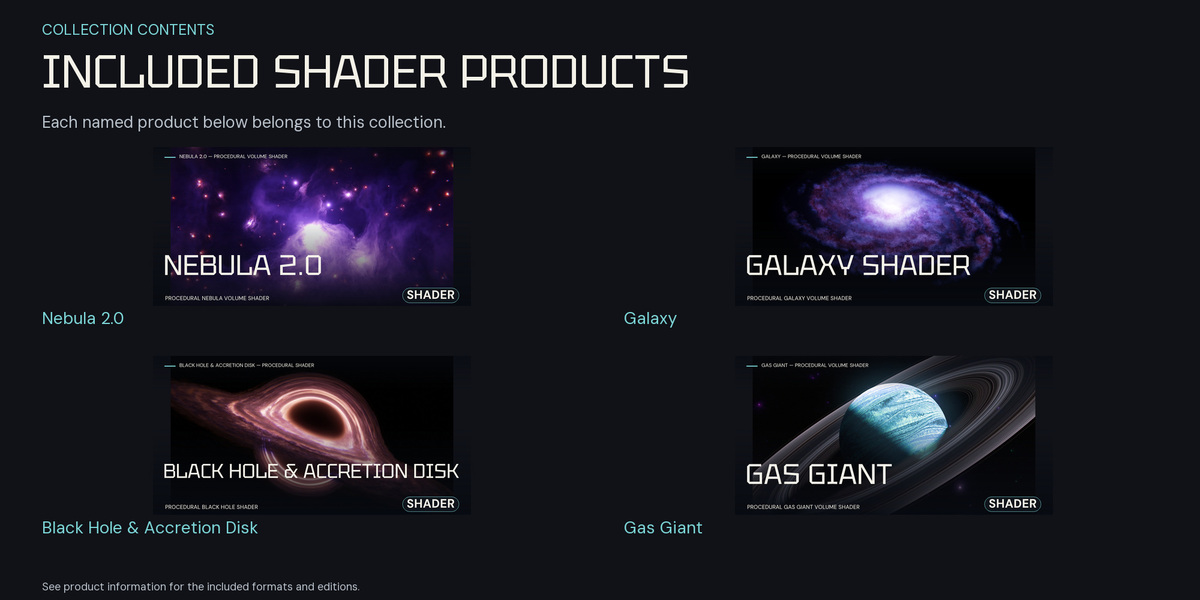
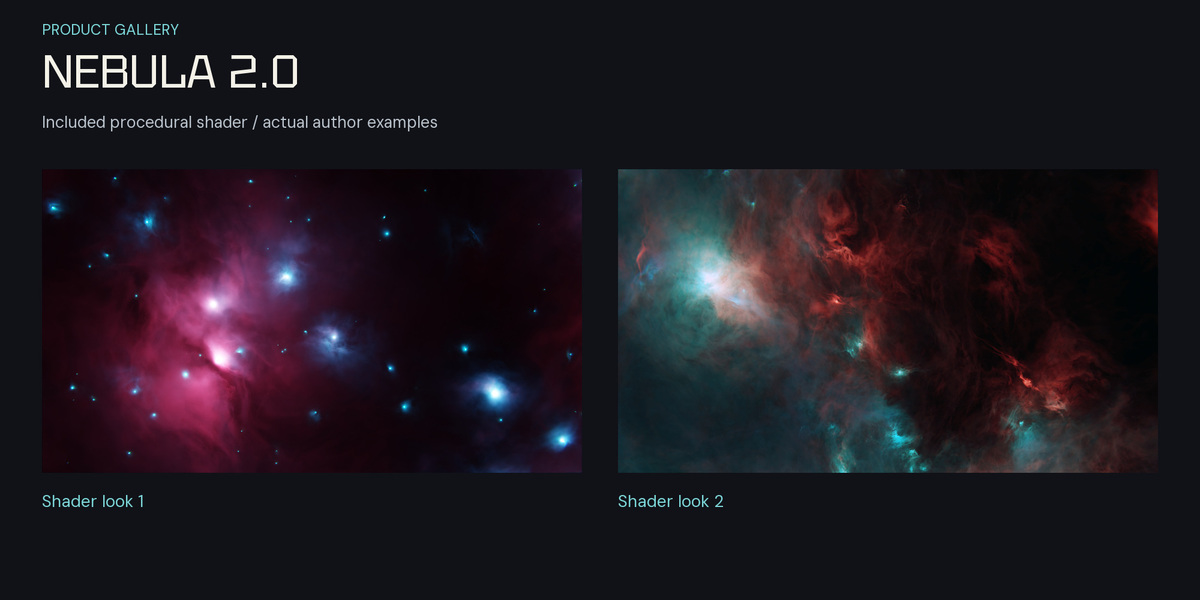
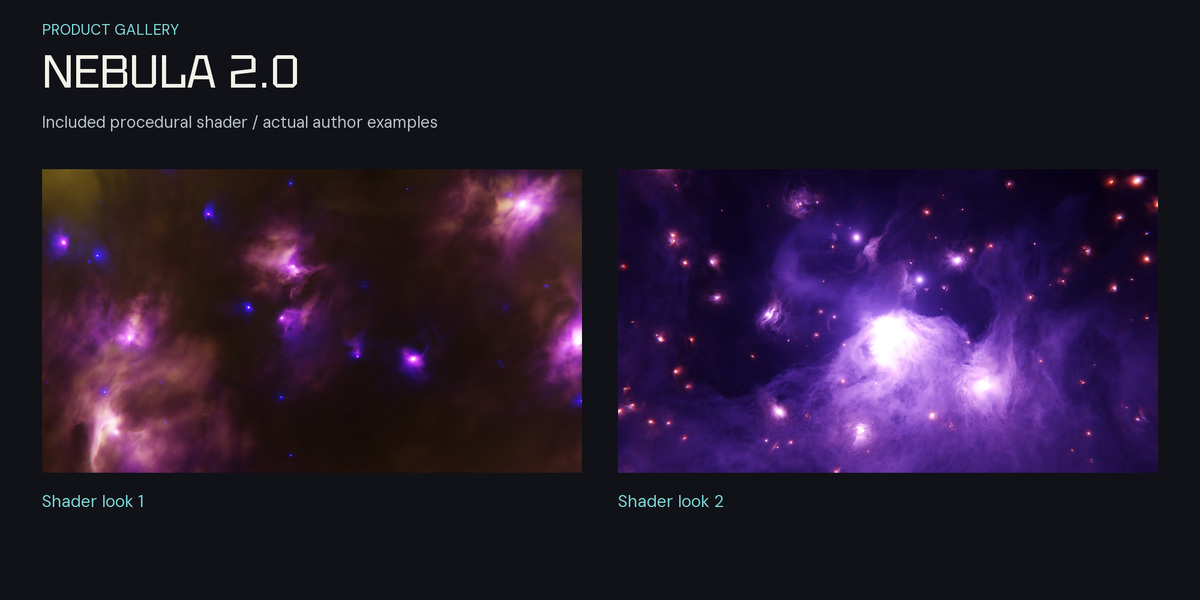
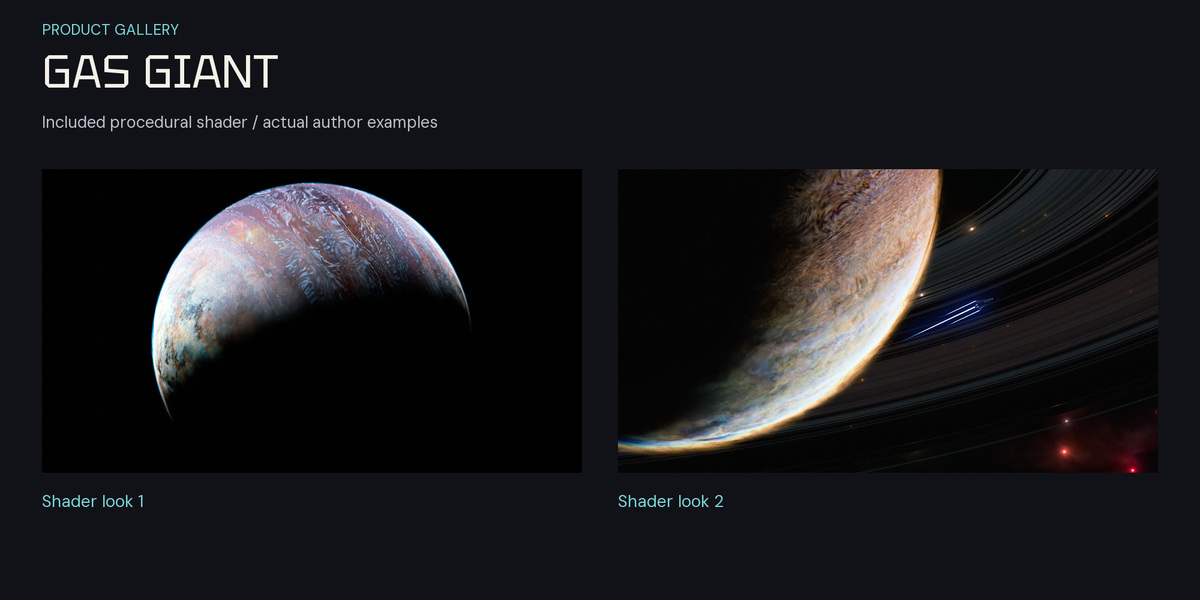
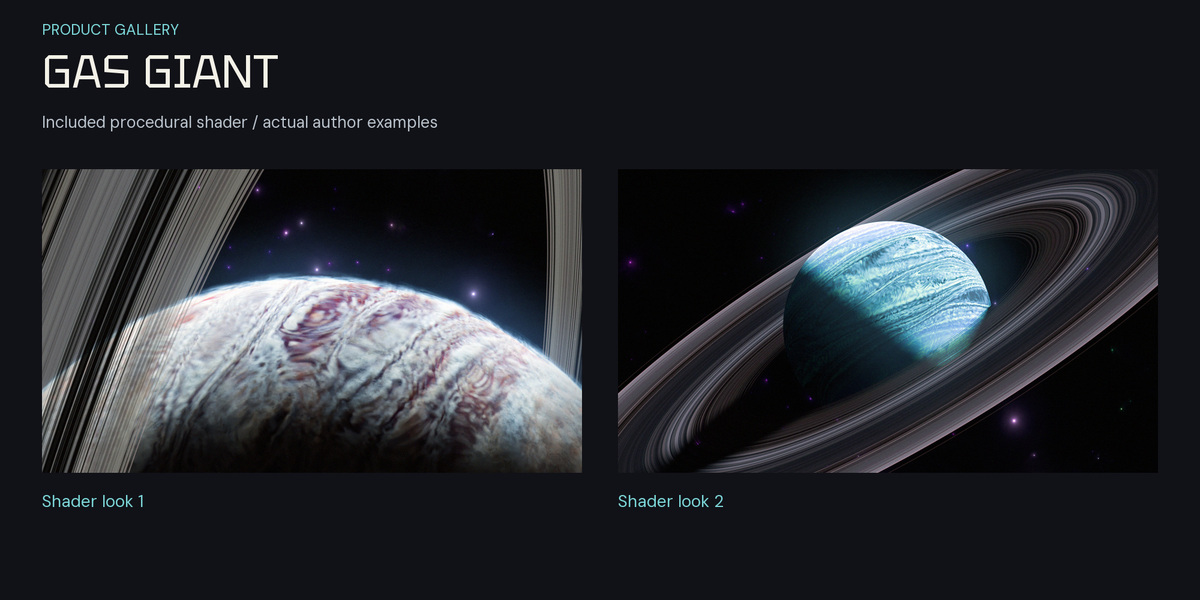
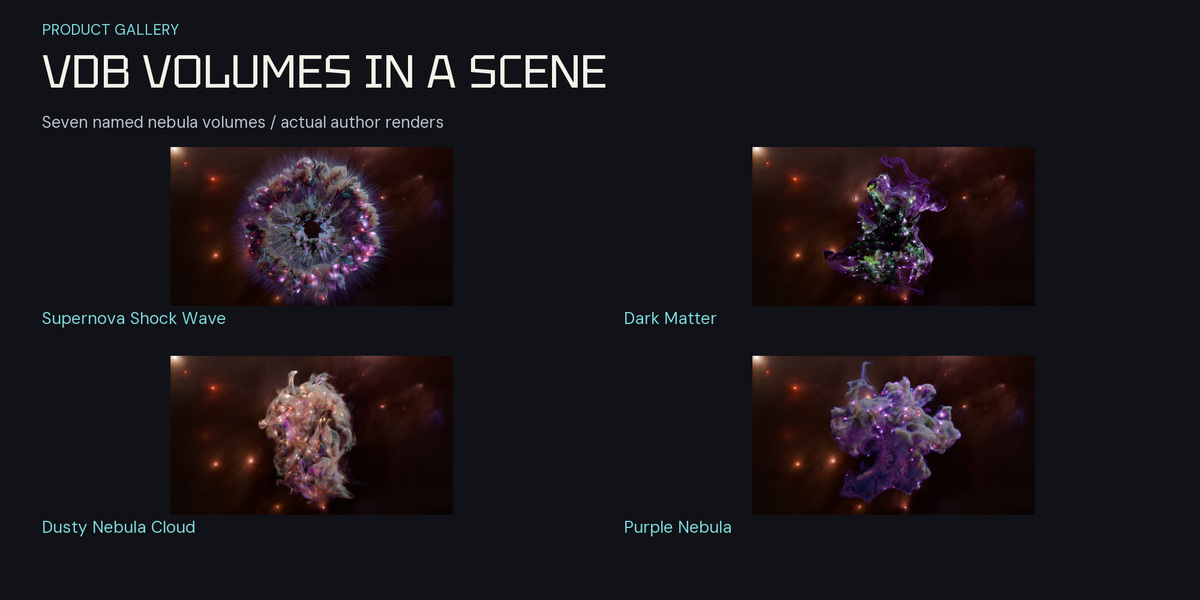
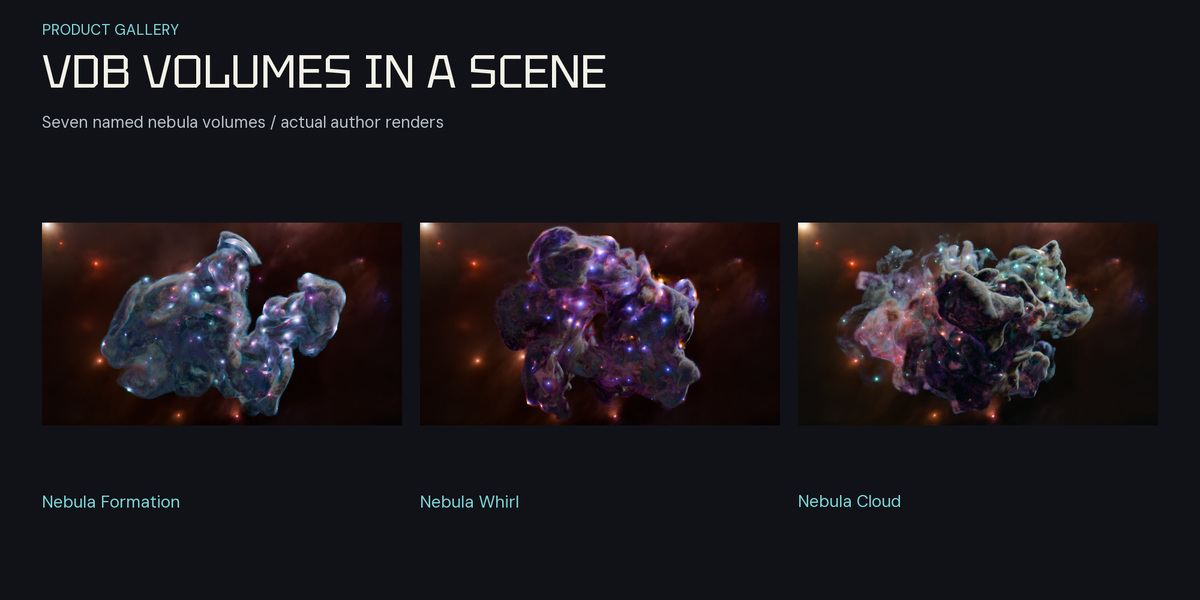
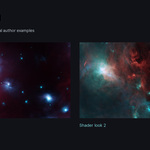
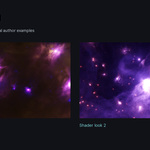
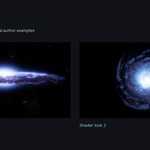
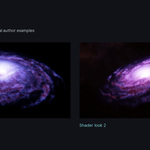
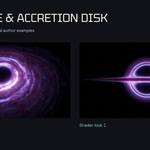
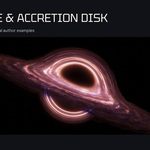
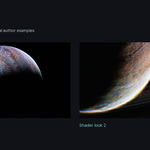
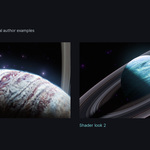
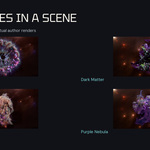
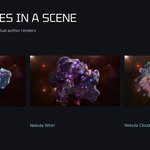
Choose the Blender 4.5 compatibility release
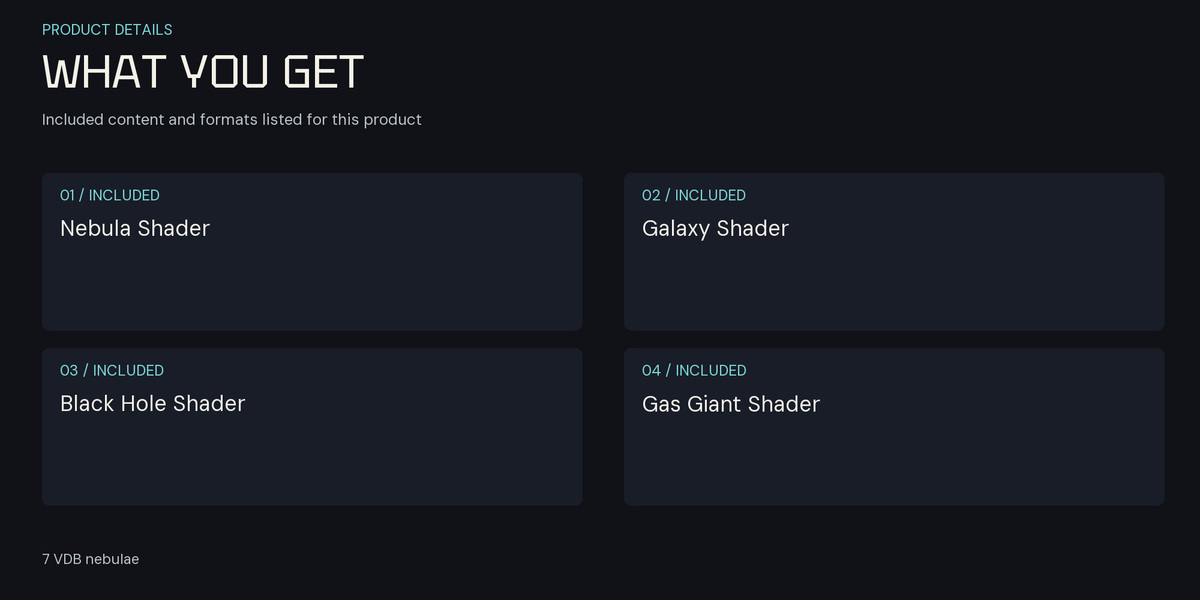
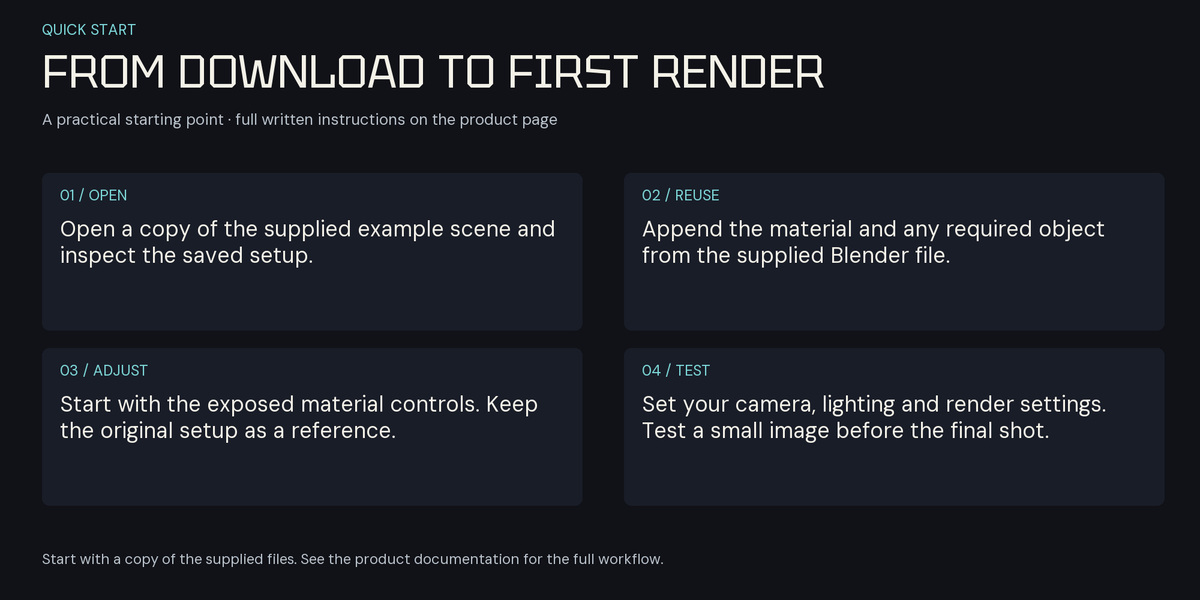
Use Blender 4.5 LTS and Cycles for this bundle; validation used 4.5.15. Download the five shader BLEND files, the HDR background and the VDB compatibility ZIP. The legacy release preserves the original files. Do not overwrite your existing projects when changing releases.
Procedural shaders
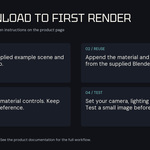
- Open a copy of a supplied shader BLEND. Select its effect object and switch the viewport to Rendered with Cycles.
- The original shader files do not have an active camera. Add and frame a camera before using Render Image, or work in the Rendered viewport.
- To use an effect in your own project, use File > Append and bring in its object or collection, preserving the supplied material and object setup.
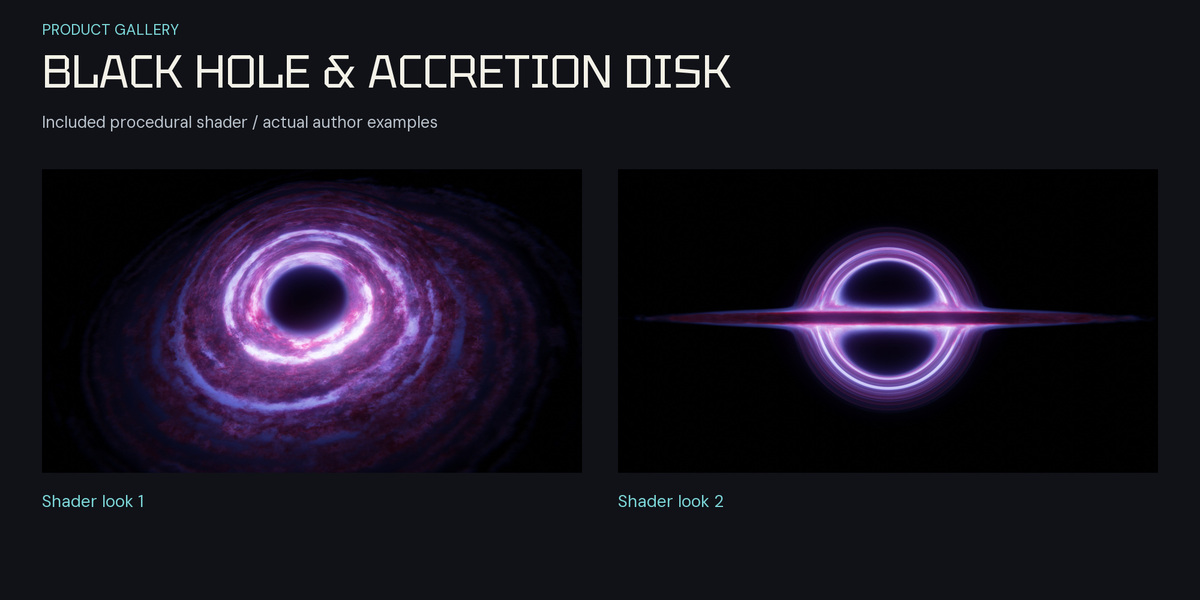
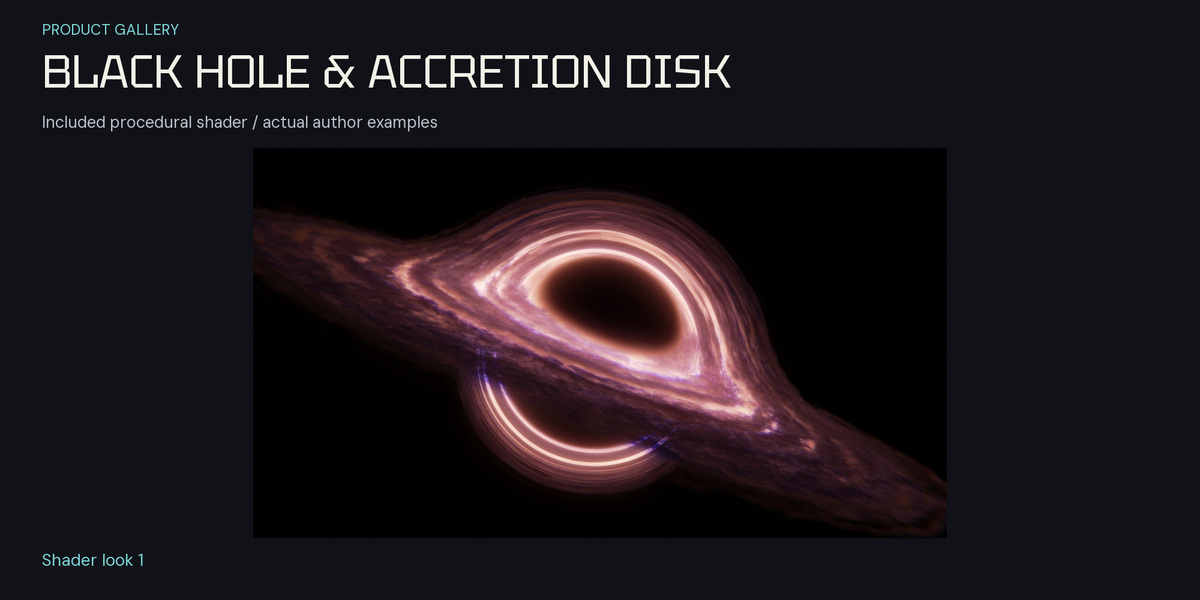
- Inspect the material in the Shader Editor and change one control at a time. In Nebula 2.0, Main Scale is driven by an upstream Value node; adjust that connected node when the group socket itself is driven.
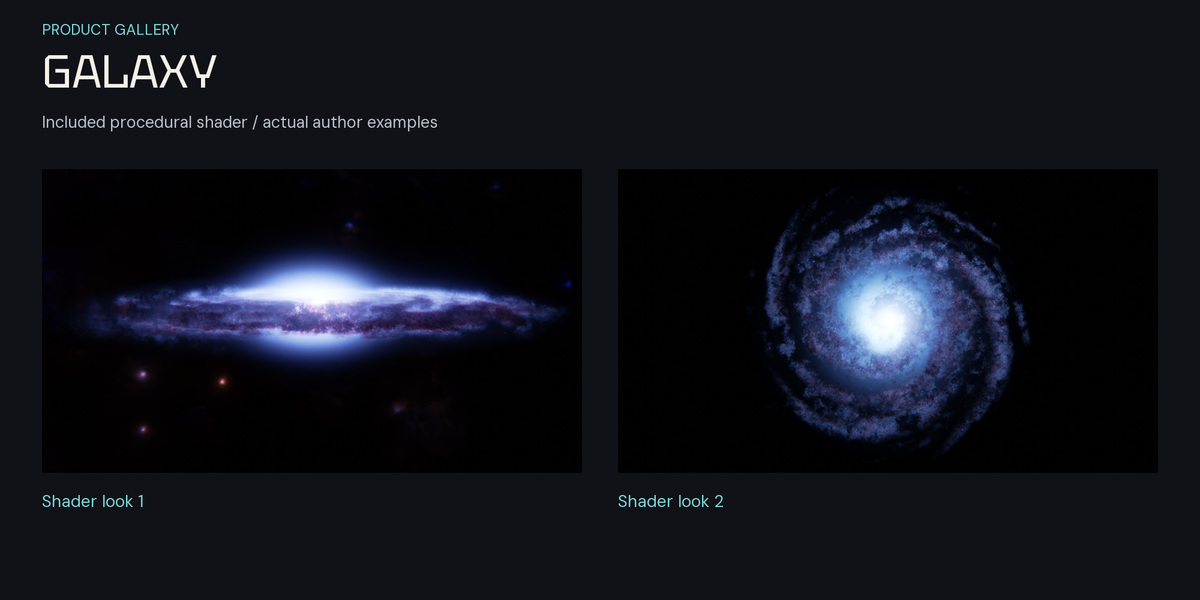
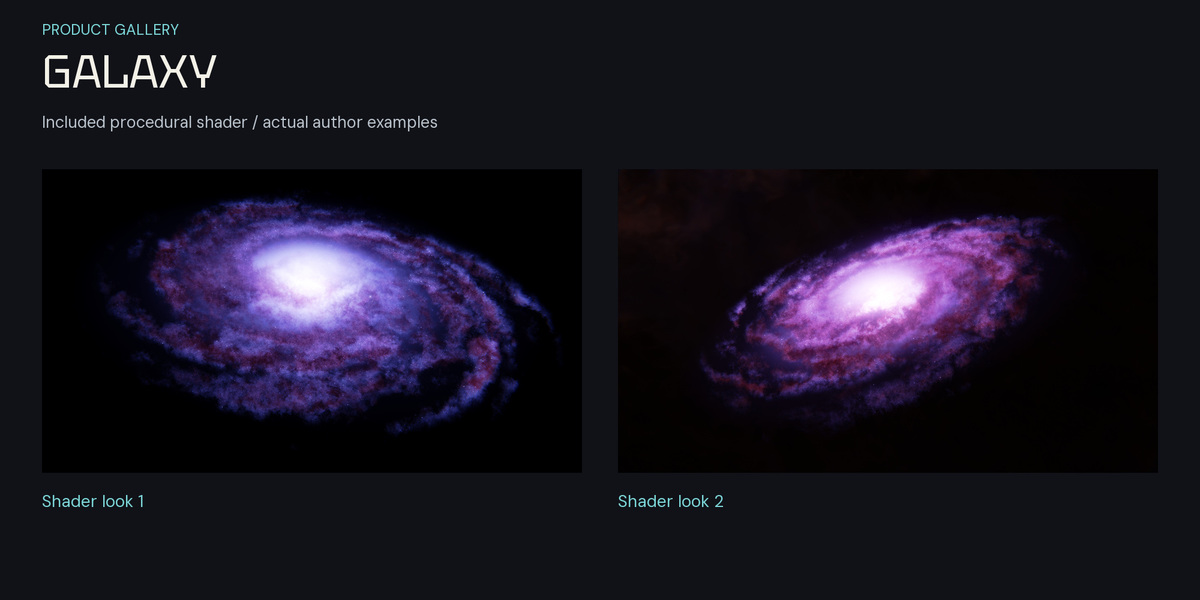
- For Galaxy, inspect the smallest stars at the final output size and compare a non-denoised render. Denoising can remove small bright details. Test sampling and filtering before your final render.
- Keep Gas Giant in the supported 4.5 workflow. A closure-limit warning occurs in newer tested Blender versions; this update does not change or redesign its node graph.
Static VDB nebulae
- Extract the complete VDB compatibility ZIP to one folder. Keep every BLEND beside its matching VDB; do not rename or separate the companion files.
- Open the BLEND for the nebula you want and confirm its volume appears. These scenes retain their author cameras and supplied materials.
- Make a small Cycles render before combining several volumes. Reduce preview resolution and sampling while composing a scene; choose final quality settings for your hardware.
- To move a volume to another Blender project, append its object or collection and preserve the material. Keep the companion VDB path available, or relink it explicitly in Volume data after moving folders.
- Each VDB is a single static volume. It is not an animated sequence. Adding camera movement does not animate the internal volume shape.
HDR background
The HDR is an image background. Load it into a background or World Environment Texture workflow and inspect projection, framing, exposure and image wrap. A procedural galaxy material, a static VDB and an HDR image are different asset types; choose the one that fits your shot.
Support
For a loading issue, provide the asset filename, Blender version, render engine and exact error through Superhive. Keep a copy of the original downloads and your own scene before changing settings.
Have questions about this product?
Login to message
| Sales | 50+ |
| Rating | 1 ratings |
| Dev Fund Contributor | |
| Published | over 3 years ago |
| Blender Version | 4.5 |
| Render Engine Used | Cycles |
| License | Royalty Free |