 NM-8
NM-8
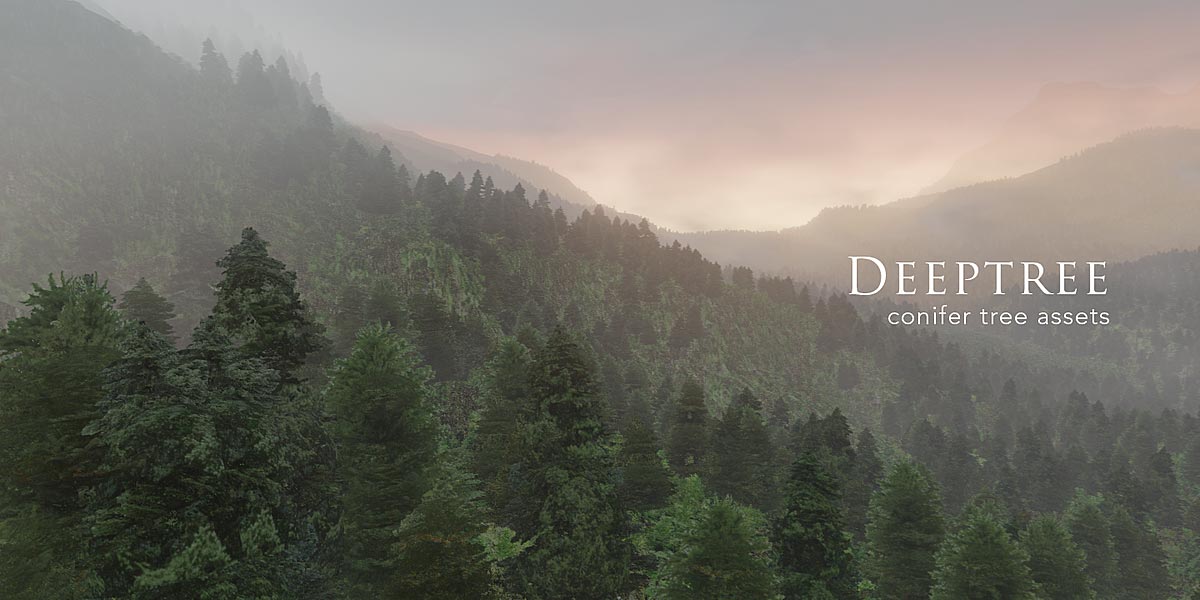
Once purchased, you can download the deeptree libraries of your choice, containing the assets in collections.
All textures are packed into the blend files and can be unpacked from there, for inspection and modification.
You can append the tree assets into your scene via file/append.

Choose the collection from the collections folder.
SETUP
Once loaded, you can either place them directly or use the collection in a particle system.

Emission should start and end at frame 1.
And their lifetime should match your timeline.
If you use a particle system be sure to uncheck Object rotation, and activate rotation, to either align particles to the normal or the global z axis. That way you can set randomize phase to 2, in order to rotate all particles aournd their up axis.
Particles need their local y-axis to be the one pointing up. So all assets are rotated around x already, for their local y axis to point to the global z axis.

Use randomize phase to rotate the trees around their vertical axis,
to maximize variance.

Set physics to "None"

Set render as "collection" and select the collection.
Don't use the rotation, otherwise the particles might lay on the ground, instead of pointing up.

Each tree can be tinted in a dedicated mixRGB node,
that's connected to the base color of the shader.
If "overlay" not sufficient you can try other blend modes, like "color" or "multiply".
that's connected to the base color of the shader.

Avoid close-ups of tree assets, they work best at a distance

MODIFY YOUR TREES
cycles is more demanding with fake-depth shaders. The textures are not rendered as contrastful, bump-maps are antialiased much better (making smoother results) and the shadow ray terminator shows hard lines between lit and shady polygons.


cycles eevee
you see the trees blend much better into each other in eevee, while cycles reveals more of the low poly geometry in the shading, resulting in the unpleasant flat look.
What could you do about it:
Adjust the light shading-shadow terminator of the tree in cycles:

This should smoothen the visible edge between lit and dark polygons of the tree.
Next you can add modifiers to increase detail in the mesh:
without modifiers:

with subdivision (no shading edges):
with subdivision and displace (using a clouds texture):

here are the settings used for the modifiers:


![]()
cycles eevee
you see the trees blend much better into each other in eevee, while cycles reveals more of the low poly geometry in the shading, resulting in the unpleasant flat look.
What could you do about it:
Adjust the light shading-shadow terminator of the tree in cycles:
This should smoothen the visible edge between lit and dark polygons of the tree.
cycles eevee
Next you can add modifiers to increase detail in the mesh:
without modifiers:
with subdivision (no shading edges):
with subdivision and displace (using a clouds texture):
here are the settings used for the modifiers:
-
$39
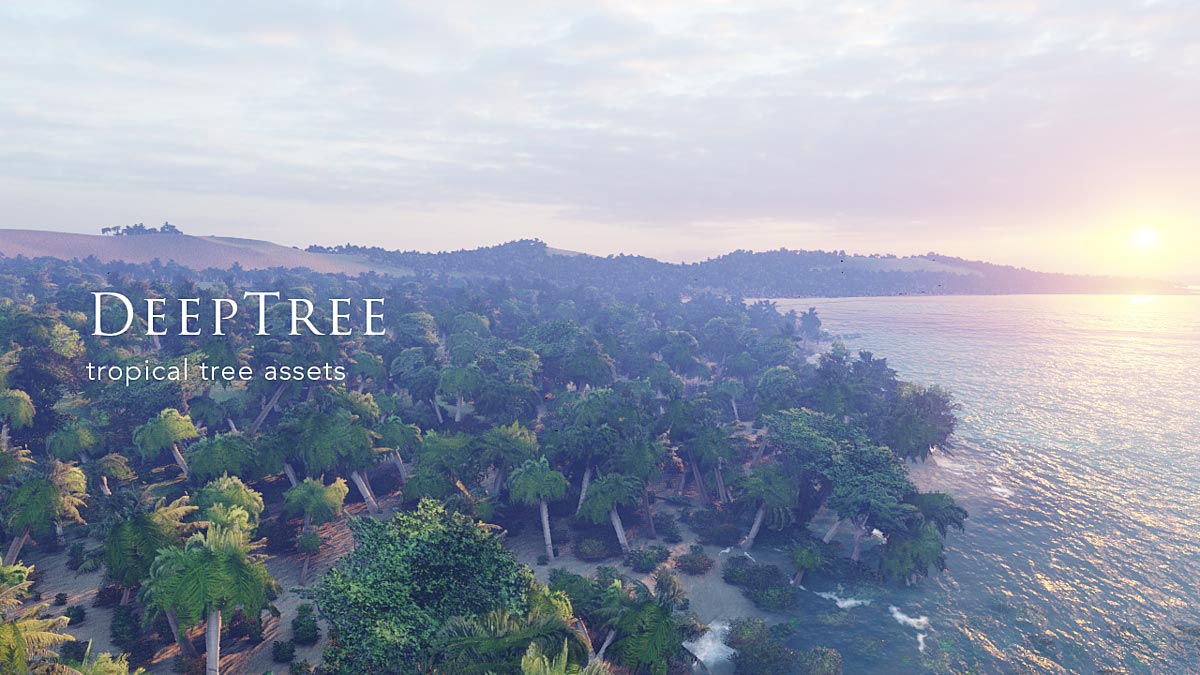
This pack includes tropical trees together with grass, bushes and reed assets. Perfect for beaches and tropical environments.
-
$39
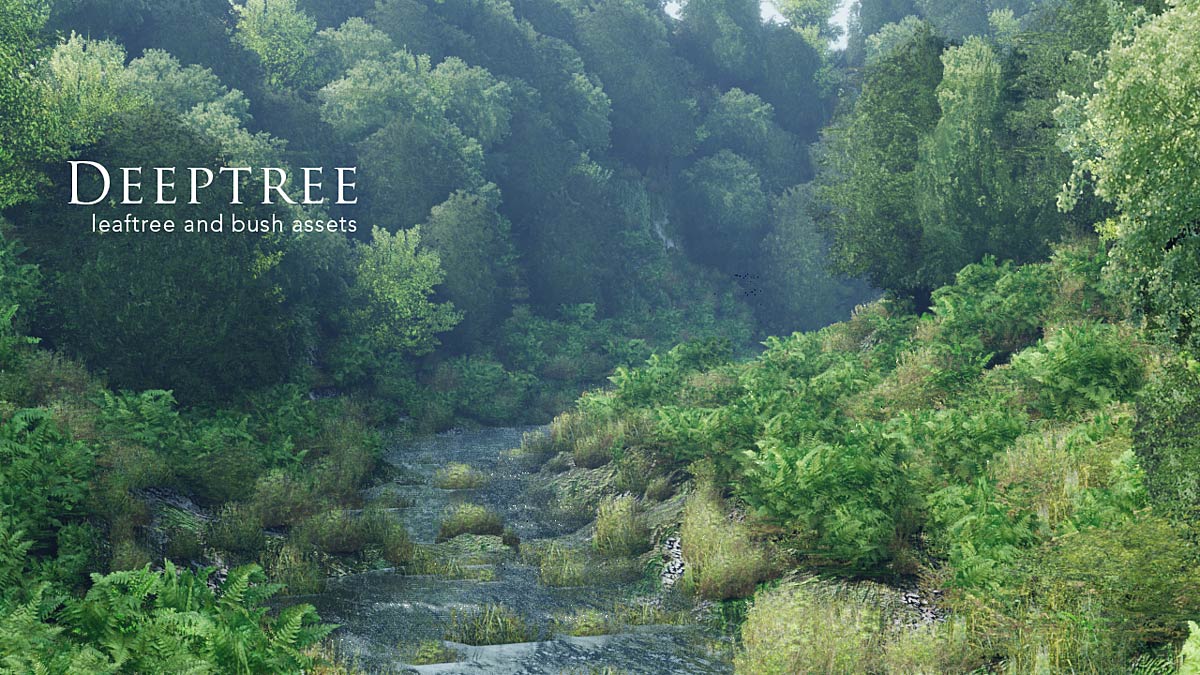
This Pack includes Conifers, grass, bushes and reed assets. Perfect for Mountain Scenes and high altitudes.
-
$74
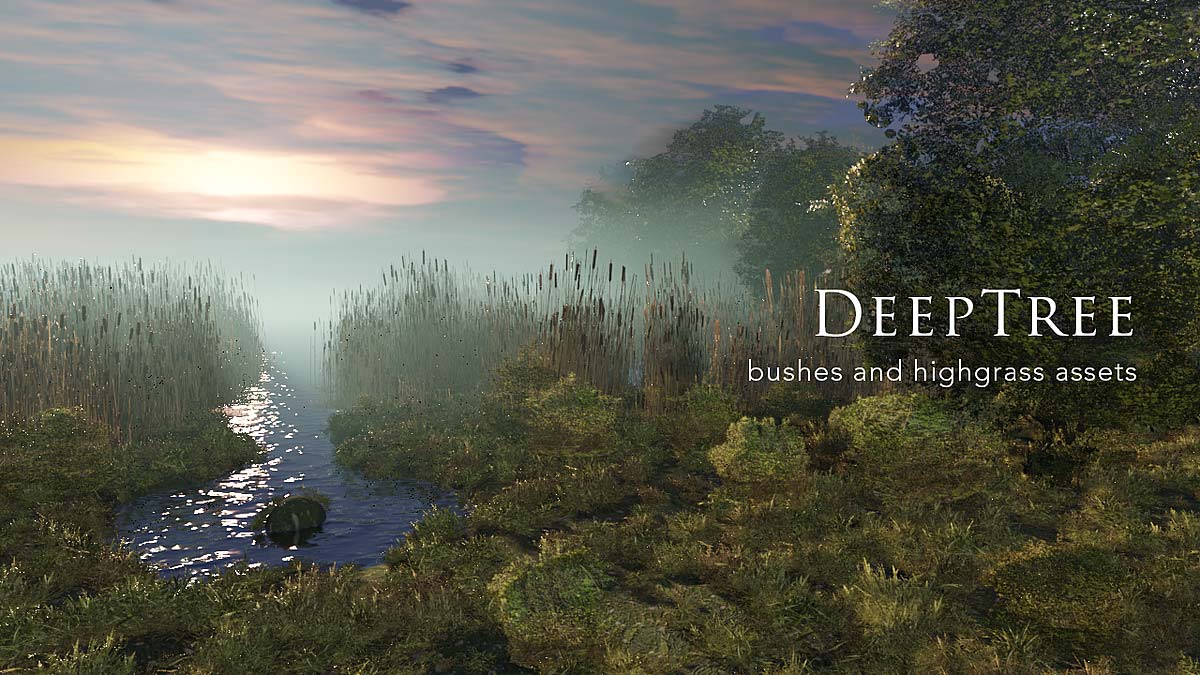
Get all leaftrees, conifers and tropical trees, together with grass, bush and reed assets. The Deepgrass library is included as a gift!
-
$36
This purchase includes only the leaftrees. Suitable for architectural visualization and forest environments. This is the smallest pack, in case you are not sure about buying the full pack. you can upgrade later on, purchasing upgrade pack 1.
-
$1
You're welcome to test this unique asset with a one-conifer-tree sample file! You can play with the possibilities and grow a forest of conifers.
Have questions about this product?
Login to message
| Sales | 400+ |
| Rating | 5 ratings |
| Dev Fund Contributor | |
| Published | over 6 years ago |
| Blender Version | 3.0 - 5.0 |
| Render Engine Used | Cycles, Eevee |
| License | Royalty Free |
Discover more products like this
addon plant botanical weed tropical tree assets #palm winter25 #nature palms vegetation tree particle foliage bushes vegetation winter24 tree wheat bfcm23 spring24 forest greenery Fern greens Trees bfcm24 bush jungle leaftree summer24 flora foliage pack ferns summer23 forest landscape 3D Trees plants reed landscape tropical plants woods tree library low poly tree forest-scene spring23 backdrop treelines jungle forest grow loveblender grass asset library