studioromanrec


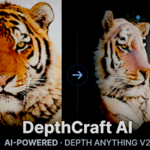
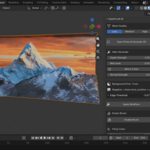
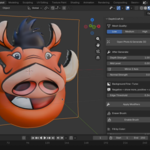
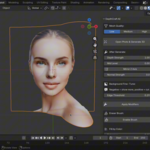
DepthCraft AI — Photo to 3D in One Click
Turn any photo into a textured 3D mesh using AI depth estimation — directly inside Blender. No external tools, no manual depth maps, no complex setup.
How it works: Select a photo → DepthCraft AI generates a depth map using Depth Anything V2, builds a 3D mesh, applies your photo as texture, and generates a normal map — all automatically in one click.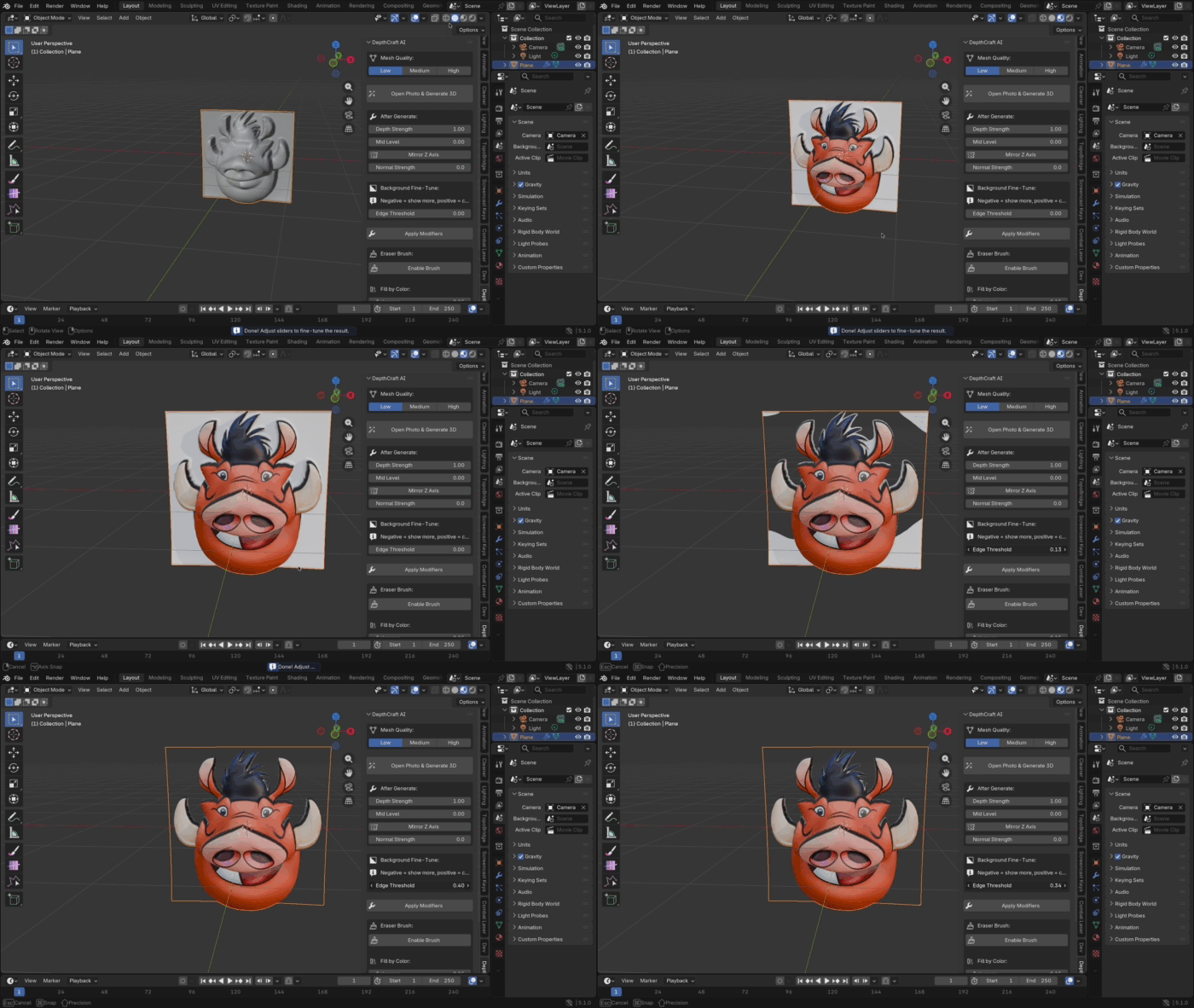
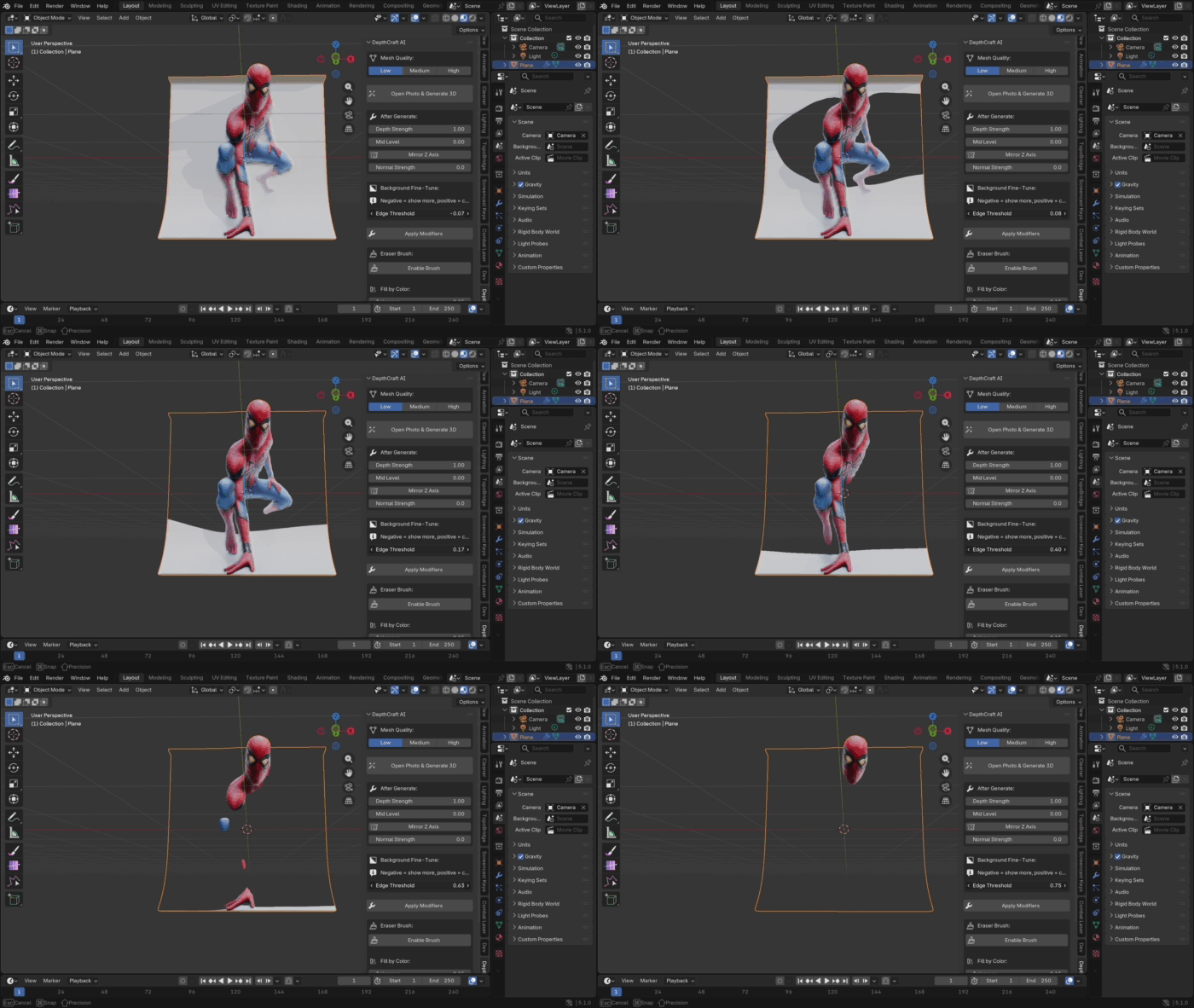
Key Features:
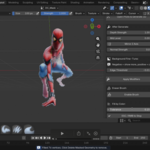
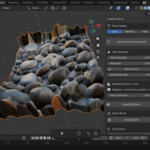
- AI-powered depth estimation — works with any photo: portraits, animals, landscapes, architecture
- Automatic normal map generation for realistic surface detail
- Real-time background removal with Edge Threshold slider
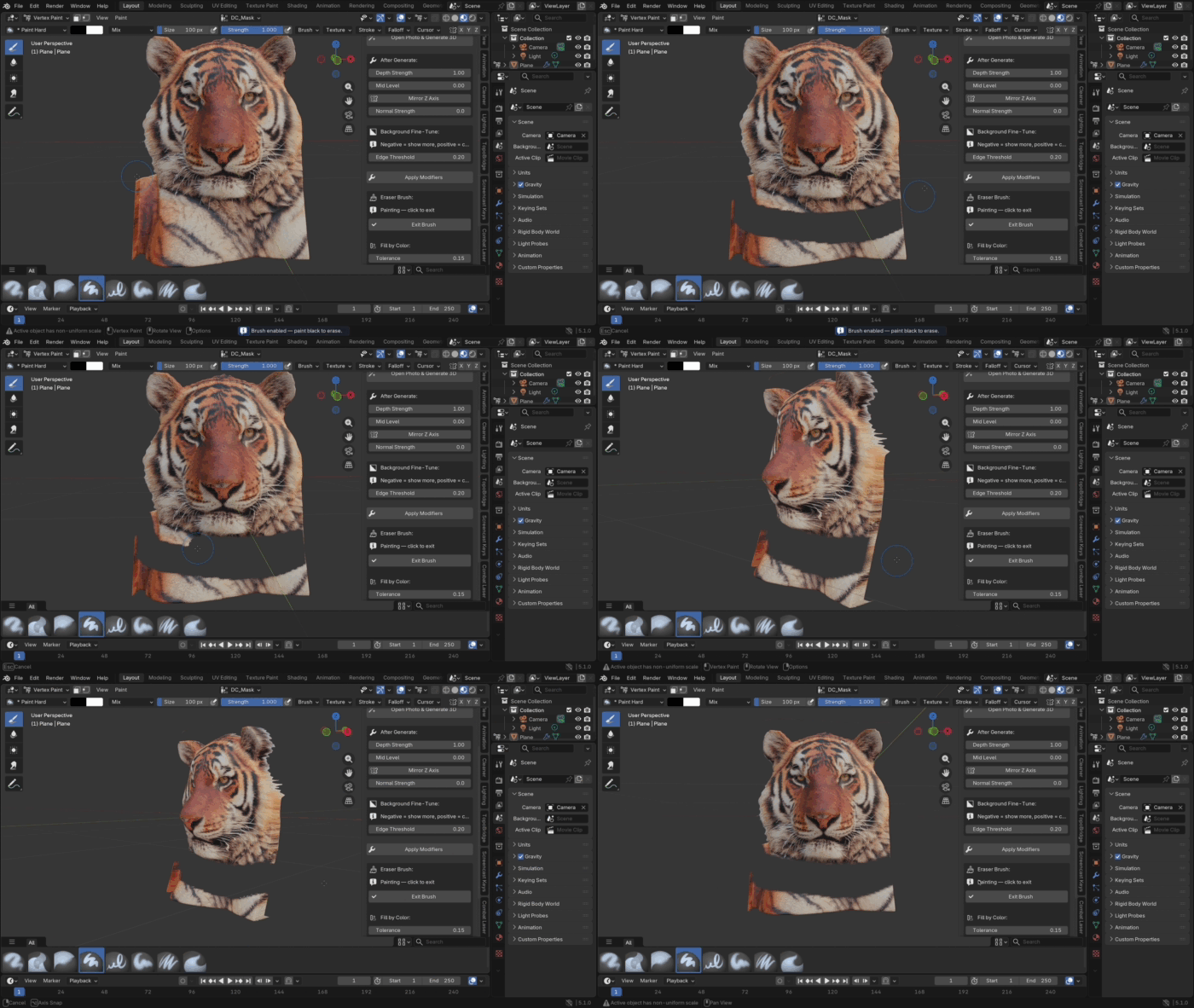
- Fill by Color — click any area on the mesh to instantly fill connected regions of similar color with black mask, just like a magic wand tool in Photoshop. Adjustable tolerance for precise control
- Eraser brush — paint directly on the mesh to remove unwanted areas
- Delete Masked Geometry — permanently removes everything hidden by Edge Threshold, Fill by Color, or the eraser brush — all in one click
- Three mesh quality presets — Low / Medium / High
- Add Base Plate — create a separate base for 3D printing or display
- Export GLB — export mesh with texture for web, AR, and game engines
- Automatic photo proportions — object scales to match your image ratio
- Works fully offline after first setup — no internet required for generation
- Compatible with Blender 3.2 — 5.x, macOS and Windows
Requirements: First-time setup: click "Install All" inside the addon preferences and it will automatically download and install everything needed. Internet required only once. After installation, restart Blender once to activate the libraries. After that — works fully offline.